New Trade Zone
Trade Zone is now live
Use the new Trade Zone for auctions and instant-price trades so Pokemon and item offers are easy to find.

Theophidom
Registered User
-
Joined
-
Last visited
-
+1
-
Do the mons in exca need ms to get em?
-
Can you do 4m for Easter clef? Whats your last price?
-
Auction millions
-
Thank you
-
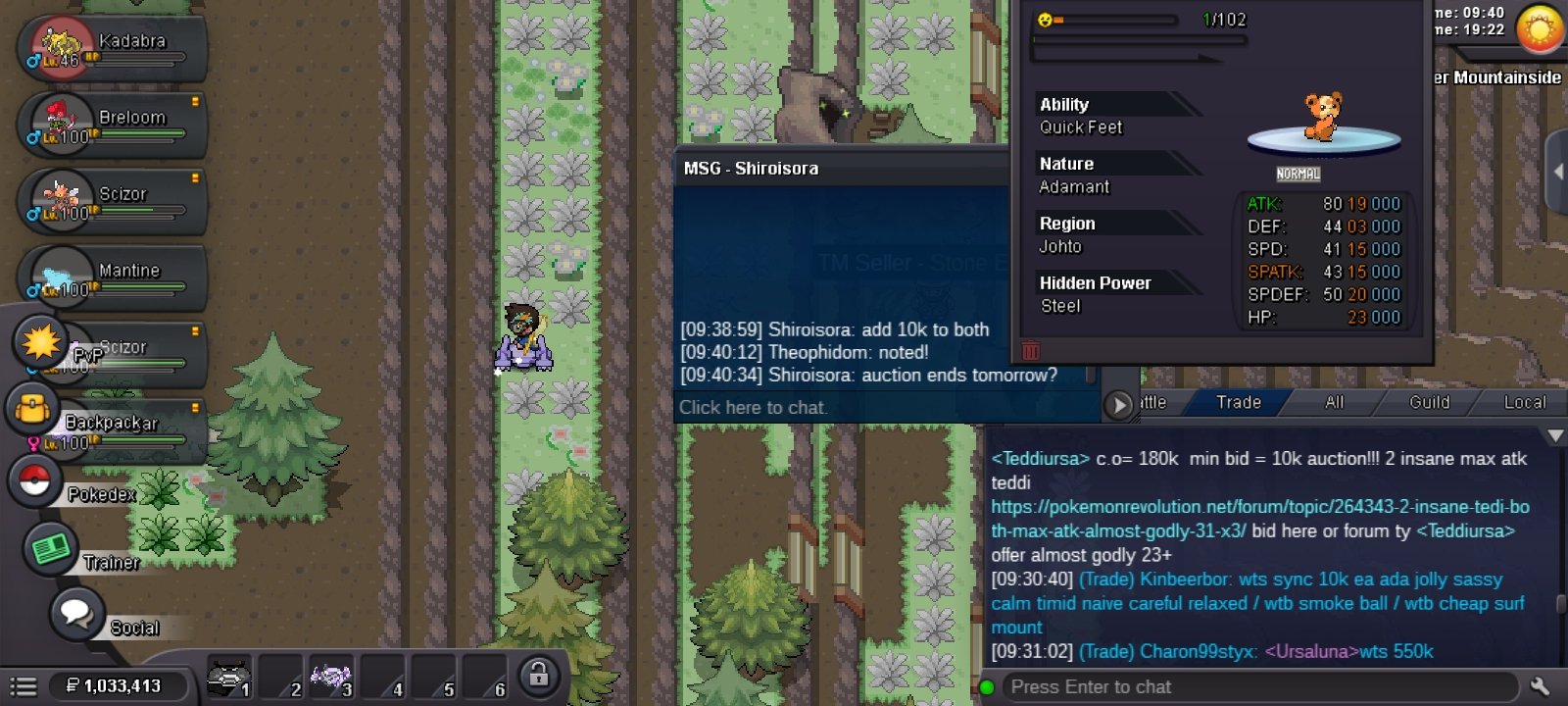
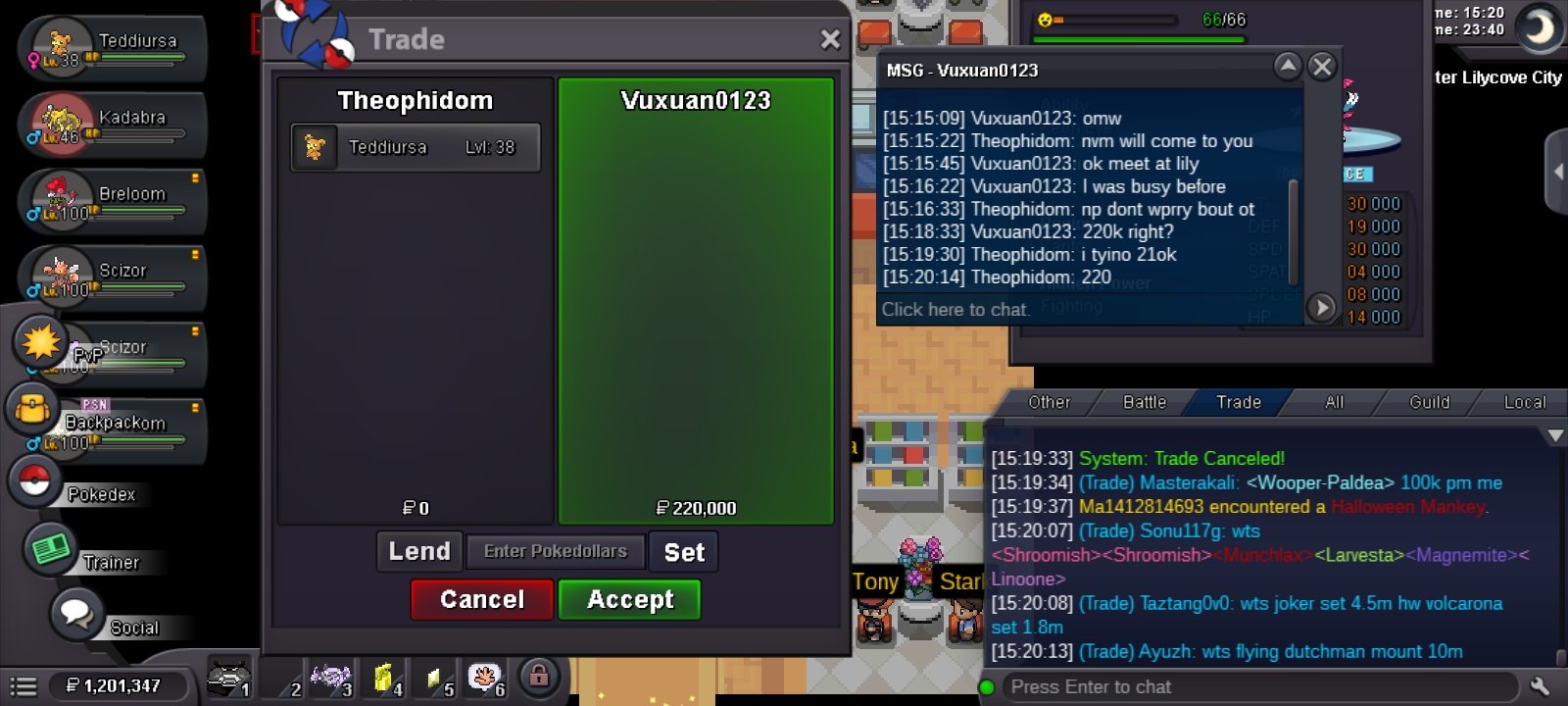
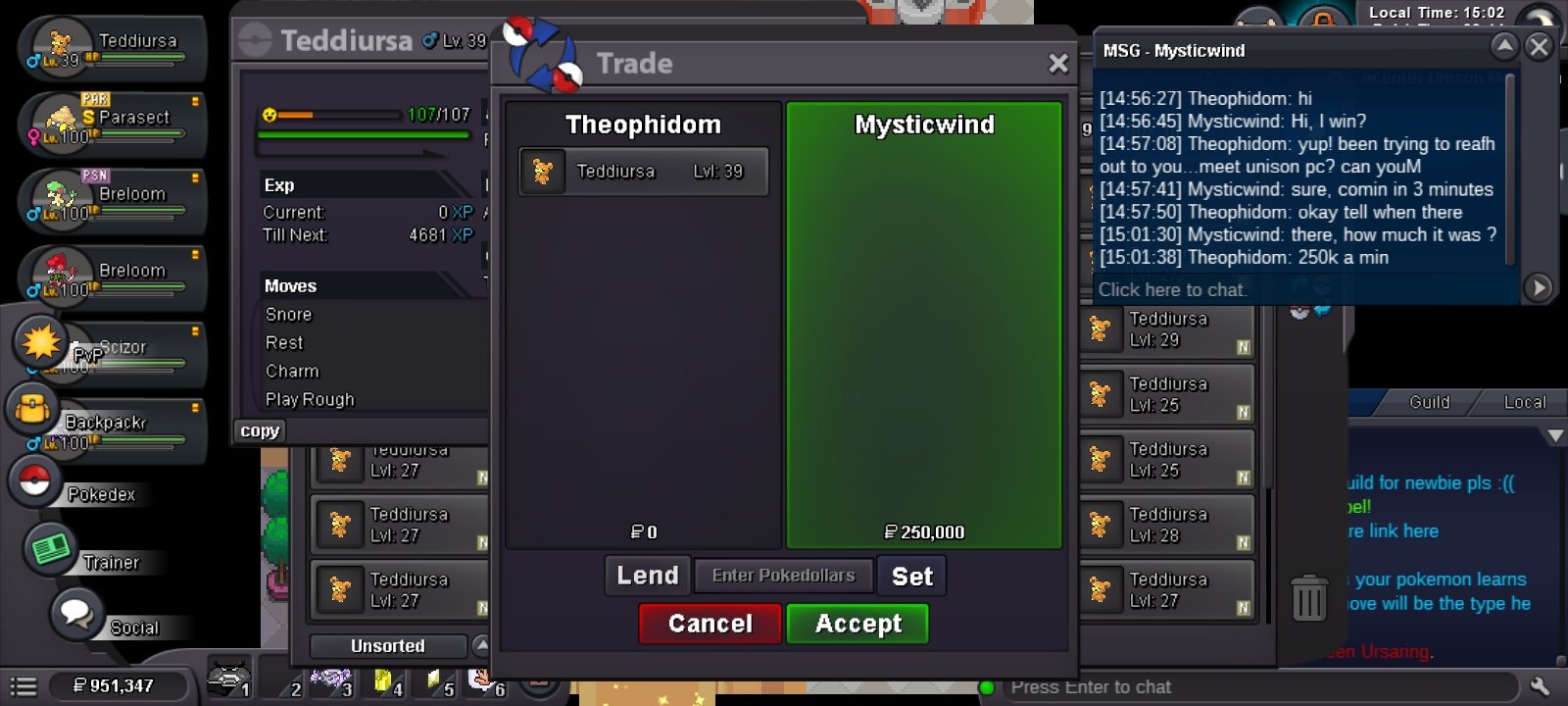
Auction ended @Vuxuan0123 sm available right nowWill end in about 30mins31x3 teddi Auction ended pm @MysticwindWith the Release of the Mass Pokemon Release, I think it's much more easier to Release mons accidentally even with the summary warning.... Possible to implement a favourite system...possibly an icon on the pokemon Id page that can be on and off If that Mon was to be released, the normal prompt follows...it looks as if it is released...reading again it says "This mon can't be released because it's tagged Favourite" This icon can be placed on both the preview poke tab and also the main Poke Id I dont know if this feasible...but I think it would be a great addition https://pokemonrevolution.net/forum/topic/238456-favourite-pokémon-system-updated/ I have an image of what I thinkBump!!!200k for 23+
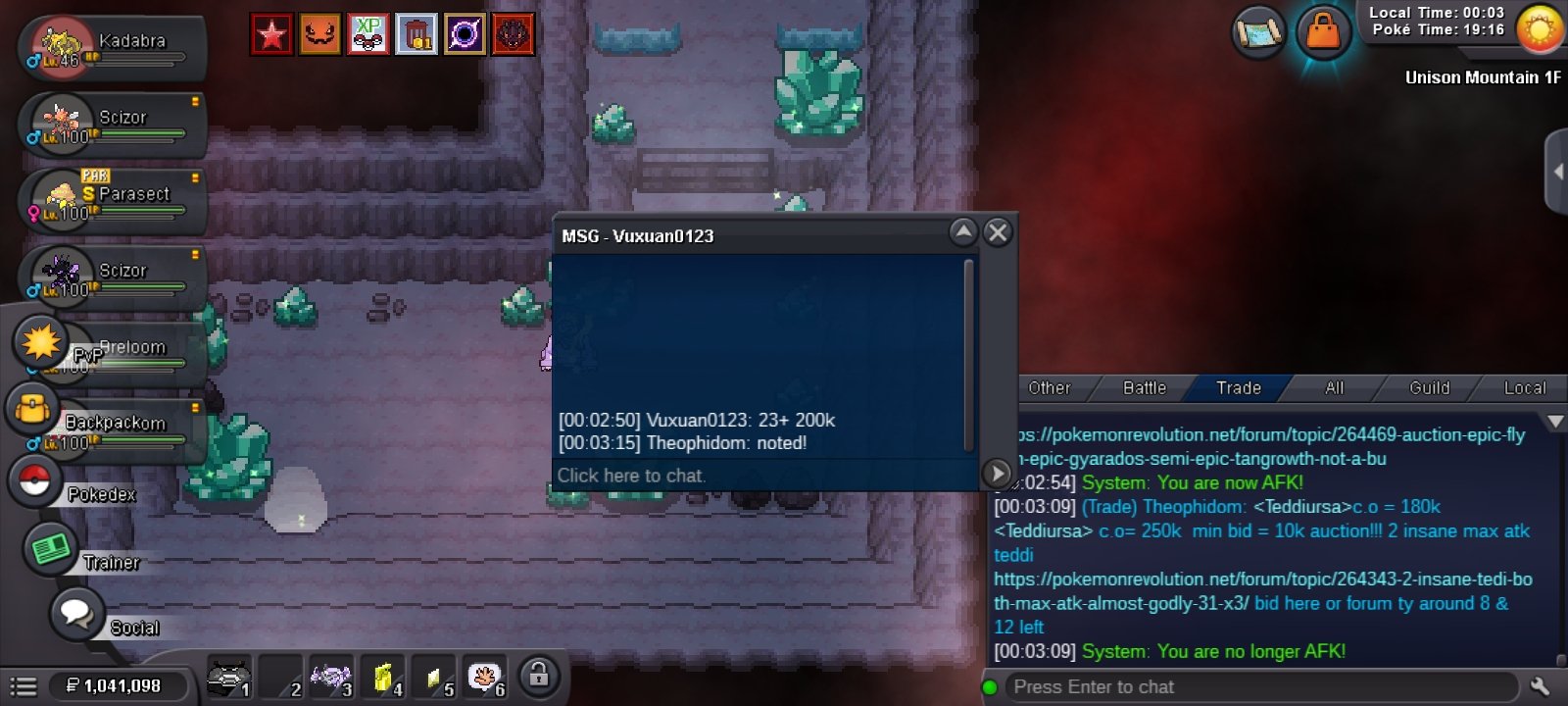 Not really the nature you want...around 50k. You basically need modest for vileplume10k added to both