New Trade Zone
Trade Zone is now live
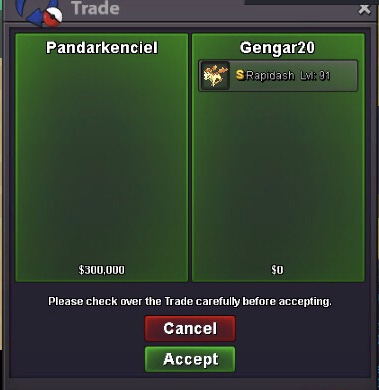
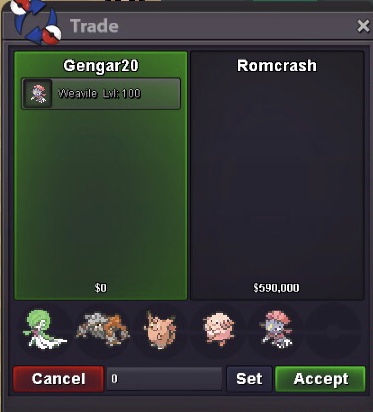
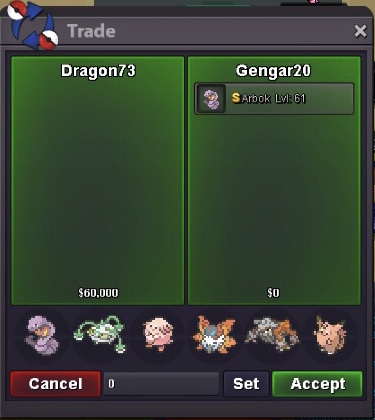
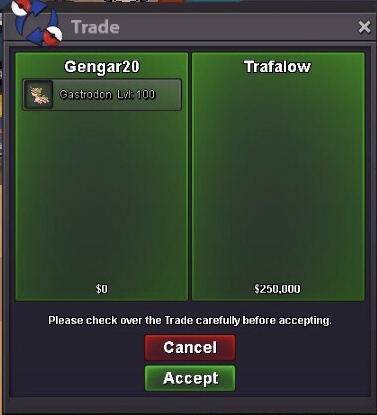
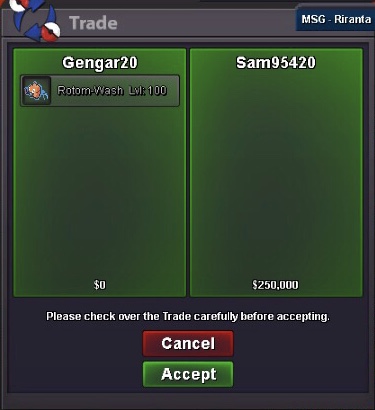
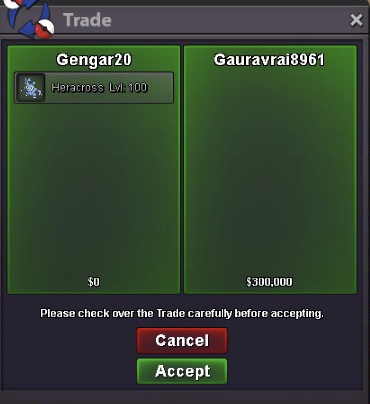
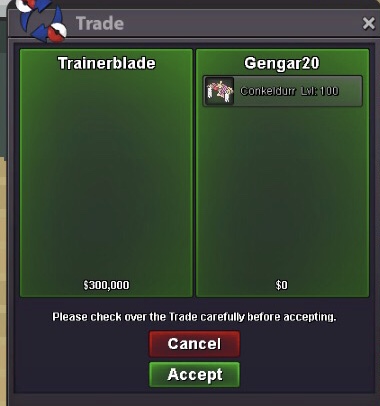
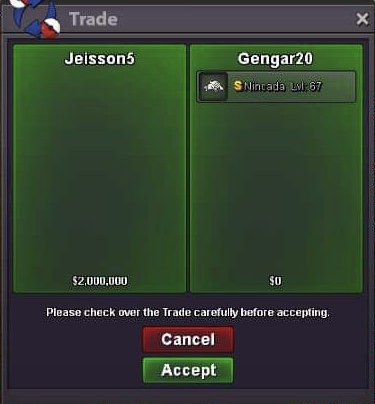
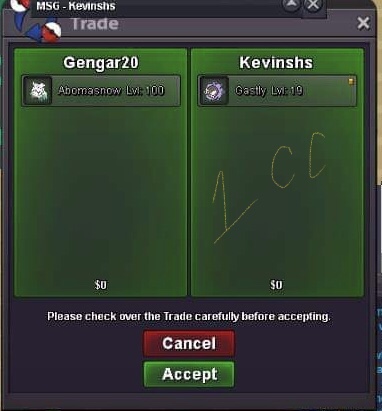
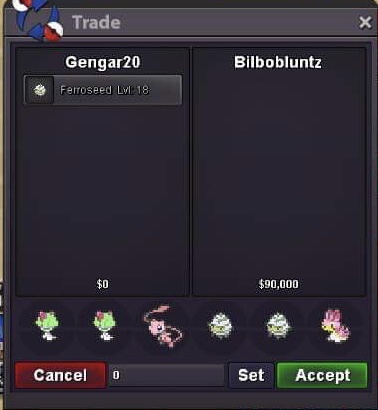
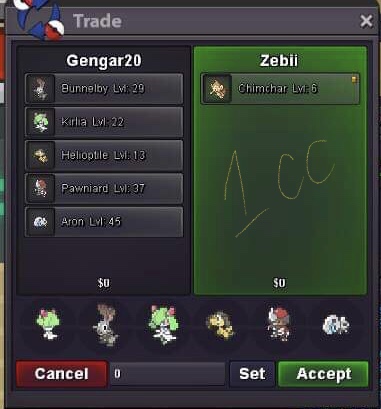
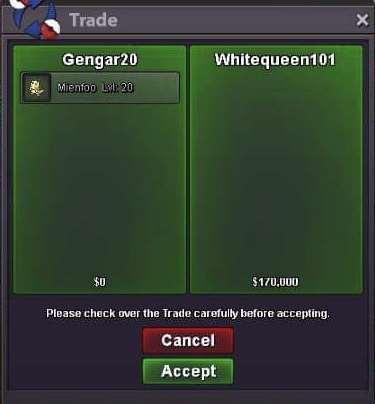
Use the new Trade Zone for auctions and instant-price trades so Pokemon and item offers are easy to find.

20gengar
Registered User
-
Joined
-
Last visited
Everything posted by 20gengar
-
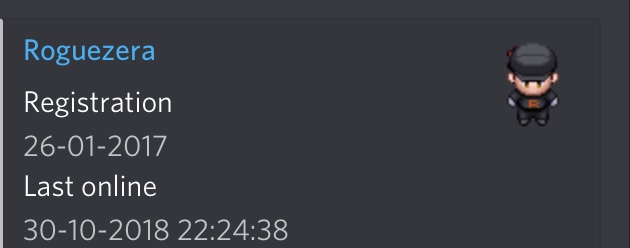
Is this you ? Cause i tried contacting you ingame 5 hours ago theres no roguezera , i checked theres only “Roguezera”
 Suggestions : PC storage should at least increase limit by a few pages / boxes , if no limiting of pc storage is disapproved raikou guardian , entei guardian ,suicune guardian should give money whether a player has cleared it earlier or not ( prizes stay the same ) Abra ( for teleportation ) -virdian to mt. Silver -pacifidlog to mirage island ( if it appeared ) Spawn suggestion during halloween D/N PUMPKABOO M/D/N MINCCINO M/D/N SNIVY M/D/N OSHAWOTT M/D/N TEPIG N HONEDGE M/D NINCADA M/D/N FRILLISH M/N DRIFLOONYou can still get moonblast by the pre evo move tutor located behind the 2old npc’s in daycareReroll ticket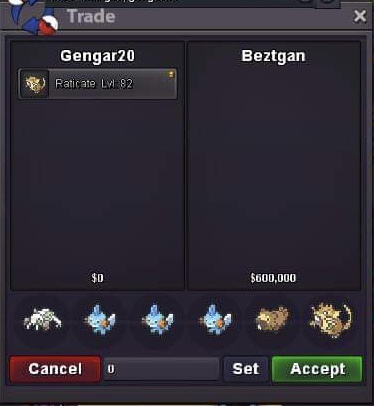
Account
Navigation
Search
Configure browser push notifications
Chrome (Android)
- Tap the lock icon next to the address bar.
- Tap Permissions → Notifications.
- Adjust your preference.
Chrome (Desktop)
- Click the padlock icon in the address bar.
- Select Site settings.
- Find Notifications and adjust your preference.
Safari (iOS 16.4+)
- Ensure the site is installed via Add to Home Screen.
- Open Settings App → Notifications.
- Find your app name and adjust your preference.
Safari (macOS)
- Go to Safari → Preferences.
- Click the Websites tab.
- Select Notifications in the sidebar.
- Find this website and adjust your preference.
Edge (Android)
- Tap the lock icon next to the address bar.
- Tap Permissions.
- Find Notifications and adjust your preference.
Edge (Desktop)
- Click the padlock icon in the address bar.
- Click Permissions for this site.
- Find Notifications and adjust your preference.
Firefox (Android)
- Go to Settings → Site permissions.
- Tap Notifications.
- Find this site in the list and adjust your preference.
Firefox (Desktop)
- Open Firefox Settings.
- Search for Notifications.
- Find this site in the list and adjust your preference.