New Trade Zone
Trade Zone is now live
Use the new Trade Zone for auctions and instant-price trades so Pokemon and item offers are easy to find.

20gengar
Registered User
-
Joined
-
Last visited
Everything posted by 20gengar
-
-
NAME CHANGE Username: superhoover20 New Username: Lunox Server to charge money from : silver NAME CHANGE Username: Gengar20 New Username: Saxy Server to charge money from : silver SERVER TRANSFER Username: superhoover20 Server to charge money from: silver Main server to transfer : gold SERVER TRANSFER Username: Gengar20 Server to charge money from: silver Main server to transfer : gold Take the money from Gengar20 since i mostly have my money on that account .
-
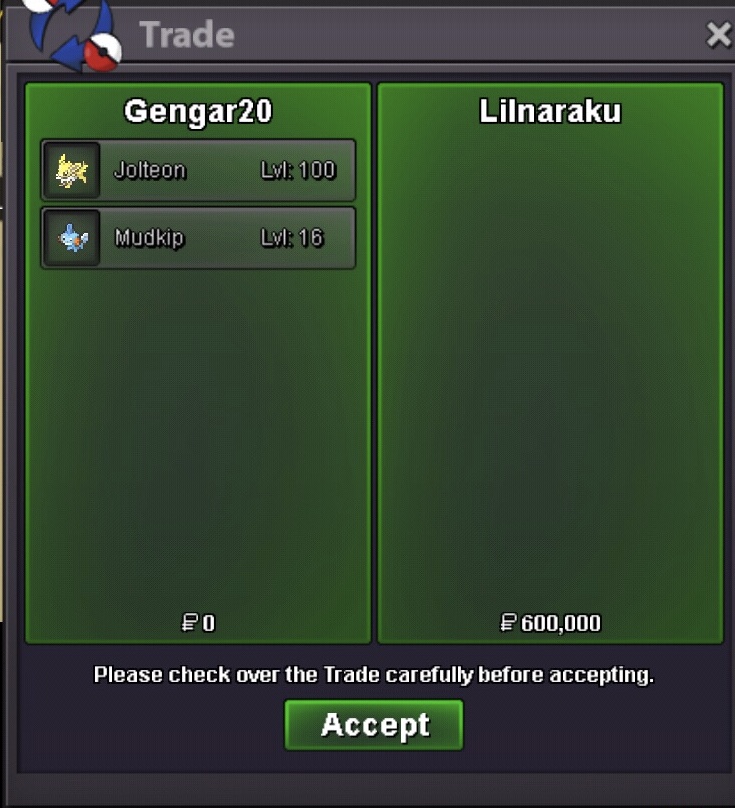
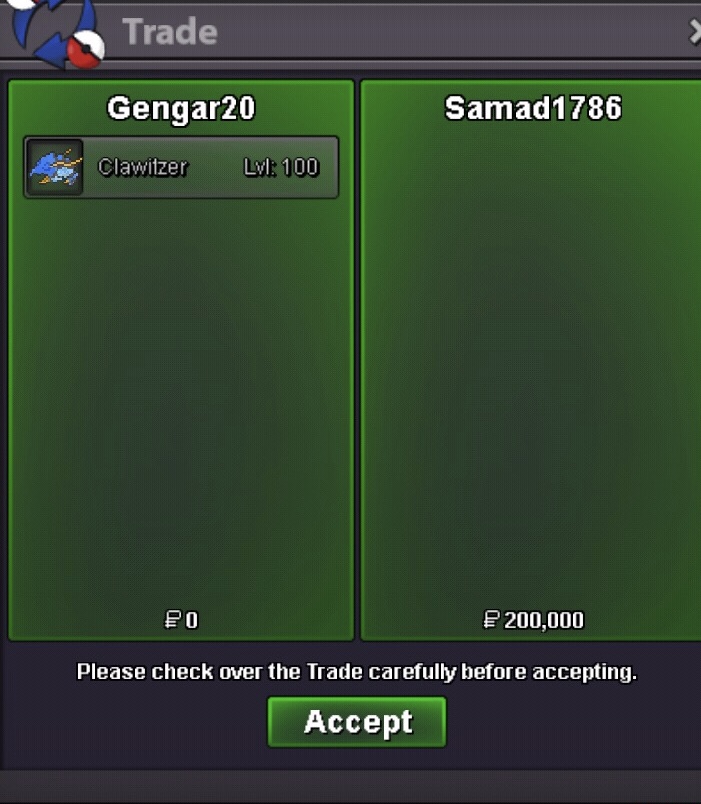
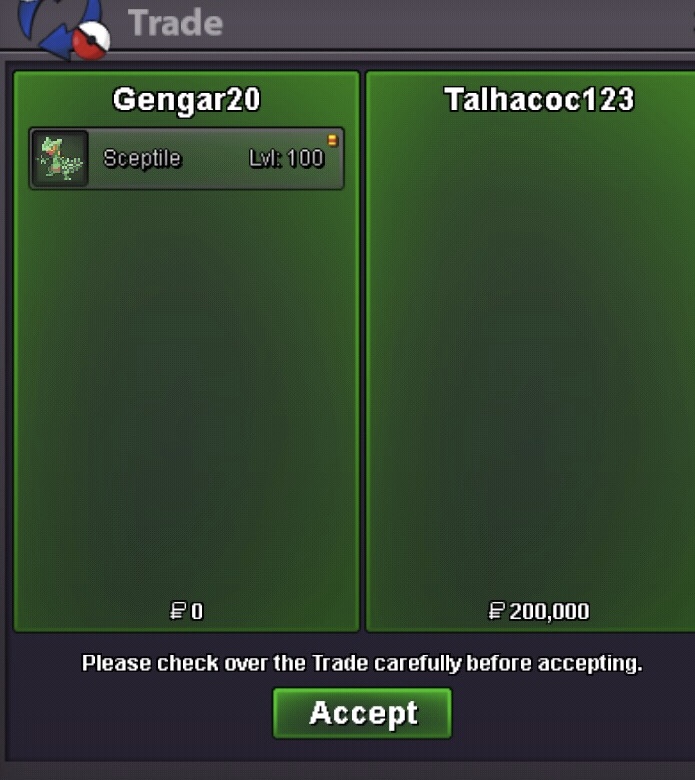
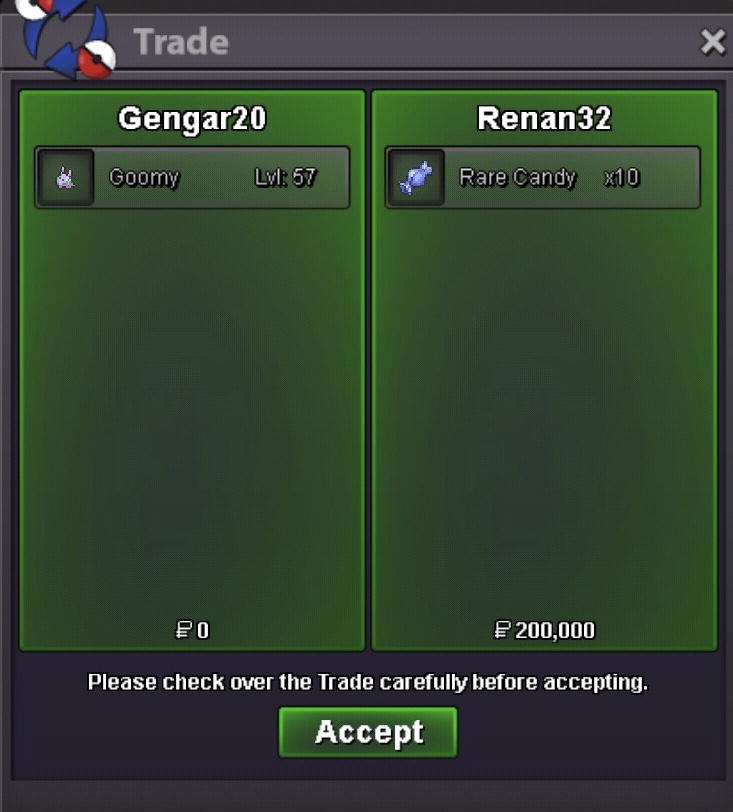
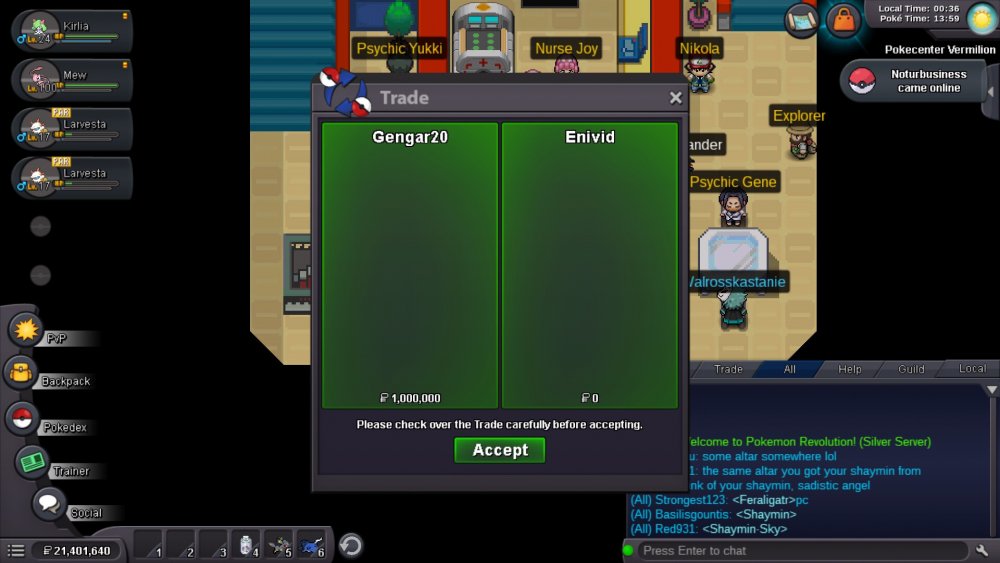
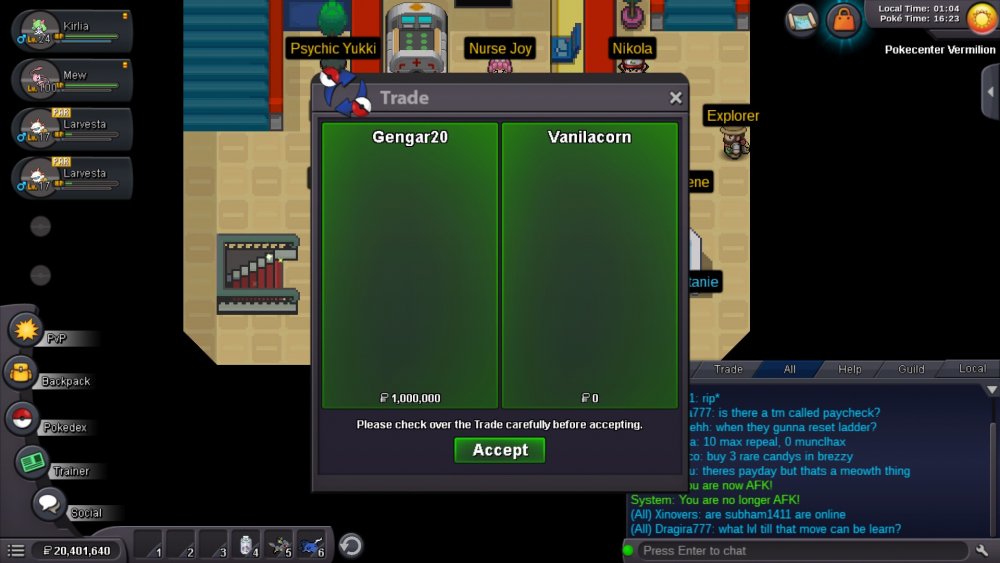
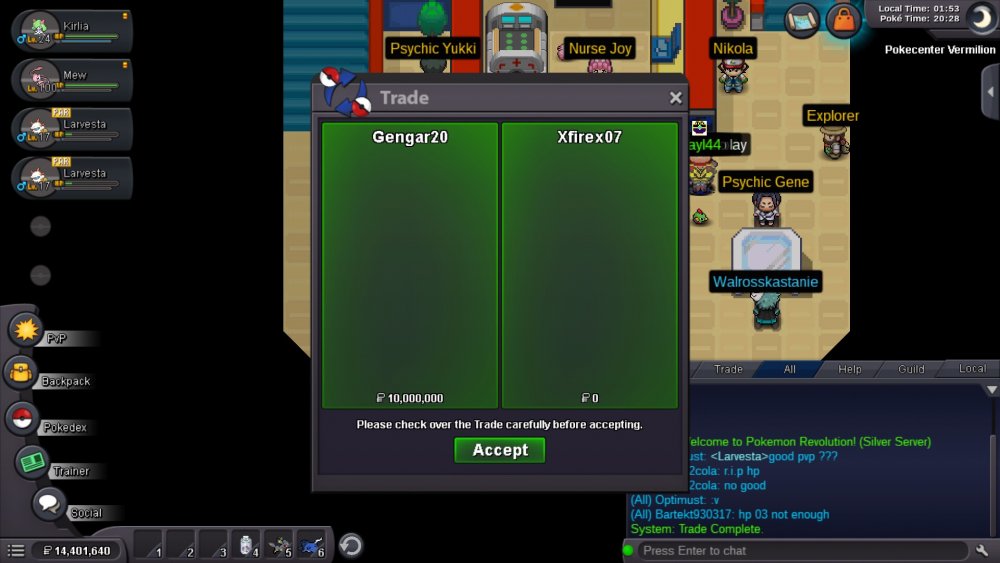
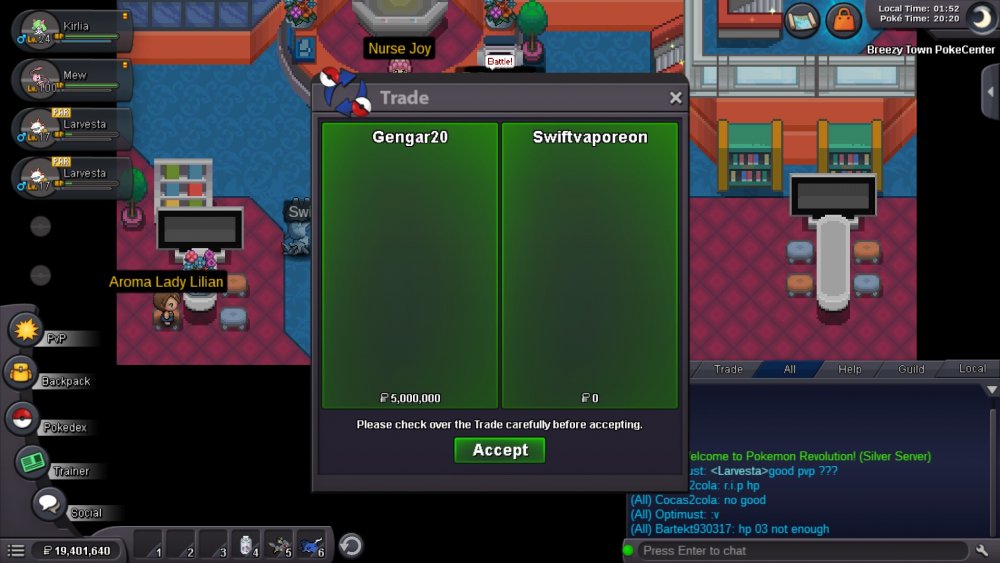
The winners contact me at discord so we can arrange the trade at vermillion pc
-
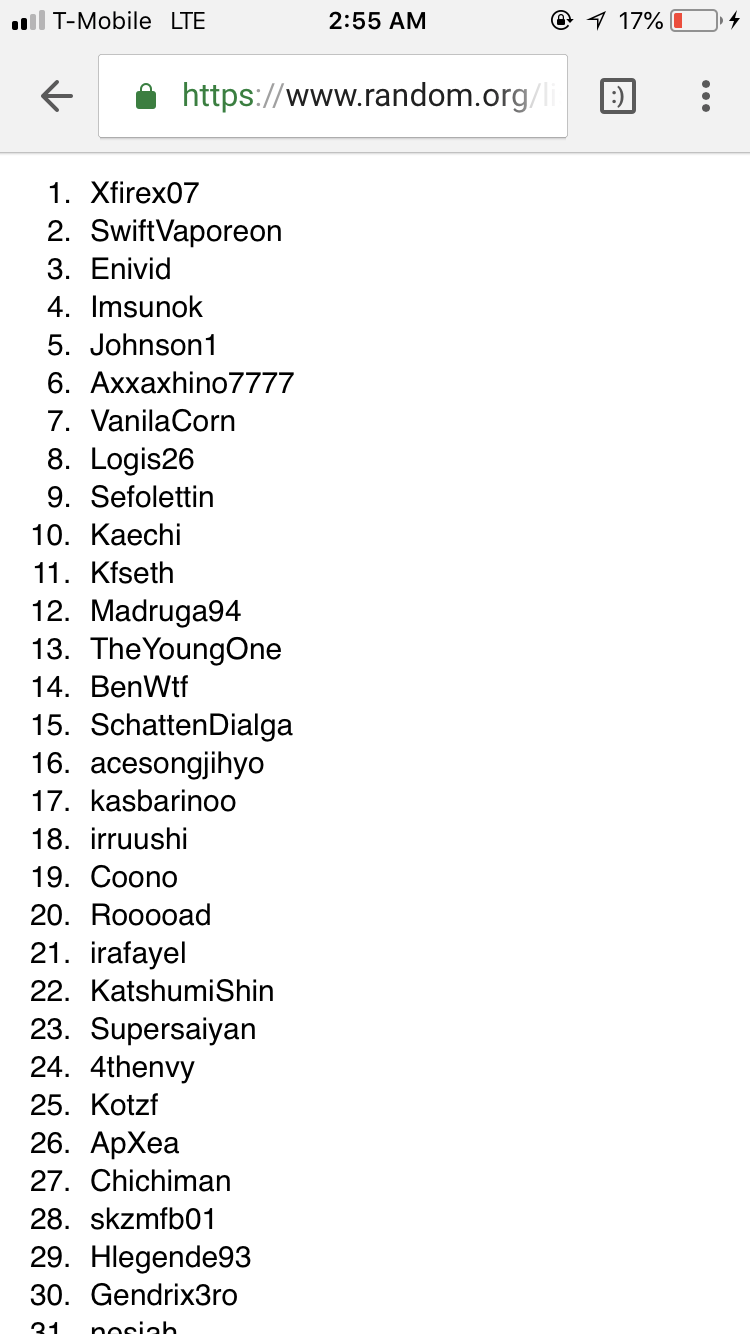
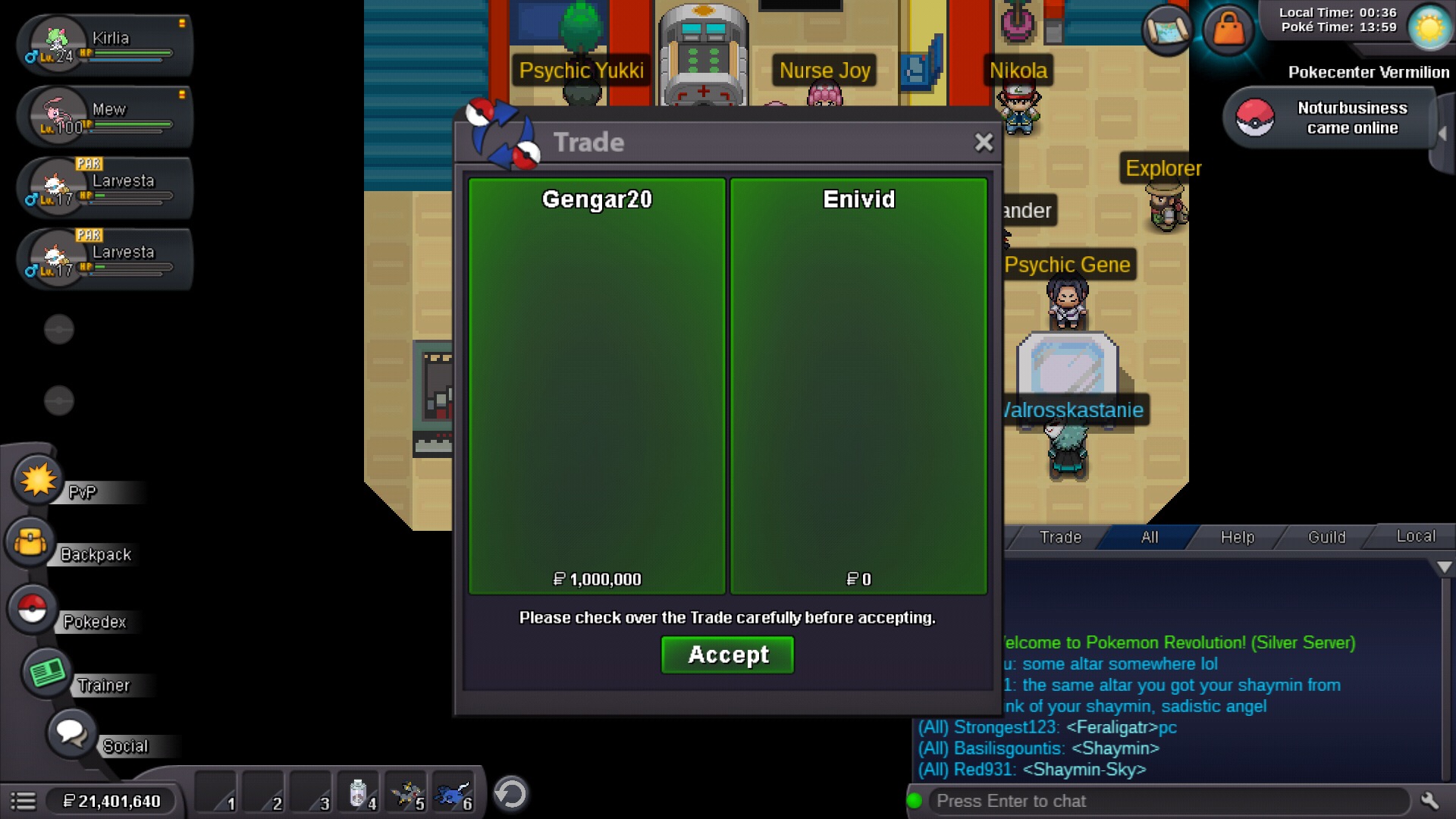
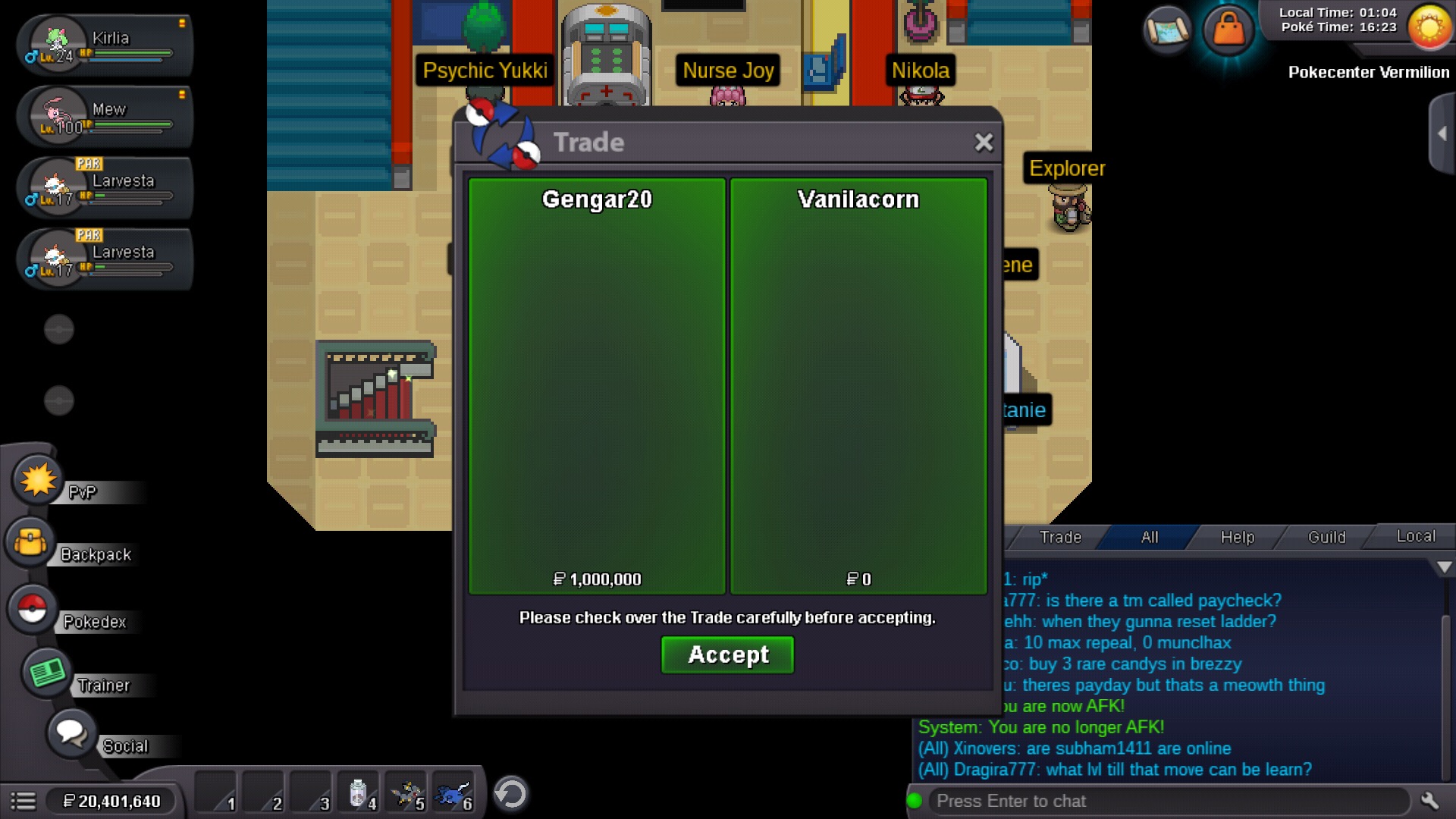
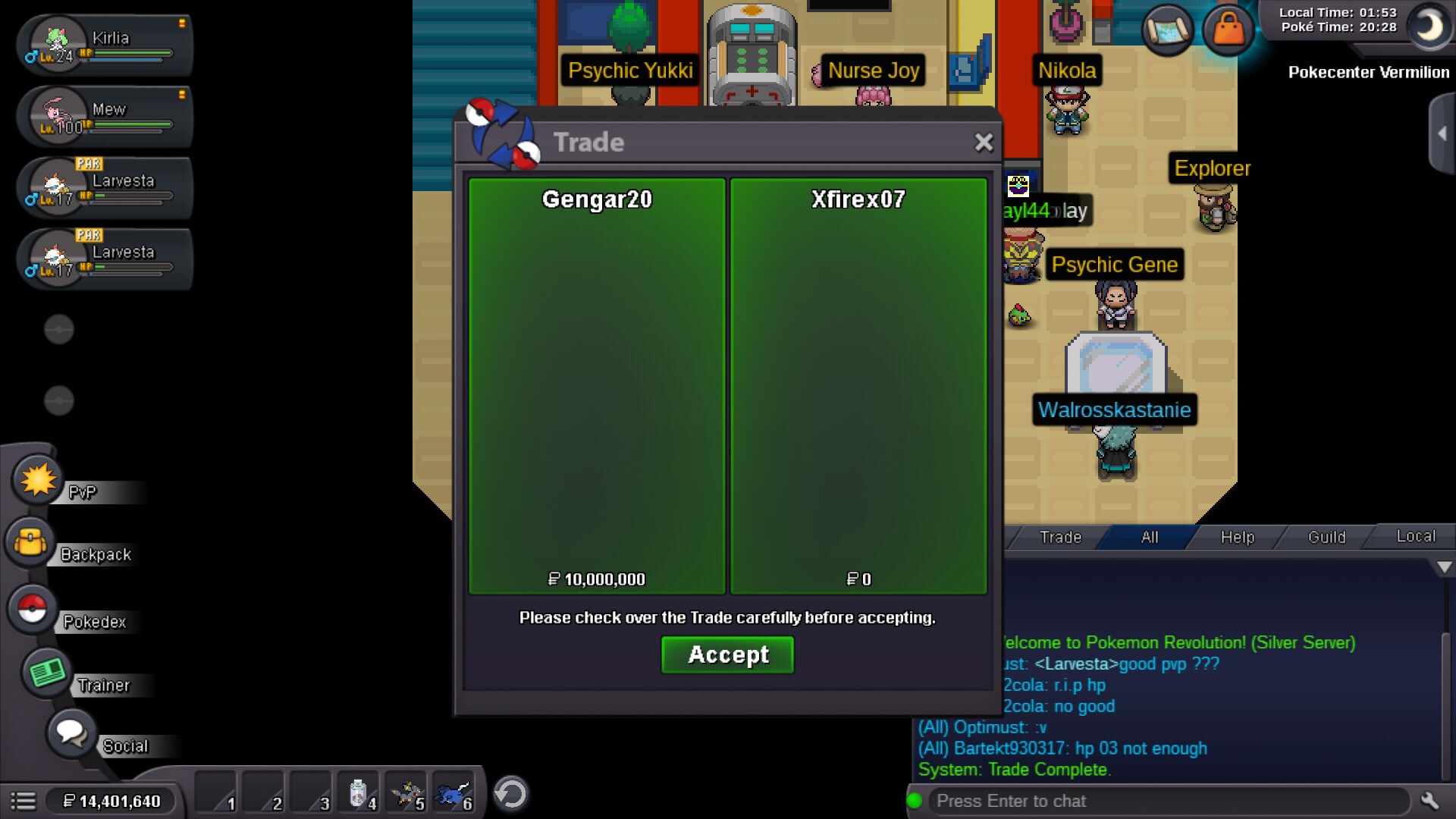
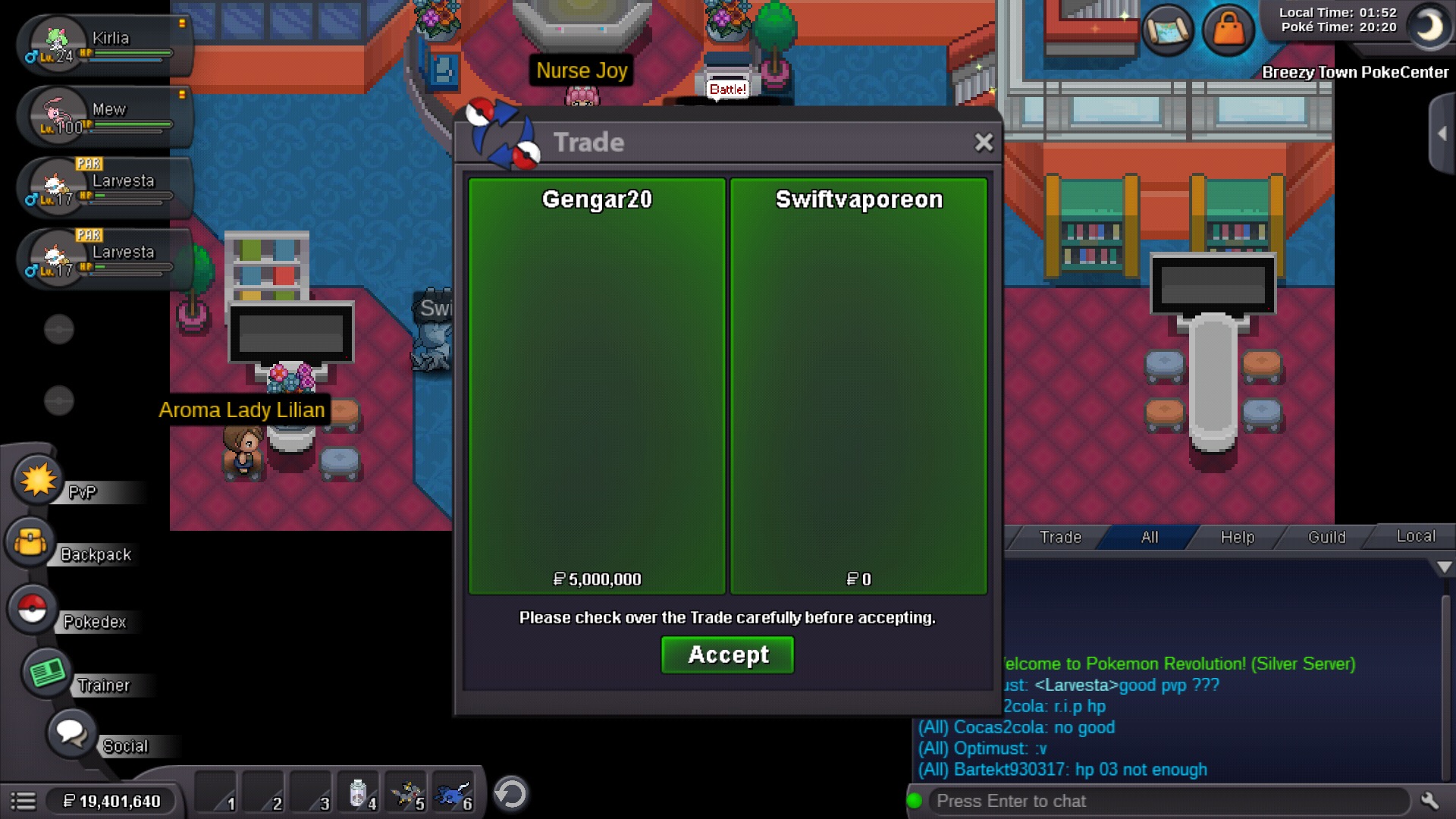
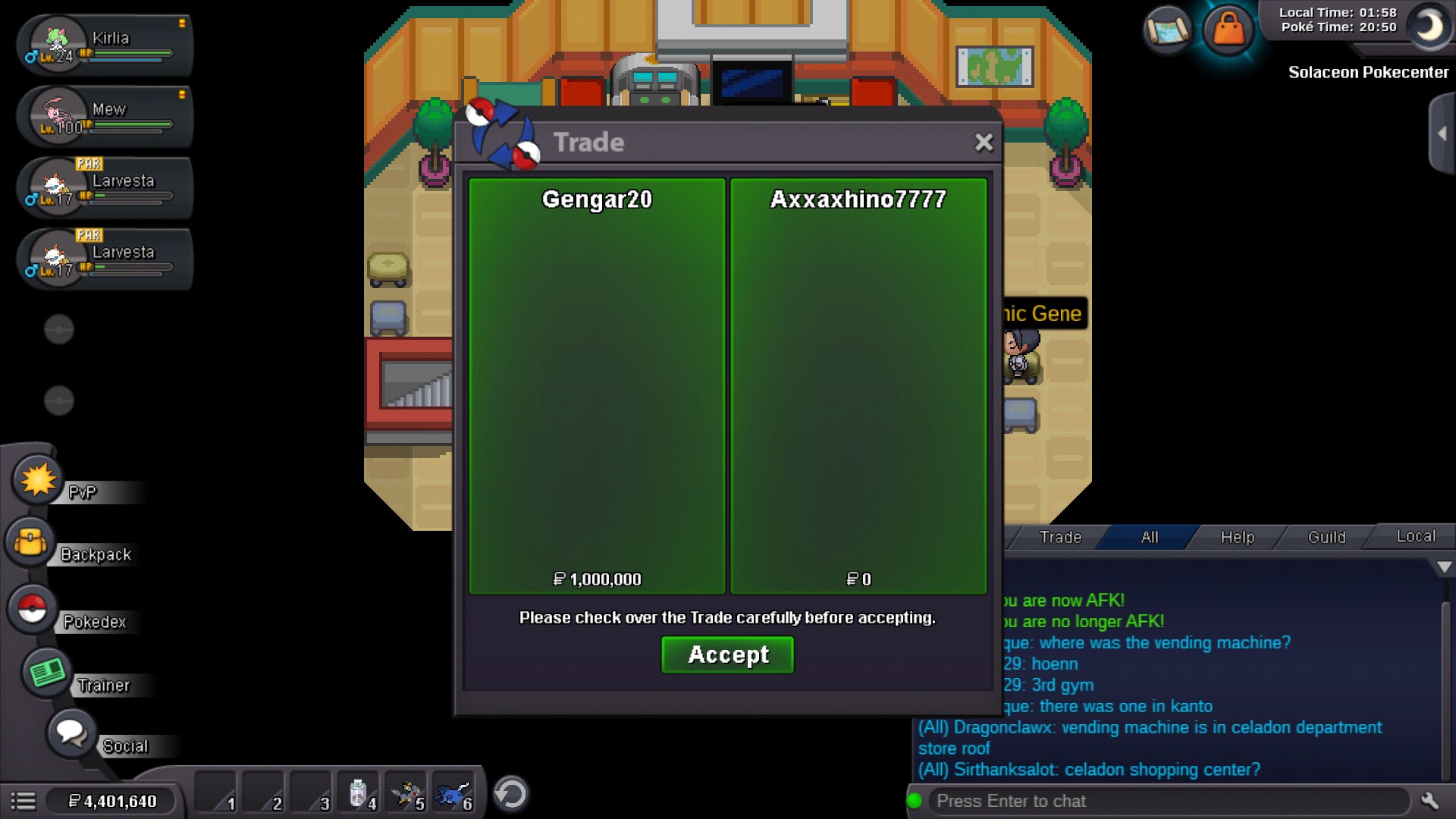
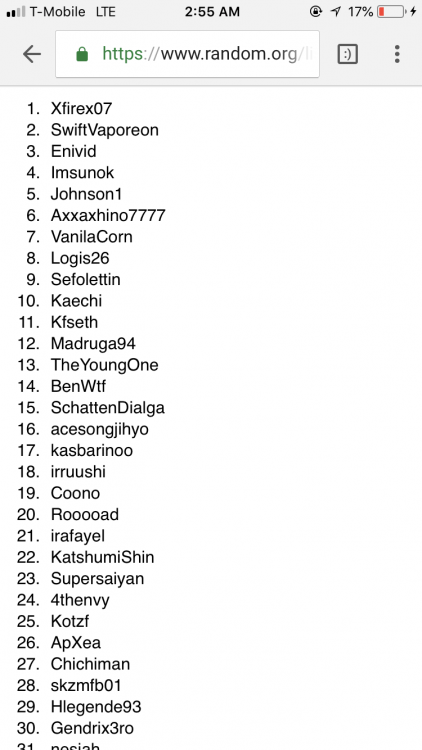
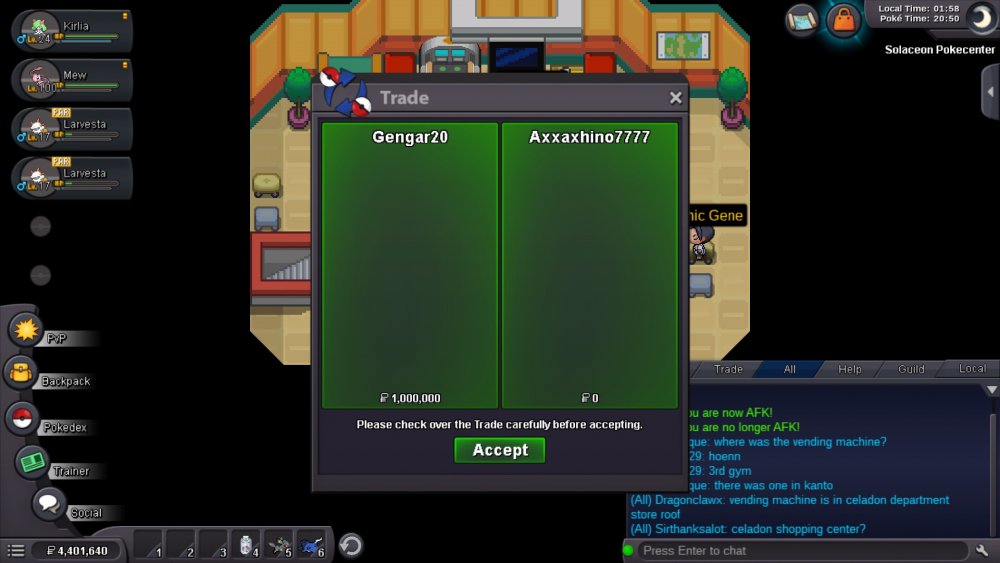
1st ( 10m ) 2nd ( 5m ) 3rd - 7th ( 1m each ) congratulations to the winners of my giveaway !!! Xfirex07 SwiftVaporeon Enivid Imsunok Johnson1 Axxaxhino7777 Vanilacorn Contact me at discord Gengar20 #0681 So we can do the trade Thank you for everyone who have participated . 1st : Xfirex07 ( done ) 2nd : SwiftVaporeon ( done ) 3rd : Enivid ( done ) 6th : Axxaxhino7777 ( done) 7th vanilacorn ( done) Bye for now pro :)

-
-
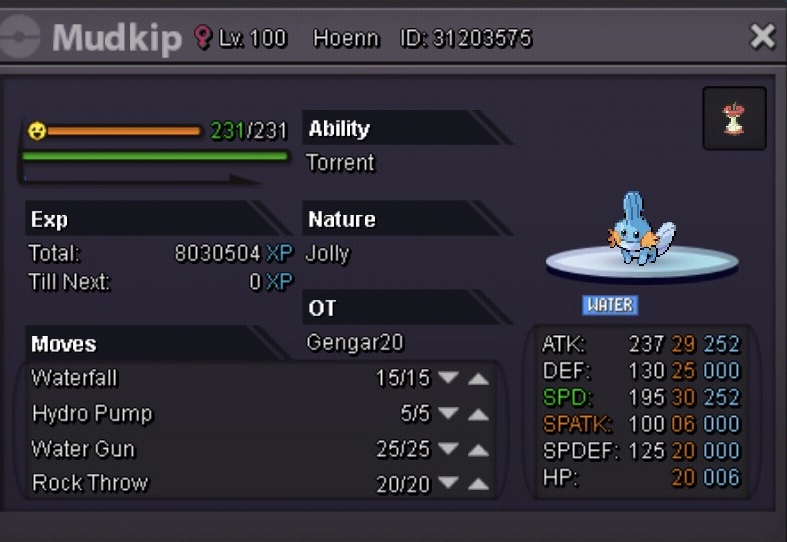
Delevel to 98 Silver server -Gengar20
-
Let me know when you’ll be online
-
-
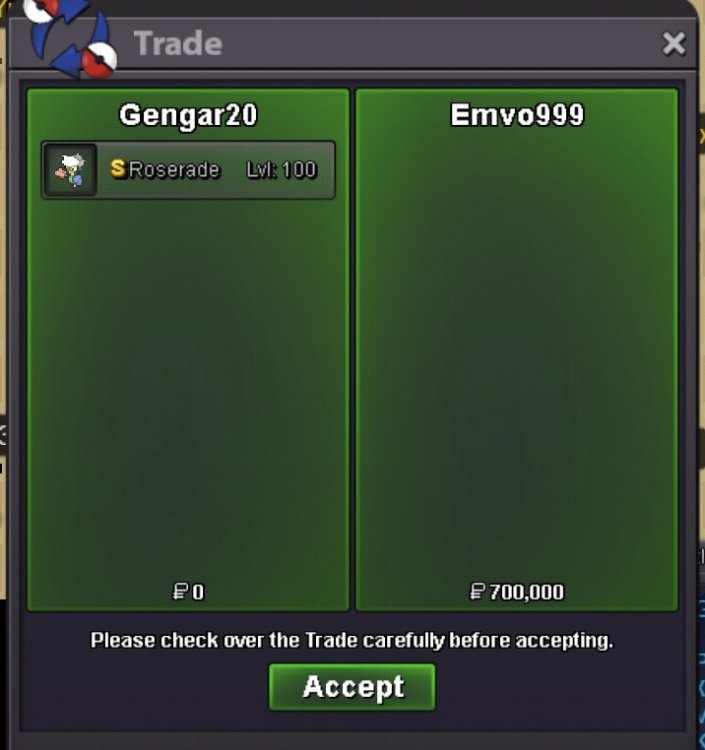
Will add more soonBumpHasty rose sold
Account
Navigation
Search
Configure browser push notifications
Chrome (Android)
- Tap the lock icon next to the address bar.
- Tap Permissions → Notifications.
- Adjust your preference.
Chrome (Desktop)
- Click the padlock icon in the address bar.
- Select Site settings.
- Find Notifications and adjust your preference.
Safari (iOS 16.4+)
- Ensure the site is installed via Add to Home Screen.
- Open Settings App → Notifications.
- Find your app name and adjust your preference.
Safari (macOS)
- Go to Safari → Preferences.
- Click the Websites tab.
- Select Notifications in the sidebar.
- Find this website and adjust your preference.
Edge (Android)
- Tap the lock icon next to the address bar.
- Tap Permissions.
- Find Notifications and adjust your preference.
Edge (Desktop)
- Click the padlock icon in the address bar.
- Click Permissions for this site.
- Find Notifications and adjust your preference.
Firefox (Android)
- Go to Settings → Site permissions.
- Tap Notifications.
- Find this site in the list and adjust your preference.
Firefox (Desktop)
- Open Firefox Settings.
- Search for Notifications.
- Find this site in the list and adjust your preference.