




New Trade Zone
Trade Zone is now live
Use the new Trade Zone for auctions and instant-price trades so Pokemon and item offers are easy to find.

Roguemaster
Registered User
-
Joined
-
Last visited
-
Roguemaster changed their profile photo
-
After I got Blastoist mega stone I go for another one which is Venusaur Mega stone. I got Bulbasaur with correct IV but always loose to fight with Prof Oak. So I decided to give up and select option number three "to train other pokemon. When I catch Charmander with good IV and correct nature, I go to meet prof oak to show my pokemon. The the dialogue in the attach video happened. So right now I just have Blastoise Mega Stone. No Charizard or Venusaur because of this bug?! Video - Google Photos.mp4
-
Name Change Username: Angelz77 New Username: Roguemaster Server to charge the money from: Gold
-
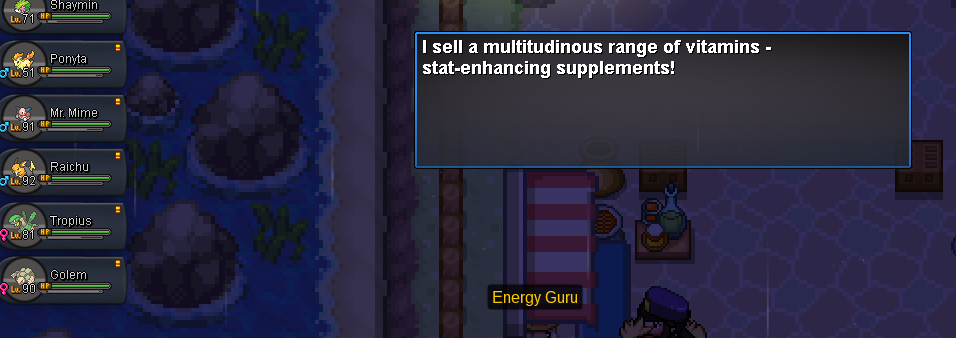
No cooldown period mention. If it was my mistake not noticing it... VV
-
I wait two weeks for it. Today I go at Energy Guru he not telling me the cooldown period. Just normal buying no bundle buy. Aww.... Businessman can not do business anymore. Sad (sob, sob, sob)
-
In-Game Name: Angelz77 Discord Tag: @神Rogue_신#5947 Server: Gold How often do you use Discord? : Everytime when I open my computer. What is one suggestion you have for PRO Discord? -It has been years since the discord have been introduced, And PRO discord have learn a lot during that time. Everything is perfect and thank you for the good work.