New Trade Zone
Trade Zone is now live
Use the new Trade Zone for auctions and instant-price trades so Pokemon and item offers are easy to find.

Potatobiscuit
Registered User
-
Joined
-
Last visited
Everything posted by Potatobiscuit
-
*idk why the thing messed up and sent before i clicked send, giving the above random post. so i just replied to it lol Potatobiscuit 1045hrs #Zubat7674 about to do sinnoh almost daily if during holidays PvE atm, PvP once I make some niche teams no I thought id come help raid forever 21 over a jacket :)
-
What's your IGN? How many hours do you have in PRO? What is your discord ID? How far are you in story? How active are you in PRO? (How often do you play?) Are you a PvP or PvE player? Or do you enjoy both? Have you ever been banned in game and why? Why do you want to join Calamity guild?
-
in game name: Potatobiscuit discord tag: Zubat#7674 server: Gold how often I used discord: check it once a day/once every couple days discord suggestion: not sure if mentioned but a one time nickname set/change for server maybe
-
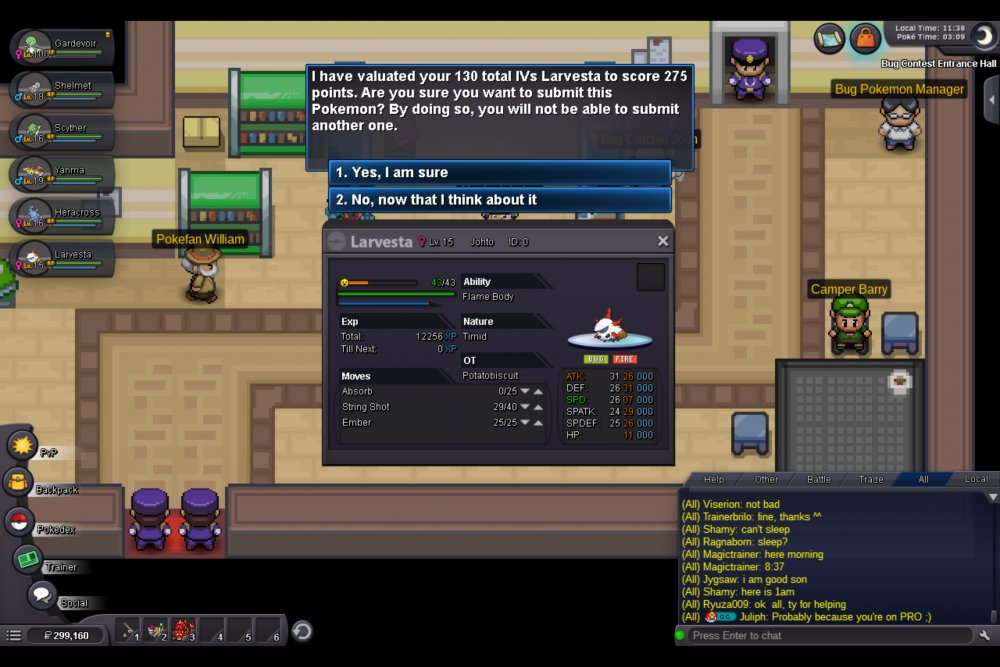
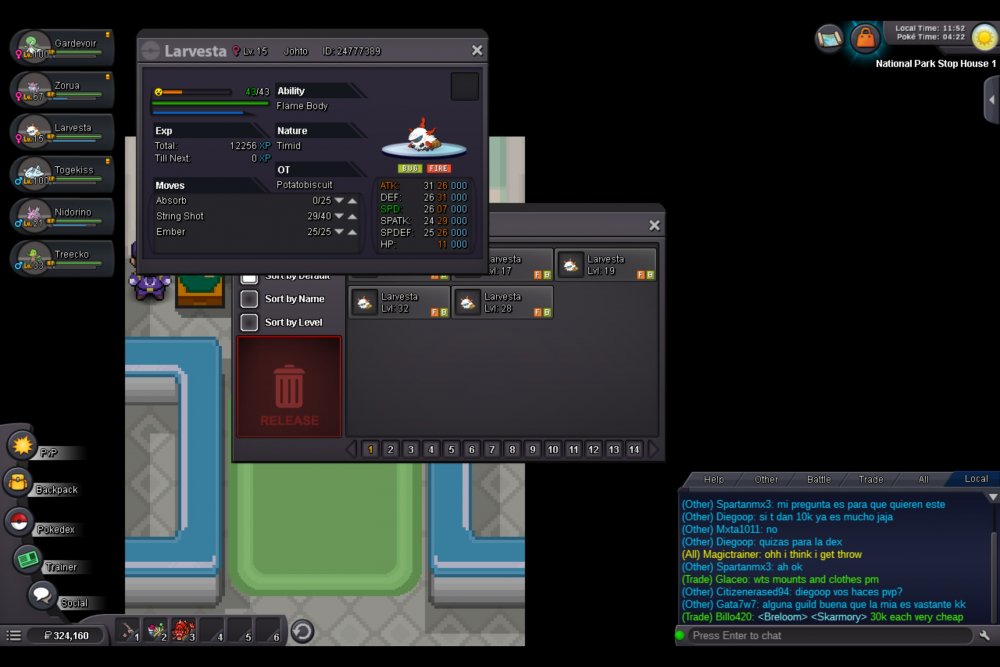
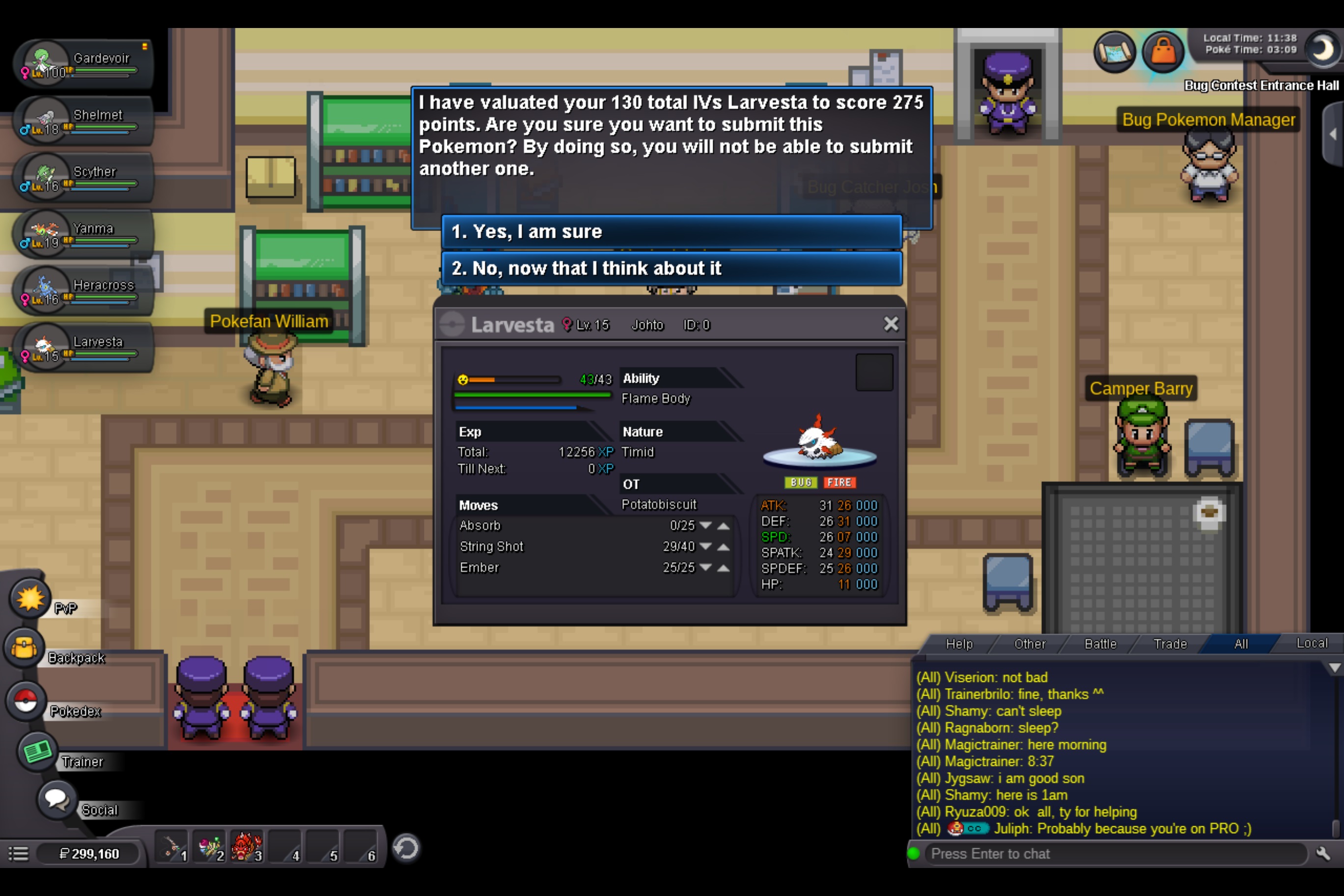
Discord Tag: Zubat#7674 Server: Gold Note: for some reason when i did screen shot for submission format the ID was 0, I attached a second screenshot after bcc with same poke with the ID displayed