




New Trade Zone
Trade Zone is now live
Use the new Trade Zone for auctions and instant-price trades so Pokemon and item offers are easy to find.

Pthame
Registered User
-
Joined
-
Last visited
Everything posted by Pthame
-
bump
-
Starting Offer: 3.6m by Javiisito Minimum Raise: 200k Duration: 48h after first bid No Insta
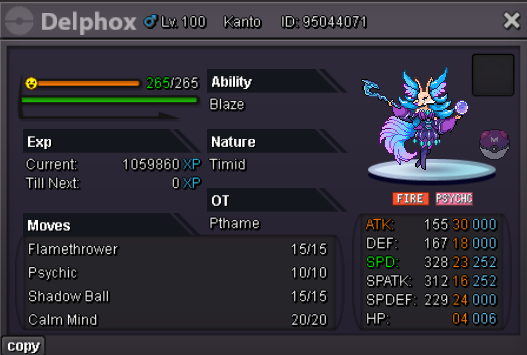 the trade has been completed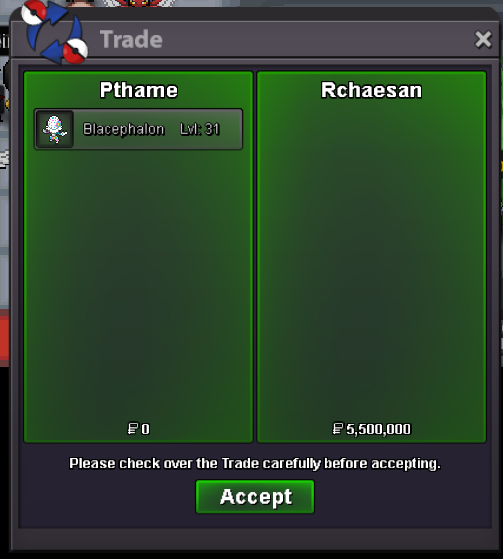
 sorry for any delays in confirming a winner but I am fully of the belief, after seeing evidence of timestamps to check if the last bid was in the 15 minute window, that the winner of the auction is @Tonimacaroni at 5.7m! If any proof is needed in an appeal or anything I have the evidence and can share it in due course. The winner can message me in-game or Discord to arrange the tradeone hour leftCurrent Offer: 4.7m by Hermusdxd Minimum Raise: 200k 48 hours after first bid Insta: 20m
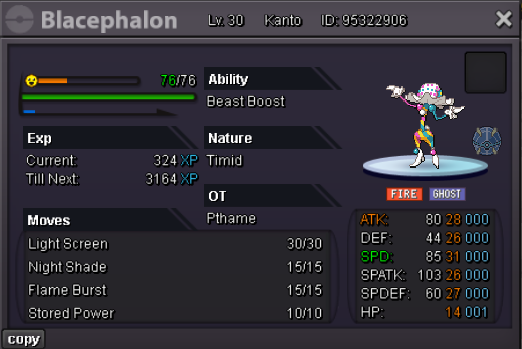 thread can be closed
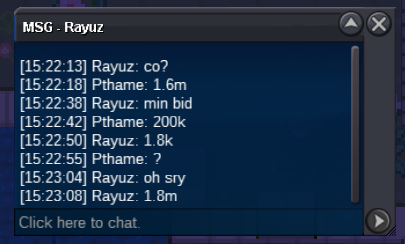
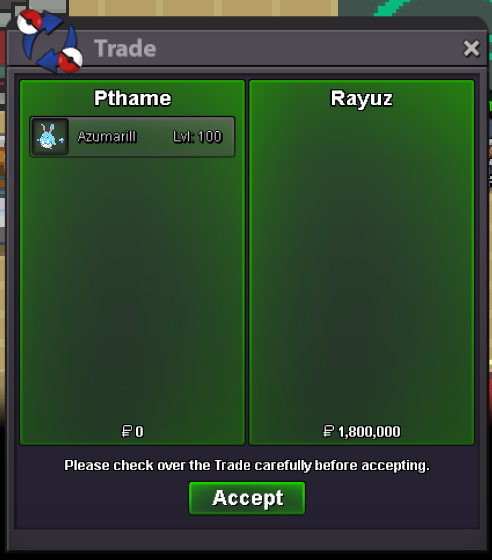 auction ended, won by Rayuz for 1.8m. Contact in-game or on here to collect1 hour leftbumpCurrent Offer: 1.8m by rayuz Minimum Raise: 200k 48h after start Insta: 6m
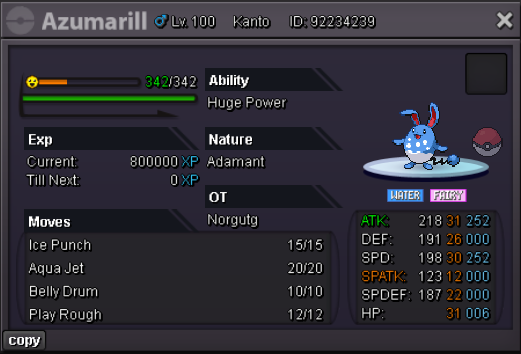 auction over, winning bid 1.5m by Subr0za. Can be closed too.
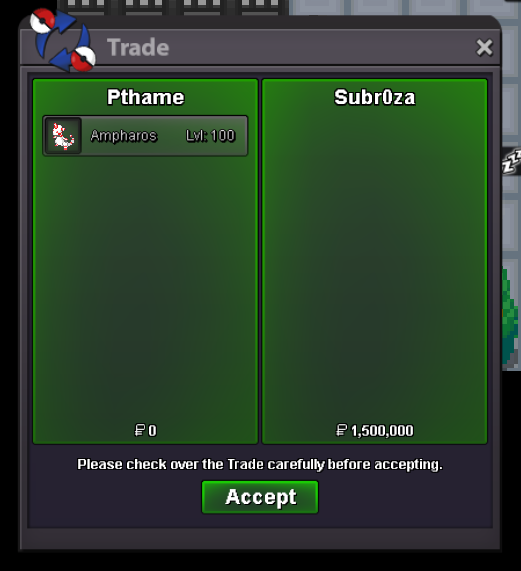 Current offer: 1.5m by Subr0za Minimum Increase: 250k Duration: 48h after first bid Insta: 20m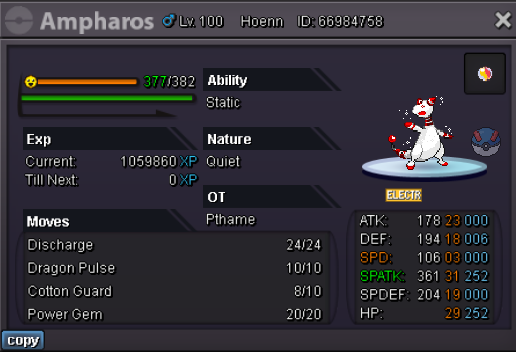
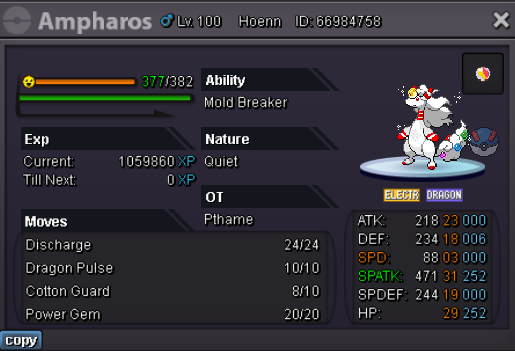 The topic can be closed now 🙂
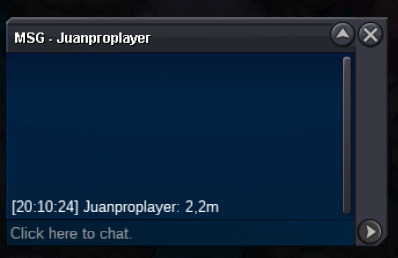
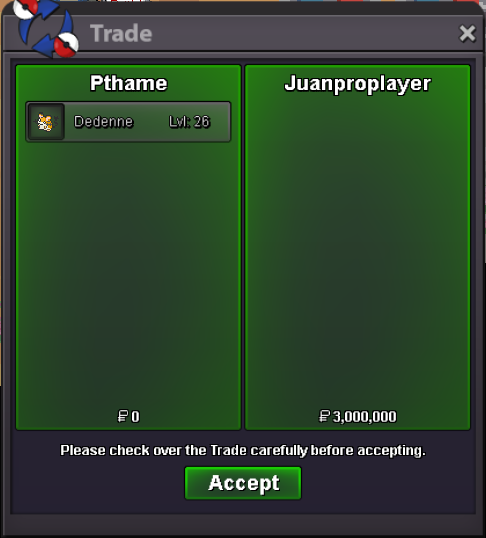 congrats @Juanproplayer you have won the auction; I am contactable here on the forum via dms or on Discord on the handle pthame 🙂1 hour leftCurrent offer: 3m by Juanproplayer Minimum increase: 200k Duration: 48 hours after starting bid No insta
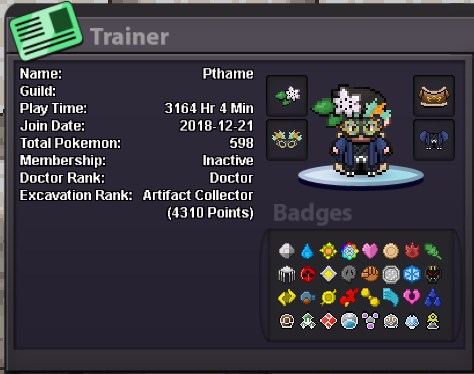
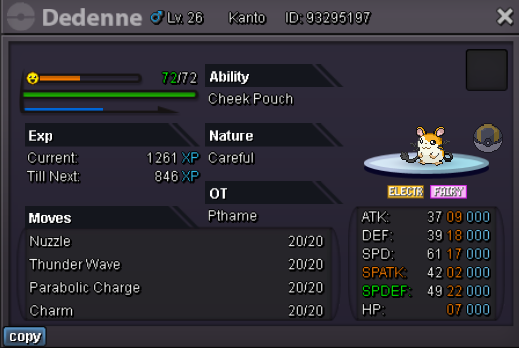 ● What's your IGN? pthame ● How old are you? 34 ● Where are you from? South-West England ● What's your total playtime? 3164h at time of applying ● What do you enjoy doing in the game? Hunting, PvE, dig/pokestop runs if time allows ● Would you like to offer some kind of service to the guild? I'm not much of a service person (sorry! 😞) And the most important question of them all: Which Bidoof Form do you like the most? -Suidoof, Endoof or Raidoof? Suidoof is love, Suidoof is life.
 THE FOLLOWING IS AN UNPAID ADVERTISEMENT FROM THE TOURISM BOARD OF SPECTRE TOWN Welcome to the islands of the dead; Spectre Town. The town was struck down hundreds of years ago by a horrible flood that, to this day as you can see, only the highest parts of the town have remained as a set of islands. Only recently, like in the last ten-fifteen years, have new settlers decided to call this place home; settlers of the hardy of nature and not-so-easy to spook. The settlers have turned Spectre Town into a location where they live side-by-side with some of the spirits of those who perished to the great flood. Remains of some of the residents however can be seen deep below the depths, but don’t let that scare you; the residential spirits promise the remains aren’t theirs, but can you really trust a ghost? What confuses even the spirits however is how some areas remained untouched; the forest in the top right corner and the large trees in the old town center, for example, a fantastic vision of how luscious the lands were, and the grass patches containing wild Pokemon a reminder that residents and Pokemon lived together in perfect harmony, much like the residents and spirits do now. So why don’t you say hello to Nurse Joy and her trusty Chansey in the Pokemon Center, the ghostly shopkeeper in the Pokemart that somehow manages to control a cash register and give you items, and the residents themselves in their houses? And, to make your trip even more worthwhile, the resident Fortune Teller will be able to read your fortunes for you. How nice of them! Spectre Town is open for visits at all hours; for the true experience though come at night where the spirits are at their most active! (Entrant's note: the map was done to a 90x90 size if needed for clarification)

Account
Navigation
Search
Configure browser push notifications
Chrome (Android)
- Tap the lock icon next to the address bar.
- Tap Permissions → Notifications.
- Adjust your preference.
Chrome (Desktop)
- Click the padlock icon in the address bar.
- Select Site settings.
- Find Notifications and adjust your preference.
Safari (iOS 16.4+)
- Ensure the site is installed via Add to Home Screen.
- Open Settings App → Notifications.
- Find your app name and adjust your preference.
Safari (macOS)
- Go to Safari → Preferences.
- Click the Websites tab.
- Select Notifications in the sidebar.
- Find this website and adjust your preference.
Edge (Android)
- Tap the lock icon next to the address bar.
- Tap Permissions.
- Find Notifications and adjust your preference.
Edge (Desktop)
- Click the padlock icon in the address bar.
- Click Permissions for this site.
- Find Notifications and adjust your preference.
Firefox (Android)
- Go to Settings → Site permissions.
- Tap Notifications.
- Find this site in the list and adjust your preference.
Firefox (Desktop)
- Open Firefox Settings.
- Search for Notifications.
- Find this site in the list and adjust your preference.