New Trade Zone
Trade Zone is now live
Use the new Trade Zone for auctions and instant-price trades so Pokemon and item offers are easy to find.

Thegodfather
Registered User
-
Joined
-
Last visited
Everything posted by Thegodfather
-
150k
-
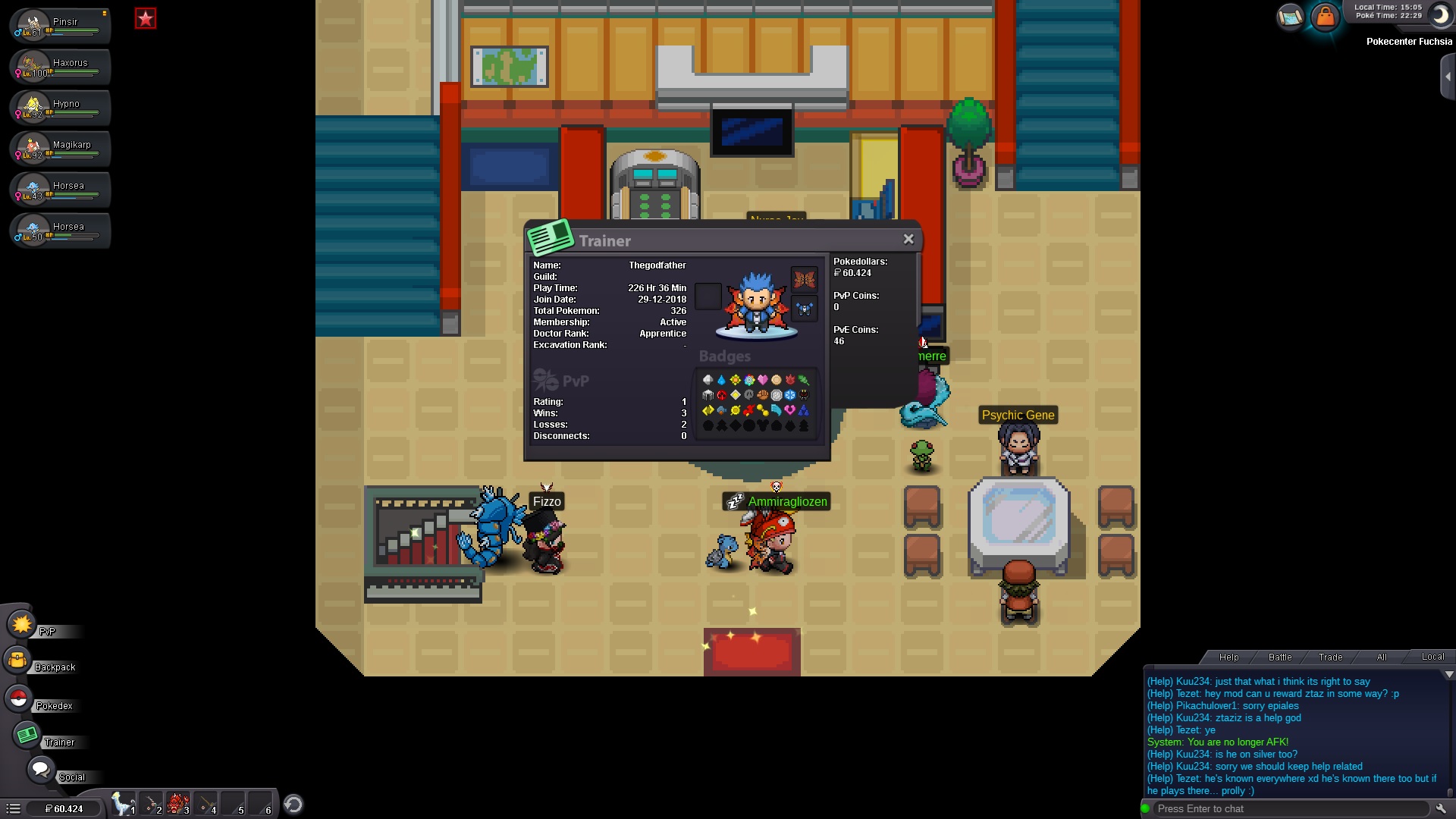
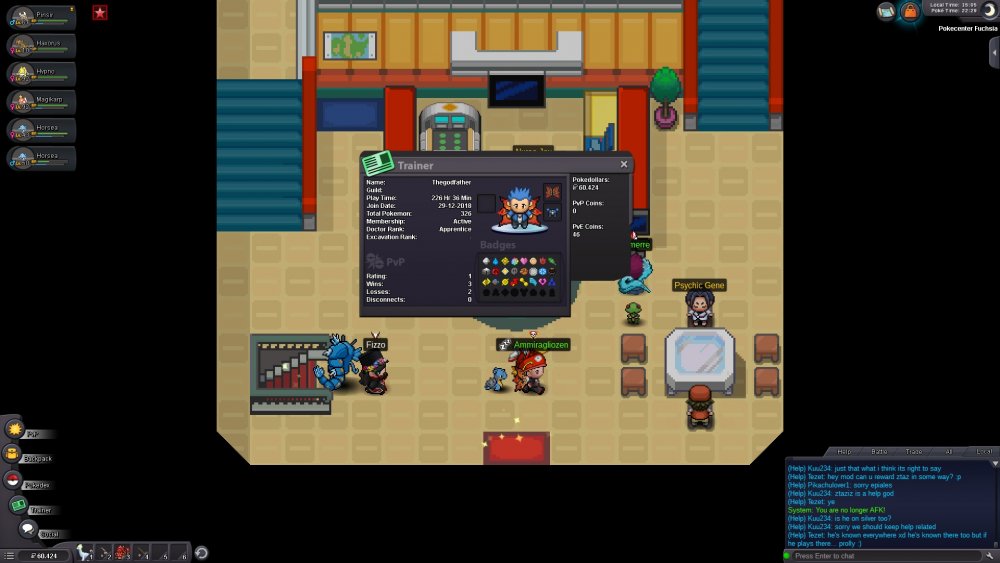
Hey there I wanted to apply for Origin II, as 95lam05 and Batteries asked me to :) 1. IGN = Thegodfather 2. Playing with a guild is way more fun and I need to learn a lot of stuff ;) 3. Tbh I haven't really played PVP as I'm still trying to figure out which Pokes are best and I don't want to start before I have built up a strong team, but I'm putting big effort in getting ready for it. 4. Favorite goal is to have fun with good people and get better together every day. 5. see attachment 6. Gonna provide discord name via PM ;)
-
So can we ask for a "general question" chat? Part of every game is having good conversations with good people, even if those dont always stick to the rules. Why should I play a game when Im not even allowed to chat with the people that are actually helping me?
-
*up
-
Hey guys When you try to leave MS only area in Kanto Safari it causes my client to get stuck and i need to restart the client.
-
Closing the client and restarting it worked, thx a lot.
-
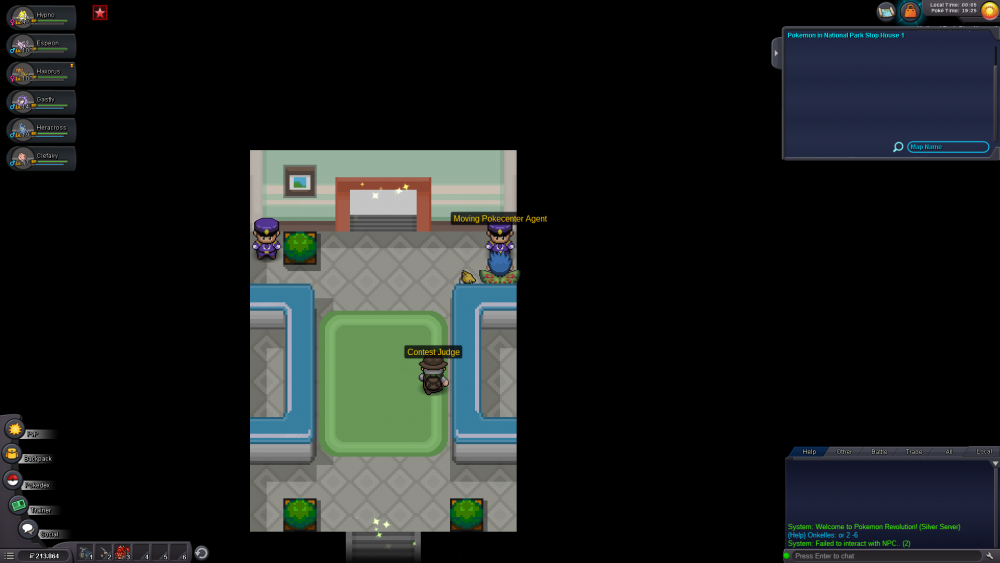
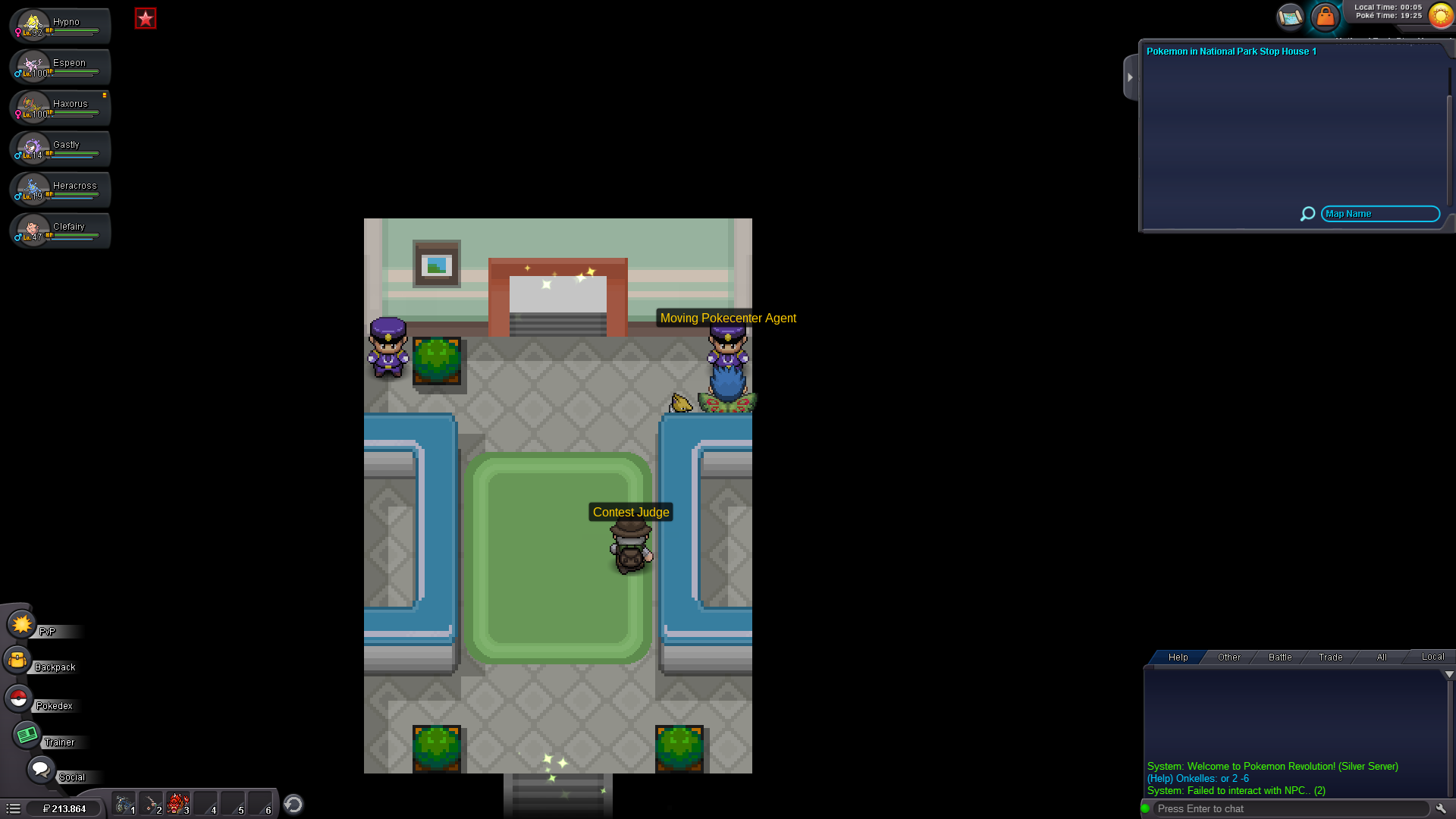
Hey guys Today i faced this problem when i tried to talk to the Moving Pokecenter-Agent: "Failed to interact with the NPC... (2)" My game freezes afterwards and I cant move, same problem appears after relogging.