




New Trade Zone
Trade Zone is now live
Use the new Trade Zone for auctions and instant-price trades so Pokemon and item offers are easy to find.

Orekired
Registered User
-
Joined
-
Last visited
Everything posted by Orekired
-
ok, 2m5
-
2m250k
-
it about like ~800k i thing
-
500k and some rc then we make a deal
-
sorry, got offer 1m5 about ambipom
-
few milion
-
600k sir
-
i just can say dragonite will more than 4m, poliwarath, pelipper from 500-800k, beedrill and amipom i thing around 1-2m
-
3m and we have deal ?
-
yeah, i am looking for offer shiny and rare poke are hard to know price it cause of buyer
-
sold sold sold
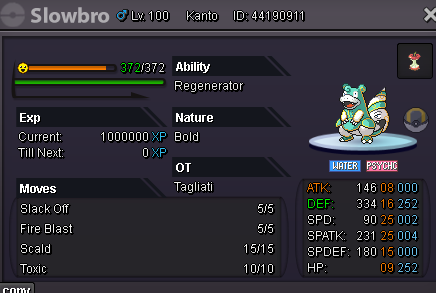
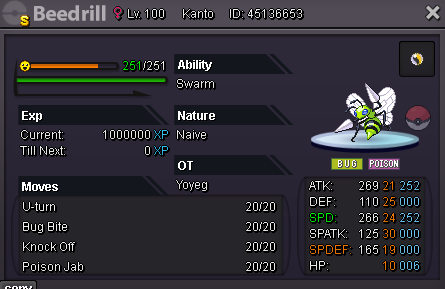
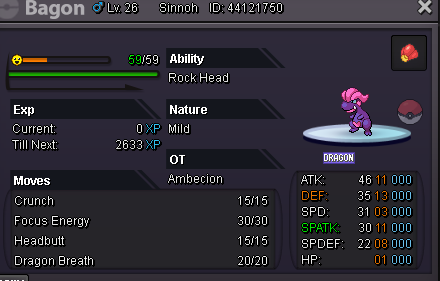
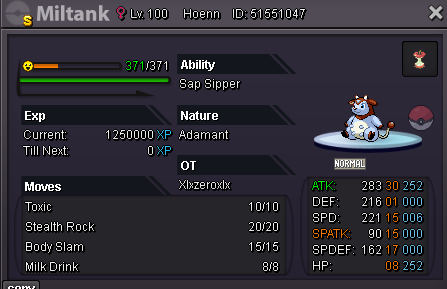
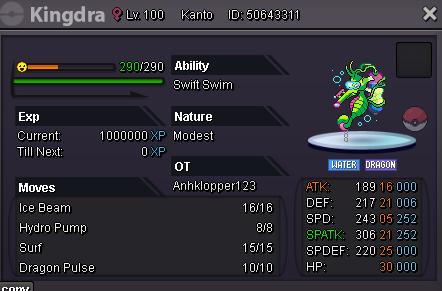
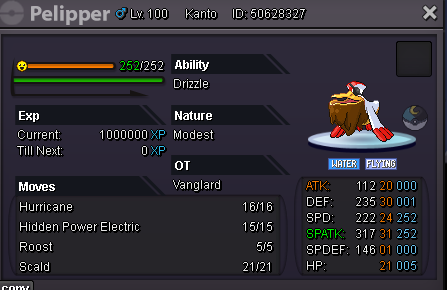
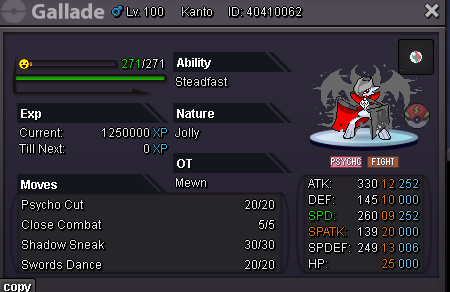
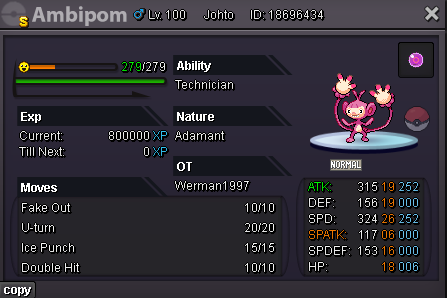
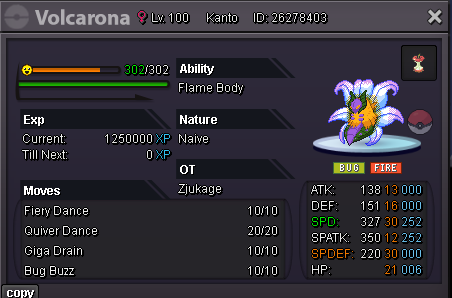
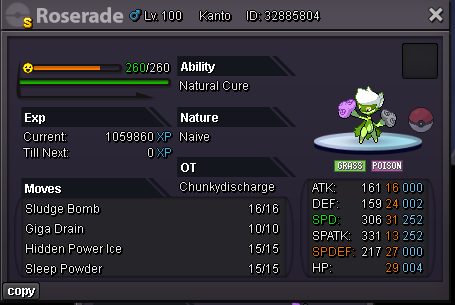
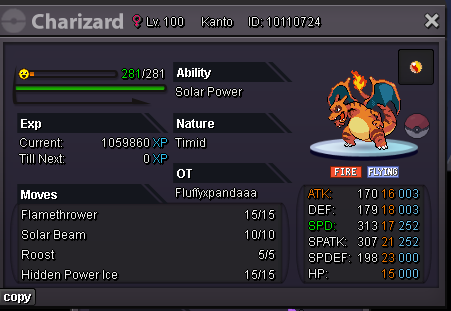
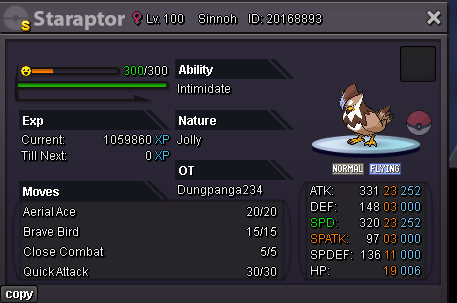
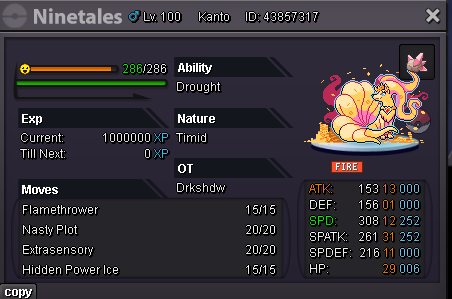
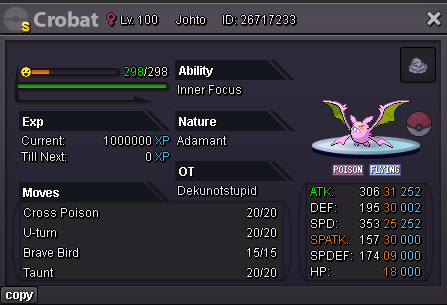
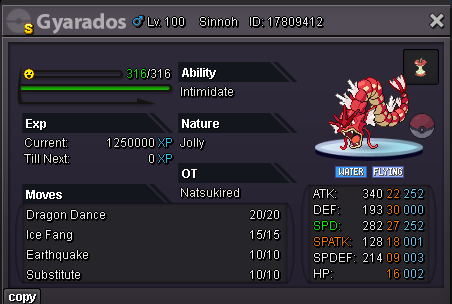
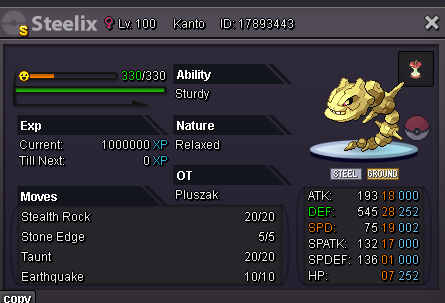
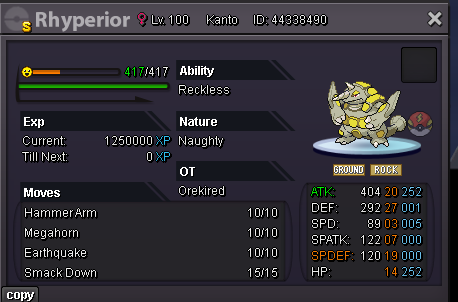
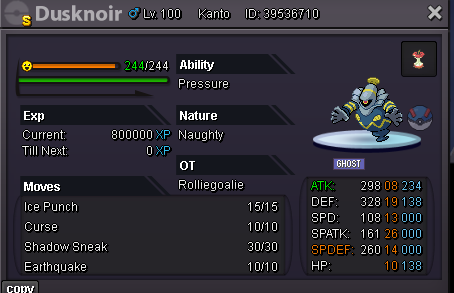
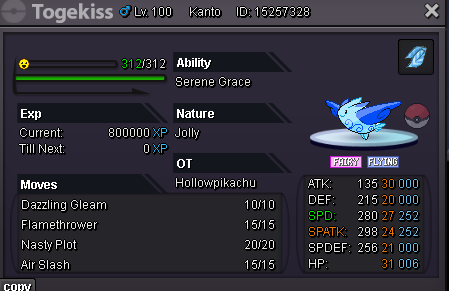
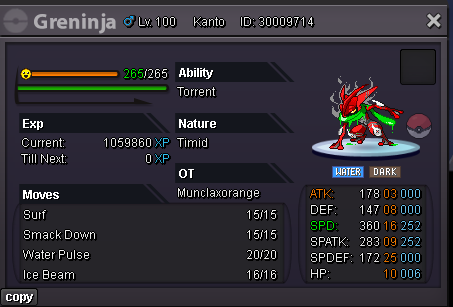
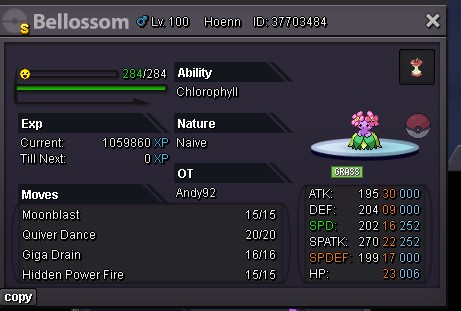
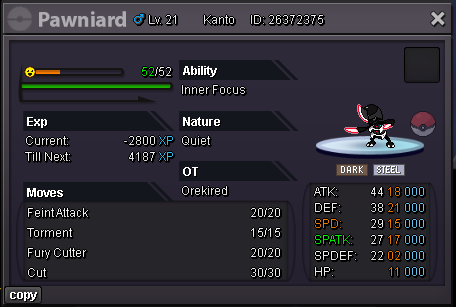
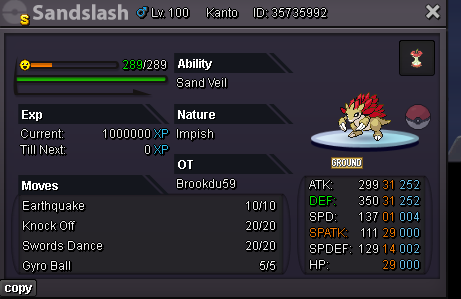
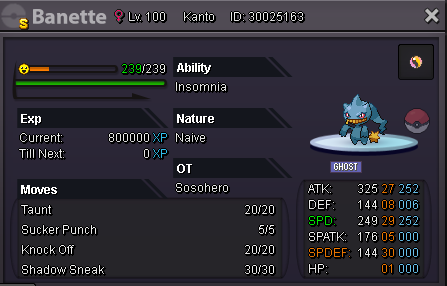
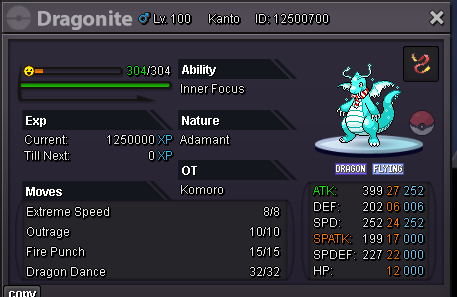
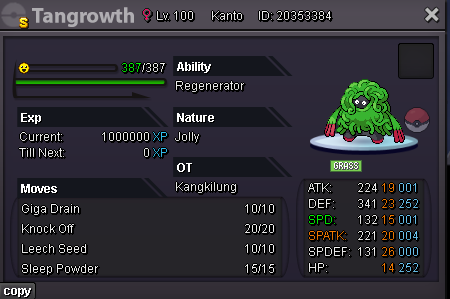
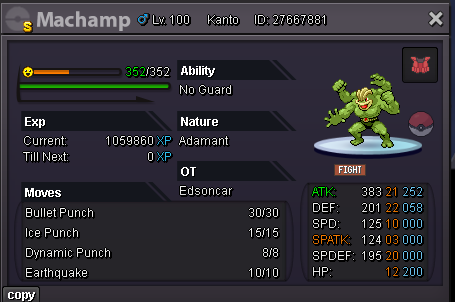
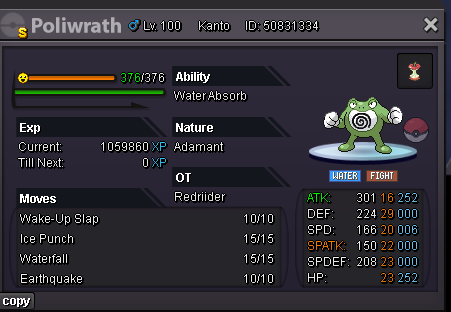
-
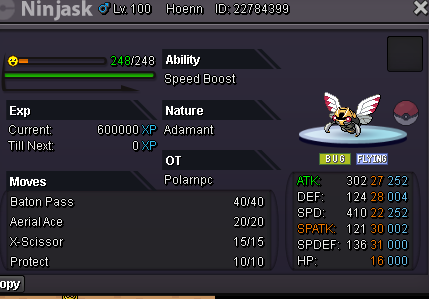
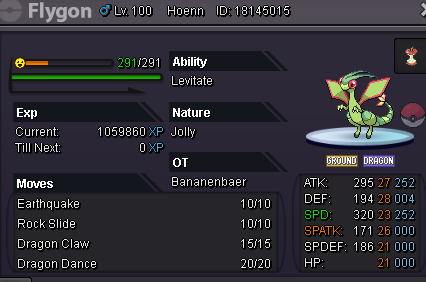
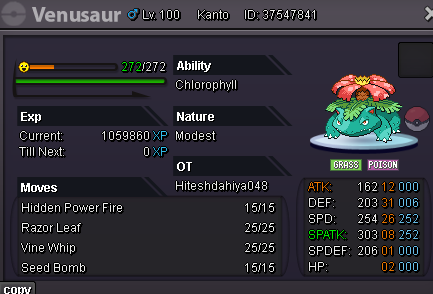
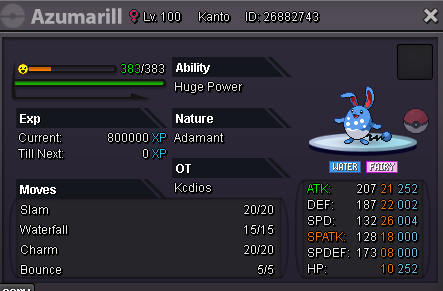
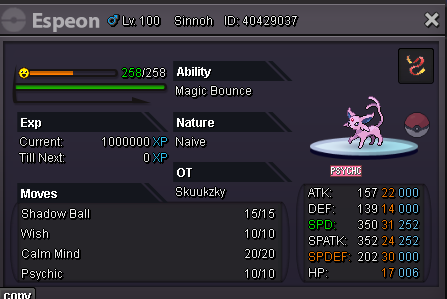
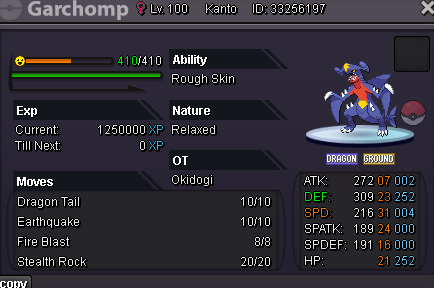
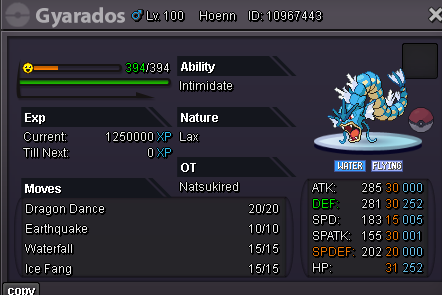
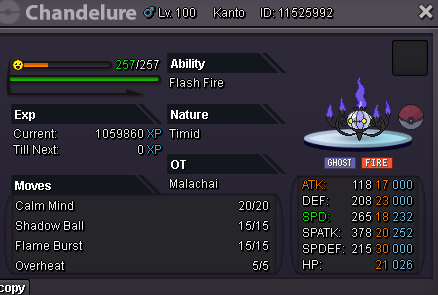
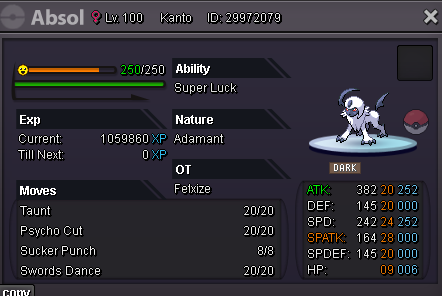
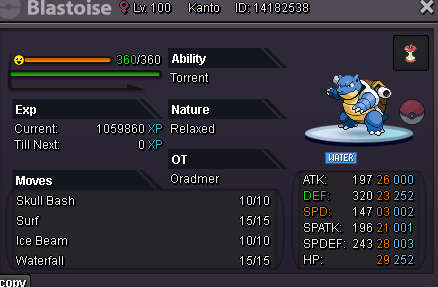
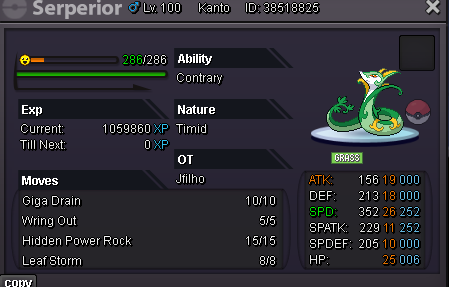
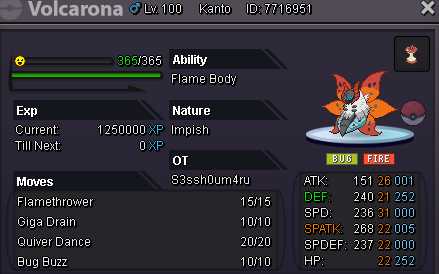
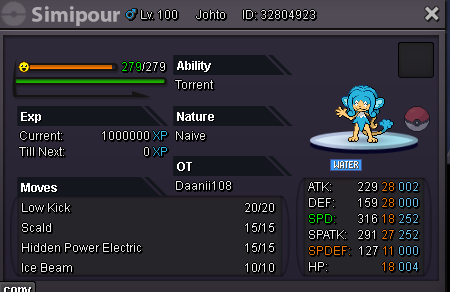
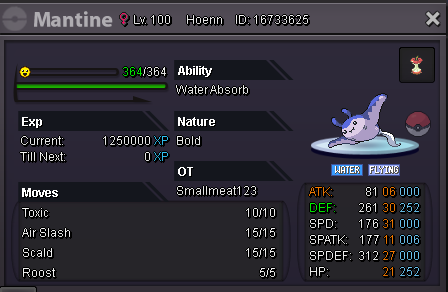
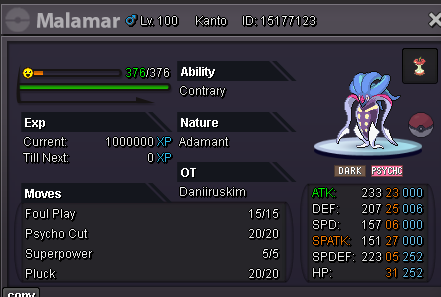
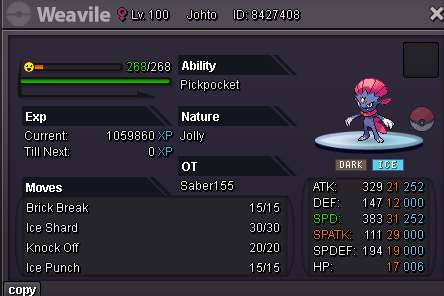
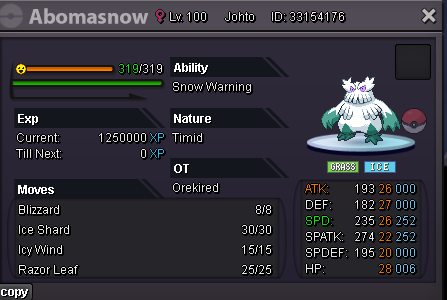
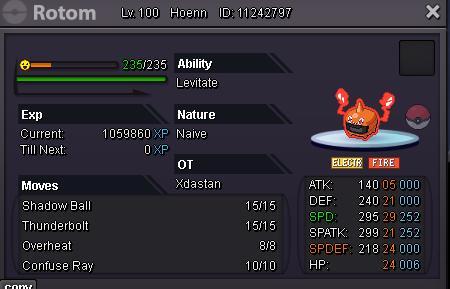
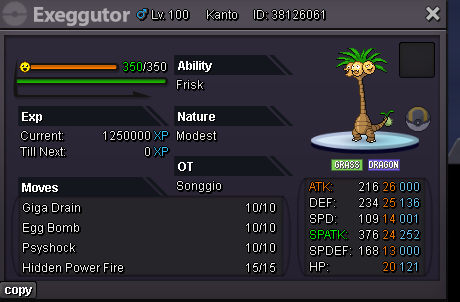
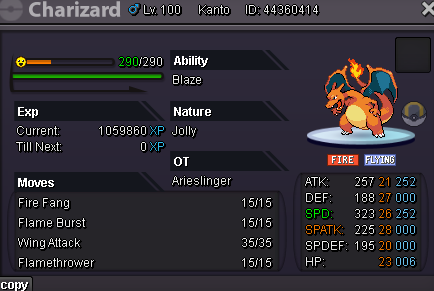
offer hp fire 250k 200k offer 250k 250k 200k 180k 400k hp rock 500k 300k 400k 300k 500k 250k 400k 250k 300k 300k 200k 200k 400k hp fire 600k 700k offer offer 400k 250k 400k 300k 300k offer 400k offer 400k offer 700k hp fire 300k offer 400k offer offer 500k 350k 700k 500k
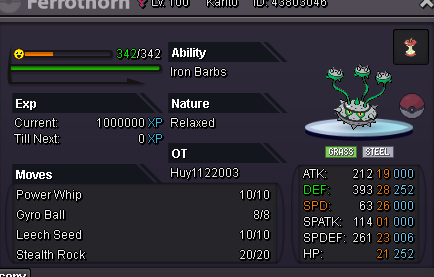
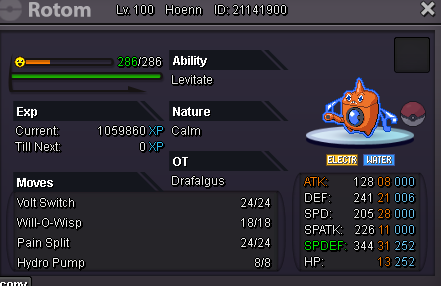
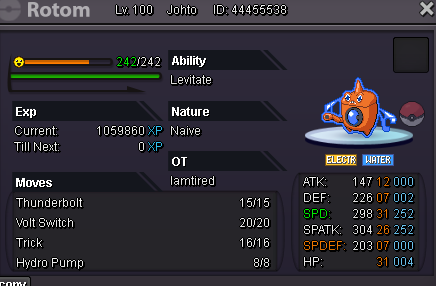
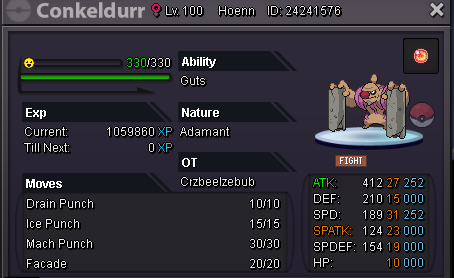
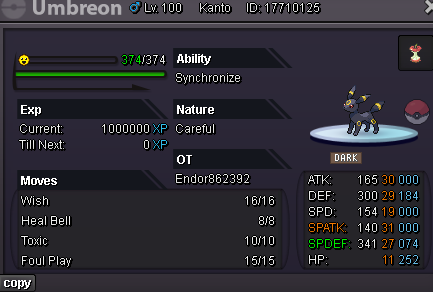
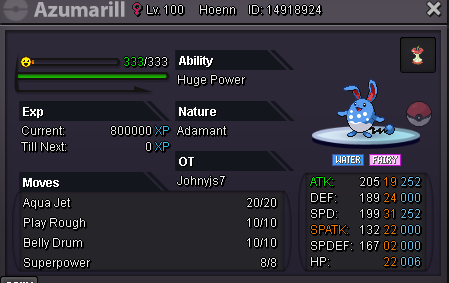
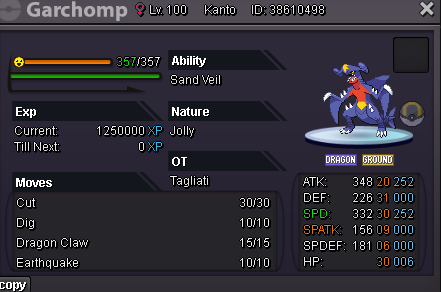
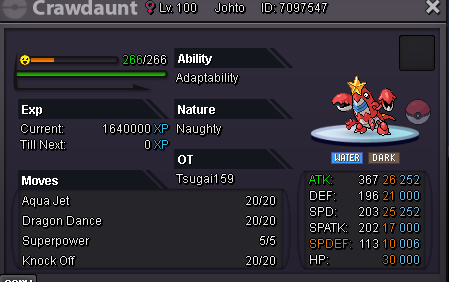
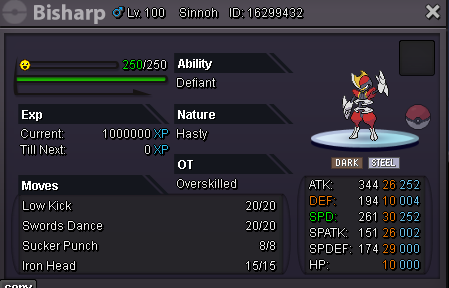
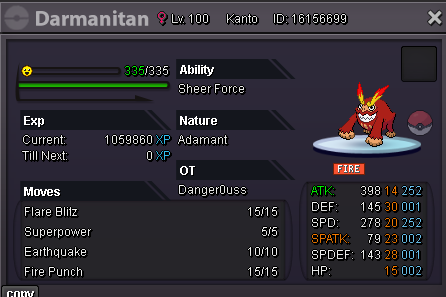
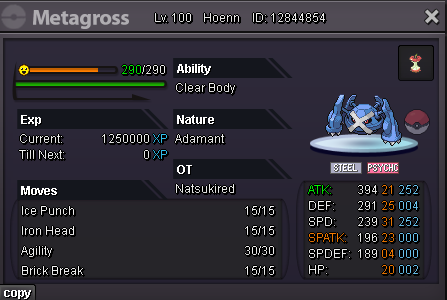
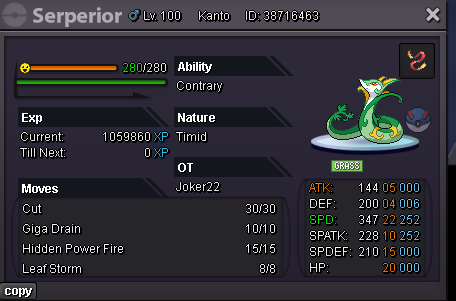
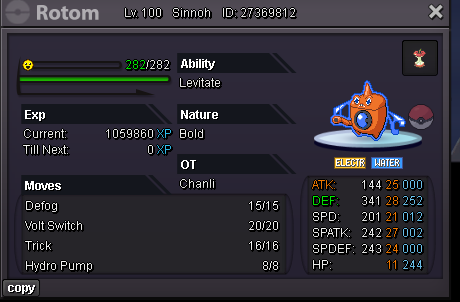
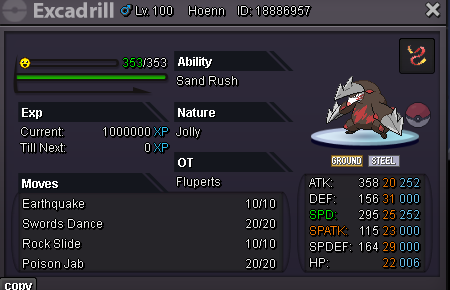
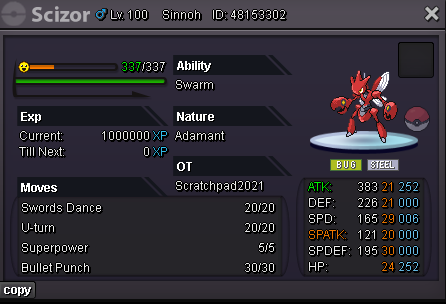
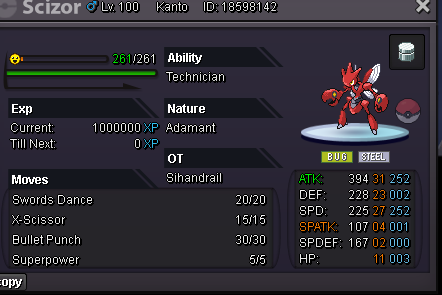
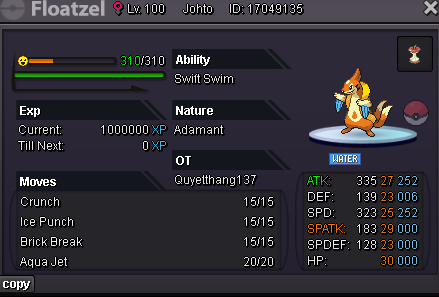
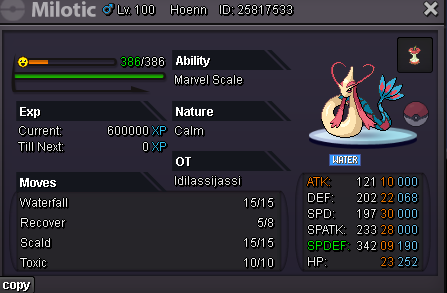
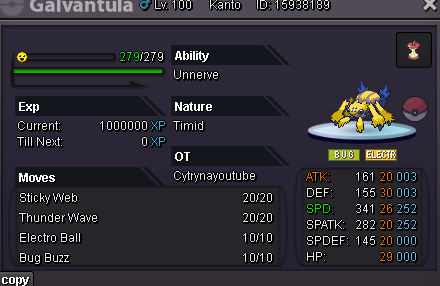
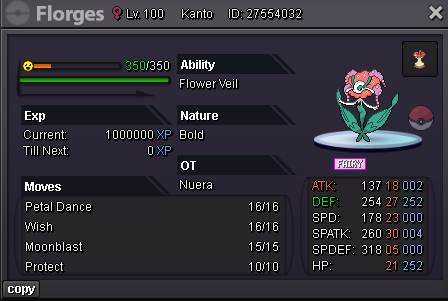
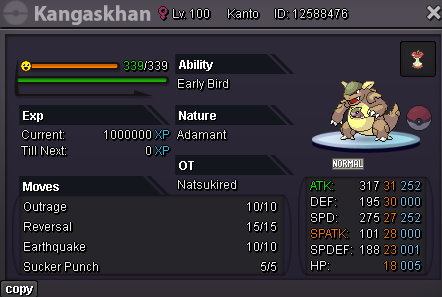
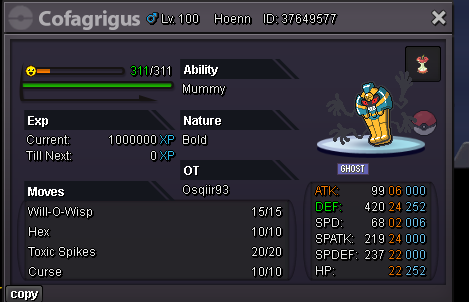
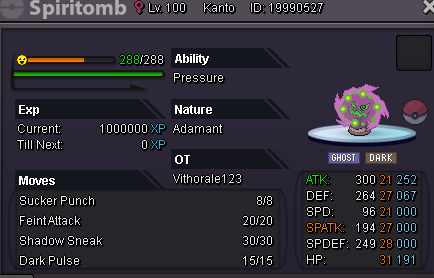
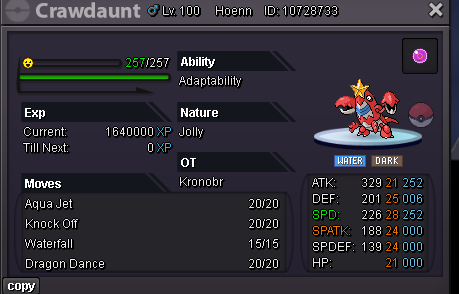
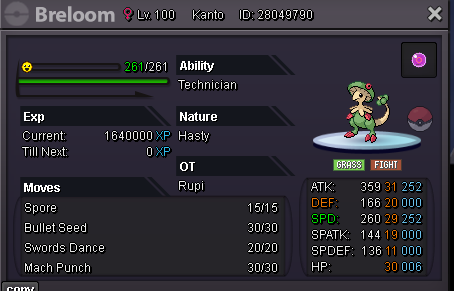
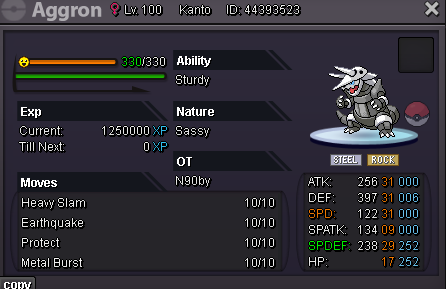
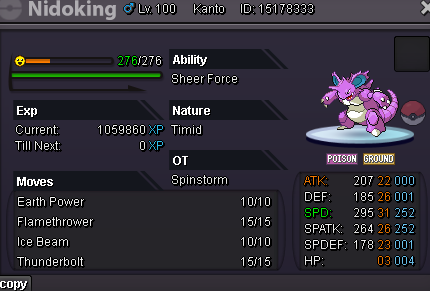
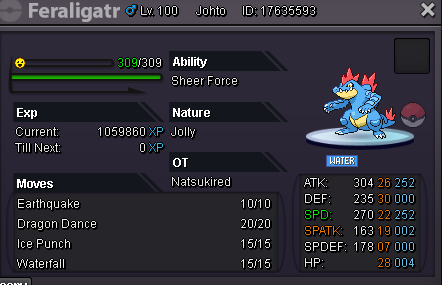
-
180k hp fire 500k(sold) 300k 350k 150k 180k 180k 600k 200k 200k 200k 400k hp ice 600k 500k 350k hp ice 200k
_LI.jpg.7b5fee3af46529b60818cddd1d52345d.jpg)
.png.42bcb6df9fea406b8fd7755762400a3a.png)
.png.e26d038683a40c503dabfe784fbdfe98.png)
.png.a86f5d9f87db3ca0c7baa731197be09c.png)
.png.c74906d615d4e026a7ba7c9477957060.png)
.png.826923630f50ca8d5b5bec46bbcf1c7f.png)
.png.17271b55784c92dd38bd8b411d14eff8.png)
.png.dde289f614b853de42a4d858c80fd718.png)
.png.c369a0f02c820551f259707a808e49ab.png)
.png.a3b58db903c462750ea2974ca358cbdc.png)
.png.ef793e16e8b91726b6452348887dad02.png)
.png.1d9ae0c2461e15c5e44242007e1079e9.png)
.png.7cb1814dc820d14eebad7bb5f479b138.png)
.png.be9a96f7598259148e5ad40168b7f8c9.png)
.png.3d6b8cf79eb008f38cf1ab41b2f65dc5.png)
.png.25ff055e589cc6cae11637cad330cb9e.png)
-
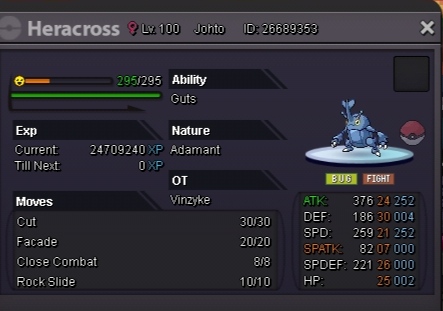
which hidden power is it ?
-
offer plssorry about that, too late, it was sold it yesterday700kStartuhm, ok, will save it for you, pm me when you cani can online now, in game : orekired


.png.a137a880d037274c81e5fc00098c6ab9.png)
.png.c3449b28e77cb102babfbbfbe35fbcf3.png)
Account
Navigation
Search
Configure browser push notifications
Chrome (Android)
- Tap the lock icon next to the address bar.
- Tap Permissions → Notifications.
- Adjust your preference.
Chrome (Desktop)
- Click the padlock icon in the address bar.
- Select Site settings.
- Find Notifications and adjust your preference.
Safari (iOS 16.4+)
- Ensure the site is installed via Add to Home Screen.
- Open Settings App → Notifications.
- Find your app name and adjust your preference.
Safari (macOS)
- Go to Safari → Preferences.
- Click the Websites tab.
- Select Notifications in the sidebar.
- Find this website and adjust your preference.
Edge (Android)
- Tap the lock icon next to the address bar.
- Tap Permissions.
- Find Notifications and adjust your preference.
Edge (Desktop)
- Click the padlock icon in the address bar.
- Click Permissions for this site.
- Find Notifications and adjust your preference.
Firefox (Android)
- Go to Settings → Site permissions.
- Tap Notifications.
- Find this site in the list and adjust your preference.
Firefox (Desktop)
- Open Firefox Settings.
- Search for Notifications.
- Find this site in the list and adjust your preference.