




New Trade Zone
Trade Zone is now live
Use the new Trade Zone for auctions and instant-price trades so Pokemon and item offers are easy to find.


Cazon511
Registered User
-
Joined
-
Last visited
Everything posted by Cazon511
-
650k IGN: cazon511 Discord: IceberryCoffee

-
BUMP IGN: cazon511 Discord: IceberryCoffee
-
24HRS LEFT IGN: cazon511 Discord: IceberryCoffee
-
600k IGN: cazon511 Discord: IcberryCoffee
-
Hello I would like to buy these from gold server. I'll wait when you're back at gold server IGN: cazon511 Discord: IceberryCoffee
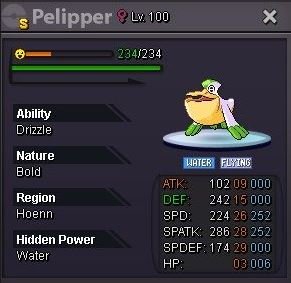
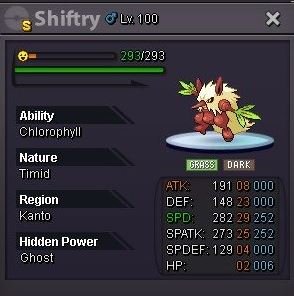
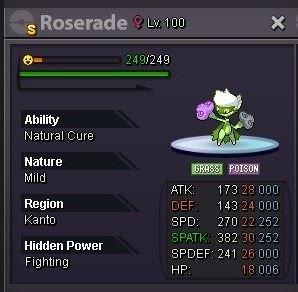
-
BUMP IGN: cazon511 Discord: IcberryCoffee
-
BOLD PORYGON TRICK ROOM SETTER STARTING POINT: 100K MIN BID: 20K NO INSTA AUCTION ENDS AFTER 72HRS AFTER THE FIRST BID STARTED CURRENT OFFER: 2.5m BY Melodicblue CURRENT AUCTION TIMER: https://countingdownto.com/?c=5917796 ACCEPTING PAYMENT Pokedollar Coin Capsule = 400K IV RR = 500K Nature RR = 250K Black Medallion = 200k IGN: cazon511 Discord: IceberryCoffee visit my shop ICEBERRYCOFFEE'S SHOP
 1.5m IGN: cazon511 Discord: IceberryCoffee
320k Discord: Iceberrycoffee IGN: cazon511
 Hello I would like to buy this IGN: cazon511 Discord: IcberryCoffee
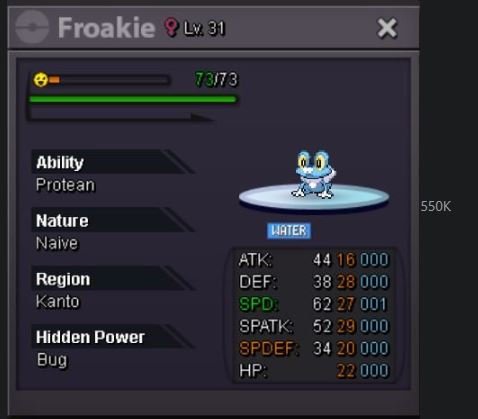 Hello I want to buy this one IGN: cazon511 Discord: IcberryCoffee
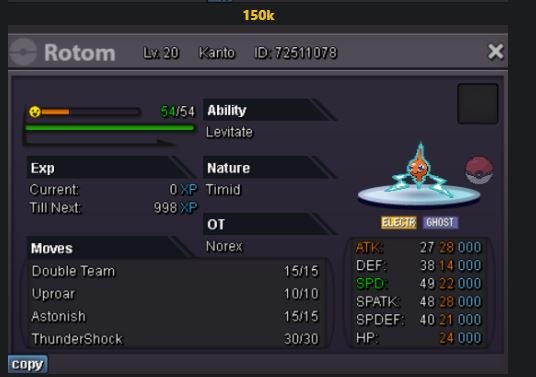 Hello I would like to buy this one Discord: Iceberrycoffee IGN: cazon511
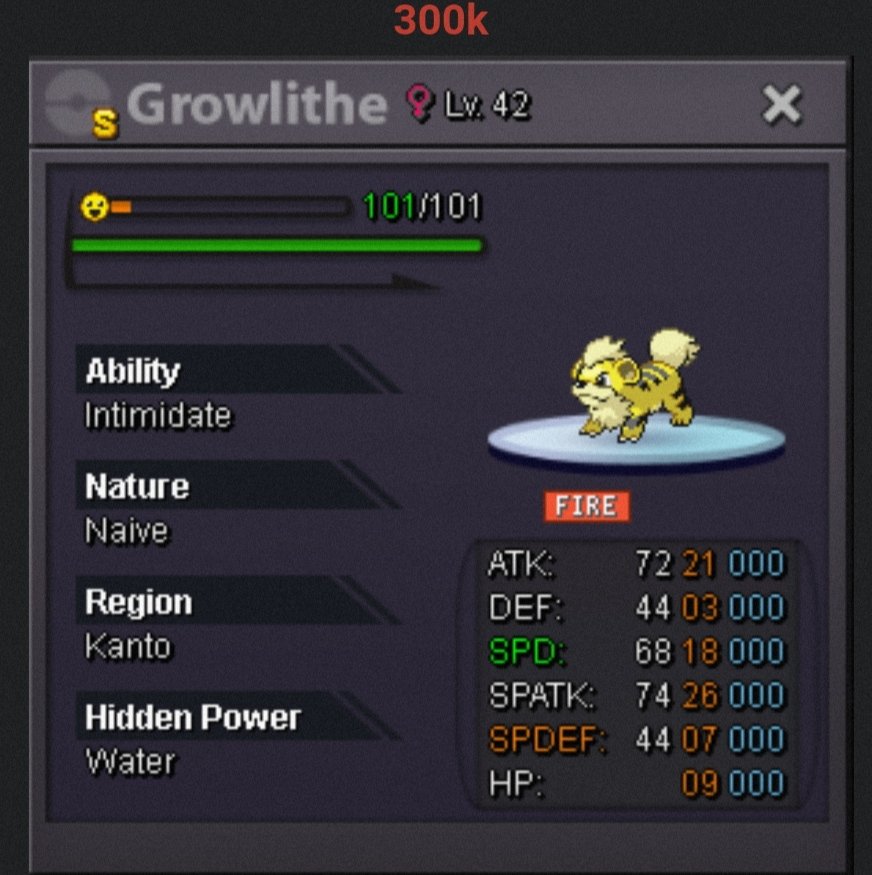 Start Discord: Iceberrycoffee IGN: cazon511
Hello I would like to buy this one Discord: Iceberrycoffee IGN: cazon511
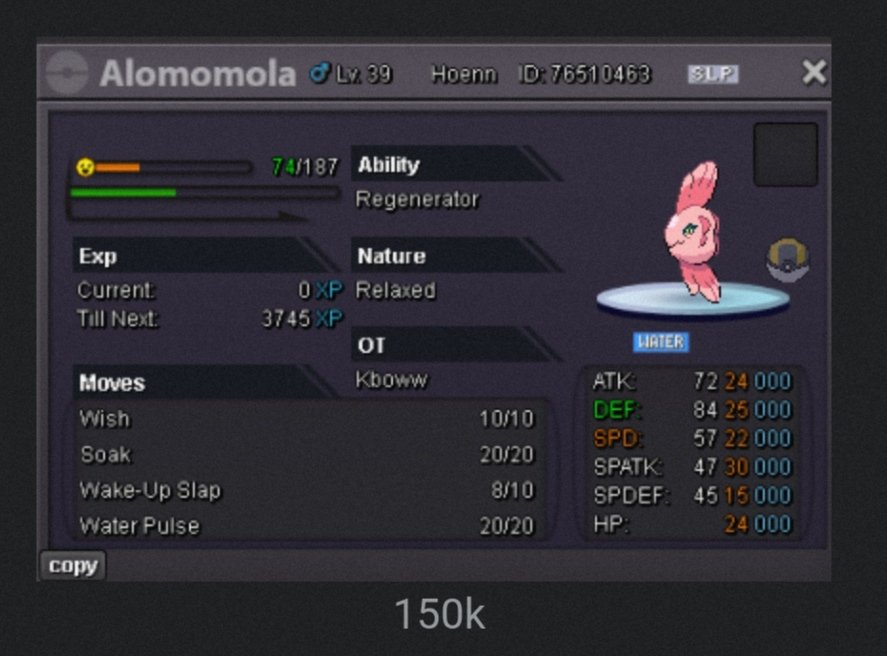 Got it lemme know whenever you're onlineGot it just lemme know whenever you're onlineBUMP IGN: cazon511 Diacord: IcberryCoffee
I would like to buy shiny luxray mount IGN: cazon511 Diacord: IcberryCoffee
I'm available right now we meet at vermi?



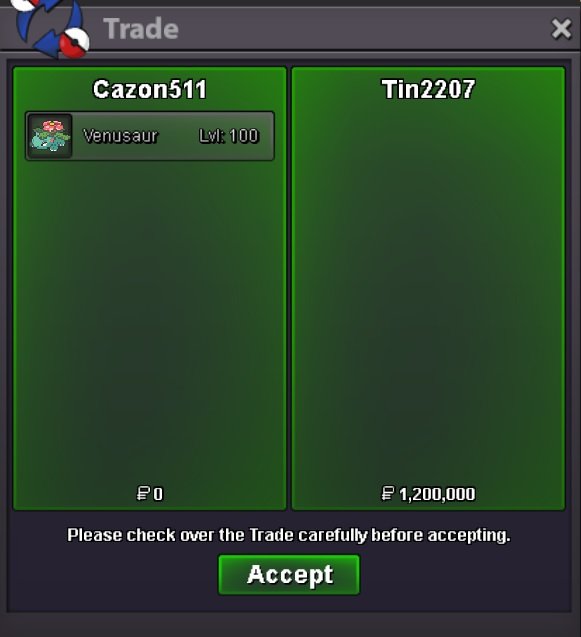
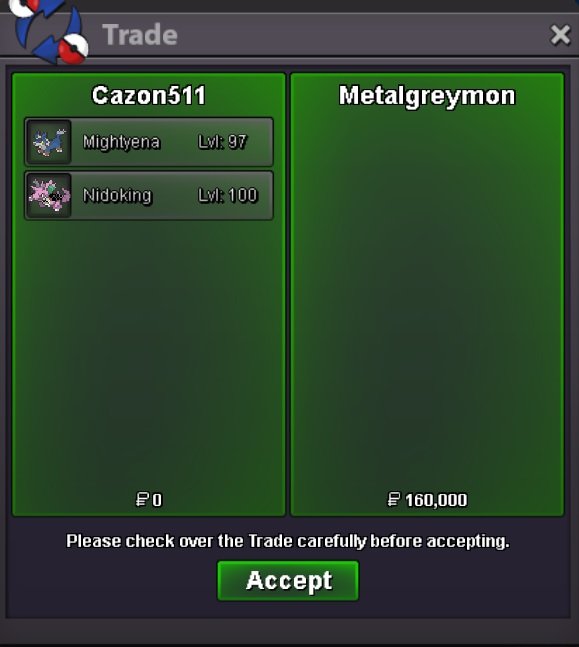

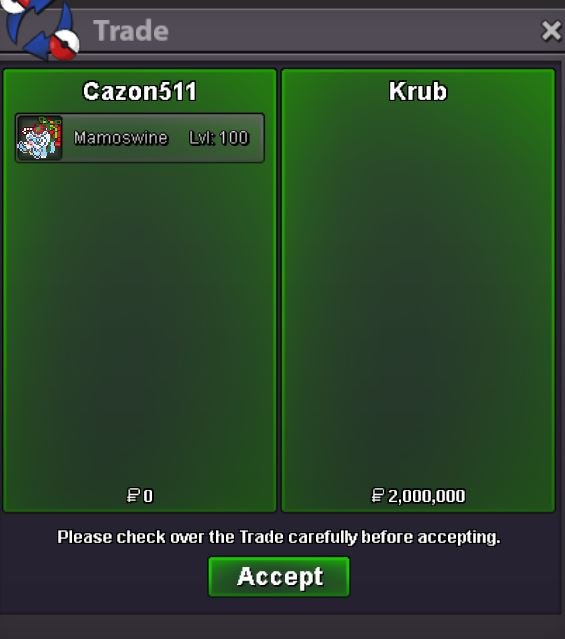

Account
Navigation
Search
Configure browser push notifications
Chrome (Android)
- Tap the lock icon next to the address bar.
- Tap Permissions → Notifications.
- Adjust your preference.
Chrome (Desktop)
- Click the padlock icon in the address bar.
- Select Site settings.
- Find Notifications and adjust your preference.
Safari (iOS 16.4+)
- Ensure the site is installed via Add to Home Screen.
- Open Settings App → Notifications.
- Find your app name and adjust your preference.
Safari (macOS)
- Go to Safari → Preferences.
- Click the Websites tab.
- Select Notifications in the sidebar.
- Find this website and adjust your preference.
Edge (Android)
- Tap the lock icon next to the address bar.
- Tap Permissions.
- Find Notifications and adjust your preference.
Edge (Desktop)
- Click the padlock icon in the address bar.
- Click Permissions for this site.
- Find Notifications and adjust your preference.
Firefox (Android)
- Go to Settings → Site permissions.
- Tap Notifications.
- Find this site in the list and adjust your preference.
Firefox (Desktop)
- Open Firefox Settings.
- Search for Notifications.
- Find this site in the list and adjust your preference.