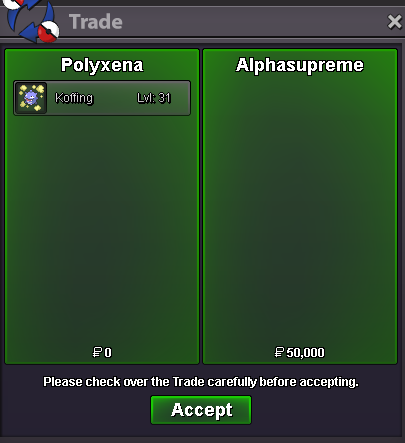
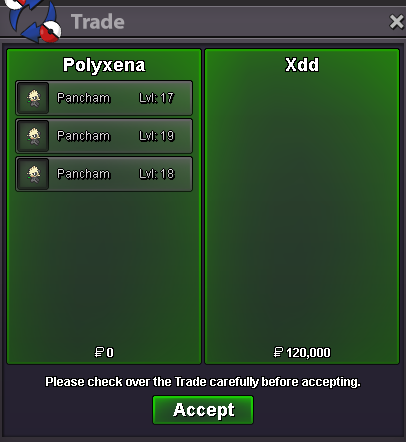
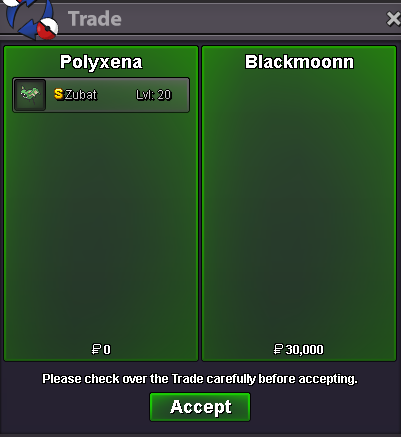
New Trade Zone
Trade Zone is now live
Use the new Trade Zone for auctions and instant-price trades so Pokemon and item offers are easy to find.


Polyxena
Registered User
-
Joined
-
Last visited
Everything posted by Polyxena
-
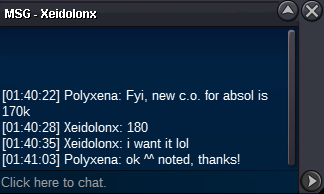
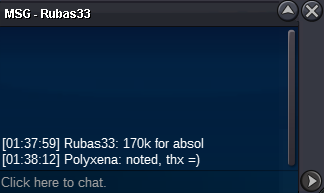
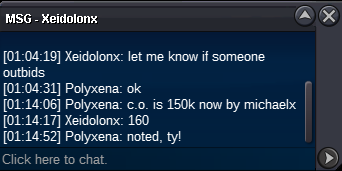
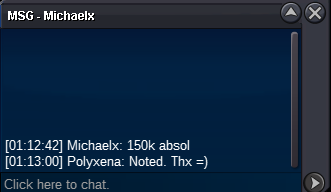
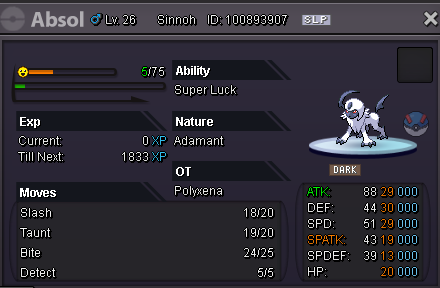
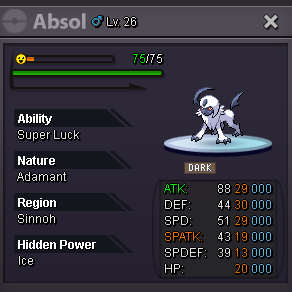
Absol started // countdown got added
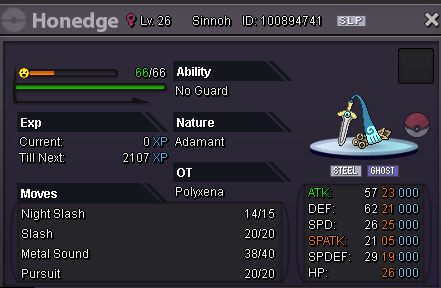
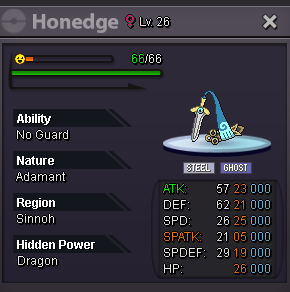
 Honedge started // countdown got added
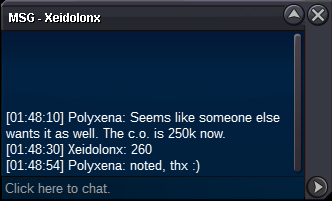
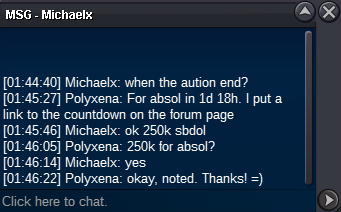
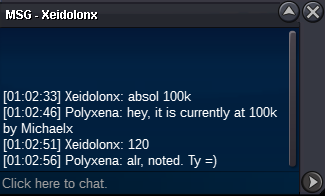
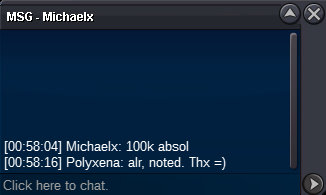
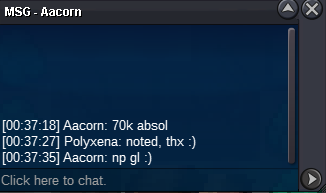
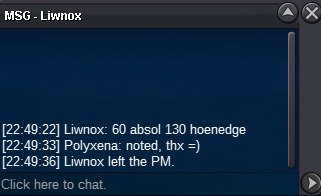
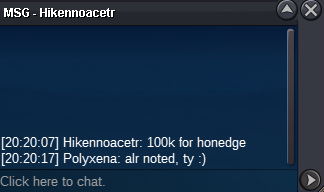 Starting offer for each mon: 50k Minimum bid: 10k No Insta Auctions end: 48h after s.o. is met • Countdown Absol: ENDED • Countdown Honedge: ENDED • Countdown: ENDED Accepted Payments: Pokedollars // Coin Capsules (500k each) SOLD for 260k SOLD for 210k SOLD for 80k - All trading rules apply! - Bidders from Gold server are welcome but need to transfer in case of winning - If you plan to involve an alt account, then please state the nickname when you bid Good luck and have fun bidding ❤️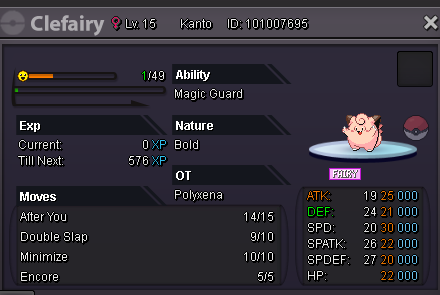
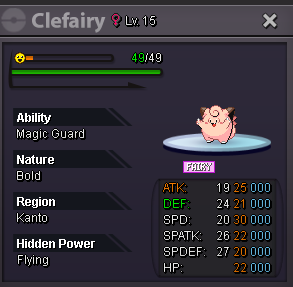
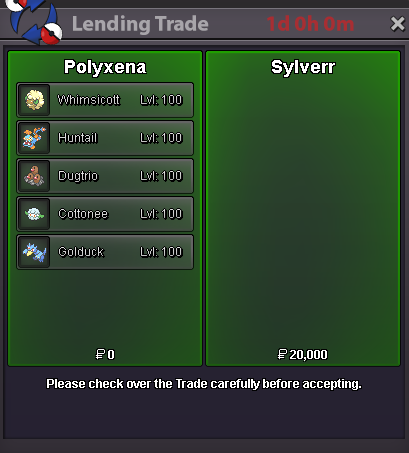
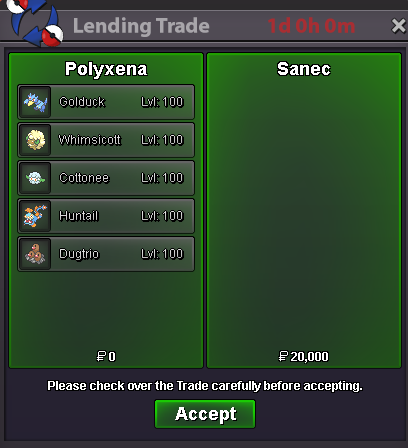
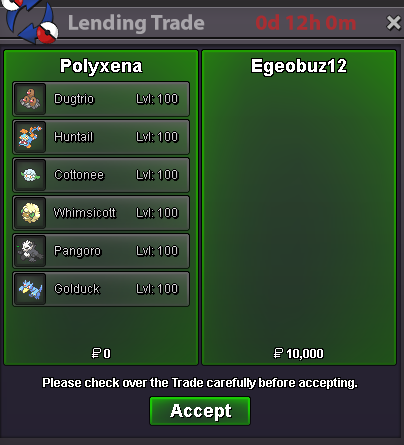
 🟢 The boss team is available again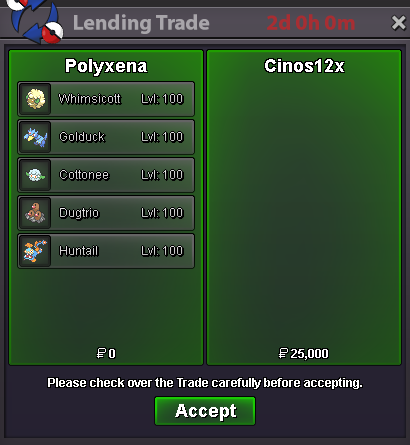
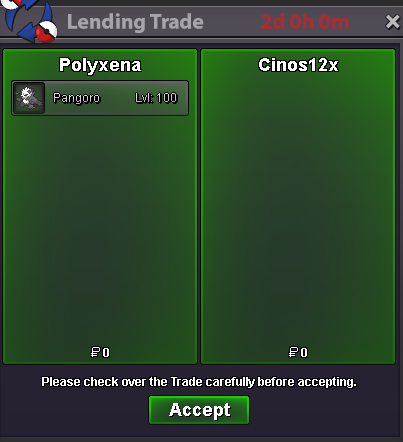
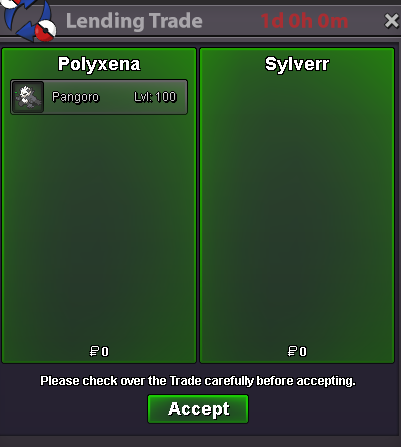
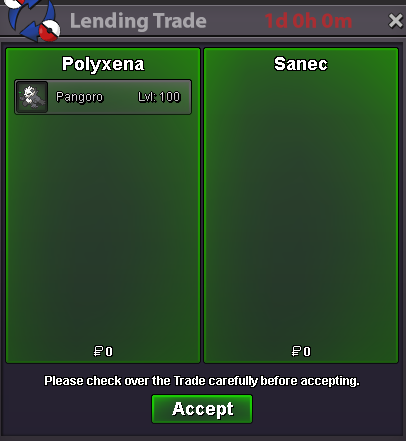
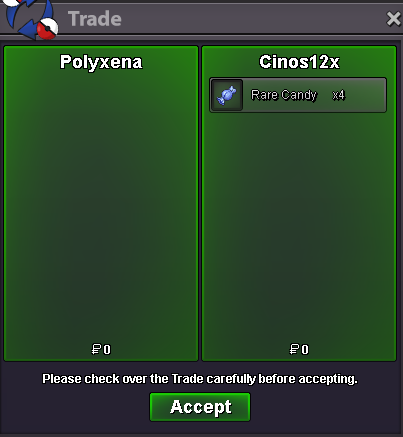 The first time the new boss team got lent ❤️ (and I also found out, that such trades have to be done in 2 steps 😅). However, the boss team got already lent again for 2 days. For further details, please check the first page
 𝓦𝓮𝓵𝓬𝓸𝓶𝓮 𝓽𝓸 𝓶𝔂 𝓢𝓹𝓮𝓬𝓲𝓪𝓵 𝓟𝓸𝓴𝓮𝓶𝓸𝓷 𝓢𝓱𝓸𝓹 𝓒𝓸𝓷𝓽𝓪𝓬𝓽 IGN: Polyxena Discord: .polyxena 𝓟𝓪𝔂𝓶𝓮𝓷𝓽 𝓶𝓮𝓽𝓱𝓸𝓭𝓼 Pokedollars Coin Capsules (450k) Rare Candies (7k) 𝓘𝓷𝓯𝓸𝓻𝓶𝓪𝓽𝓲𝓸𝓷 Prices are negotiable (I only accept fair/constructive price suggestions) Mons got caught with regular poke balls unless stated otherwise Mons get traded without items Fake offers get reported I am open to constructive feedback via DM regarding my shop 𝓢𝓱𝓲𝓷𝓲𝓮𝓼 𝓟𝓲𝓷𝓴𝓲𝓮𝓼 𝓥𝓪𝓵𝓮𝓷𝓽𝓲𝓷𝓮'𝓼 𝓓𝓪𝔂 ♥ 𝓐𝓹𝓻𝓲𝓵 𝓕𝓸𝓸𝓵'𝓼 𝓓𝓪𝔂 𝓔𝓪𝓼𝓽𝓮𝓻𝓷


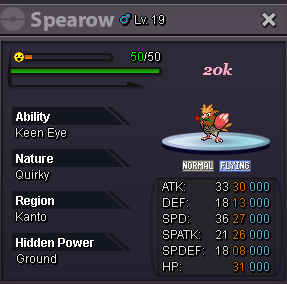
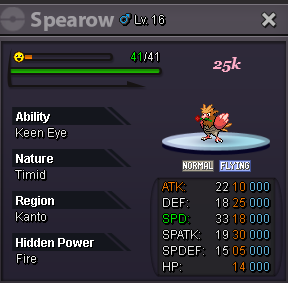
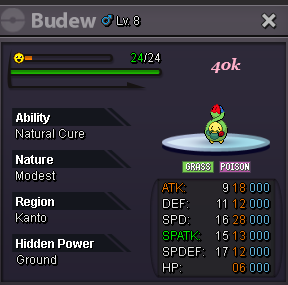
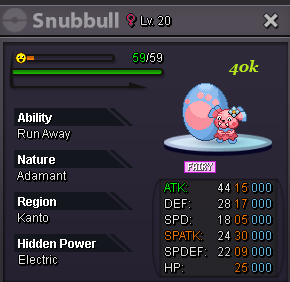
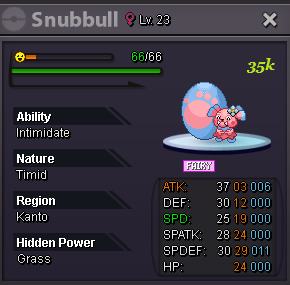
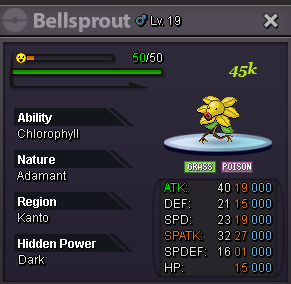
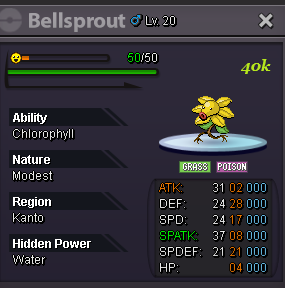
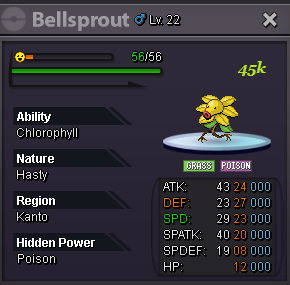
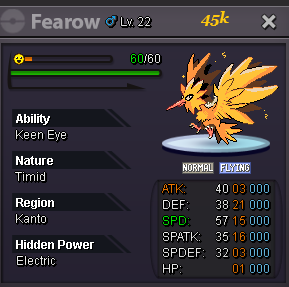
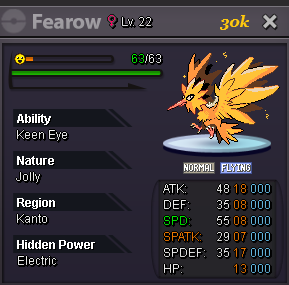
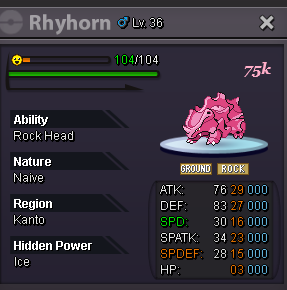
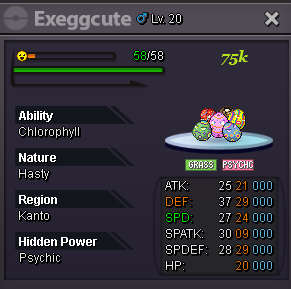 Sure, it got reserved for you 🙂 . Just let me know when u are usually online, so we can finish the trade.~ Bump ~ Some more mons got added to the shop
Account
Navigation
Search
Configure browser push notifications
Chrome (Android)
- Tap the lock icon next to the address bar.
- Tap Permissions → Notifications.
- Adjust your preference.
Chrome (Desktop)
- Click the padlock icon in the address bar.
- Select Site settings.
- Find Notifications and adjust your preference.
Safari (iOS 16.4+)
- Ensure the site is installed via Add to Home Screen.
- Open Settings App → Notifications.
- Find your app name and adjust your preference.
Safari (macOS)
- Go to Safari → Preferences.
- Click the Websites tab.
- Select Notifications in the sidebar.
- Find this website and adjust your preference.
Edge (Android)
- Tap the lock icon next to the address bar.
- Tap Permissions.
- Find Notifications and adjust your preference.
Edge (Desktop)
- Click the padlock icon in the address bar.
- Click Permissions for this site.
- Find Notifications and adjust your preference.
Firefox (Android)
- Go to Settings → Site permissions.
- Tap Notifications.
- Find this site in the list and adjust your preference.
Firefox (Desktop)
- Open Firefox Settings.
- Search for Notifications.
- Find this site in the list and adjust your preference.