




New Trade Zone
Trade Zone is now live
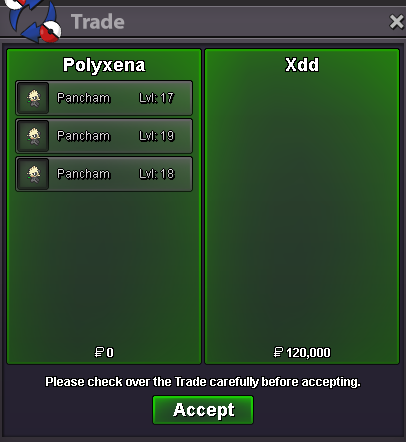
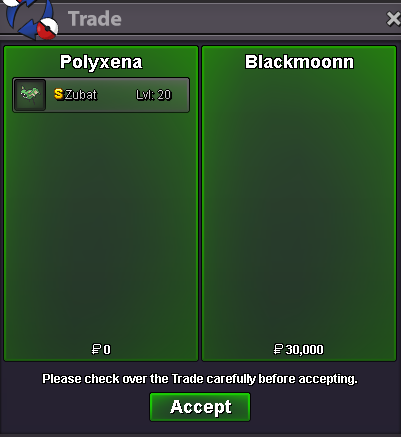
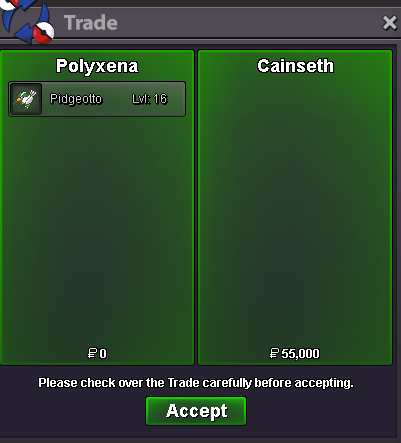
Use the new Trade Zone for auctions and instant-price trades so Pokemon and item offers are easy to find.


Polyxena
Registered User
-
Joined
-
Last visited
Everything posted by Polyxena
-
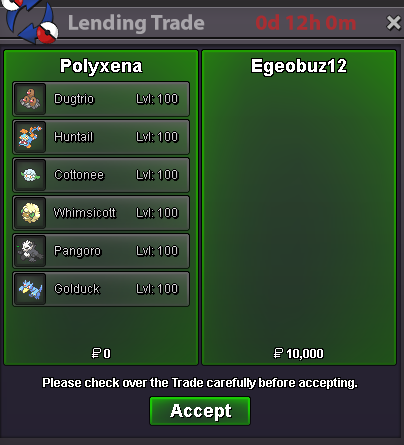
The first time the new boss team got lent ❤️ (and I also found out, that such trades have to be done in 2 steps 😅). However, the boss team got already lent again for 2 days. For further details, please check the first page
-
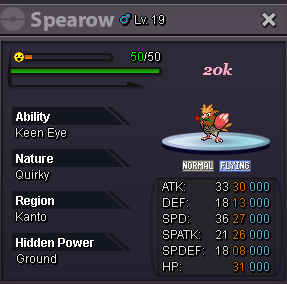
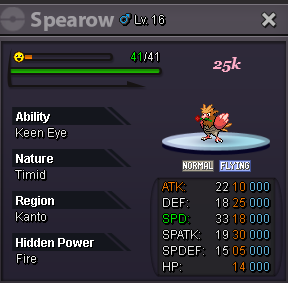
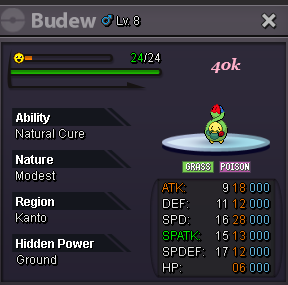
𝓦𝓮𝓵𝓬𝓸𝓶𝓮 𝓽𝓸 𝓶𝔂 𝓢𝓹𝓮𝓬𝓲𝓪𝓵 𝓟𝓸𝓴𝓮𝓶𝓸𝓷 𝓢𝓱𝓸𝓹 𝓒𝓸𝓷𝓽𝓪𝓬𝓽 IGN: Polyxena Discord: .polyxena 𝓟𝓪𝔂𝓶𝓮𝓷𝓽 𝓶𝓮𝓽𝓱𝓸𝓭𝓼 Pokedollars Coin Capsules (450k) Rare Candies (7k) 𝓘𝓷𝓯𝓸𝓻𝓶𝓪𝓽𝓲𝓸𝓷 Prices are negotiable (I only accept fair/constructive price suggestions) Mons got caught with regular poke balls unless stated otherwise Mons get traded without items Fake offers get reported I am open to constructive feedback via DM regarding my shop 𝓢𝓱𝓲𝓷𝓲𝓮𝓼 𝓟𝓲𝓷𝓴𝓲𝓮𝓼 𝓥𝓪𝓵𝓮𝓷𝓽𝓲𝓷𝓮'𝓼 𝓓𝓪𝔂 ♥ 𝓐𝓹𝓻𝓲𝓵 𝓕𝓸𝓸𝓵'𝓼 𝓓𝓪𝔂 𝓔𝓪𝓼𝓽𝓮𝓻𝓷


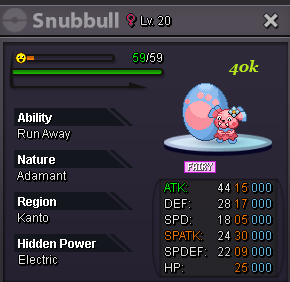
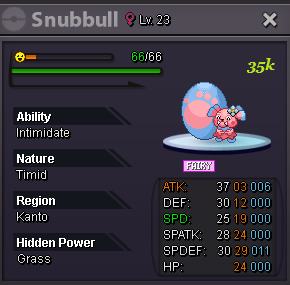
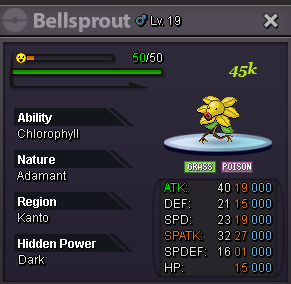
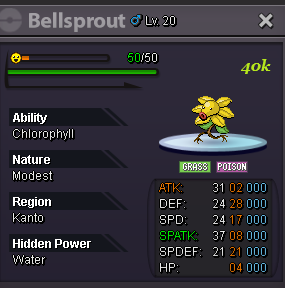
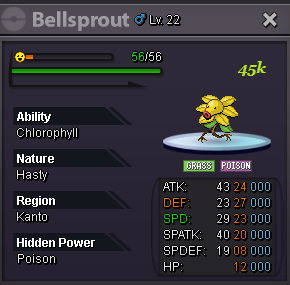
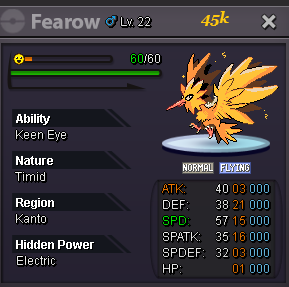
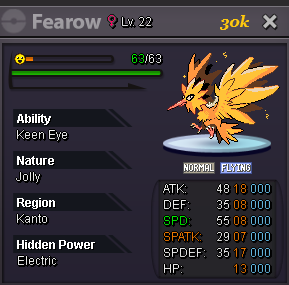
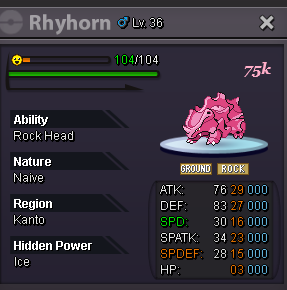
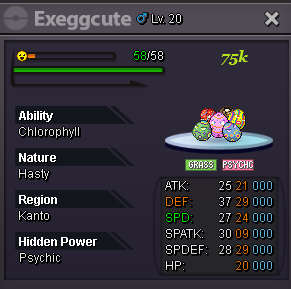
-
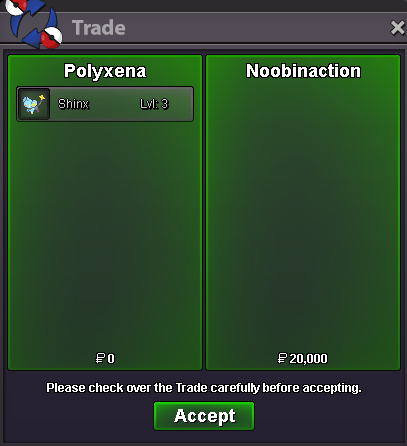
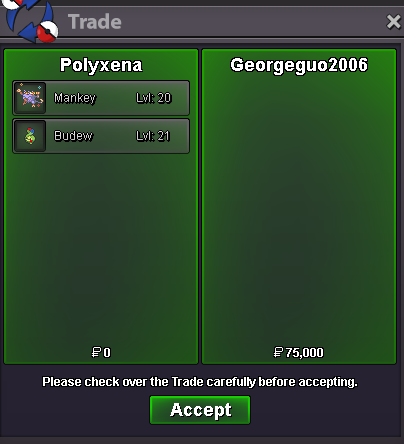
Sure, it got reserved for you 🙂 . Just let me know when u are usually online, so we can finish the trade.~ Bump ~ Some more mons got added to the shopThank you very much @Sunnyxtc for the kind words and the tip 🥰 !! Update: from now on, I also offer a boss team lending service. Further information can be found on the first page. 😊
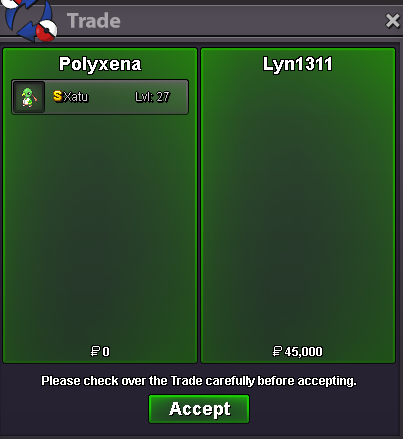
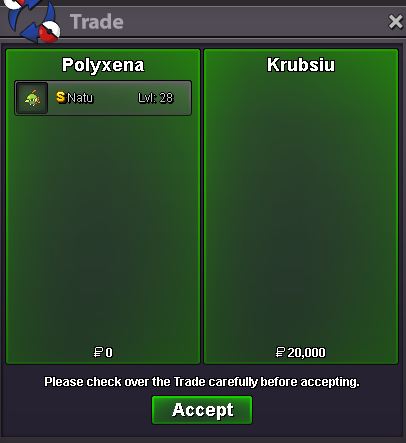
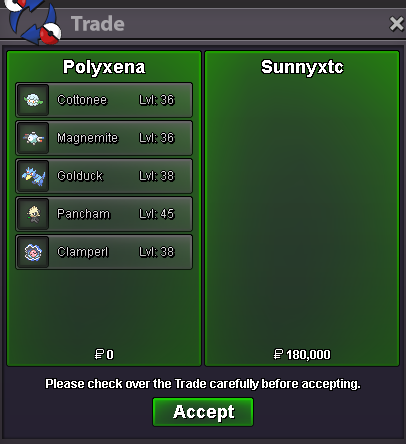 @Lyn1311 @Krub Alright, I reserved them for you 🙂 . Just contact me either via Discord or DM on the forums when you are online to finish the trade. -------------------------------------------- ~ Shop got updated ~
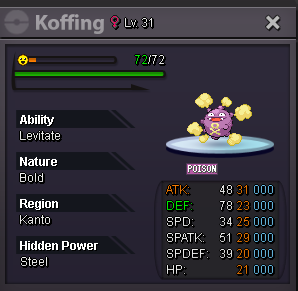
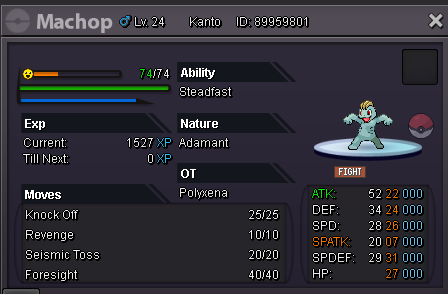
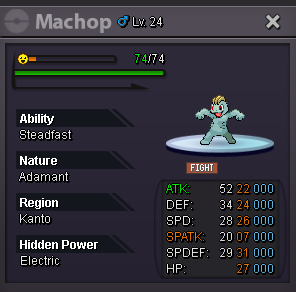
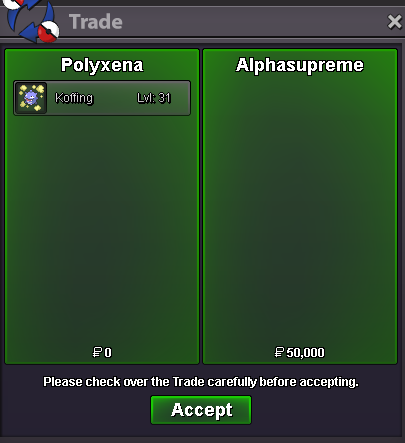
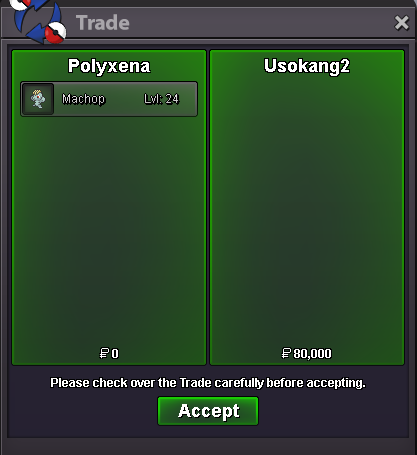
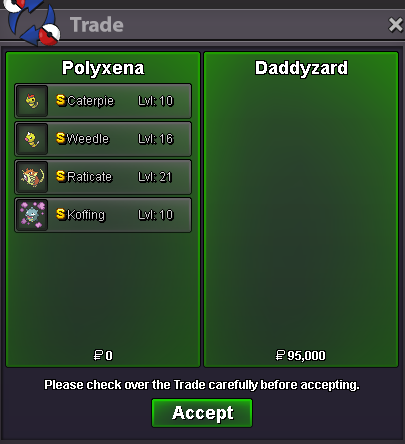 upBumpI am sorry for the late reply Suncity. Somehow, I haven't been notified about your message here. My price for training 50 mons (without any corrections of EV's) would be 1.75m@Usokang2congrats, you won the machop for 80k 😊. Please let me know via pm or Discord (.polyxena) when you are usually online. The auction is over. Koffing remains unclaimed.Starting offer for each mon: 80k Minimum bid: 10k No Insta Auctions end: Monday, 20th January 2025 --> 09:00 PM (GMT+1) • Countdown: https://www.webcountdown.de/?a=Y3mBXY9 Accepted Payments: Pokedollar & Coin Capsule (500k each) Current offer: - Current offer: 80k by @Usokang2 Happy bidding & good luck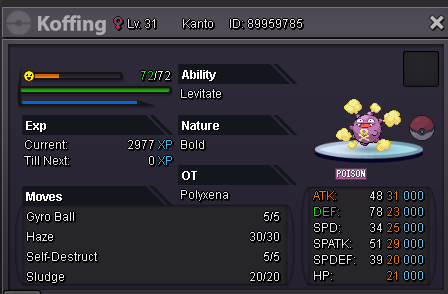
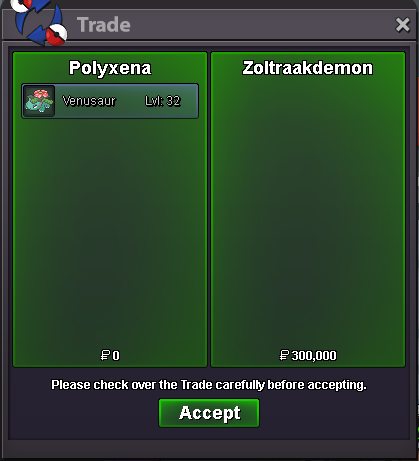
 - Bump - I am ready to train some mons this weekend. So don't hesitate to contact me either here or on Discord (with a screenshot of the mon(s) u want to get EV trained). 💙Yes. I am in Vermi pc.Congrats @Zoltraakdemon. You won the auction and get the Venusaur 💙! Please let me know when you are available for the trade, either via private message or via Discord (.polyxena).


Account
Navigation
Search
Configure browser push notifications
Chrome (Android)
- Tap the lock icon next to the address bar.
- Tap Permissions → Notifications.
- Adjust your preference.
Chrome (Desktop)
- Click the padlock icon in the address bar.
- Select Site settings.
- Find Notifications and adjust your preference.
Safari (iOS 16.4+)
- Ensure the site is installed via Add to Home Screen.
- Open Settings App → Notifications.
- Find your app name and adjust your preference.
Safari (macOS)
- Go to Safari → Preferences.
- Click the Websites tab.
- Select Notifications in the sidebar.
- Find this website and adjust your preference.
Edge (Android)
- Tap the lock icon next to the address bar.
- Tap Permissions.
- Find Notifications and adjust your preference.
Edge (Desktop)
- Click the padlock icon in the address bar.
- Click Permissions for this site.
- Find Notifications and adjust your preference.
Firefox (Android)
- Go to Settings → Site permissions.
- Tap Notifications.
- Find this site in the list and adjust your preference.
Firefox (Desktop)
- Open Firefox Settings.
- Search for Notifications.
- Find this site in the list and adjust your preference.