New Trade Zone
Trade Zone is now live
Use the new Trade Zone for auctions and instant-price trades so Pokemon and item offers are easy to find.

Shunsou
Registered User
-
Joined
-
Last visited
Everything posted by Shunsou
-
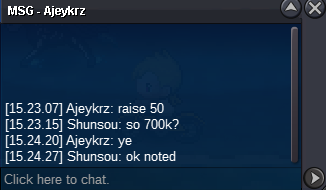
i dont really understand about the 15 min last bid rule, @Hawluchaa can you help me here?
-
based gmt+0 its 17.00 pm

-
-
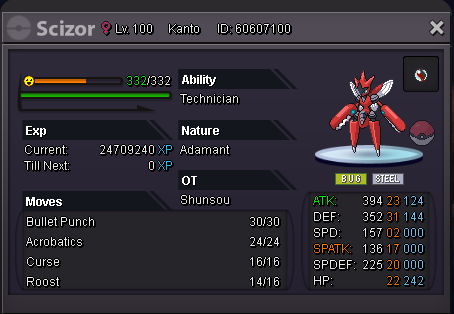
auction ended at 19/08/2021 17.00 Gmt +0S.o : 1m insta : 8m min bid : 200k also accept reroll IV/nature : 700k/350k cc : 370k auction will end after 48 hours
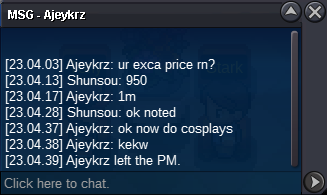
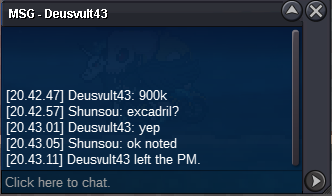
 excadril sold insta ingame everyone thanks for bidding
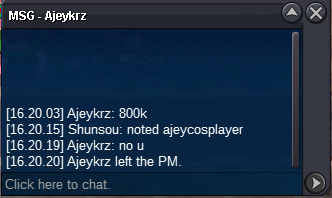
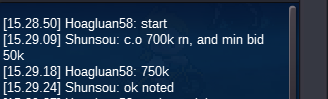
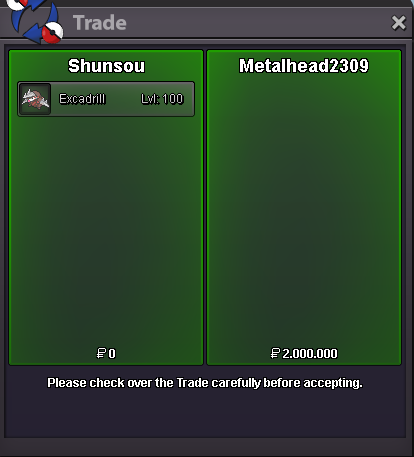 c.o 600k end in 17/8/21 06.30 GMT +0
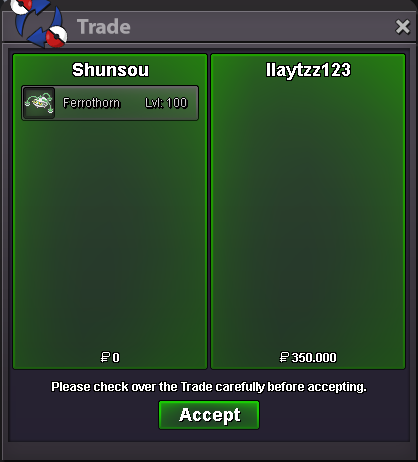
 s.o: 600k bid: 50k insta: 2m accept iv/nat reroll : 700/350k cc: 350k auction end in 48 hours after started note: item not including on sale, just accidentaly screen shoted
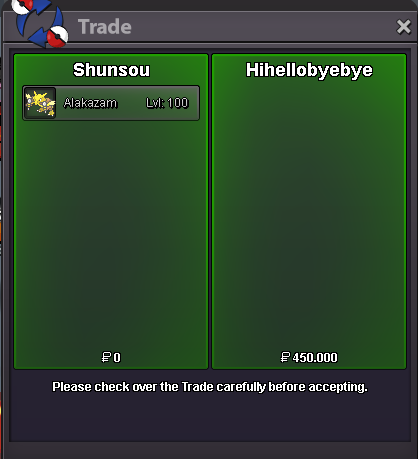
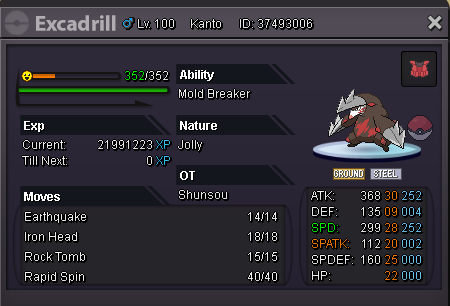 Bumpim sorry this post was mistaken double post, the real appeals of both pokemon already sold and idk how to remove thisyou won the ferro pm me later when you will on to takeferro started, end in 04.00 gmt+0Both pokemons started with same price s.o : 300k insta : 800k bid : 50k accept pokedollar and iv/nature rr: 700k/350k auction ended in 24 hour after started

Account
Navigation
Search
Configure browser push notifications
Chrome (Android)
- Tap the lock icon next to the address bar.
- Tap Permissions → Notifications.
- Adjust your preference.
Chrome (Desktop)
- Click the padlock icon in the address bar.
- Select Site settings.
- Find Notifications and adjust your preference.
Safari (iOS 16.4+)
- Ensure the site is installed via Add to Home Screen.
- Open Settings App → Notifications.
- Find your app name and adjust your preference.
Safari (macOS)
- Go to Safari → Preferences.
- Click the Websites tab.
- Select Notifications in the sidebar.
- Find this website and adjust your preference.
Edge (Android)
- Tap the lock icon next to the address bar.
- Tap Permissions.
- Find Notifications and adjust your preference.
Edge (Desktop)
- Click the padlock icon in the address bar.
- Click Permissions for this site.
- Find Notifications and adjust your preference.
Firefox (Android)
- Go to Settings → Site permissions.
- Tap Notifications.
- Find this site in the list and adjust your preference.
Firefox (Desktop)
- Open Firefox Settings.
- Search for Notifications.
- Find this site in the list and adjust your preference.