New Trade Zone
Trade Zone is now live
Use the new Trade Zone for auctions and instant-price trades so Pokemon and item offers are easy to find.

Shunsou
Registered User
-
Joined
-
Last visited
Everything posted by Shunsou
-
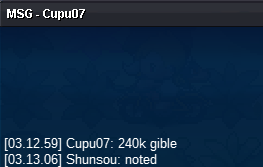
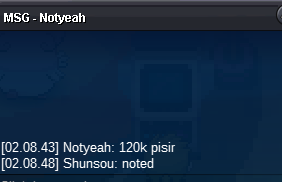
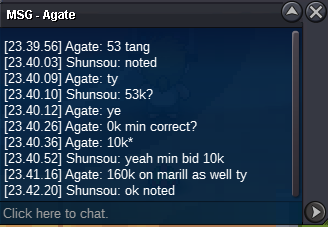
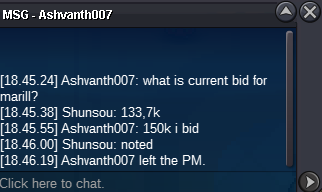
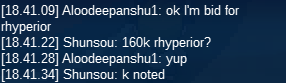
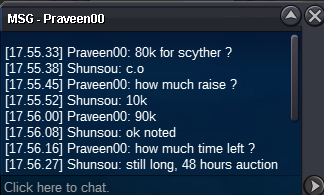
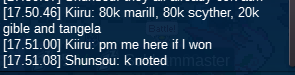
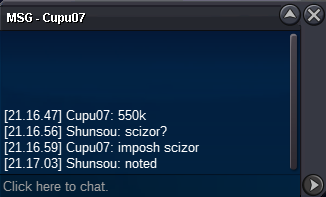
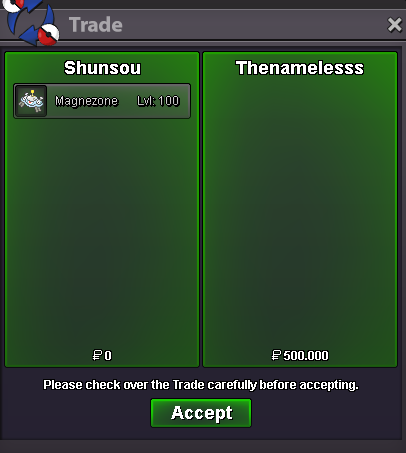
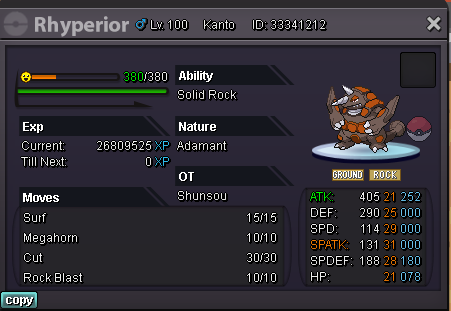
scyther c.o 200k (duc238) rhyperior c.o 160k (aloodepanshu) marill c.o 160k (agate) tangela c.o 53k (agate) pinsir c.o 69k (deita) gible c.o 230k (lordkanitus)
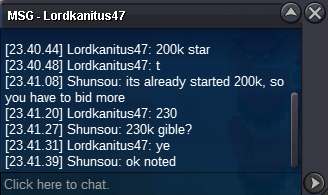 c.o 33.33k min bid is 10k so i cant confirm the 40kscyther c.o 200k (duc238) rhyoerior c.o 150k (isilldur) marill c.o 133k (deita) tangela c.o 33.33k (deita) pinsir c.o 69k(deita) gible c.o 200k (duc238)pinsir co 69kgible already started c.o is 20kevery pokemon start 10k min bid 10k no insta auction ended in 48 hours since start only accept pokedollar


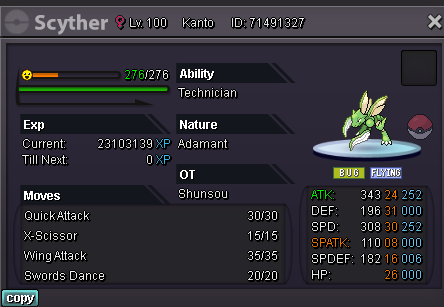
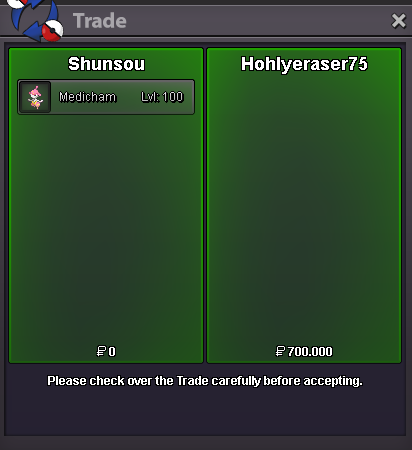
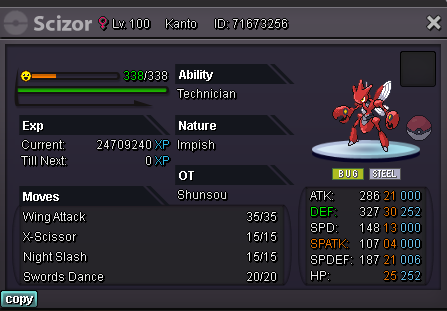
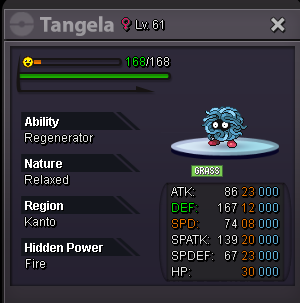 1 hour left medicham
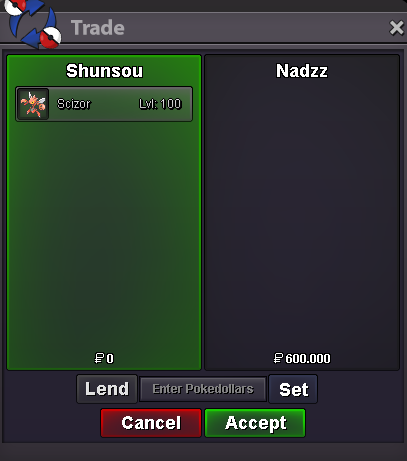 1 hour left scizor 19 hours left medichamBump 24 hours left scizor 42 hours left medichamscizor end 06/20/22 09:04 GMT+7
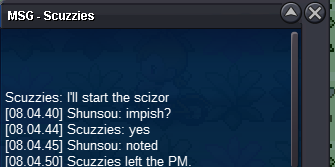 Username: Shunsou Server: Silver Timezone: GMT +7S.o: 700k bid: 100k insta: 2m S.o: 600k Bid: 100k Insta 2m S.o: 500k Bid: 50k Insta:1,5m auction end 49 hours after start also acept Ivs/Nat reroll: 750k/350k CC:400k (max 1 item per poke)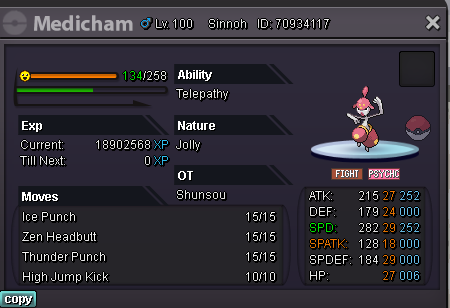

Account
Navigation
Search
Configure browser push notifications
Chrome (Android)
- Tap the lock icon next to the address bar.
- Tap Permissions → Notifications.
- Adjust your preference.
Chrome (Desktop)
- Click the padlock icon in the address bar.
- Select Site settings.
- Find Notifications and adjust your preference.
Safari (iOS 16.4+)
- Ensure the site is installed via Add to Home Screen.
- Open Settings App → Notifications.
- Find your app name and adjust your preference.
Safari (macOS)
- Go to Safari → Preferences.
- Click the Websites tab.
- Select Notifications in the sidebar.
- Find this website and adjust your preference.
Edge (Android)
- Tap the lock icon next to the address bar.
- Tap Permissions.
- Find Notifications and adjust your preference.
Edge (Desktop)
- Click the padlock icon in the address bar.
- Click Permissions for this site.
- Find Notifications and adjust your preference.
Firefox (Android)
- Go to Settings → Site permissions.
- Tap Notifications.
- Find this site in the list and adjust your preference.
Firefox (Desktop)
- Open Firefox Settings.
- Search for Notifications.
- Find this site in the list and adjust your preference.