New Trade Zone
Trade Zone is now live
Use the new Trade Zone for auctions and instant-price trades so Pokemon and item offers are easy to find.

Supperdogg
Registered User
-
Joined
-
Last visited
-
Thanks very much. Have a nice day!
-
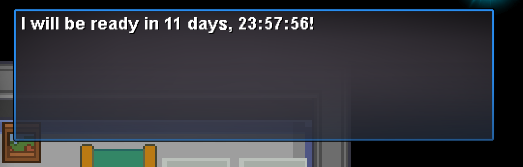
I talked to Prof.Oak and chose the hard one, but no battle happened. When I talked again, he started going back 12 days for the next fight, although there wasn't a fight and I didn't relog or lost connect either.
-
14mils
-
bump
-
Hello! i need skarmory sturdy impish nice ivs 3m budget. Pls contact me ingame : supperdogg or comment in here. thanks!
-
I have logged in successfully, thank you very much!
-
Hi! I just did that, please check me out
-
Thanks very much! I hope that happens soon, I have only 2 days left for the name change service
-
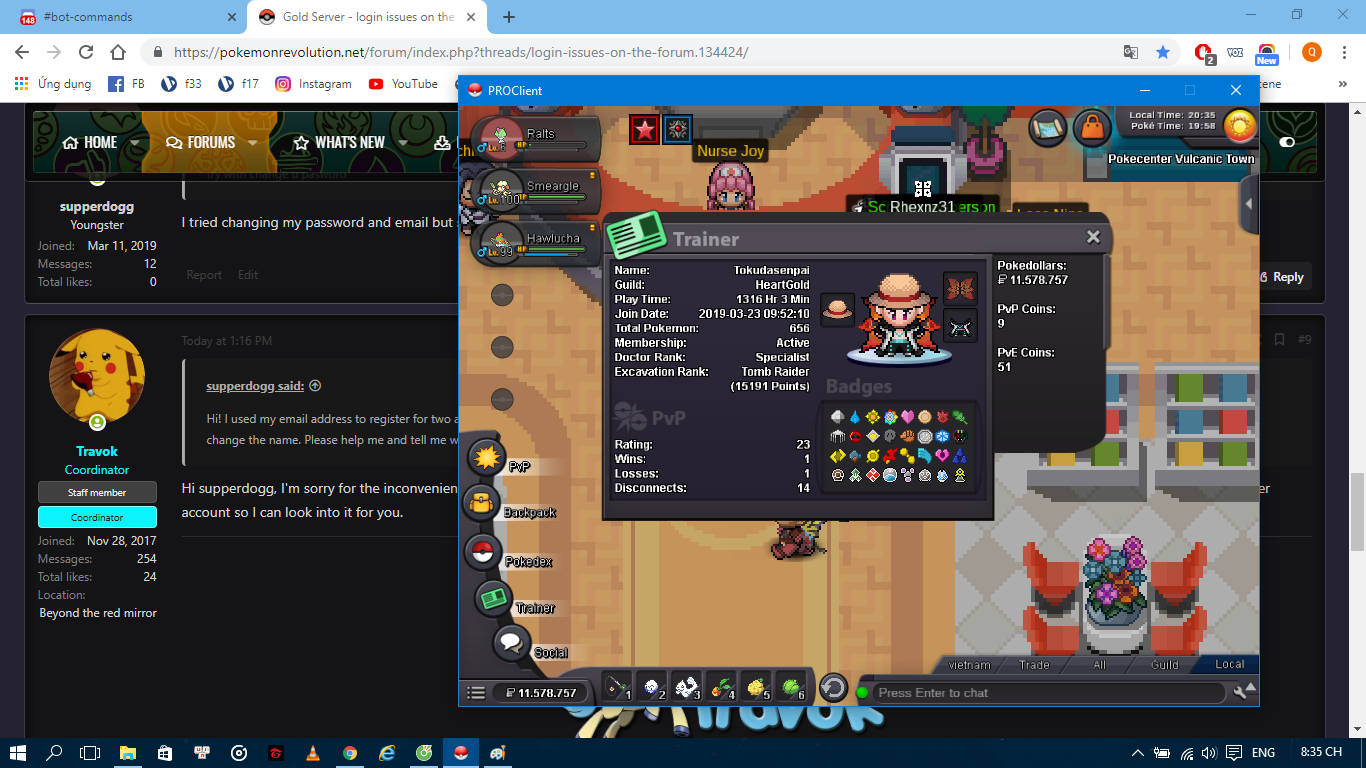
Hi! My other username is tokudasenpai .

-
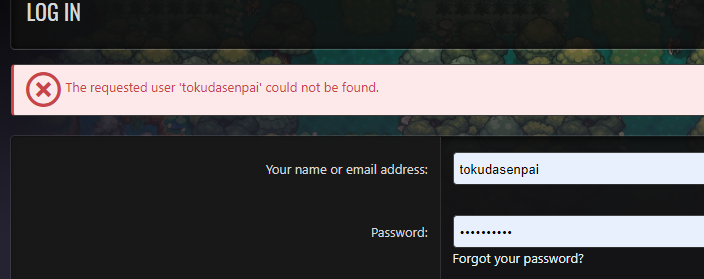
I tried changing my password and email but still couldn't log in to the forum
-
I tried every way but failed, the system announced my username did not exist even though I can still log in to the gamepls help me!!!Hi! I used my email address to register for two accounts, so I can only use this account to login to the forum. Although I changed the email for the second account, I still couldn't log in to the forum to change the name. Please help me and tell me what to do to change my name. thank you!Because both of my accounts are registered by the same email address, I can only log in to the forum with this account, but I can prove I am the account holder, give me instructions. thank you