New Trade Zone
Trade Zone is now live
Use the new Trade Zone for auctions and instant-price trades so Pokemon and item offers are easy to find.

Tshido
Registered User
-
Joined
-
Last visited
-
Bump
-
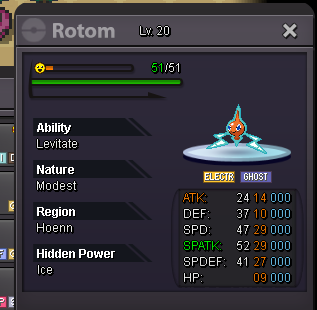
Sold rotom ing

-
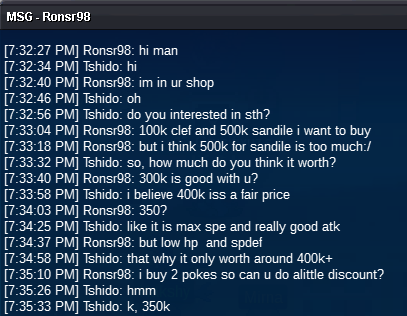
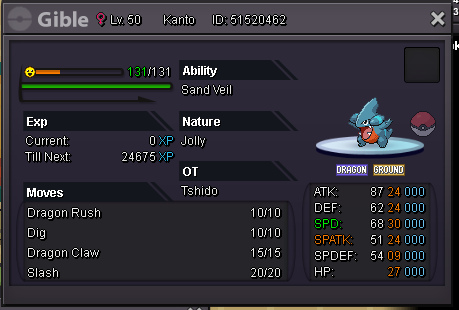
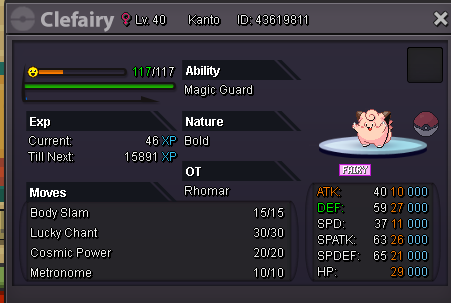
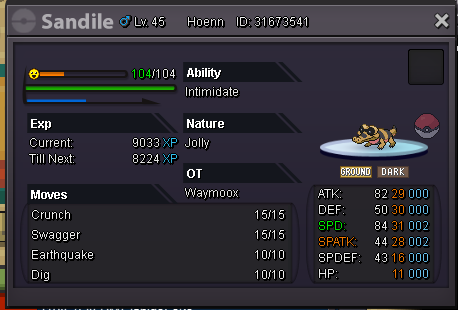
Sold 100k clef and sandile for 350k Sorry, i forgot to took ss of the trade
-
sorry, i sold it
-
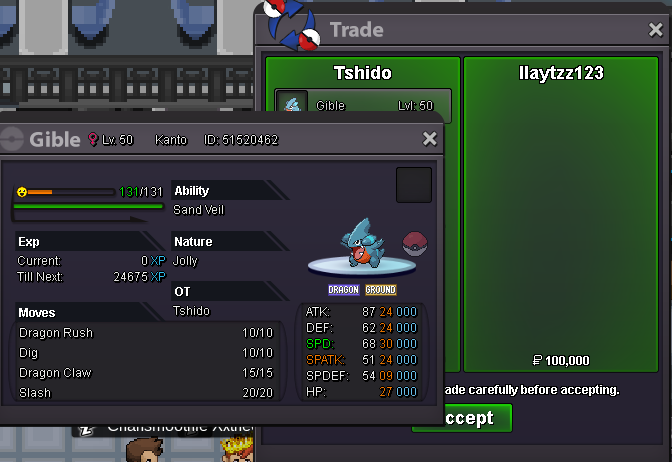
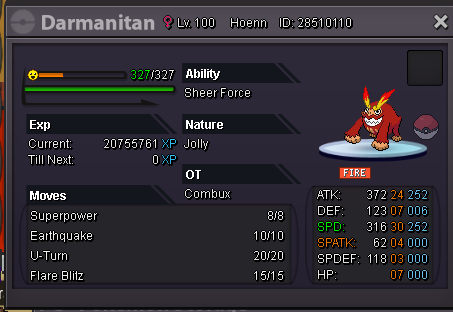
Sold Darmanitan and gible ingame
-
I'm sorry, i posted this on the wrong place. Can you help me to close this? 😞 @Hawluchaa
-
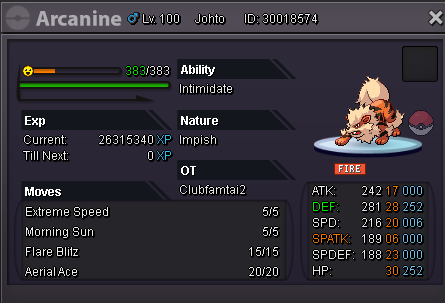
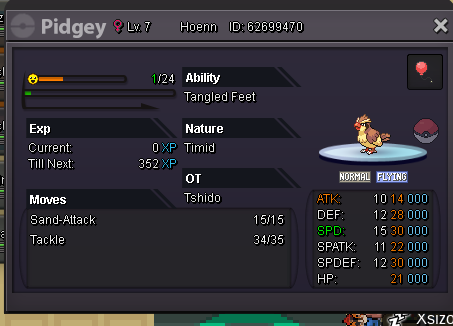
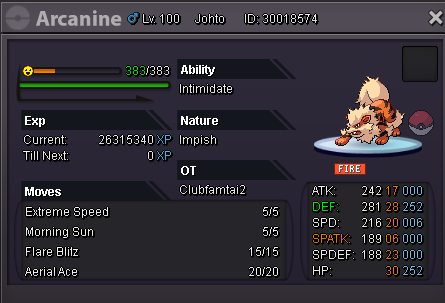
WELCOME ^^ Contact me via Shido#9062 or just simply comment in this post All price are negotiable, if you feel another price is fair, just tell me and i might lower it I accept: Cash, CC=350k, Nat RR=350k, IVs RR / Ability Capsule = 700k Thank you for your time. Please spread love not hate ♥ Happy scrolling ^^ Not Pidgey Pidgey
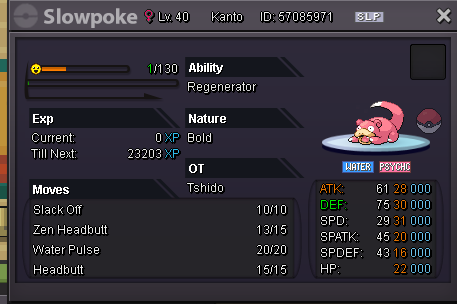
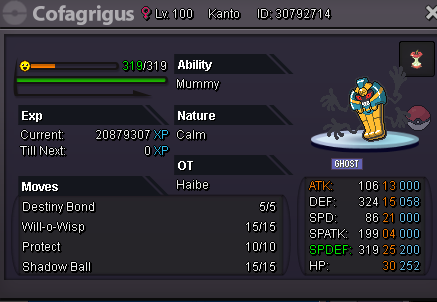
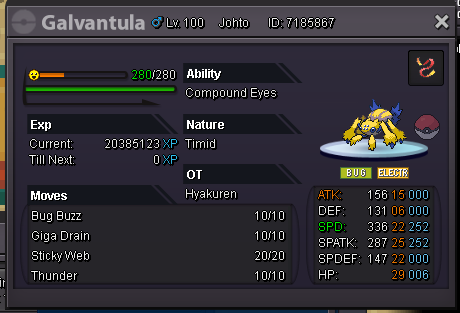
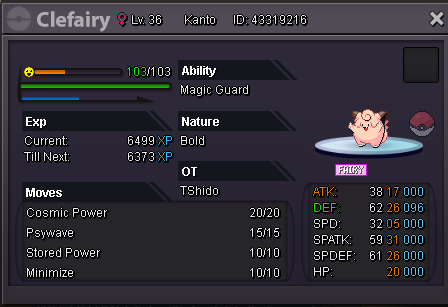


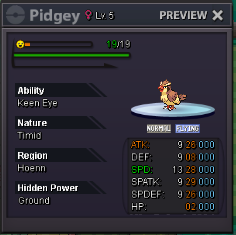
-
WELCOME ^^ Contact me via Shido#9062 or just simply comment in this post All price are negotiable, if you feel another price is fair, just tell me and i might lower it I accept: Cash, CC=350k, Nat RR=350k, IVs RR / Ability Capsule = 700k Thank you for your time. Please spread love not hate ♥ Happy scrolling ^^ Not Pidgey Pidgey
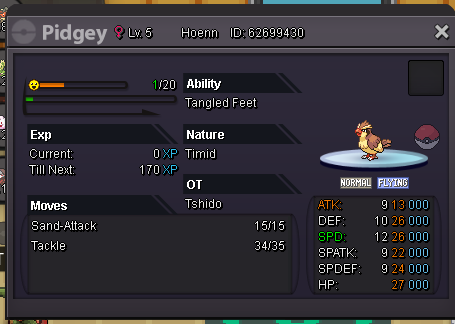
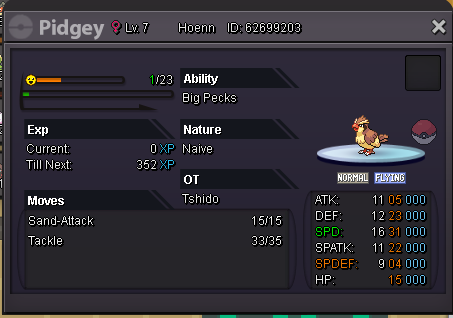
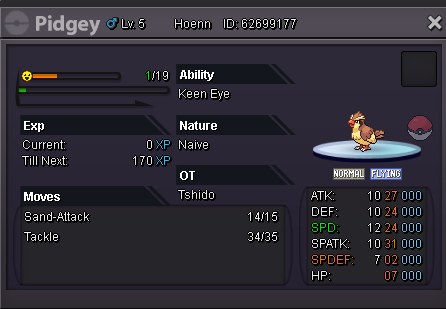
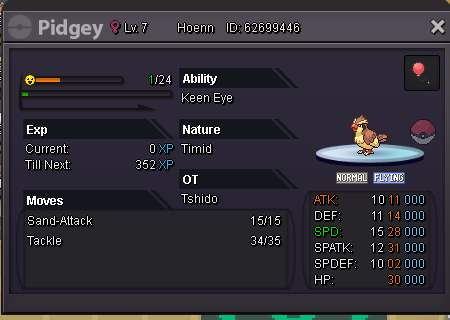
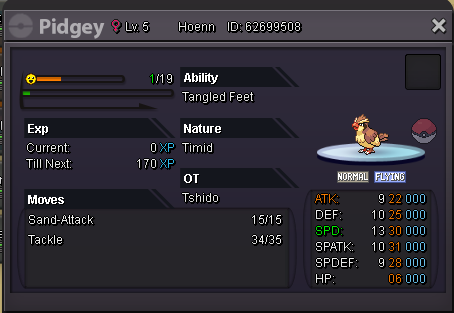
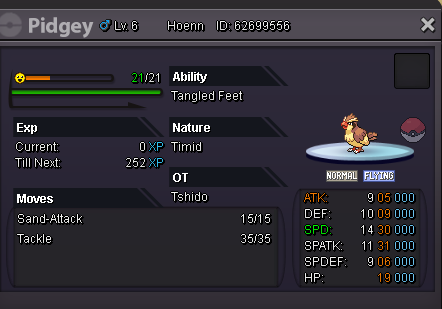
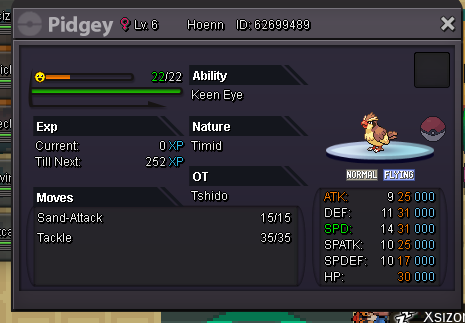


-
The ball worth 2.5m itself ngl. Good luck sensei
-
Ty, i had a lot of trouble while trying to contact with you xD
-
can you find me on discord when available? shido#9062
-
i'm onl atm @BEEFF
-
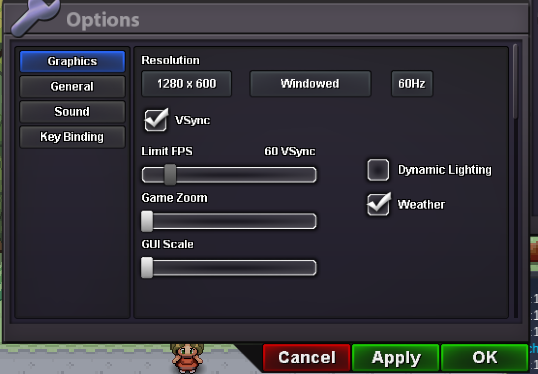
It's just not work to me. I use 1280x600 in windowed but still not work. The ingame status is yes but it just could not read the battle screen
-
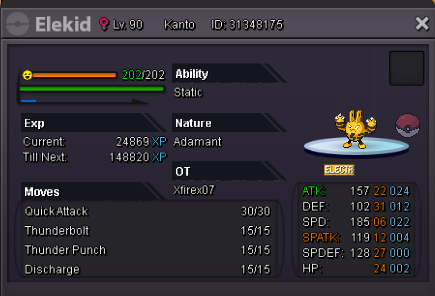
Ingame name: Tshido Server: Silver Pokemon: I need help, please help me to delevel my elekid to lv89, thank you