New Trade Zone
Trade Zone is now live
Use the new Trade Zone for auctions and instant-price trades so Pokemon and item offers are easy to find.

Clumsygirl
Suspended
-
Joined
-
Last visited
Everything posted by Clumsygirl
-
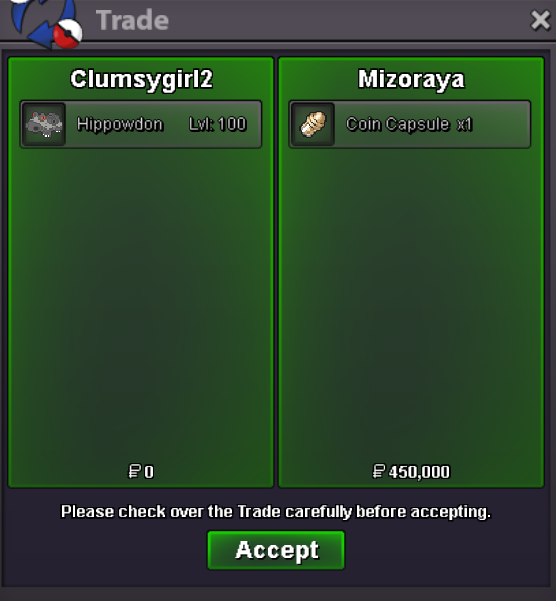
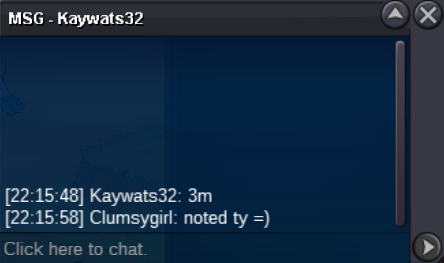
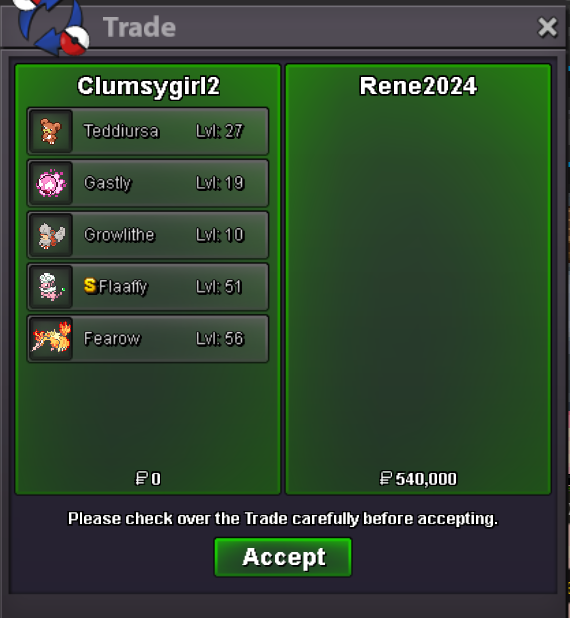
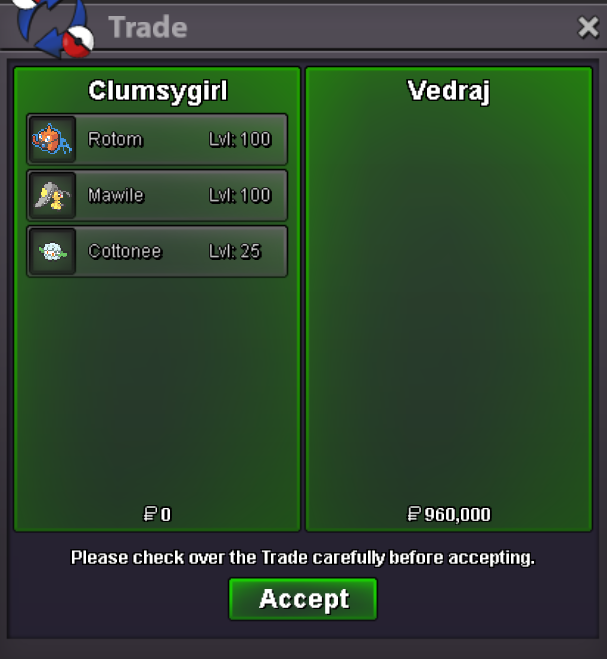
Hi.. I don't really know what I'm getting a warning for? I'm allowed to discuss with someone who's going to transfer, right? We've already agreed that I'm going to transfer today. So I don't think this warning is fair. My auction rule also states that if the other person can't transfer, I'm going to transfer..If you didnt transfer this month please transfer to silver as i suggested in my auction rules. I can help you explain how to transfer it will only take a minute and its free
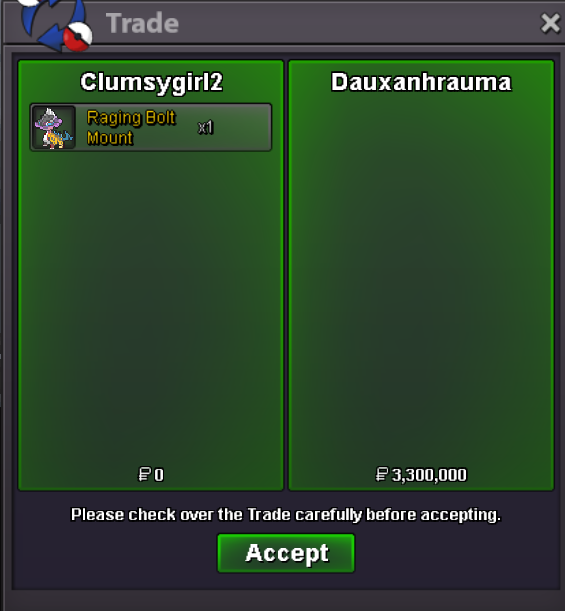
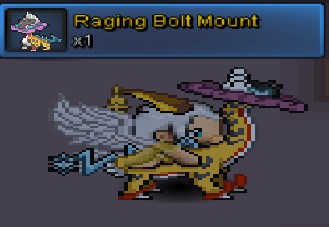
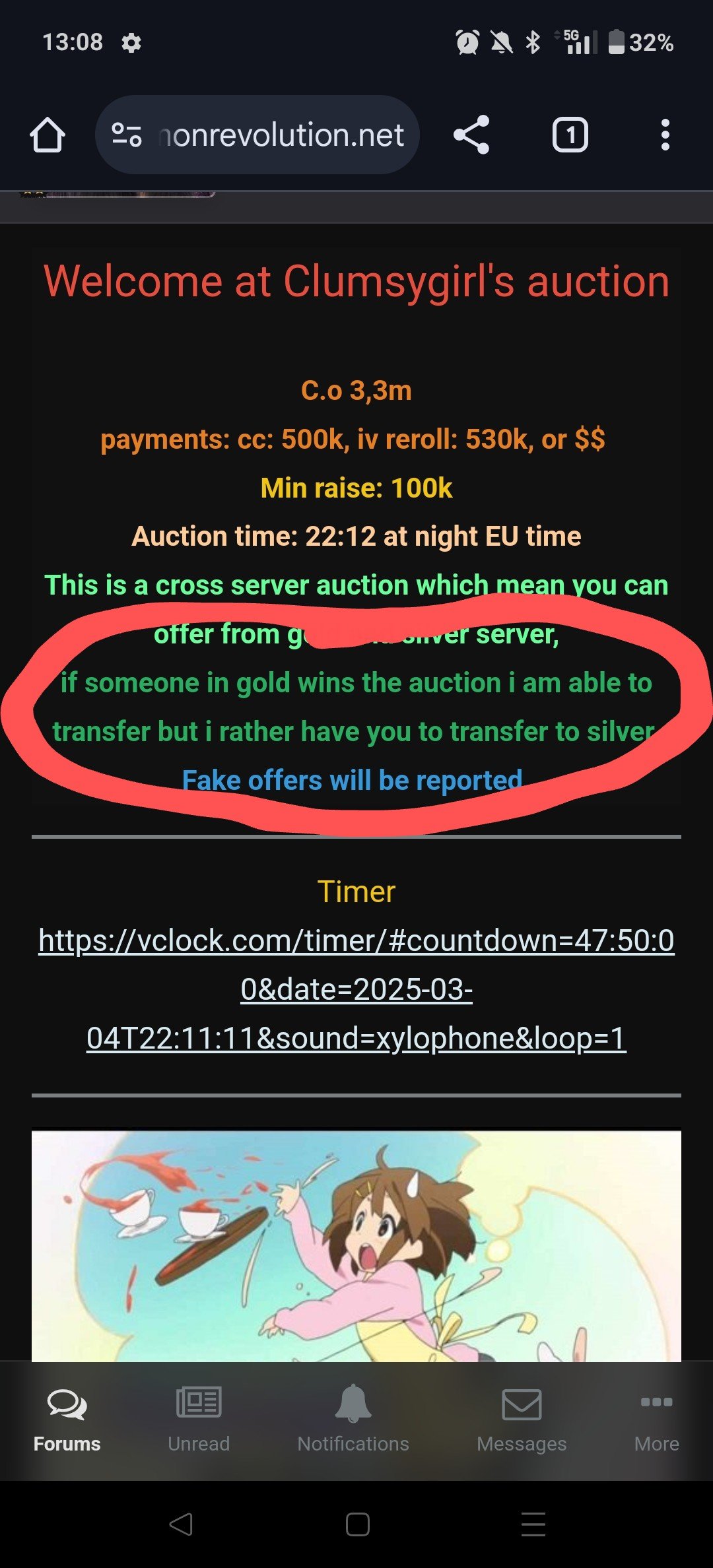 Im currently not able to come online. Please be patient. I can come online in 1hour. The mount is on silver. Are you able to transfer? Or are you already in silver.43m and 69k41mHello, Congratz on your win for raging bolt mount, tell me when your ready to do the trade.33bumpWelcome at Clumsygirl's auction C.o 3,3m payments: cc: 500k, iv reroll: 530k, or $$ Min raise: 100k Auction time: 22:12 at night EU time This is a cross server auction which mean you can offer from gold and silver server, if someone in gold wins the auction i am able to transfer but i rather have you to transfer to silver. Fake offers will be reported. Timer https://vclock.com/timer/#countdown=47:50:00&date=2025-03-04T22:11:11&sound=xylophone&loop=1 Raging bolt mount
 Hello im able to do the trade right now. Im online on clumsygirl2 (silver)
Account
Navigation
Search
Configure browser push notifications
Chrome (Android)
- Tap the lock icon next to the address bar.
- Tap Permissions → Notifications.
- Adjust your preference.
Chrome (Desktop)
- Click the padlock icon in the address bar.
- Select Site settings.
- Find Notifications and adjust your preference.
Safari (iOS 16.4+)
- Ensure the site is installed via Add to Home Screen.
- Open Settings App → Notifications.
- Find your app name and adjust your preference.
Safari (macOS)
- Go to Safari → Preferences.
- Click the Websites tab.
- Select Notifications in the sidebar.
- Find this website and adjust your preference.
Edge (Android)
- Tap the lock icon next to the address bar.
- Tap Permissions.
- Find Notifications and adjust your preference.
Edge (Desktop)
- Click the padlock icon in the address bar.
- Click Permissions for this site.
- Find Notifications and adjust your preference.
Firefox (Android)
- Go to Settings → Site permissions.
- Tap Notifications.
- Find this site in the list and adjust your preference.
Firefox (Desktop)
- Open Firefox Settings.
- Search for Notifications.
- Find this site in the list and adjust your preference.