New Trade Zone
Trade Zone is now live
Use the new Trade Zone for auctions and instant-price trades so Pokemon and item offers are easy to find.

Fumalfu
Suspended
-
Joined
-
Last visited
Everything posted by Fumalfu
-
We did the trade
-
Is it possible to transfer money from my silver account to an account to gold server?
-
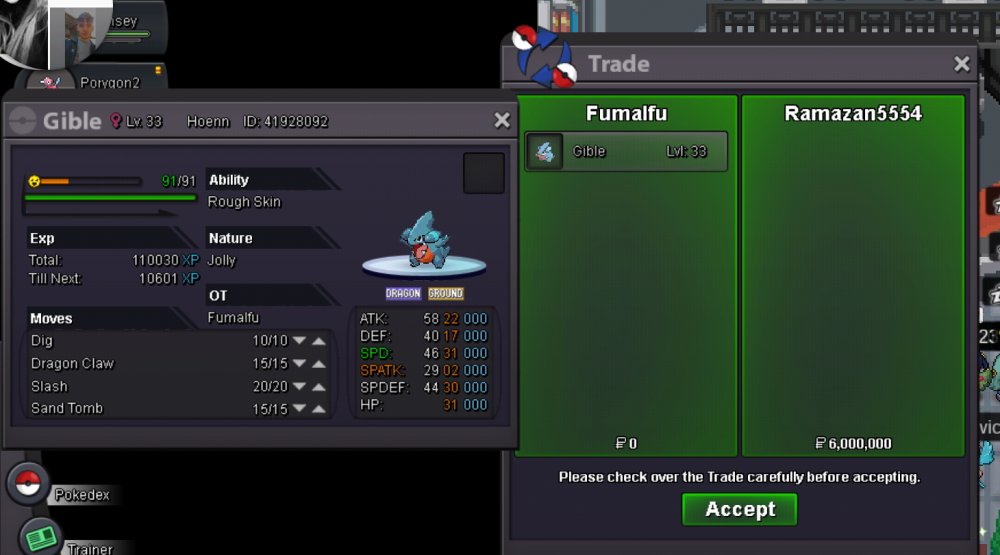
Sold
-
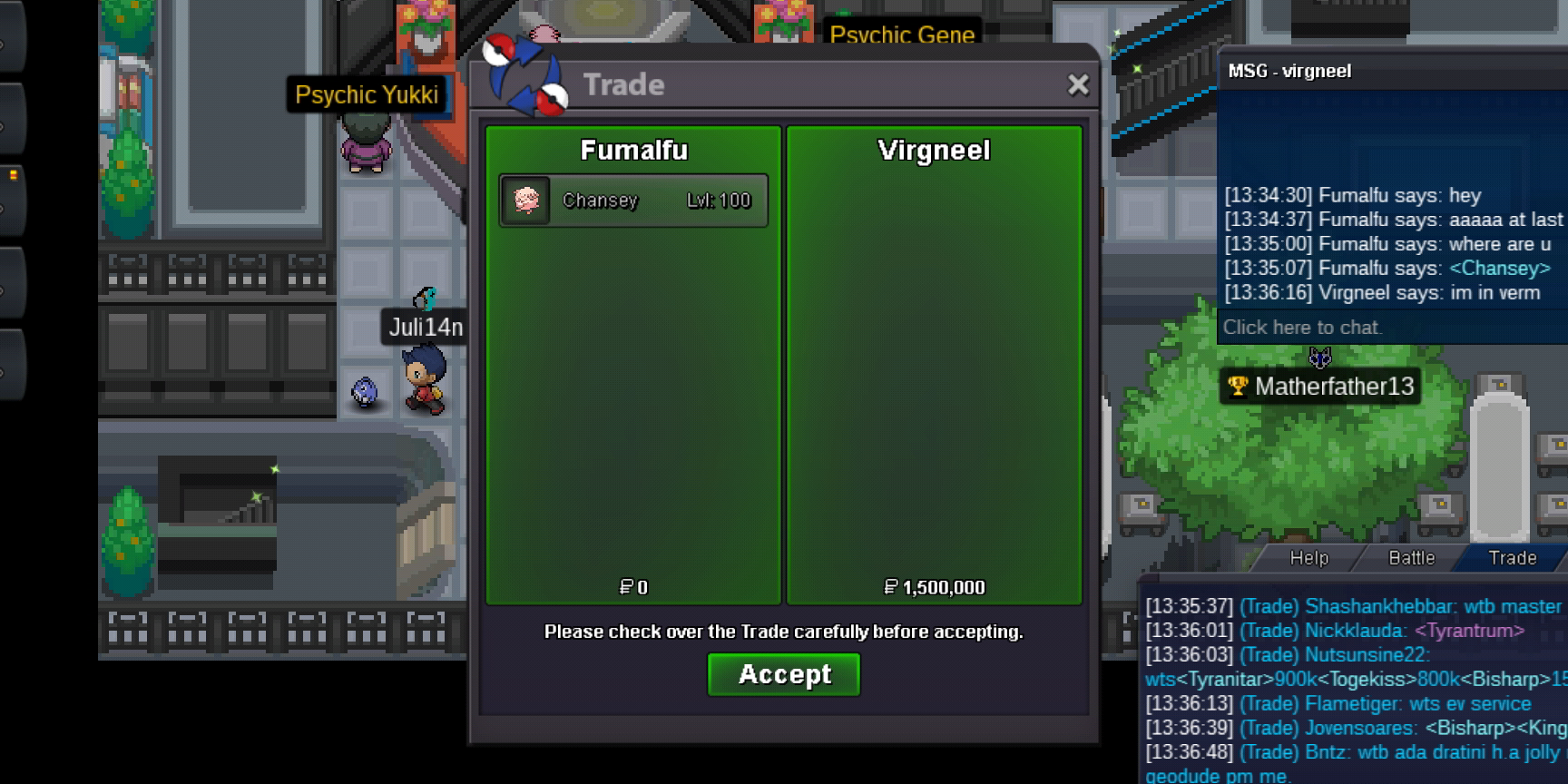
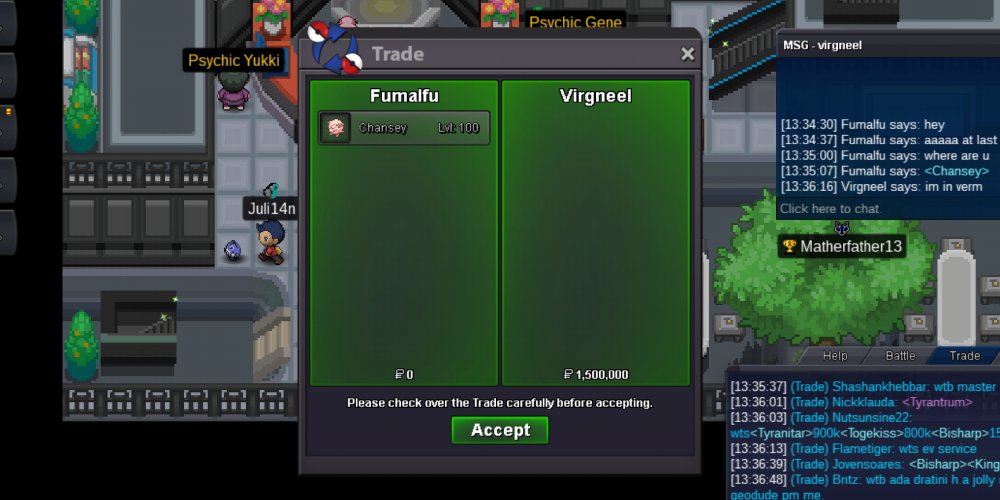
Chancey started Auction ends sunday 05:23 gmt +2
-
4h left
-
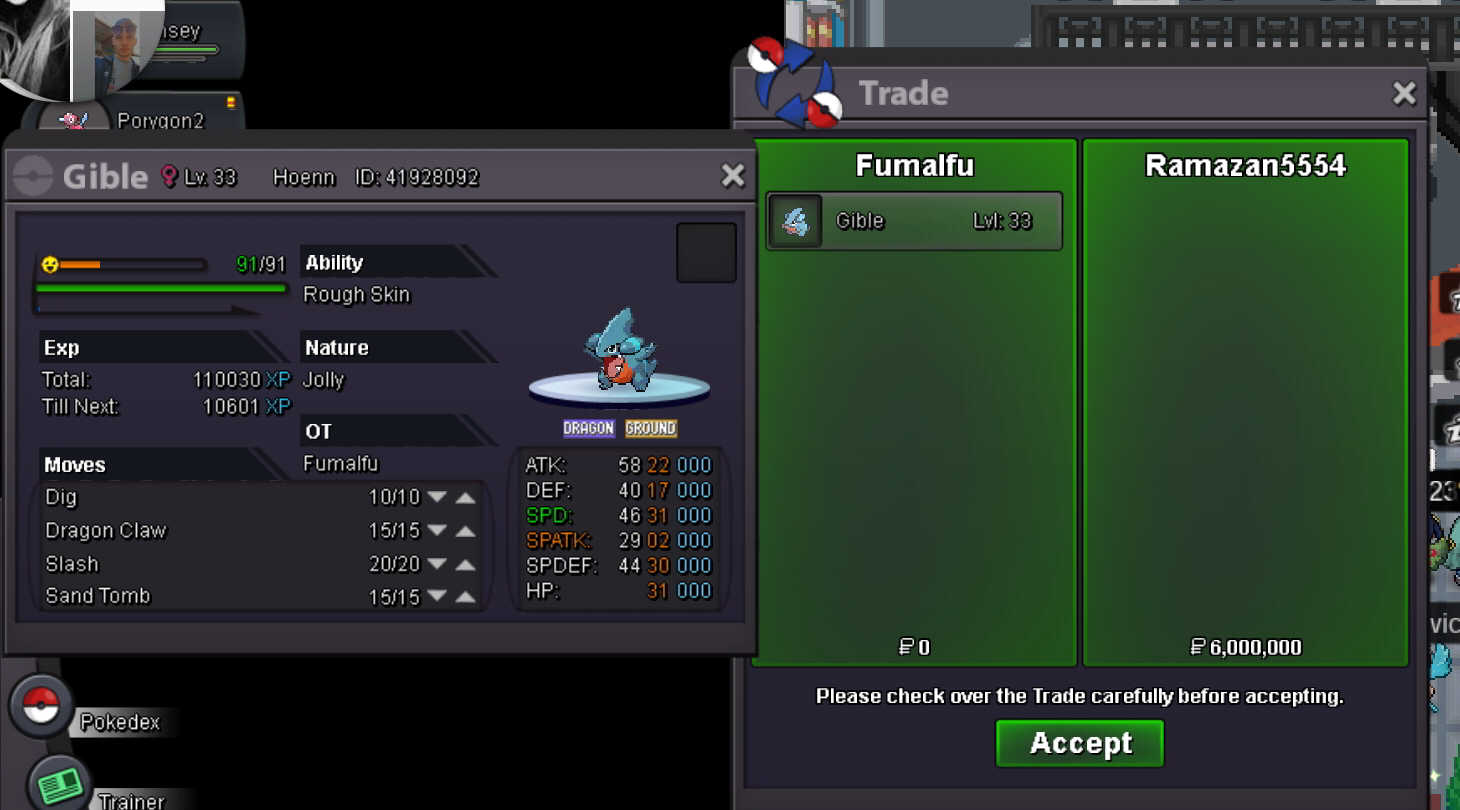
Noted Greninja auction ends in sunday 02:03 gnmt +2
-
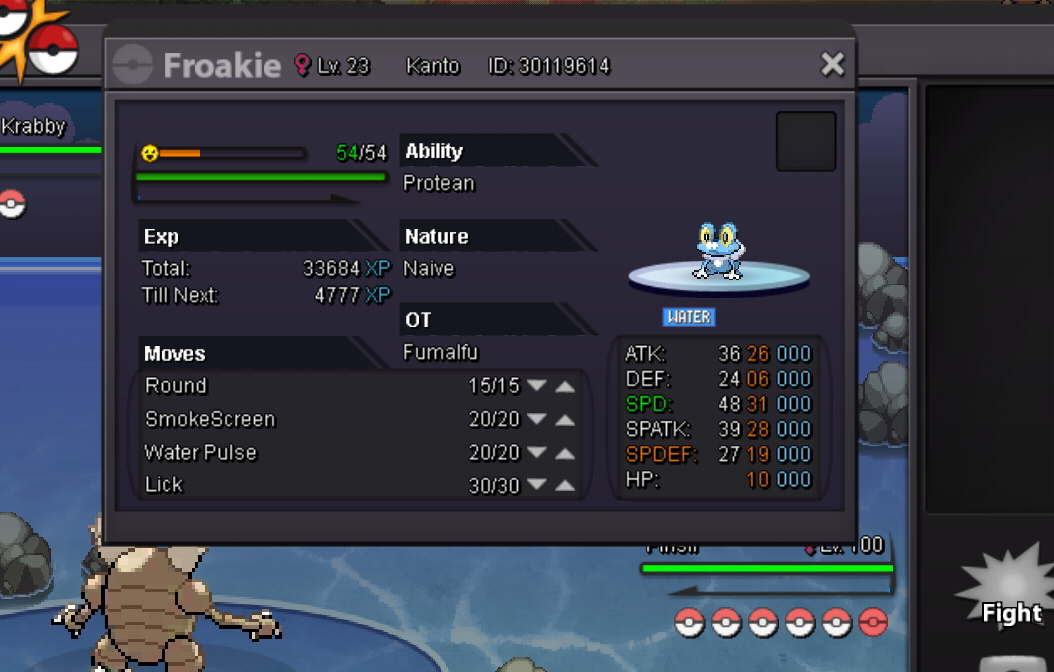
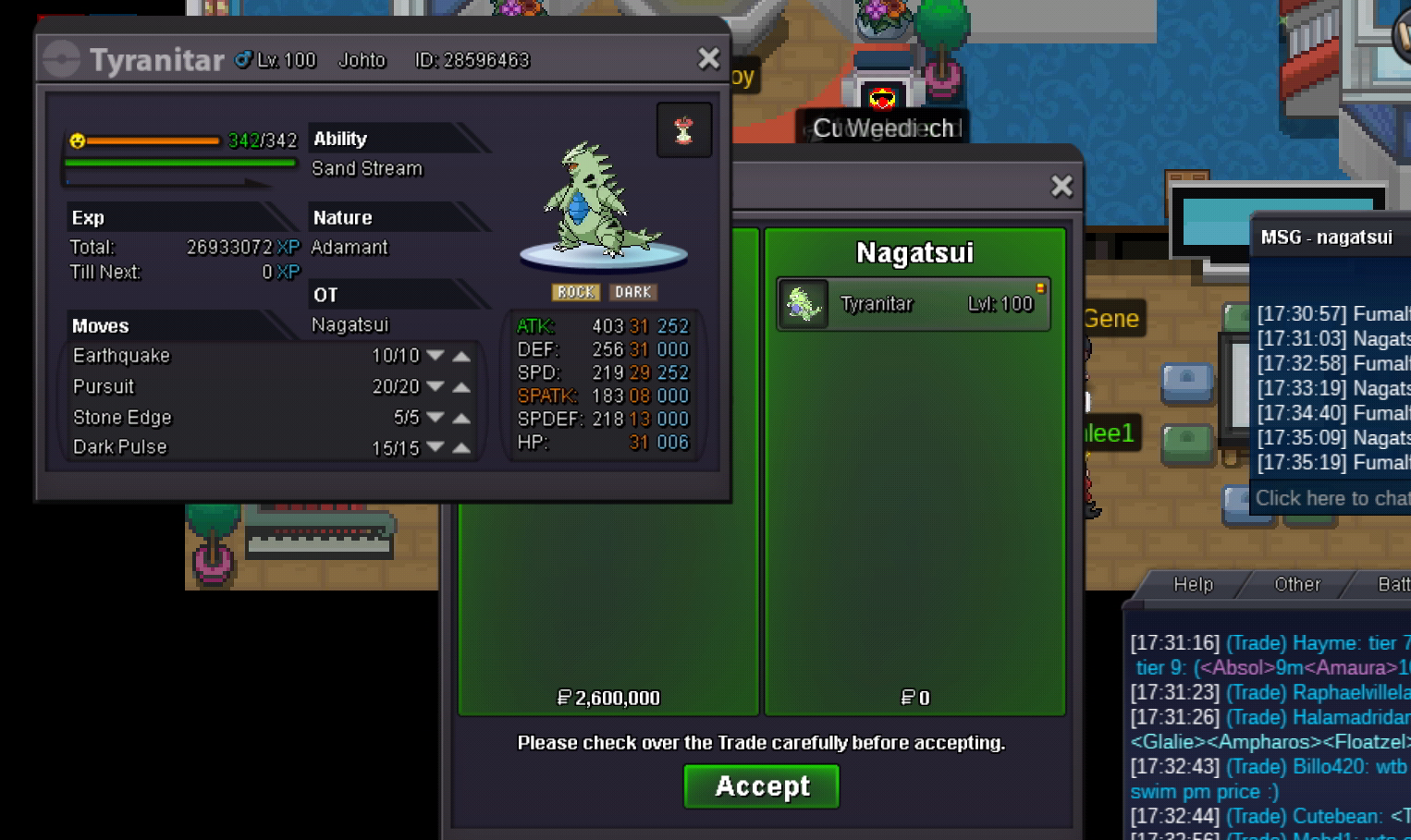
Rules Auction starts after first bid Accept cc as 380k Greninja S.o 1m8 Min raises 200k Insta 3m 24h auction Chancey S.o 1m5 Min raises 200k Insta 2m5 24h auction


-
12left Insta redused to 8m
-
Insta added 9m
-
36h left B.o 6m by ramazan5554
-
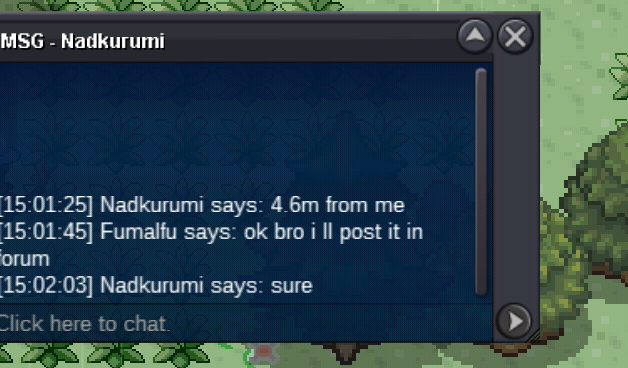
B.o 4m6 by nadkurumi
-
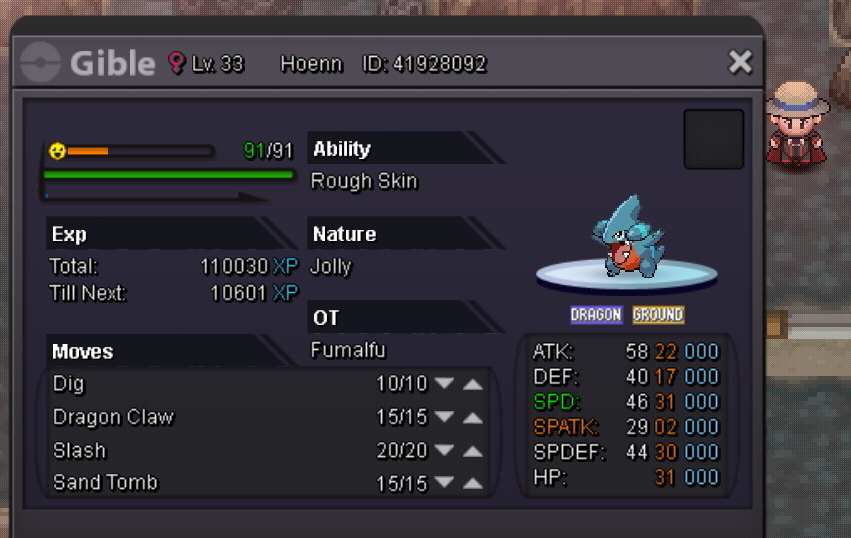
72hours auction S.o 3m7 Min raises 300k Accept cc as 360k Auction ends saturday 04:02 england time Insta added 8m
-
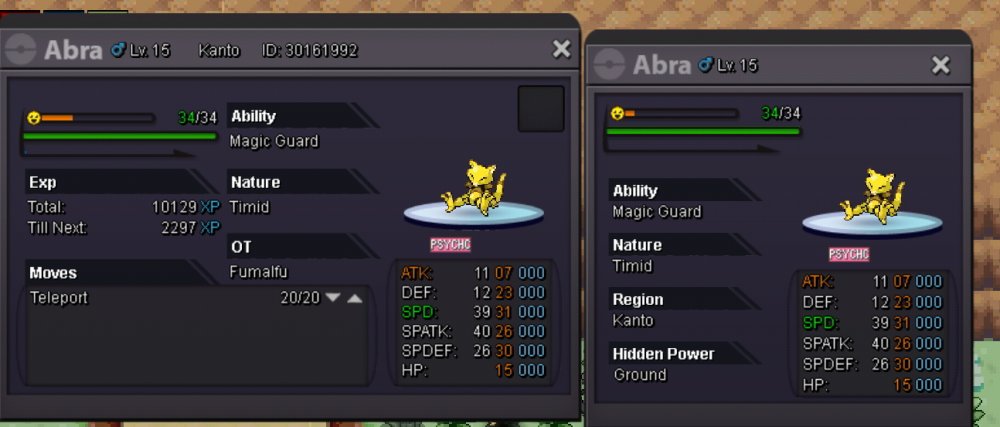
24h auction S.o 1m Min raise 100k
-
Server transfer Nickname:fumalfu Server to charge the money from:gold Main server to transfer :from gold to silver
-
Insta added 3m 54 min left4h and 50min leftAuction started ends at gmt +2 00:34
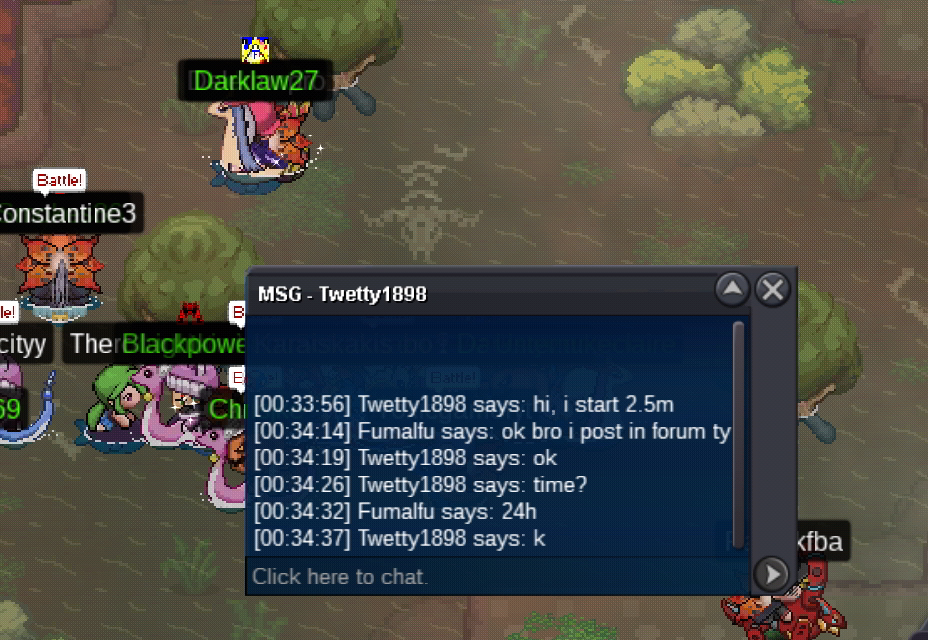 24h auction S.o 2m5 Min raise 200k Cc accepted as 320k
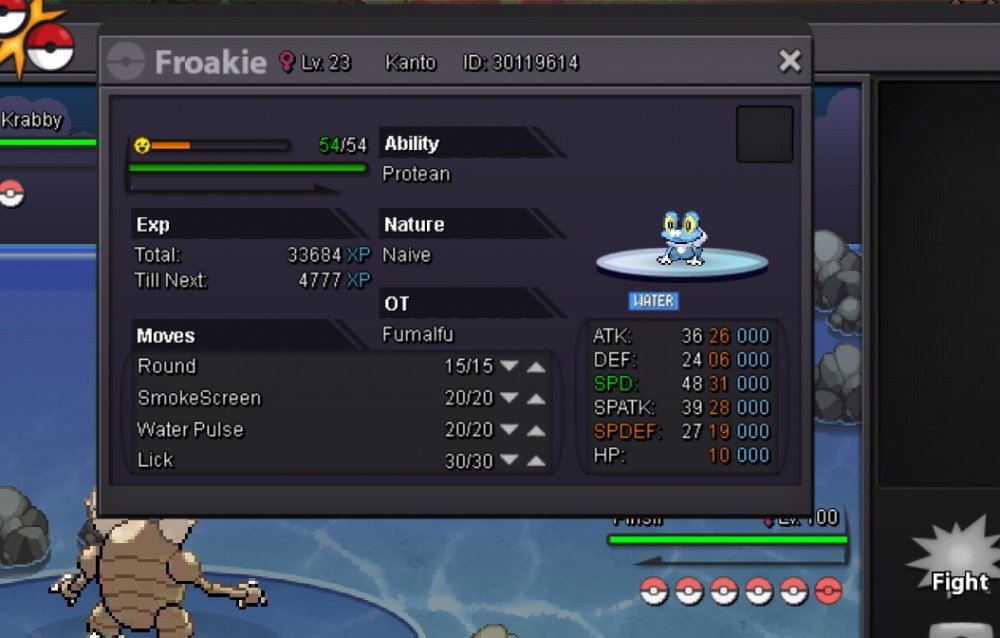 24 hours auction after first bid S.o 400k ..min raise 50k insta 700k S.o 200k min raise 50k S.o 150k min raise 50k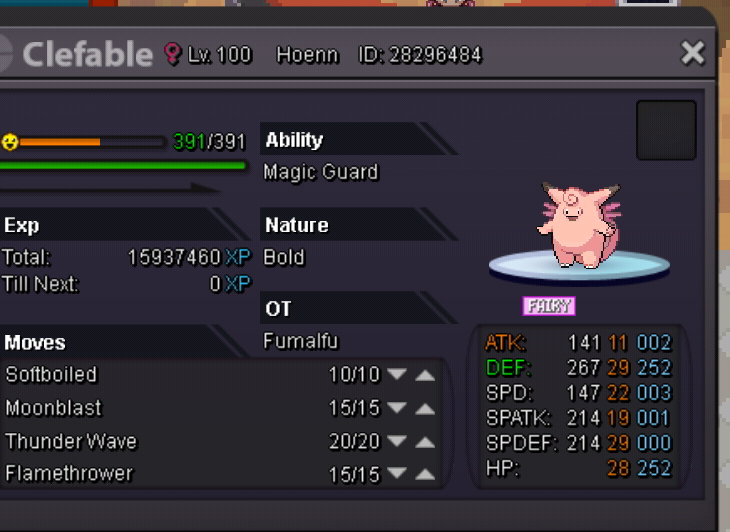
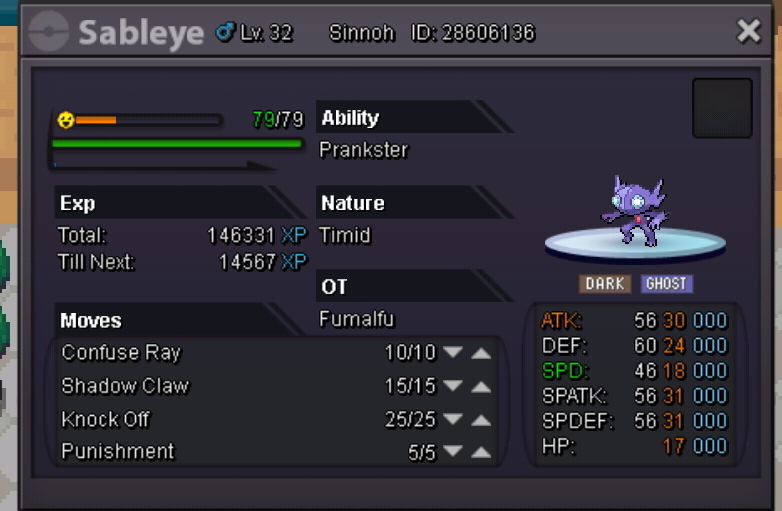
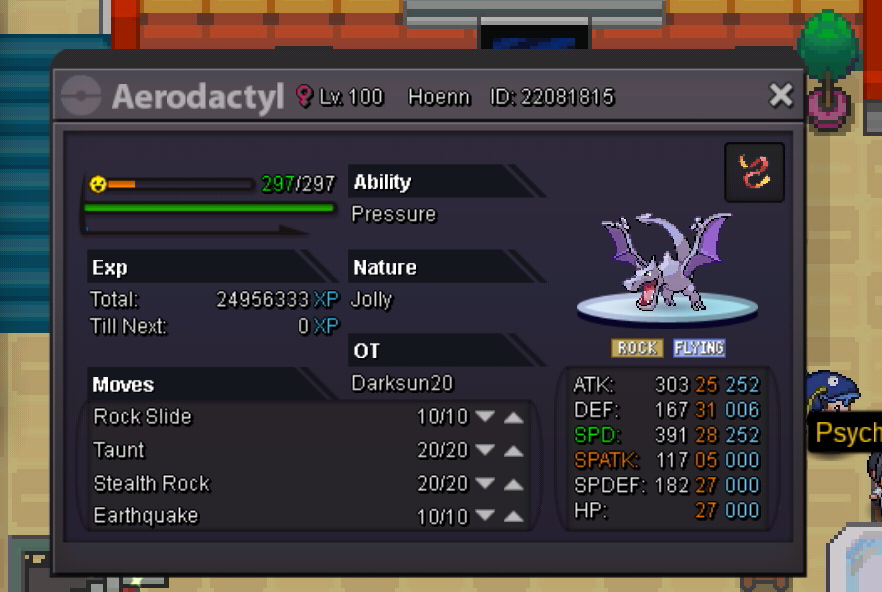
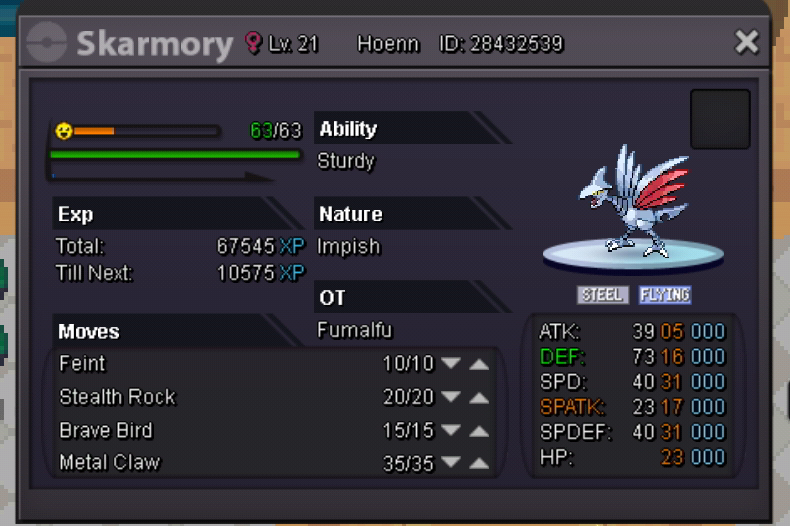 48 hours auction from S.o Tyranitar s.o 1.7m Min raises 100k Aerodactyl S.o 800k Min rais 100k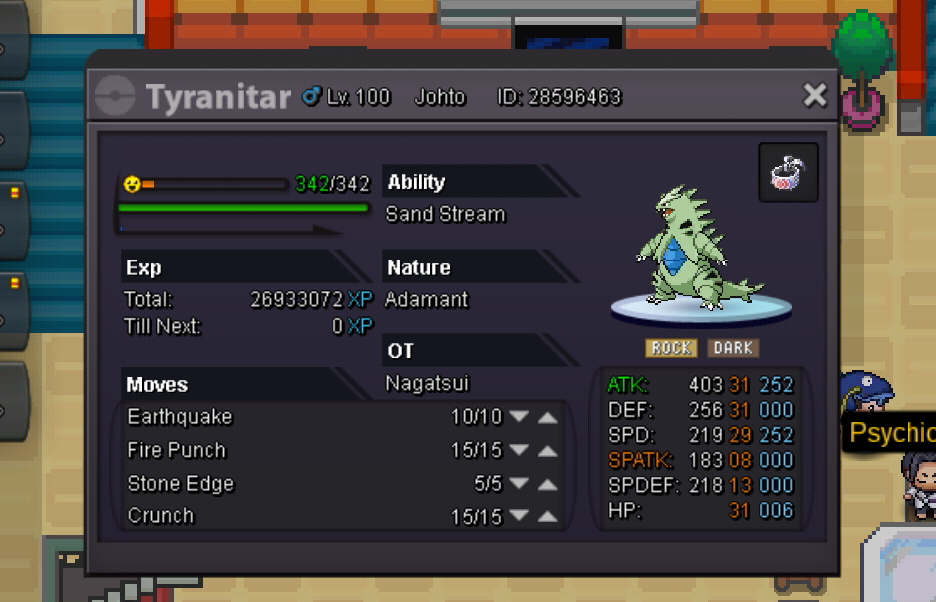
 Wtb epic slowbro h.a bold ...def..spdef and hp +30..link me with your pricesI ll pm u ingame bro