New Trade Zone
Trade Zone is now live
Use the new Trade Zone for auctions and instant-price trades so Pokemon and item offers are easy to find.

Jikur0
Registered User
-
Joined
-
Last visited
Everything posted by Jikur0
-
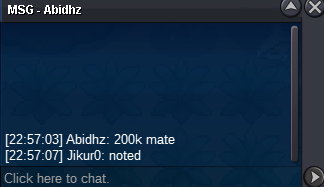
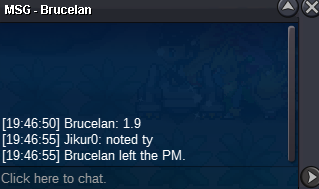
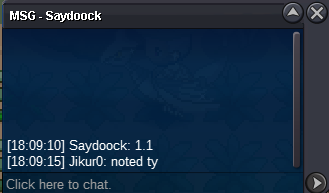
Starting price: 100k Min bid:50k No insta 24h Auction (AUCTION ENDS 16-07-2025 22:13 PM) 15min Auction rule:ON Payment methods: Pokedollars Coin Capsule:450k
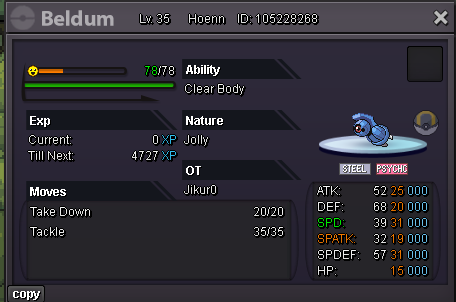 Auction ended winner : @Yetzorf Player tranfer his alt to silver to complete the trade
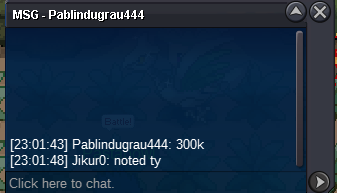
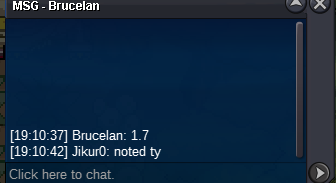
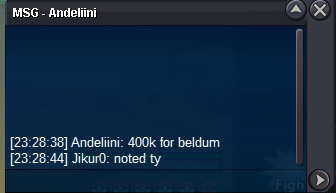
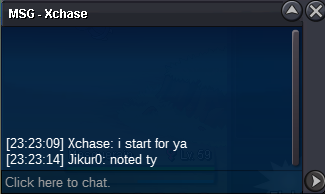
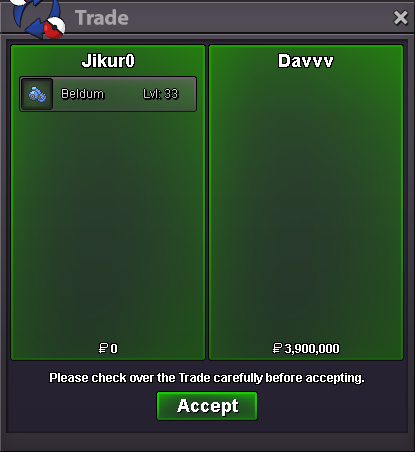 Starting price :300k Min bid :100k No insta 48h Auction (AUCTION ENDS 25-06-2025 23:23PM ) 15min Auction rule:ON Payment methods: Pokedollars Coin Capsule:470k
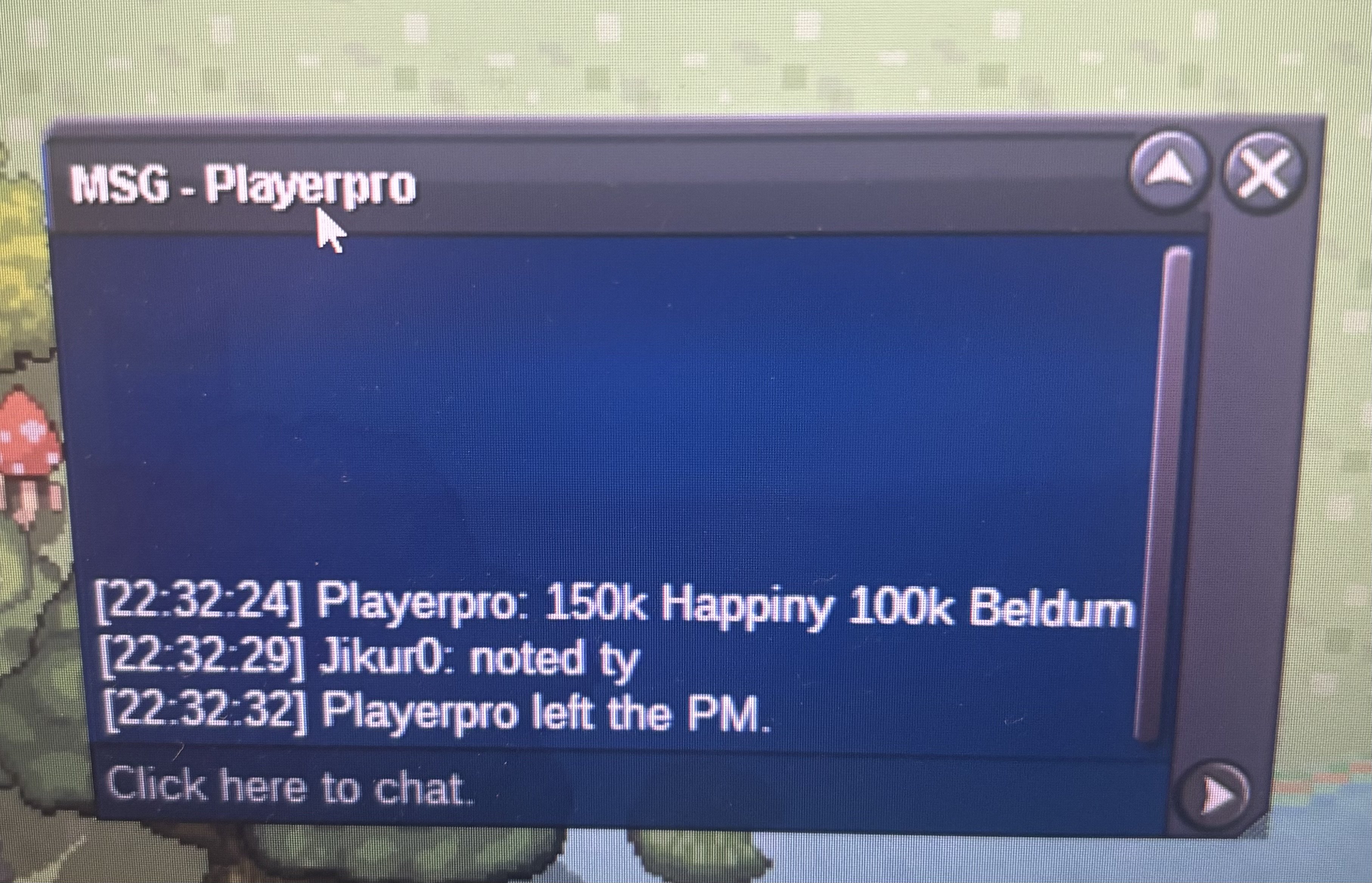
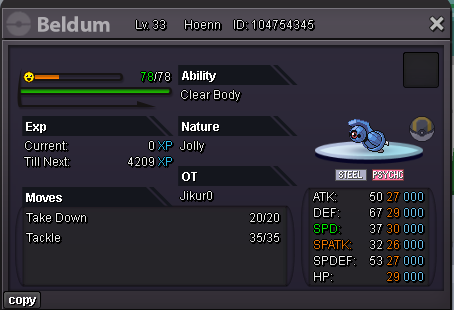 hapinny auction ended winer : @Damngoat
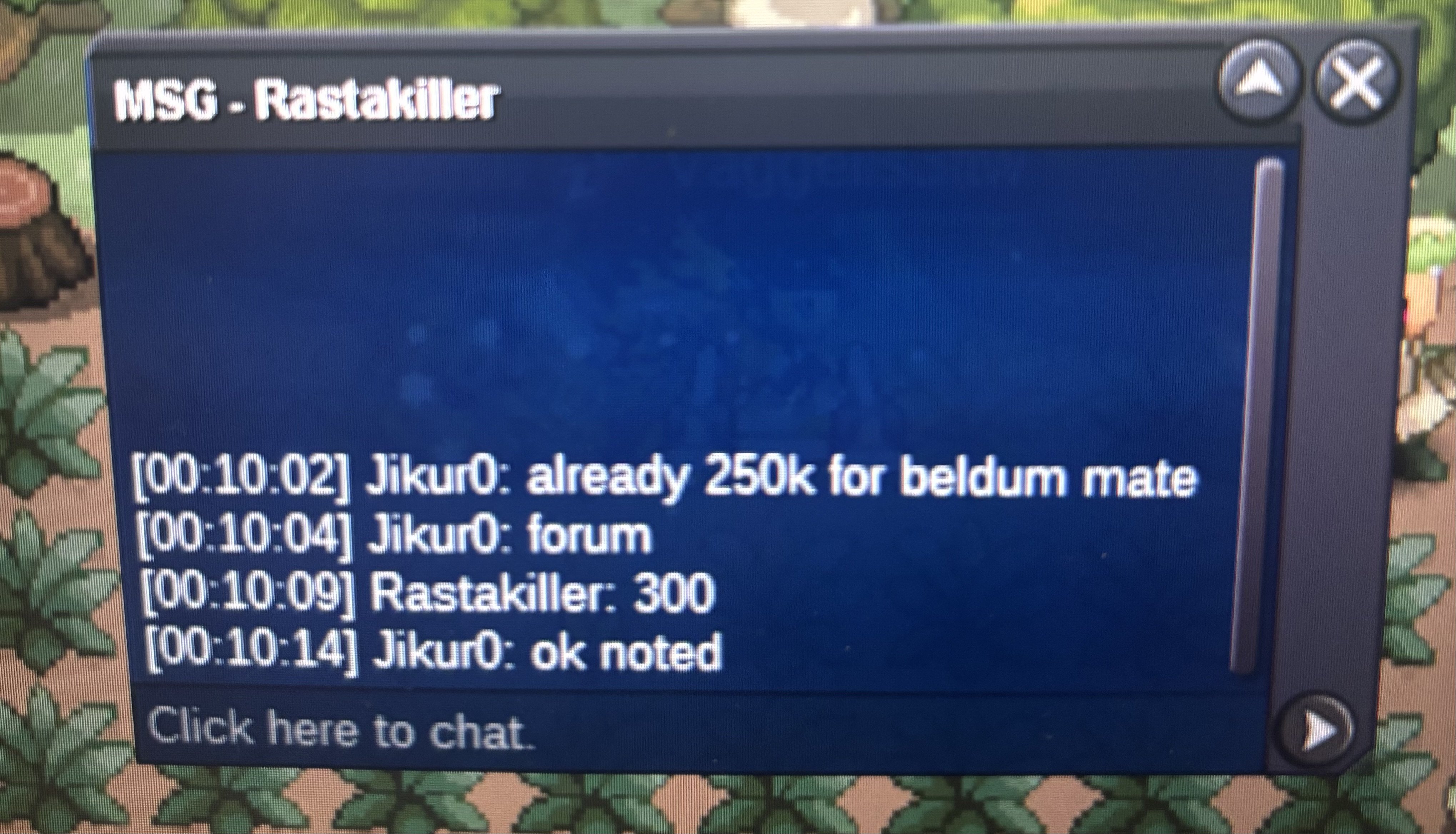
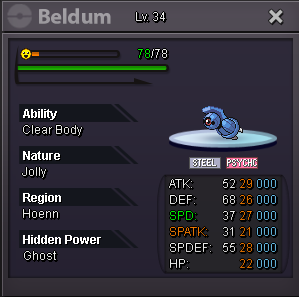
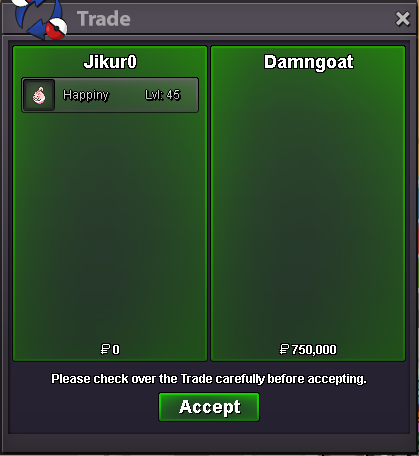 Beldum auction ended : winner @Crimsonxy gligar auction ended : winner @Suncity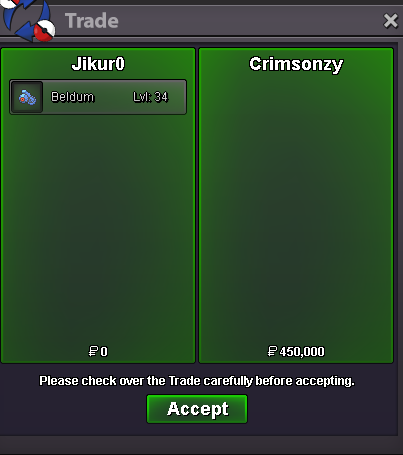
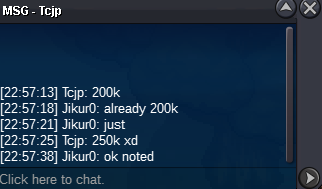
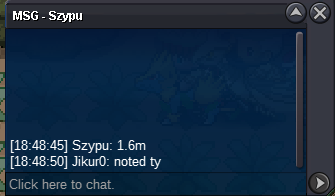
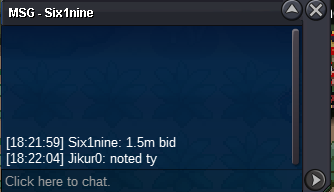
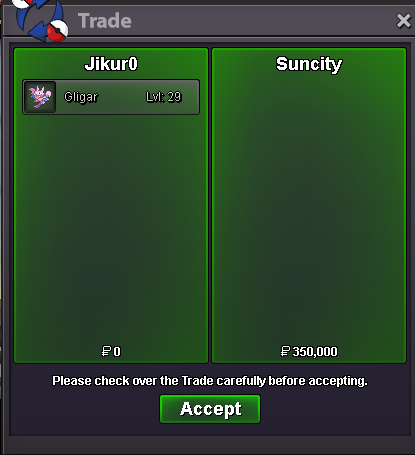 NOT A BUNDLE Starting Price: 50k each Pok Min bid : 50k each pok No insta 24h Auction (Starts after first bid on each pok) 15mins Auction rule: ON Happiny auction ends:09:57pm beldum and gligar auction ends :10:06 pm Payment Methods Pokedollars Coin Capsule: 470k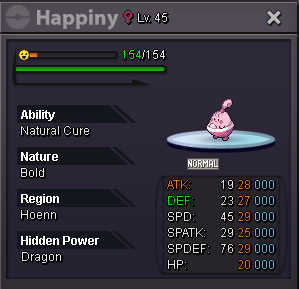
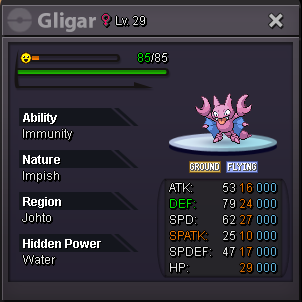
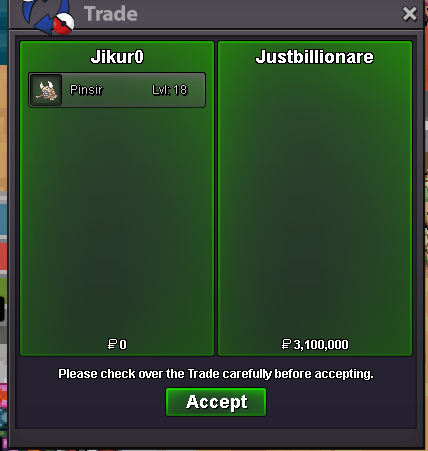
 auction ended winner : @Justbillionare
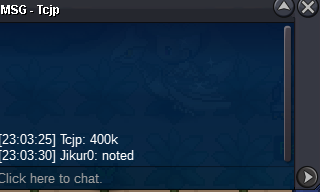
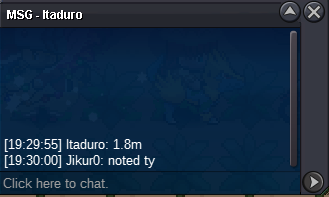
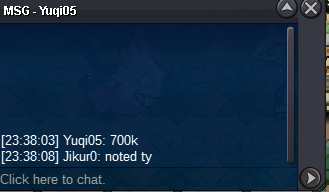
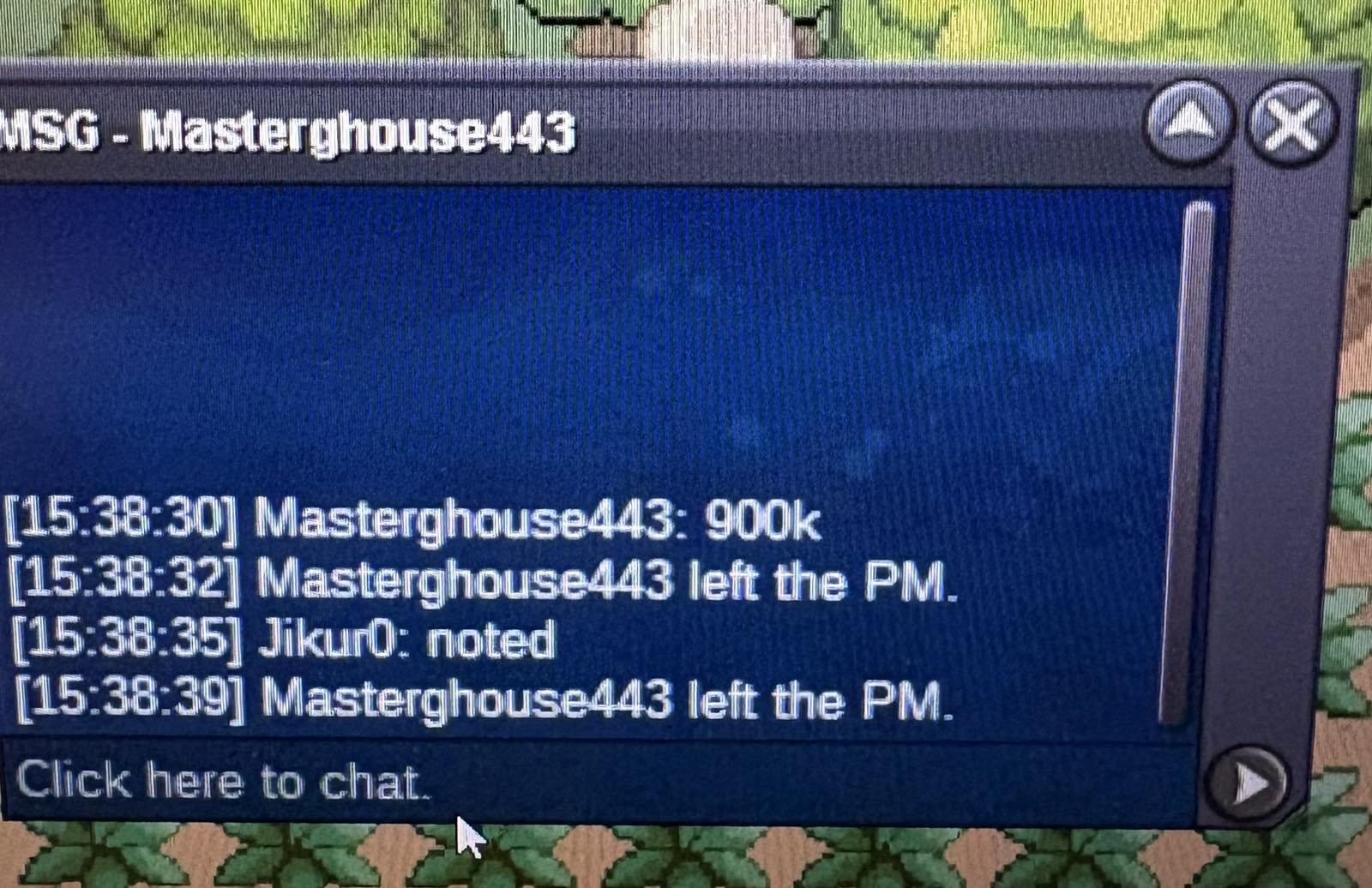
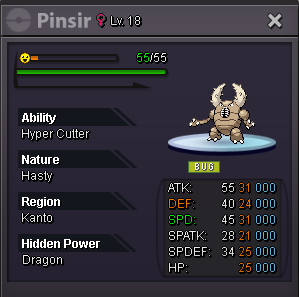
 Starting price: 500k Min bid: 100k No insta 48h Auction (Ends Monday 16-06-2025 19:29 pm) 15min Auction rule : Enabled Payment methods: Pokedollars Coin Capsule:470k
 Can a trade mode plese force the trade i can't find a time to trade with the player @Hndcp propably because of different time zones . Finally the trade completed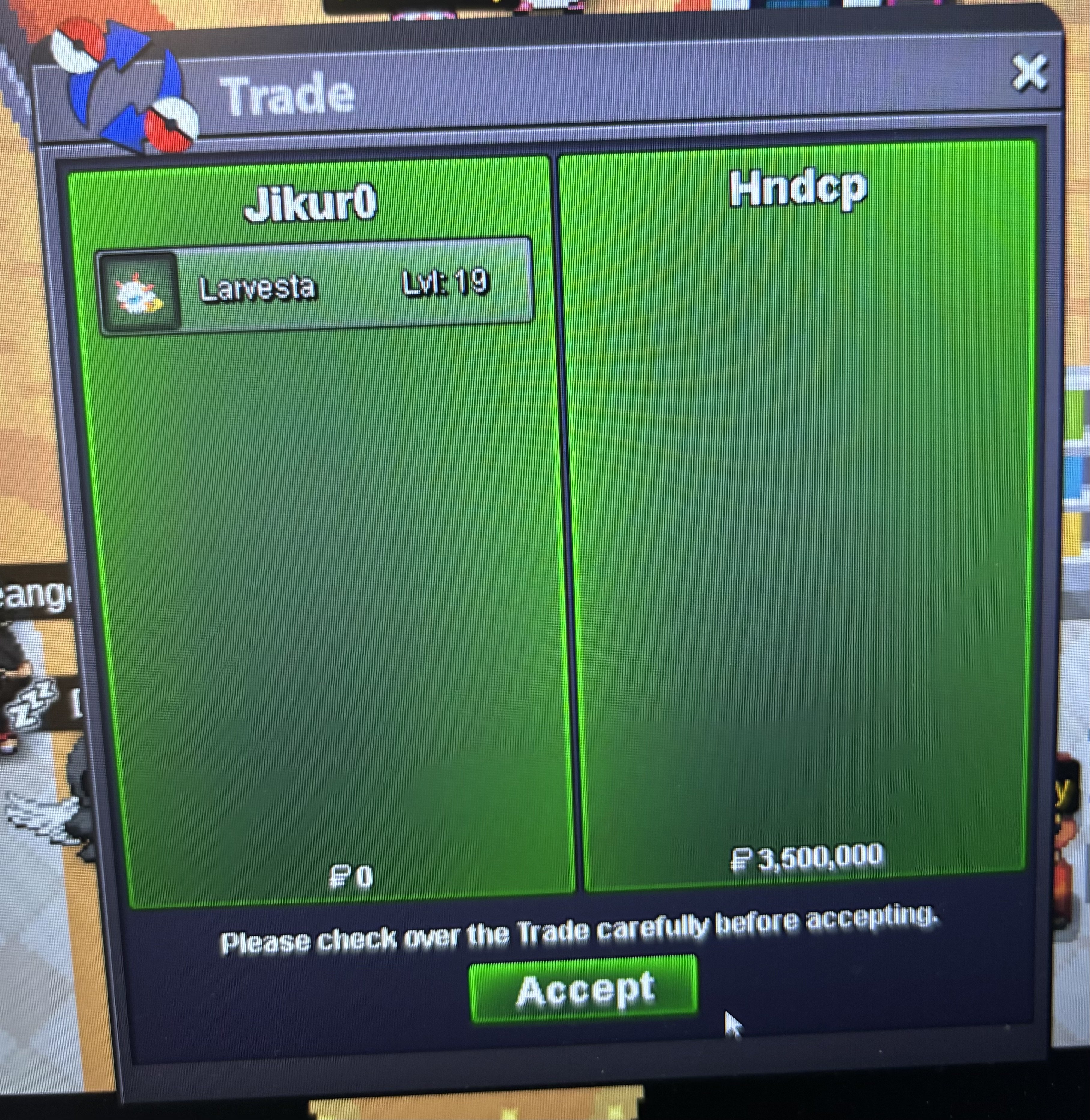
Account
Navigation
Search
Configure browser push notifications
Chrome (Android)
- Tap the lock icon next to the address bar.
- Tap Permissions → Notifications.
- Adjust your preference.
Chrome (Desktop)
- Click the padlock icon in the address bar.
- Select Site settings.
- Find Notifications and adjust your preference.
Safari (iOS 16.4+)
- Ensure the site is installed via Add to Home Screen.
- Open Settings App → Notifications.
- Find your app name and adjust your preference.
Safari (macOS)
- Go to Safari → Preferences.
- Click the Websites tab.
- Select Notifications in the sidebar.
- Find this website and adjust your preference.
Edge (Android)
- Tap the lock icon next to the address bar.
- Tap Permissions.
- Find Notifications and adjust your preference.
Edge (Desktop)
- Click the padlock icon in the address bar.
- Click Permissions for this site.
- Find Notifications and adjust your preference.
Firefox (Android)
- Go to Settings → Site permissions.
- Tap Notifications.
- Find this site in the list and adjust your preference.
Firefox (Desktop)
- Open Firefox Settings.
- Search for Notifications.
- Find this site in the list and adjust your preference.