New Trade Zone
Trade Zone is now live
Use the new Trade Zone for auctions and instant-price trades so Pokemon and item offers are easy to find.

Jikur0
Registered User
-
Joined
-
Last visited
Everything posted by Jikur0
-
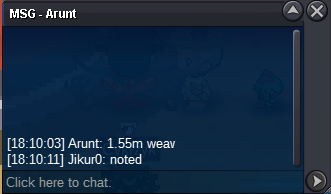
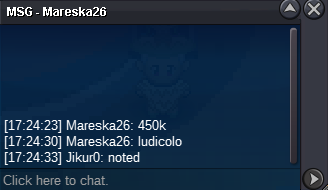
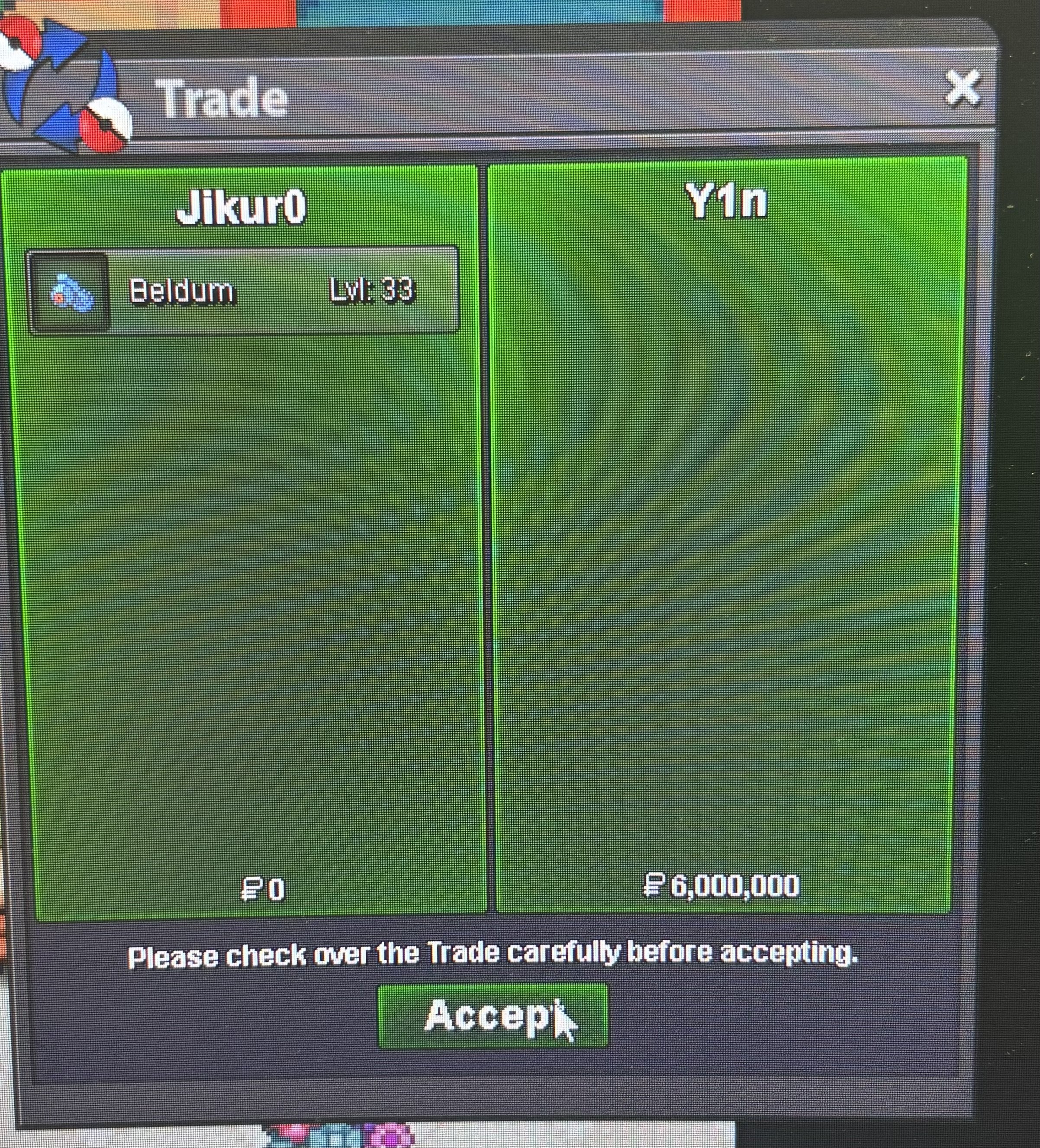
THIS IS NOT A BUNDLE Starting price: 300k each Pokemon Min bid:50k No insta 48h Auction(Starts separetely after first bid on each pokemon) Weavile Auction ends : 21-04-2025 18:13 PM Ludicolo auction ends :21-04-2025 18:43 PM 15min Auction rule:ON Payment methods Pokedollars Coin Capsule :450k
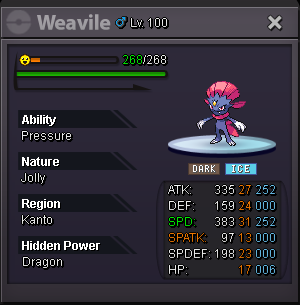
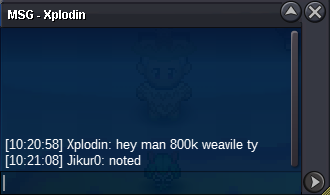
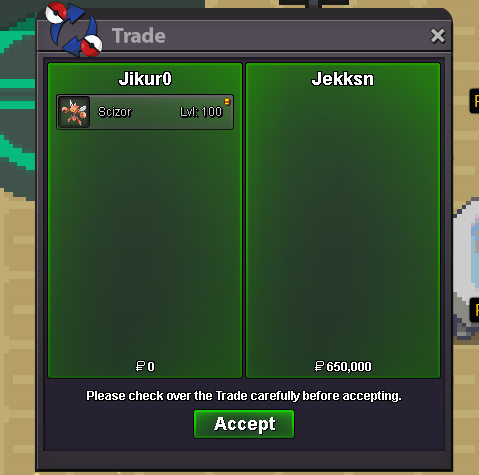
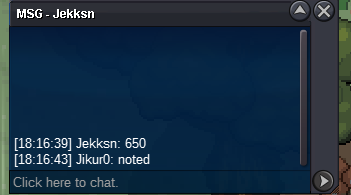
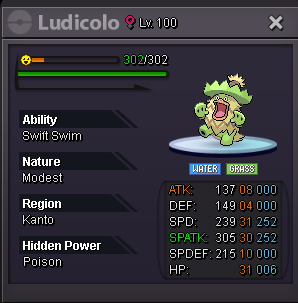 im sorry but auction ended before your bid Manfi92Auction ended Winner: Jekksn he is offline atm i will contact with him when he's onlineStarting price:400k Min bid 50k No insta 48h Auction (Ends Tuesday 15-04-2025 20:29 Greek time ) 15mins auction rule:Enabled Payment methods: Pokedollars Coin Capsule:500k
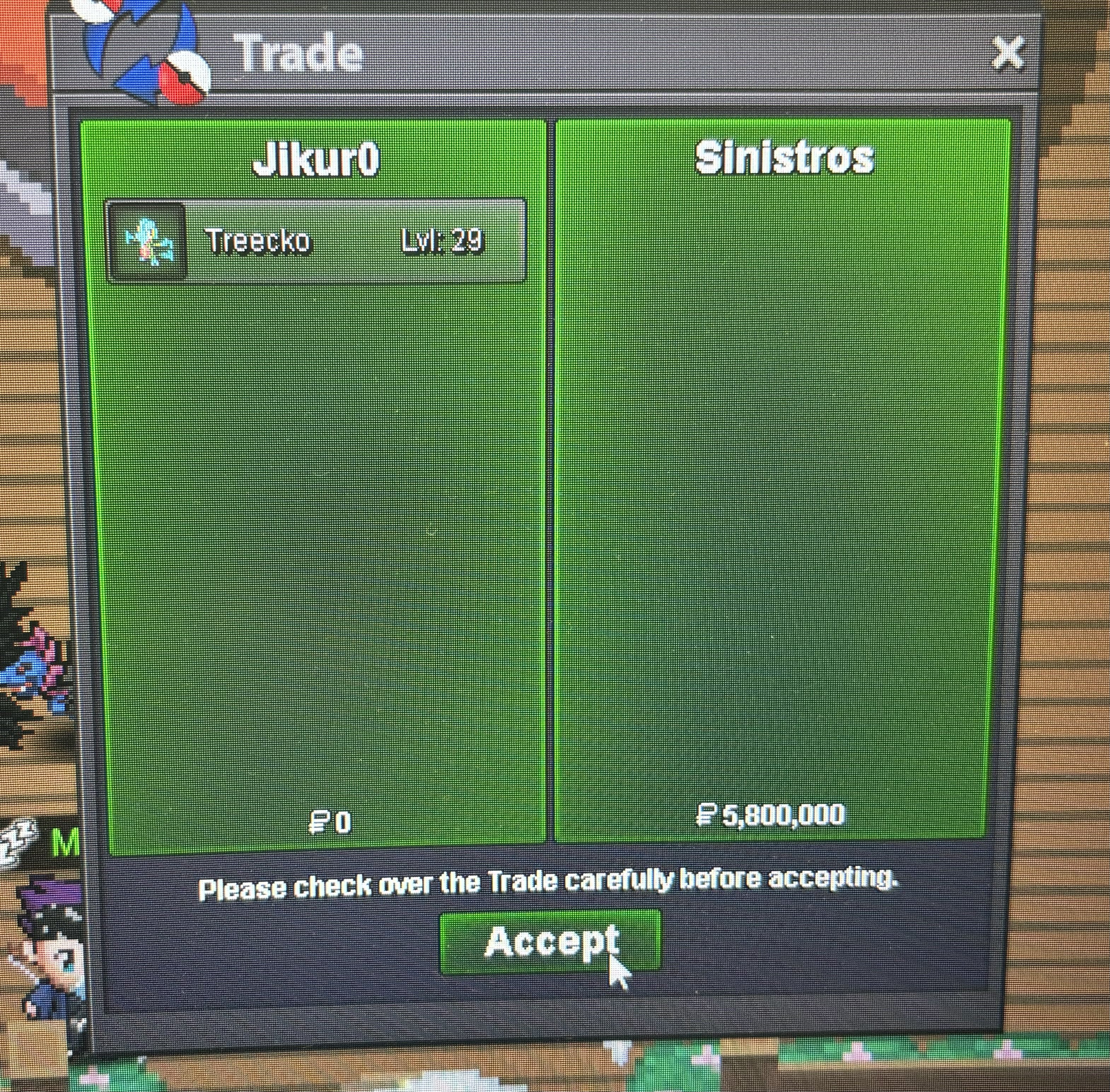
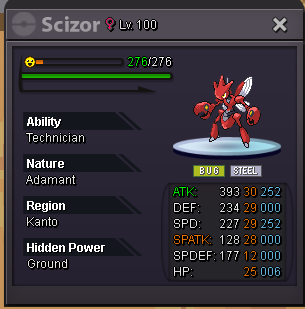 watch out the 15mins auction clause each offer on last 15mins reset the clock again for last 15minsI think it’s the same if you win just transfer to silver. just post your offerStarting price:1.2m Min bid:200k No insta Auction ends at Friday :18:35 (Greek time) Accept payment: Pokedollars Coin capsule: 450k
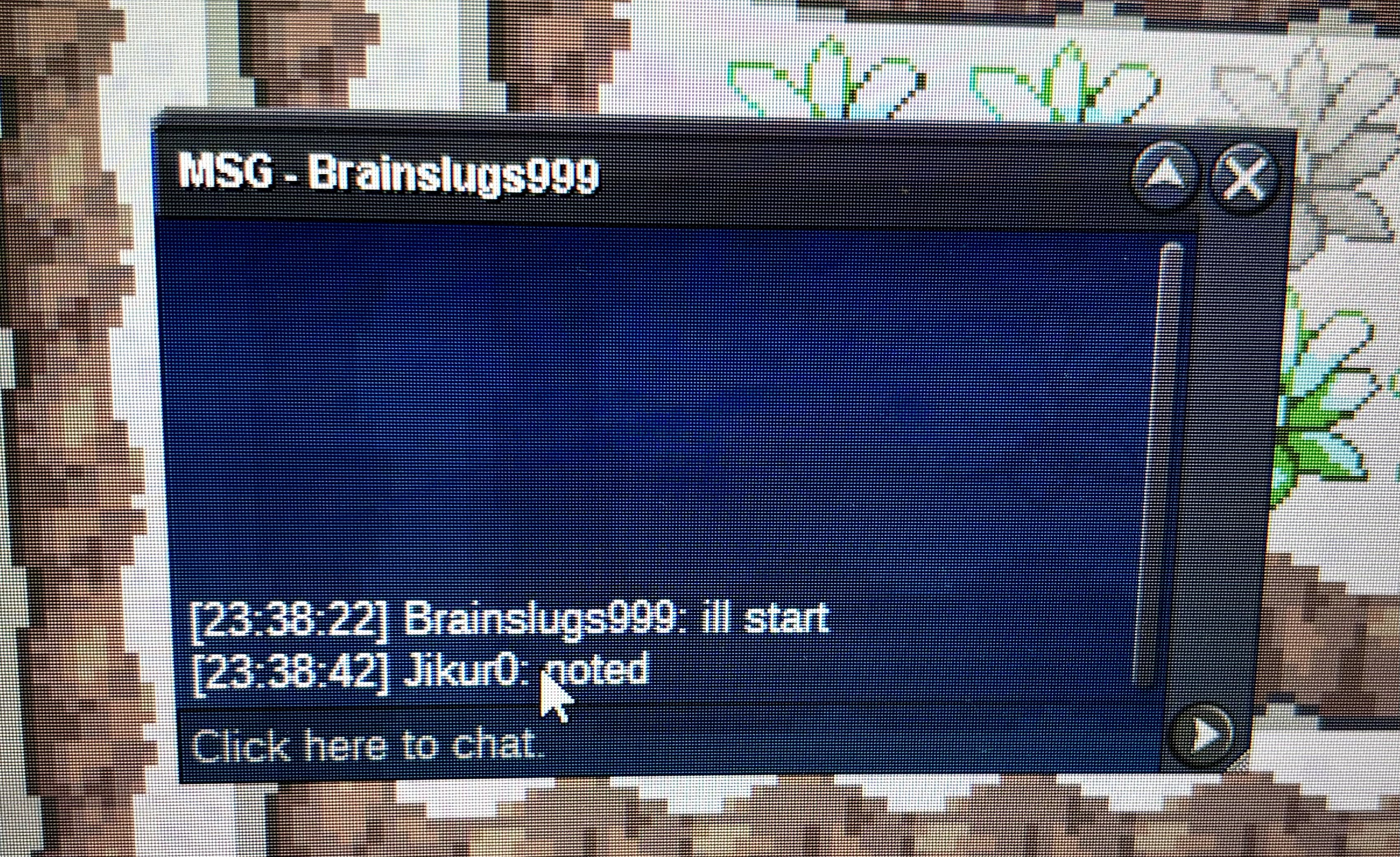
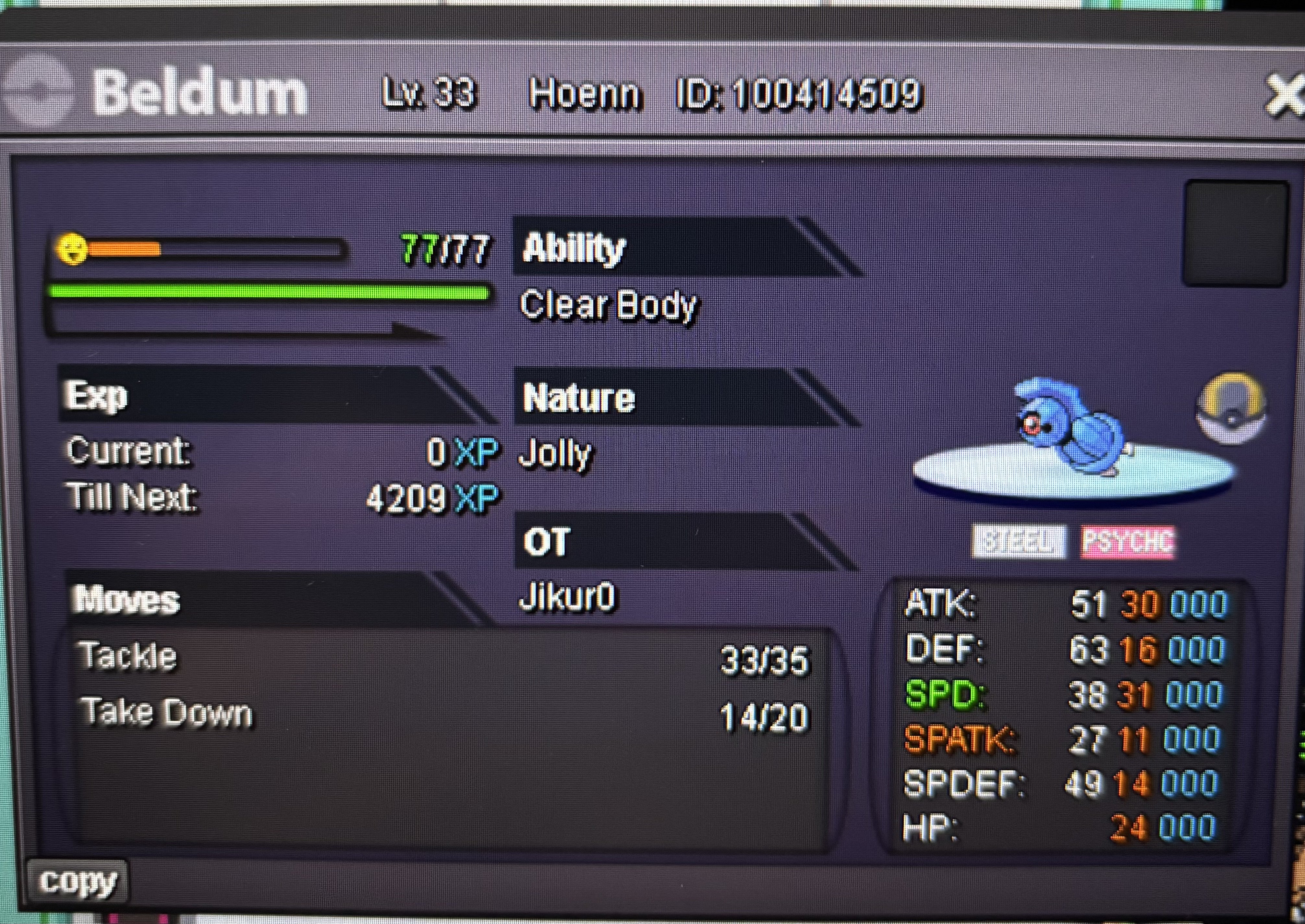 Starting price:3m Min raise : 200k 72 HOURS AUCTION ENDING -SATURDAY 21/12/2024 23:20 GREEK TIME No insta Payment methods: Pokedollars Coin capsule:500k Good luck everyone
 Jikur0 Jikuro#6110 GMT+2 87 hours Metagross Im looking for a community to have fun and enjoy the game more....+Im playing Duel links also ;)
Account
Navigation
Search
Configure browser push notifications
Chrome (Android)
- Tap the lock icon next to the address bar.
- Tap Permissions → Notifications.
- Adjust your preference.
Chrome (Desktop)
- Click the padlock icon in the address bar.
- Select Site settings.
- Find Notifications and adjust your preference.
Safari (iOS 16.4+)
- Ensure the site is installed via Add to Home Screen.
- Open Settings App → Notifications.
- Find your app name and adjust your preference.
Safari (macOS)
- Go to Safari → Preferences.
- Click the Websites tab.
- Select Notifications in the sidebar.
- Find this website and adjust your preference.
Edge (Android)
- Tap the lock icon next to the address bar.
- Tap Permissions.
- Find Notifications and adjust your preference.
Edge (Desktop)
- Click the padlock icon in the address bar.
- Click Permissions for this site.
- Find Notifications and adjust your preference.
Firefox (Android)
- Go to Settings → Site permissions.
- Tap Notifications.
- Find this site in the list and adjust your preference.
Firefox (Desktop)
- Open Firefox Settings.
- Search for Notifications.
- Find this site in the list and adjust your preference.