New Trade Zone
Trade Zone is now live
Use the new Trade Zone for auctions and instant-price trades so Pokemon and item offers are easy to find.

Jikur0
Registered User
-
Joined
-
Last visited
Everything posted by Jikur0
-
@Hndcp in online please come to finish the trade
-
I’ll be on line in 7h approx to complete the trade please check your messages
-
@Hndcp please contact with me to complete the trade
-
AUction ended winner: @Hndcp Player not on line atm Pending for trade
-
Bump 24h left
-
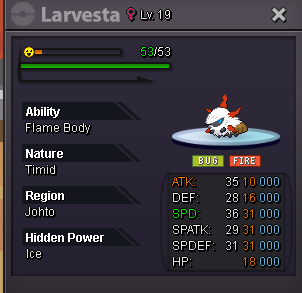
Starting price: 400k Min bid :100k No Insta 48h Auction (Auction ends Sunday 25-05-2025 23:50PM ) 15mins Auction rule:Enabled Payment methods: Pokedollars Coin Capsule : 480k
-
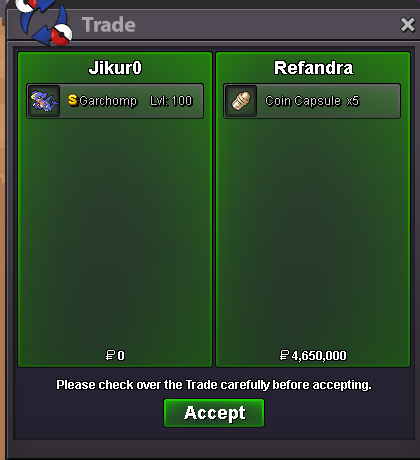
Auction ended winner @Refandra
-
Bump 4h left (excuse me for previous post misswrite my name on forum)
-
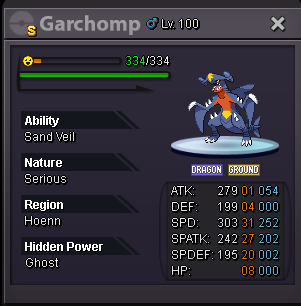
Starting price:2m Min bid 100k No insta 72h Auction (Auction ends Sunday 18-05-2025 14:12 PM) 15min Auction rule:ON Payment methods: Pokedollars Coin Capsule:470k
-
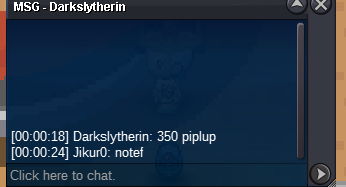
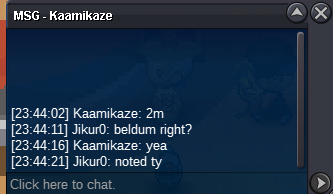
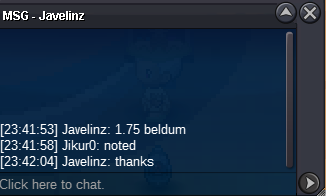
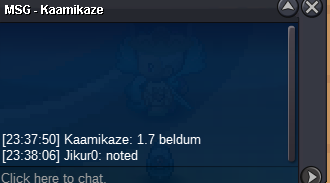
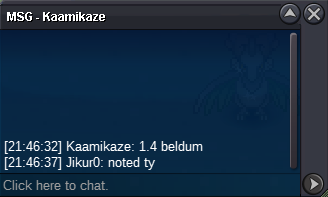
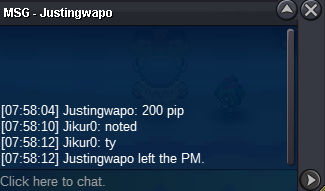
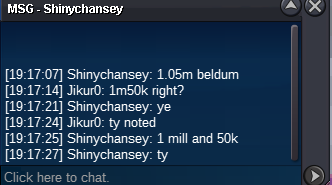
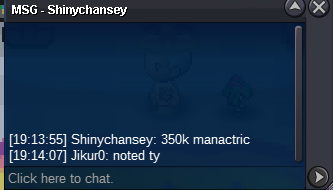
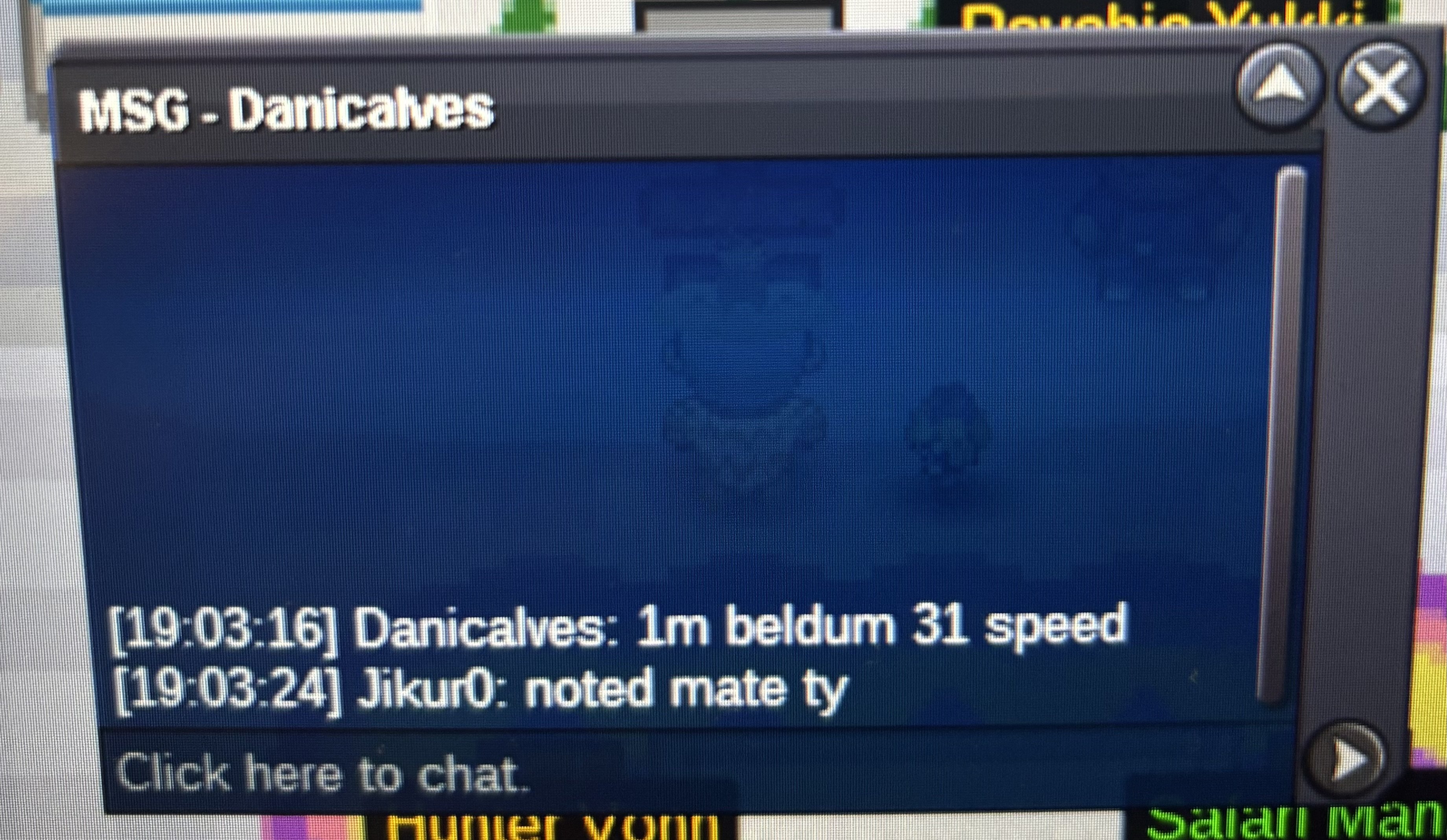
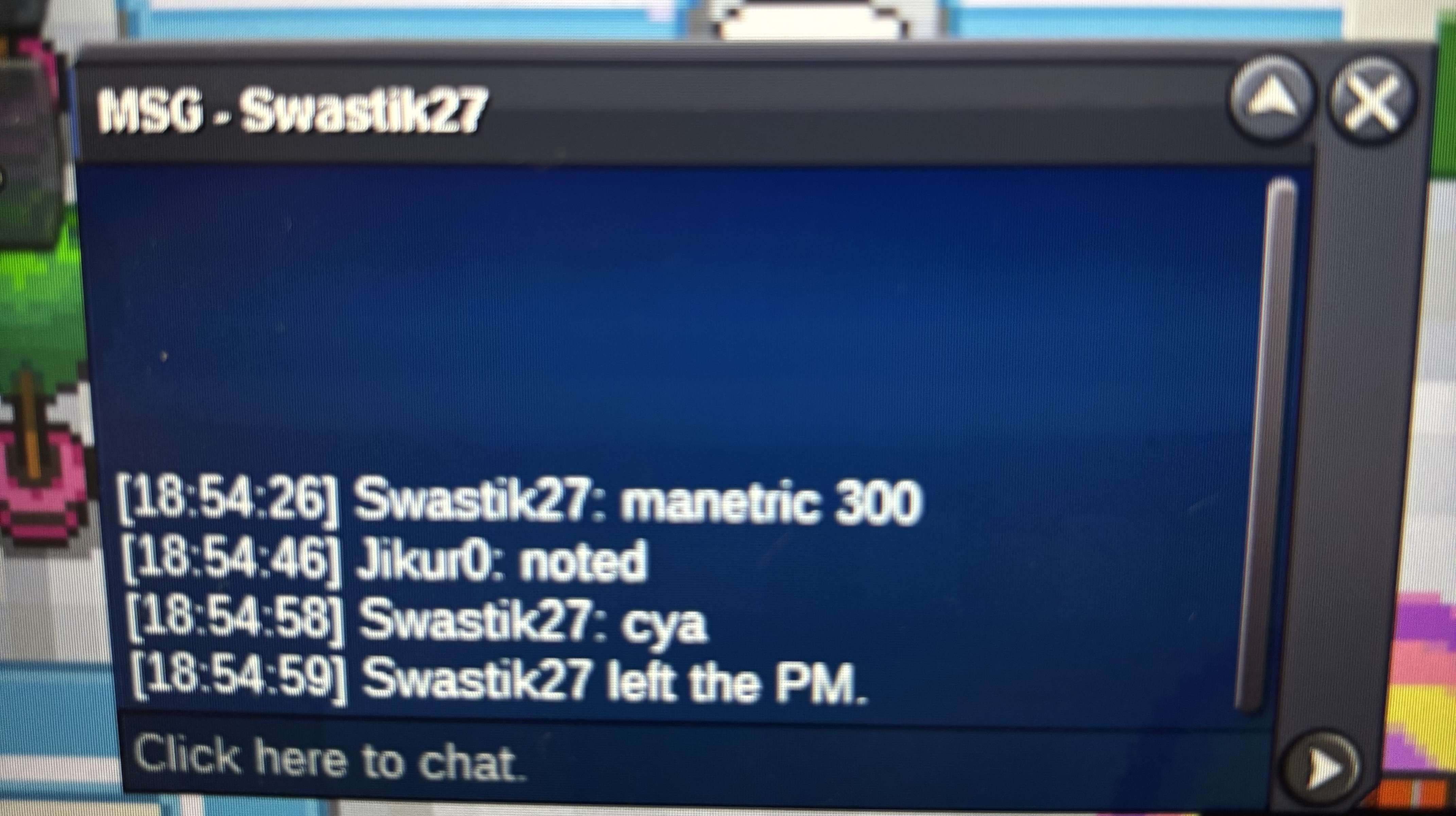
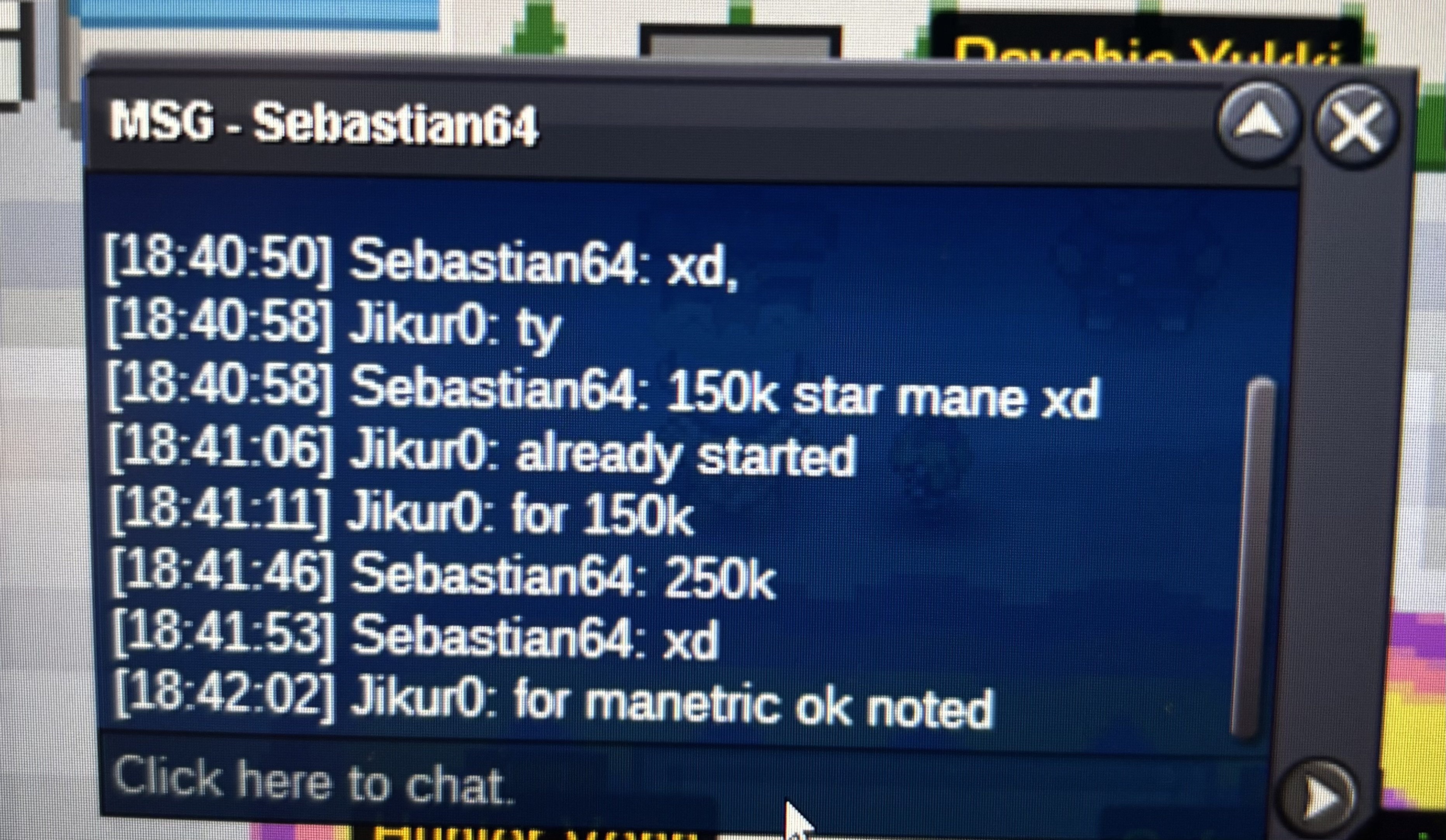
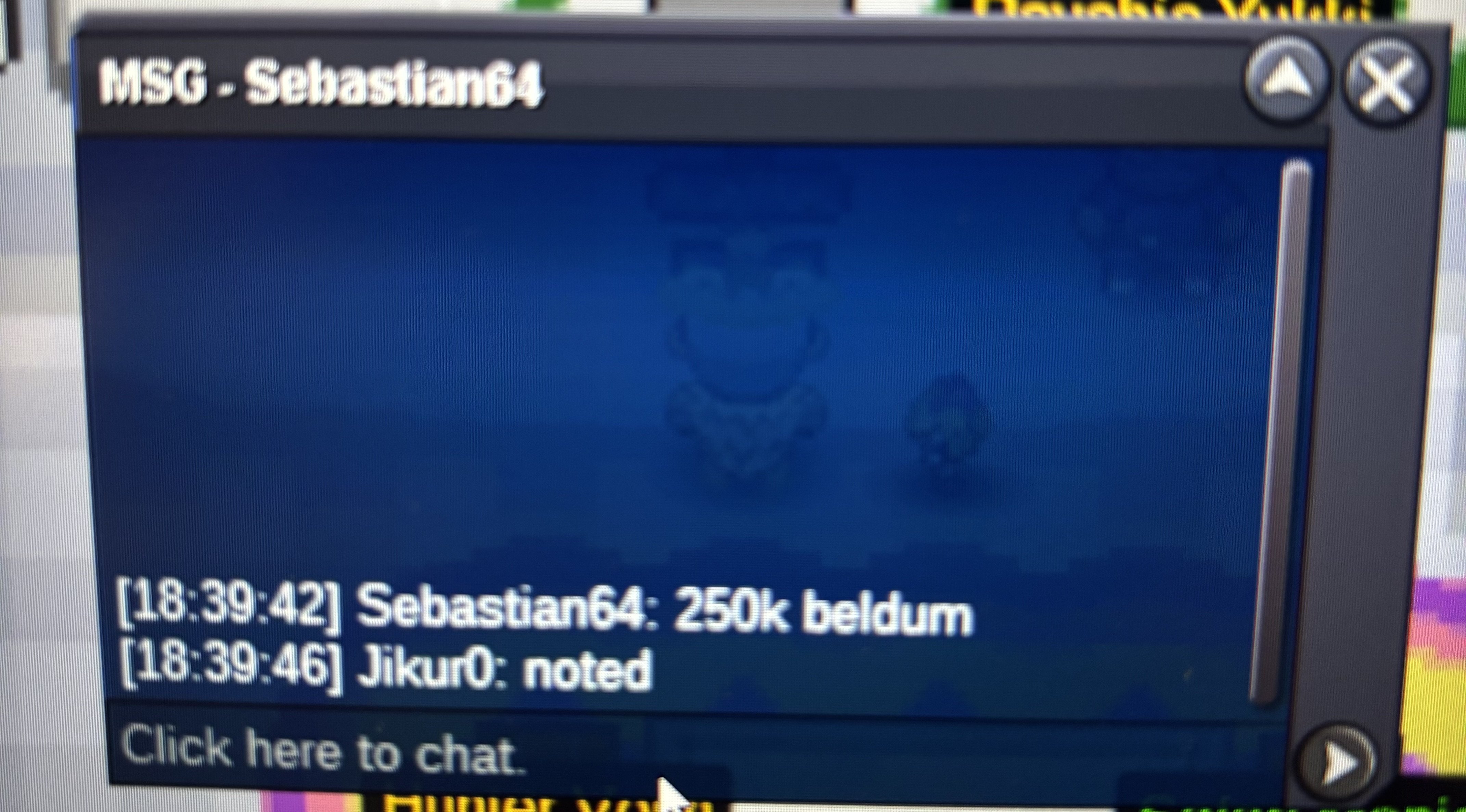
beldum winner: @Kaamikaze Manectric Winner : @Nubfreak Piplub winner : @Darkslytherin
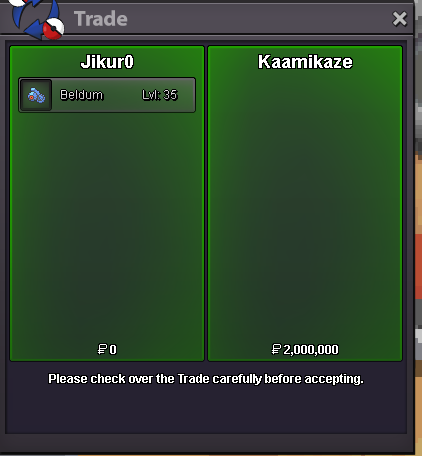
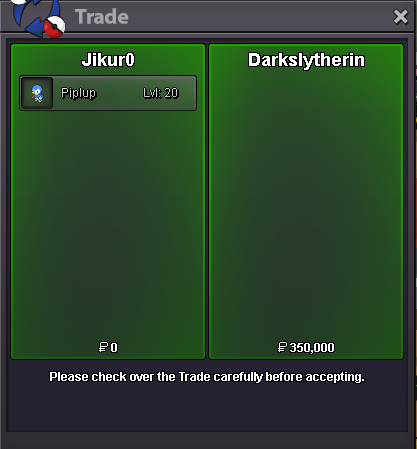
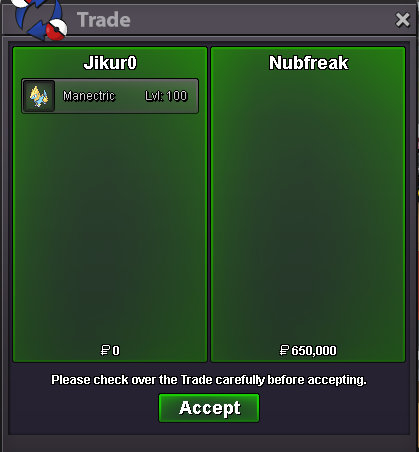
-
THIS IS NOT A BUNDLE Starting price :150k each pokemon Min bid 50k each No insta 48h Auction(2days) (Starts after first bid on each pokemon) 15min auction rule : ON Each Pokemon may have different starting time PAYMENT METHODS: Pokedollars Coin Capsule:450k BELDUM AUCTION ENDS 06-05-2025 : 23:49 PM PIPLUP AND MANECTRIC ENDS 07-05-2025 : 12:03 AM (14Mins after Beldum)
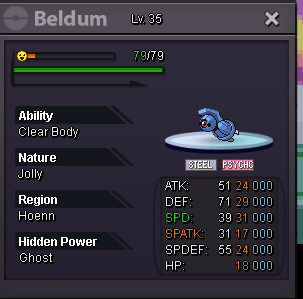
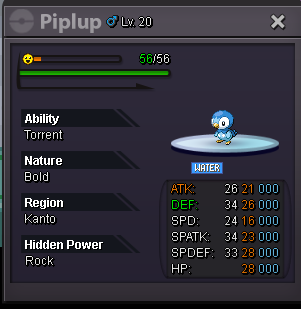
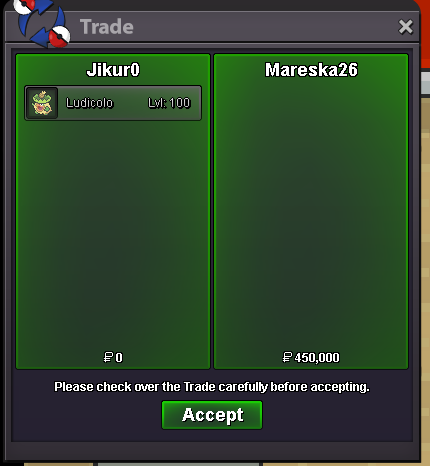
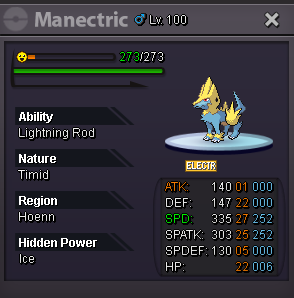 AUCTION ENDED FOR WEAVILE : WINNER @Xplodin auction ended for ludicolo winner: @Mareska26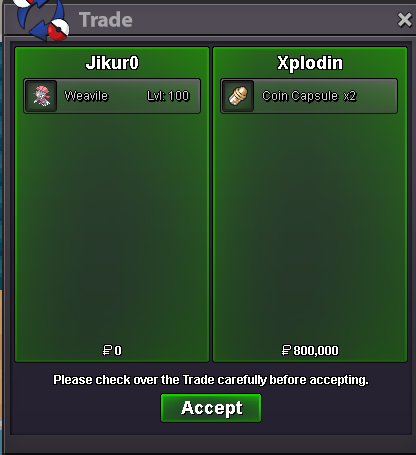
Account
Navigation
Search
Configure browser push notifications
Chrome (Android)
- Tap the lock icon next to the address bar.
- Tap Permissions → Notifications.
- Adjust your preference.
Chrome (Desktop)
- Click the padlock icon in the address bar.
- Select Site settings.
- Find Notifications and adjust your preference.
Safari (iOS 16.4+)
- Ensure the site is installed via Add to Home Screen.
- Open Settings App → Notifications.
- Find your app name and adjust your preference.
Safari (macOS)
- Go to Safari → Preferences.
- Click the Websites tab.
- Select Notifications in the sidebar.
- Find this website and adjust your preference.
Edge (Android)
- Tap the lock icon next to the address bar.
- Tap Permissions.
- Find Notifications and adjust your preference.
Edge (Desktop)
- Click the padlock icon in the address bar.
- Click Permissions for this site.
- Find Notifications and adjust your preference.
Firefox (Android)
- Go to Settings → Site permissions.
- Tap Notifications.
- Find this site in the list and adjust your preference.
Firefox (Desktop)
- Open Firefox Settings.
- Search for Notifications.
- Find this site in the list and adjust your preference.