New Trade Zone
Trade Zone is now live
Use the new Trade Zone for auctions and instant-price trades so Pokemon and item offers are easy to find.

Hotspaghetti
Suspended
-
Joined
-
Last visited
Everything posted by Hotspaghetti
-
I misclick to delete the last riolu ID 48217266 god pls god help me restore that riolu !!! pls ty so much i love you love you love you!

-
Like mega lucario, gengar, kangaskhan and etc. Will they be banned instanly when new patch realeased ?? Or we can use them on pvp ??
-
1. Baton Pass is not over used. 2. Do the people who use baton pass always easily win every game ?? Obviously not !!! 3. It's a team strategy. Ban baton pass = reduce the variety of PVP.
-
We all know that legendary pokemons have high ivs and good moves. Why not just limit that only one legendary pokemon in every team ??? Sounds good, right ??
-
Thank you ! It's very useful !!
-
someone helps ? my lv100 pikachu was deleted accidently :(
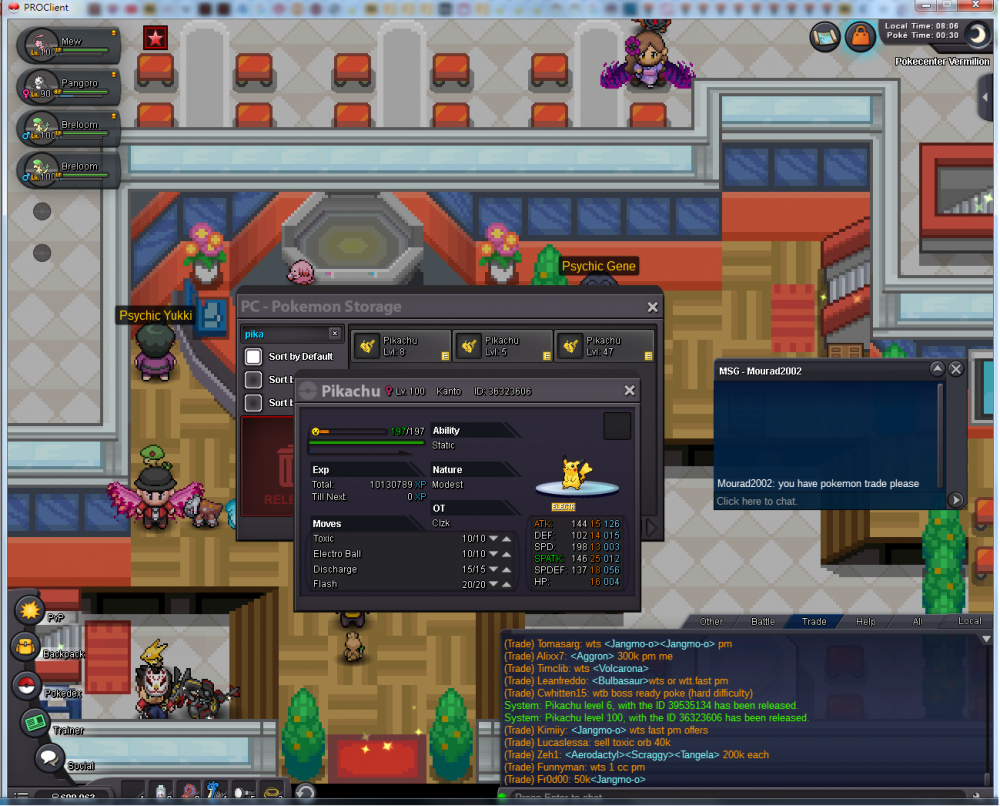
-
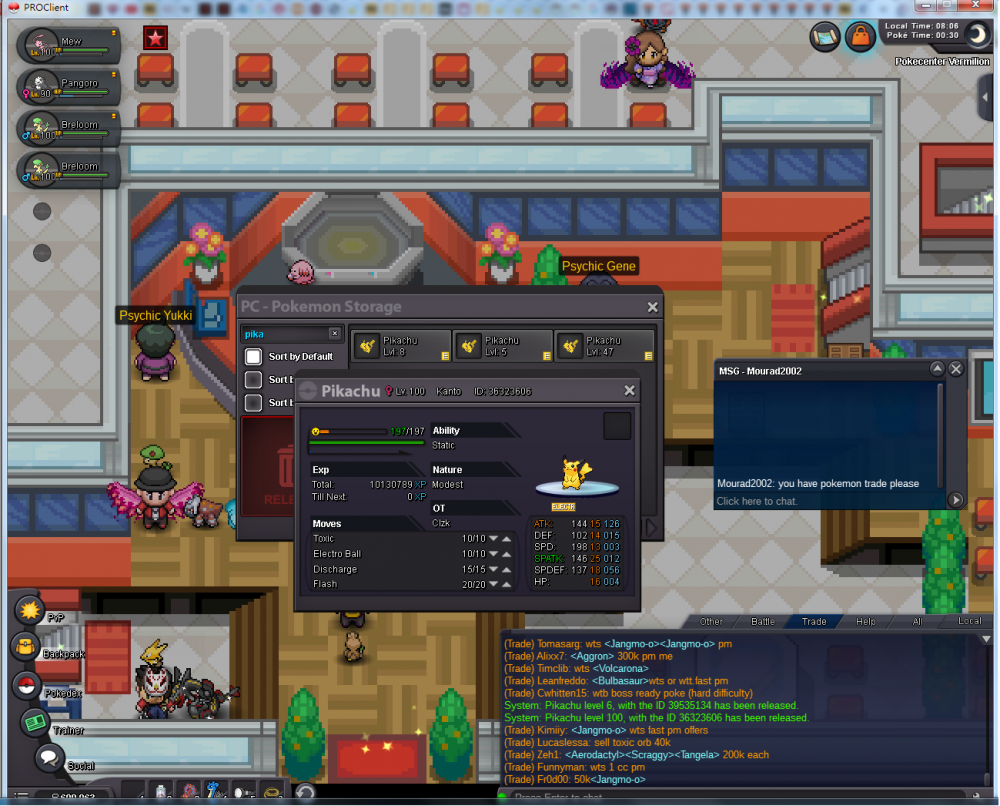
someone helps ? my pikachu was deleted accidently :(
-
auction end togepi buyer is [uSER=936856]dcp19[/uSER]
-
breloom is cheaper now also auction is about to close ( 24HRs from the post time !! )
-
b.o.start 500k ins: 900k time: 24hrs b.o.start 600k ins: 1m time:24hrs


-
Hi I am back from 2years ago i miss pro so much i want to HUNT! HUNT! HUNT! Aim to be the richest guy in server silver Good luck guys
-
ty toobumpb.o start : 1m insta: 2m time: 24hrs from post time

 HP: DARK b.o start : 500k time: 24hr from post time insta: 1 m