




New Trade Zone
Trade Zone is now live
Use the new Trade Zone for auctions and instant-price trades so Pokemon and item offers are easy to find.

Jadeash
Contributor
-
Joined
-
Last visited
Everything posted by Jadeash
-
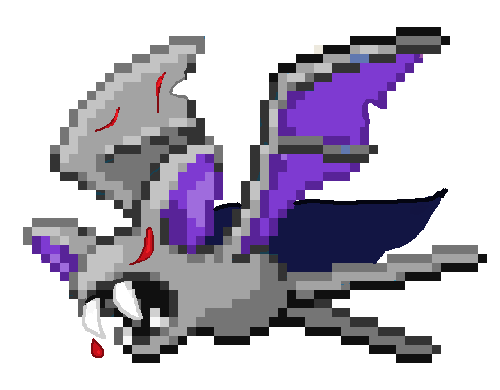
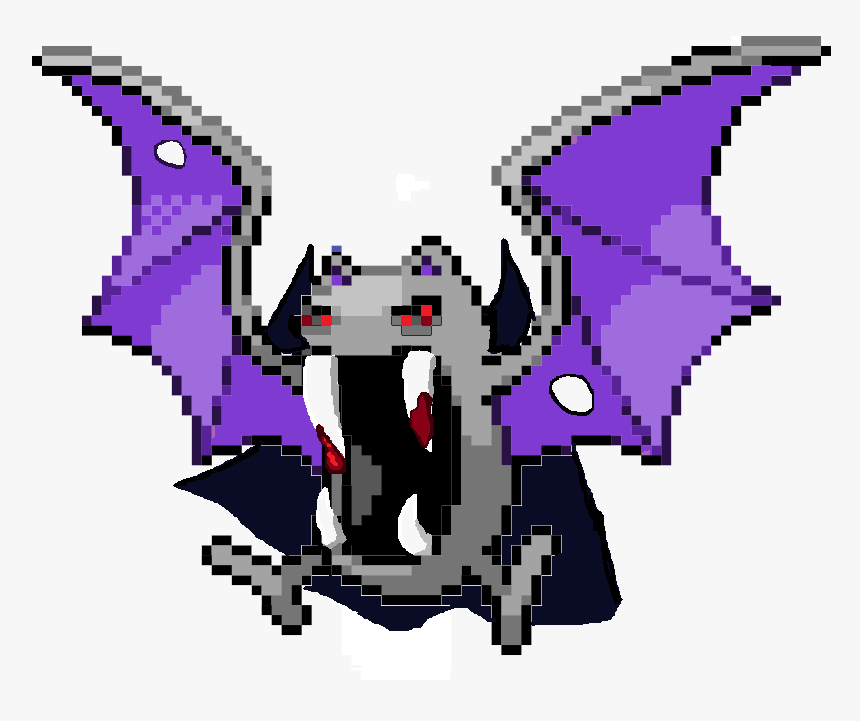
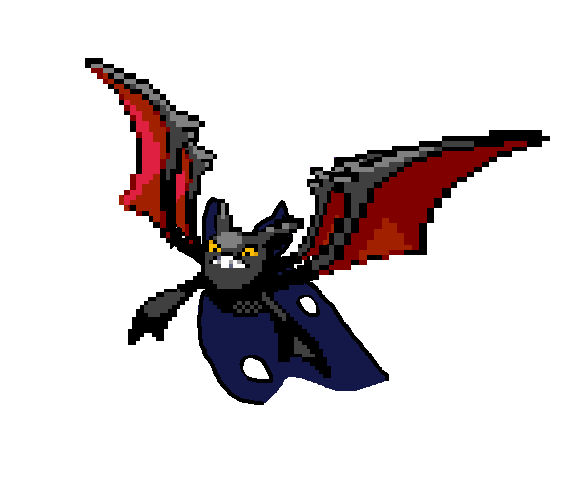
Event form: Halloween Zubat Time Investment: 40 mins Possibly interest to join staff either as Pixel Artist or Coin Shop icon creator: No Graphic: Count Dracula
-
Event form: Summer Time investment: 55 mins Possibly interest to join staff either as Pixel Artist or Coin Shop icon creator: No Graphic: Tropical Fish: Tynamo: Flame Angelfish Eelektrik: Pseudochromis Royal Eelektross: Morish Idol Event form: Summer Graphic: Mint Chocolate Ice Cream

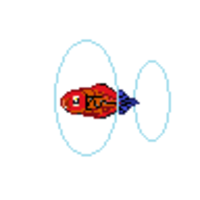

.png.aeb2600593405950471fdead4d1da8aa.png)


-
Event form: Halloween Time investment: 20 minutes Possibly interest to join staff either as Pixel Artist or Coin Shop icon creator: No Graphic: Halloween Corn Candy
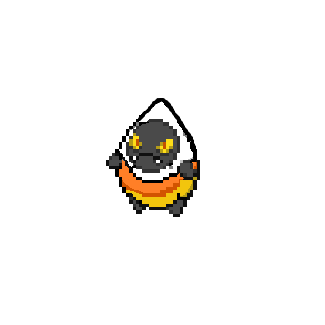

-
Event form: Xmas Time investment: 2 hours Possibly interest to join staff either as Pixel Artist or Coin Shop icon creator: No Graphic: Snow Fox
.png.e7ce9fa890692bea311406014c376ba7.png)
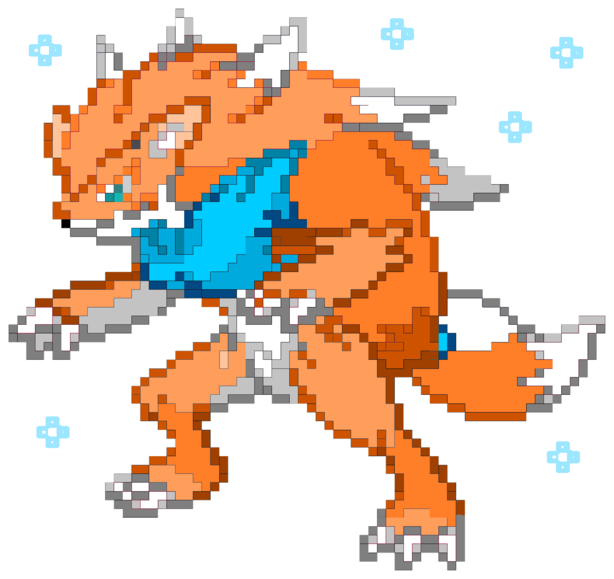
-
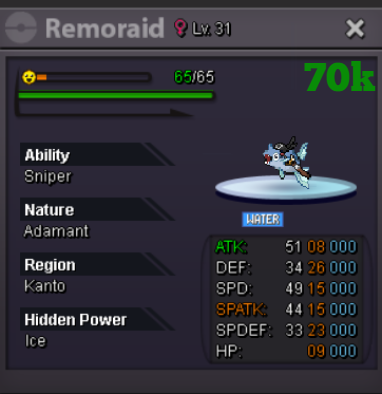
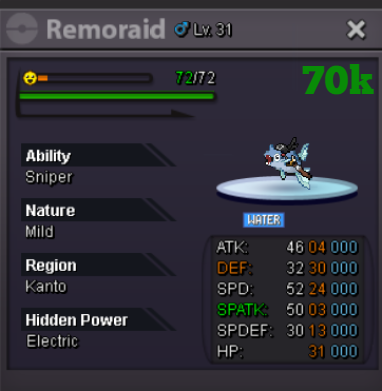
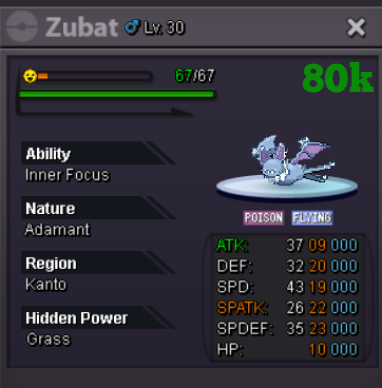
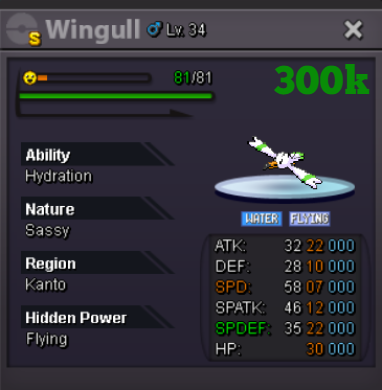
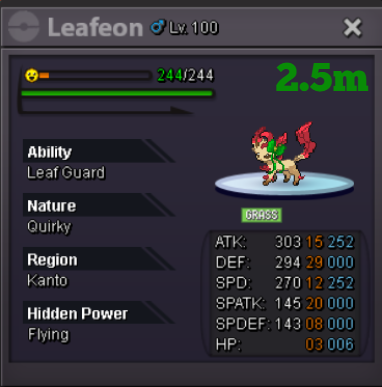
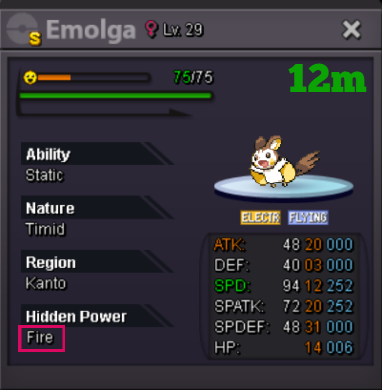
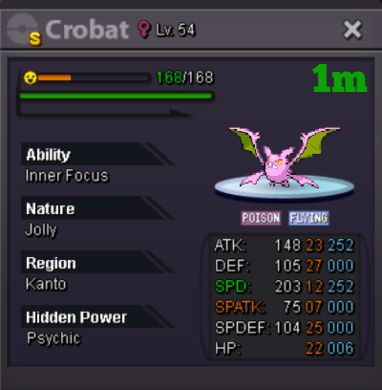
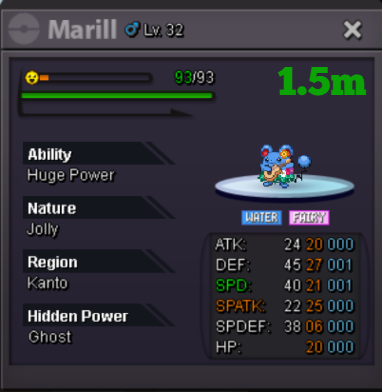
bumpPlayer Name: JadeAsh Server: Silver Timezone: GMT +2*lurks*Welcome to Some prices are negotiable *Please be courteous when negotiating and offer prices within reasonable range* Want to sell your Pokémon in my shop or need to buy a Pokémon? Contact me: Discord: jadeash_ IGN: JadeAsh CURRENT DISCOUNTS Alternate Payment Methods Coin capsule = 450k IV Reroll Ticket = 500k Nature Reroll Ticket = 250k Rare candy = 5k Master ball = 70k TRADE (WANTED) LIST: Spoiler Shiny & Pink Pokémon Spoiler Event Pokemon Spoiler Thank you for shopping with the Pawke Shop!


.png.29740a5b0ea4f62ccd8a0edd1be97c91.png)
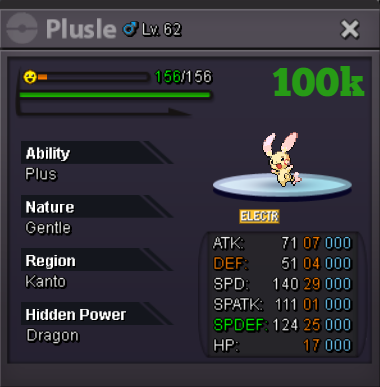


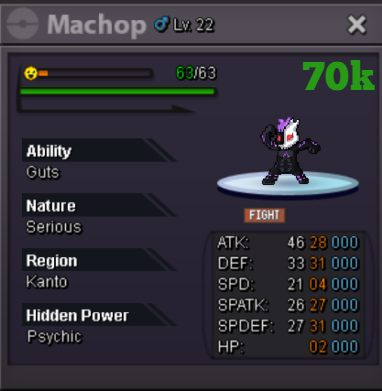

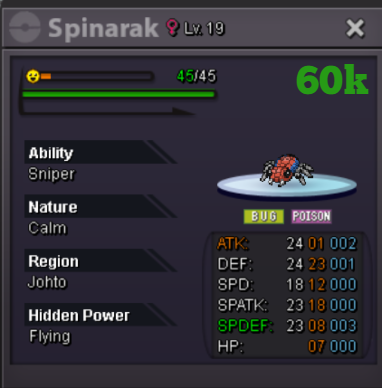



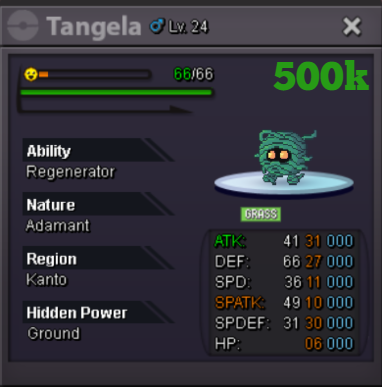


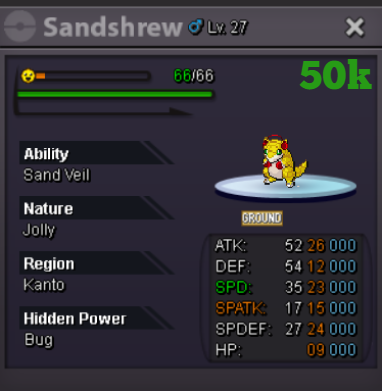
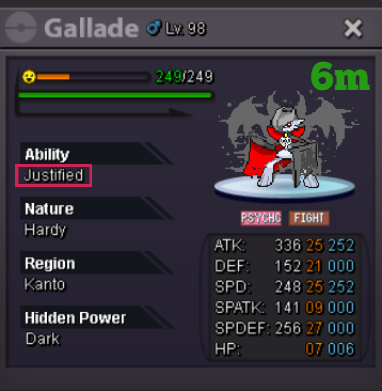


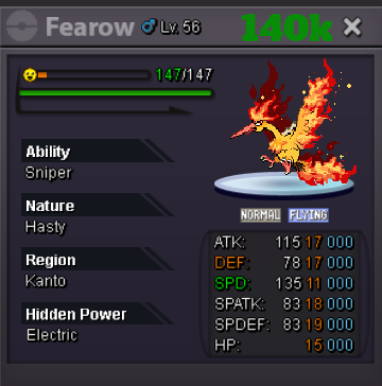


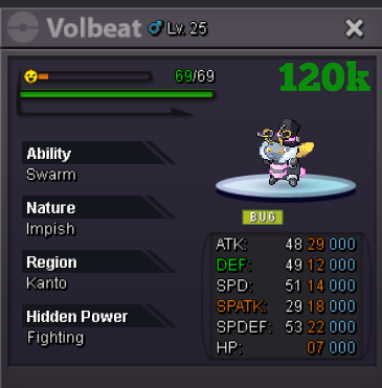
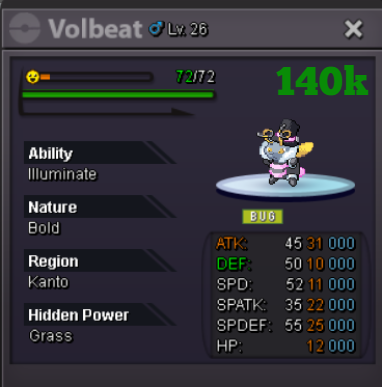
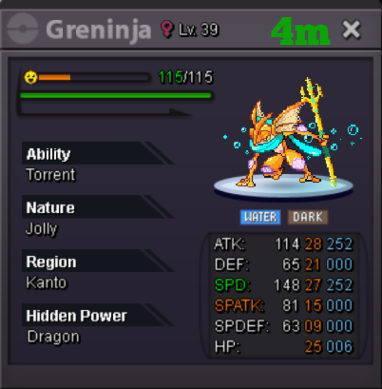
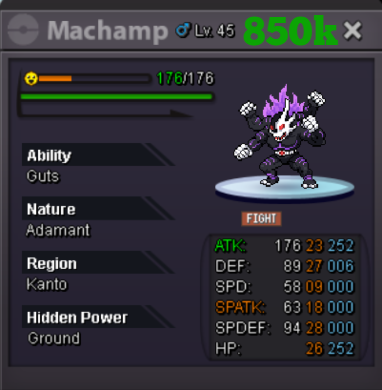
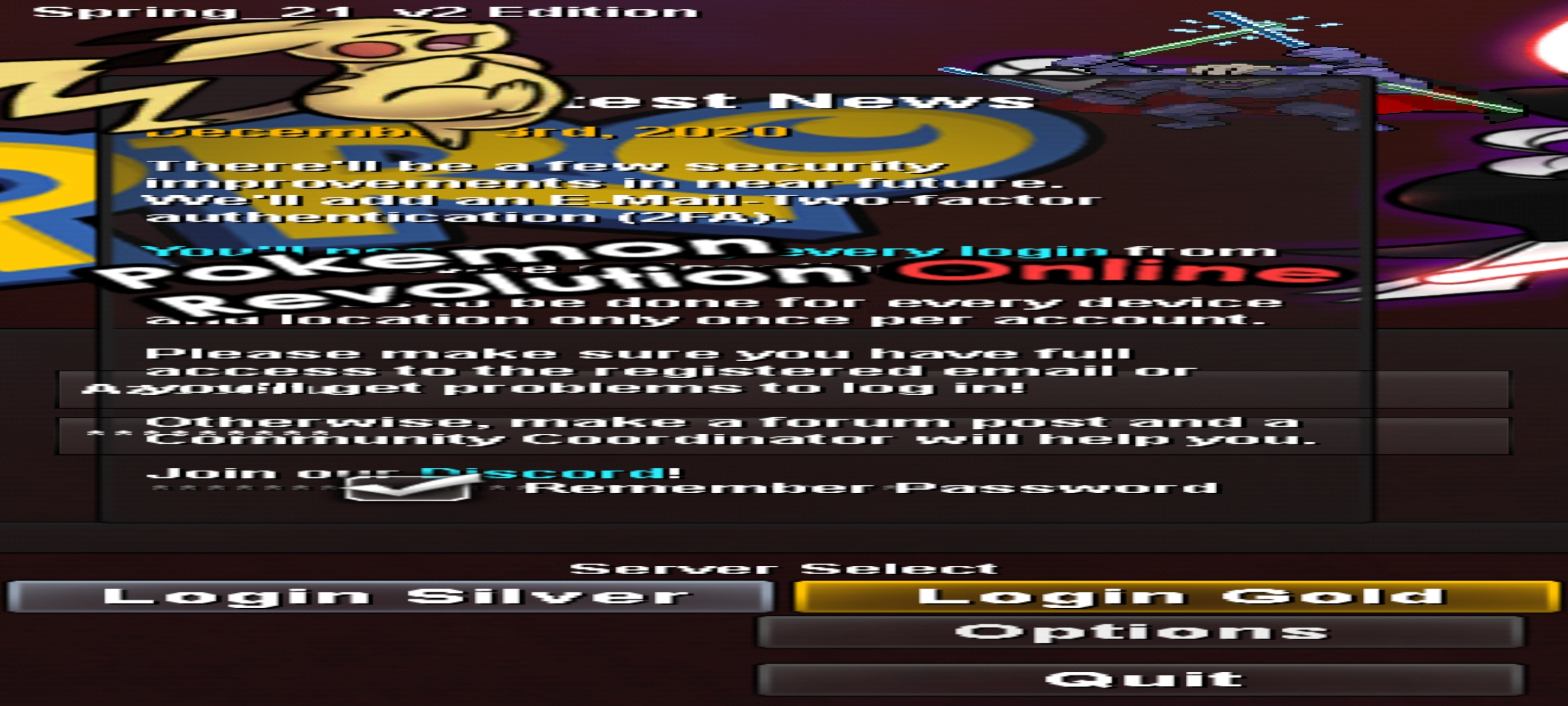
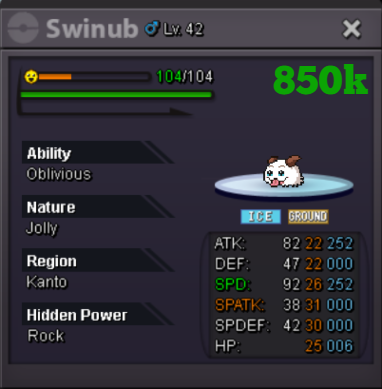 I've encounterer several problems when attempting to change the resolution for the pro game window. On mobile, there were only 2 resolution options. 1800×2400 and 2400×1800. My game was on the latter resolution but when I changed it to 1800×2400 it turned into what you see in the attached picture. And it doesnt prompt you to change the resolution back and there is not EVEN a restore to default button. And on desktop if you attempt to make the game resolution less than 800 pixels wide, the game becomes so zoomed that you cant even reach the buttons on the menu to even change it back. Much less play the game. The auto centering of the menu is also annoying as the GUI scale doesnt change alonf with changing the resolution.
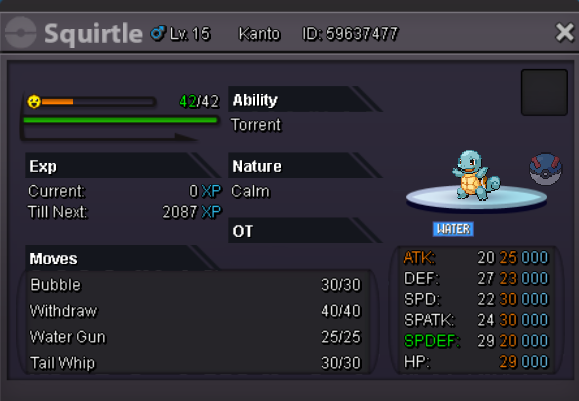
 Username:Jadeash Server:Silver Your streamlink: https://www.twitch.tv/jadeash31 What type of content do you stream: -PRO (Hunting and Quests) -Legends of Runeterra (Casual Gameplay, Deck Building, and Competitive Climbing) -League of Legends (Casual Gameplay) -MMOs (Game Introduction -Other Platformer gamesbumpLooking for a few event forms Have a fair budget for each List: - Hallo Cyndaquil(no evos) - Hallo Chikorita - Xmas Mudkip - Summer Snivy Message here or PM on discord #Jade2509 or pm ingame IGN JadeashbumpInsta by Bojak. Sold for 2m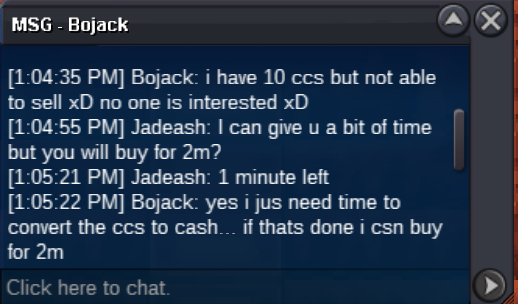
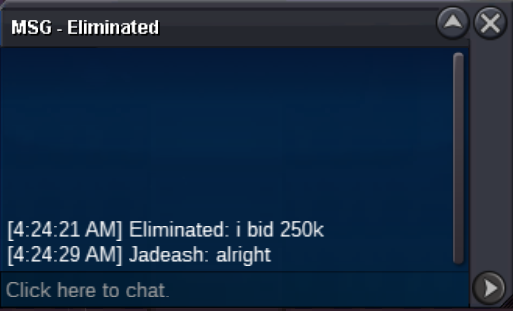
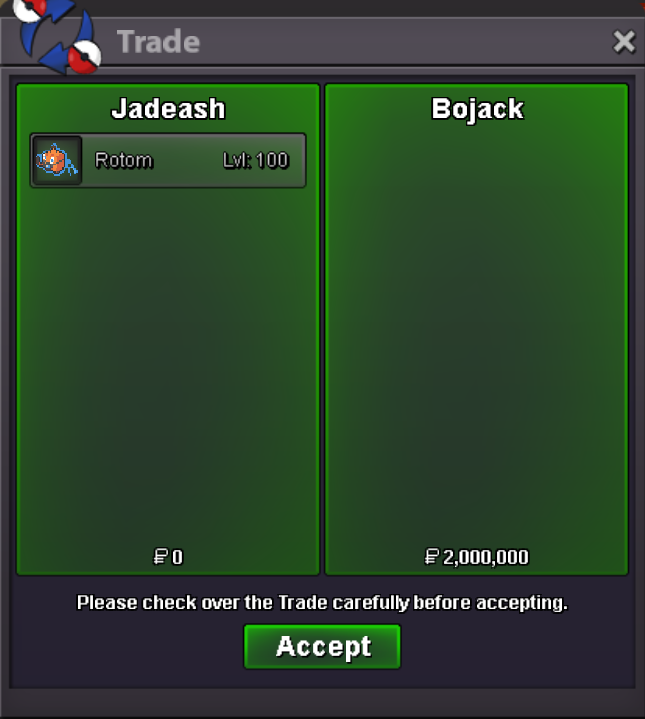 Insta 2m 48 hours after first bid Offere here or in game, ign Jadeash
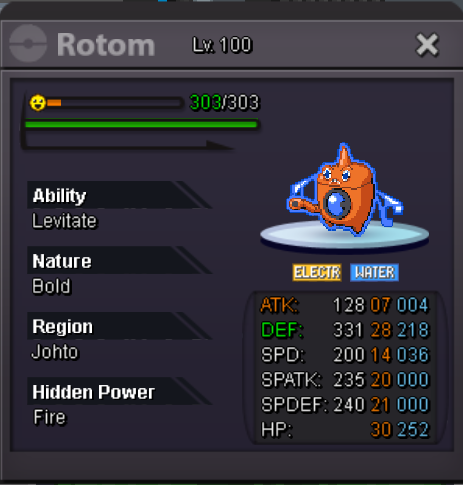 nani
nani

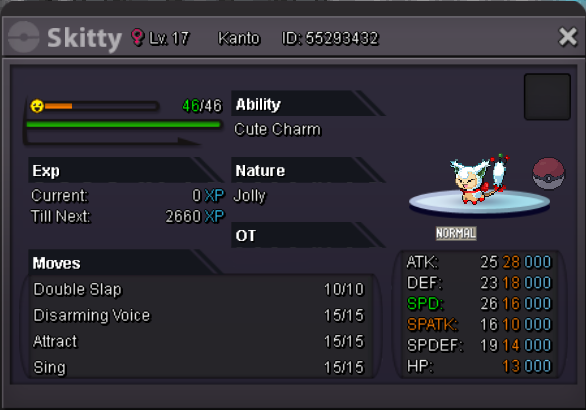
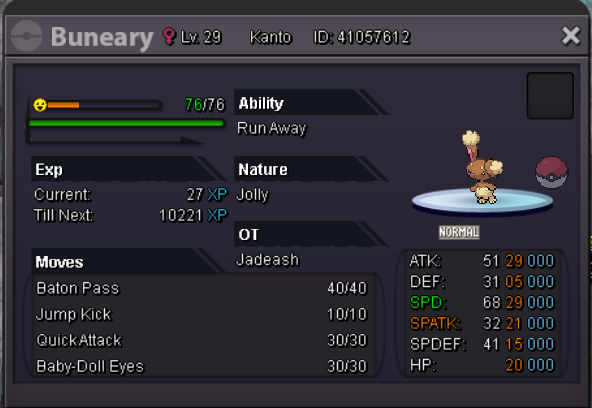
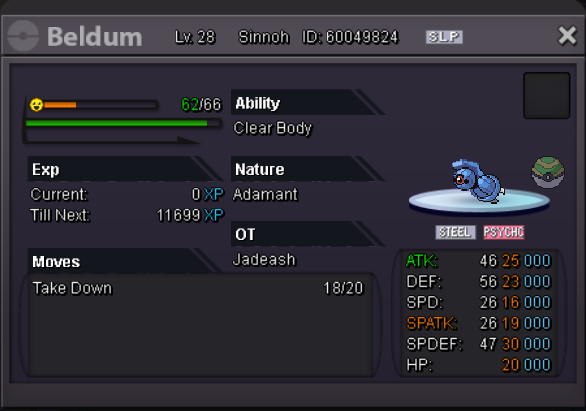
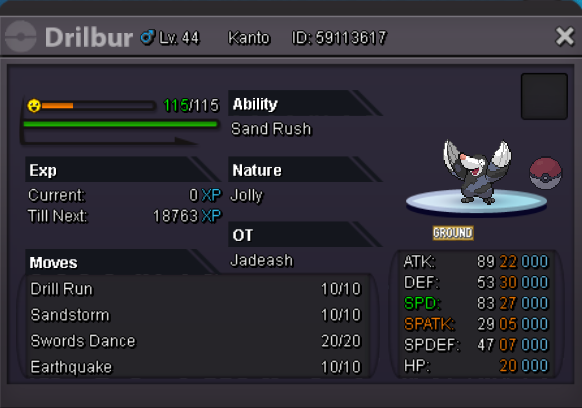
Account
Navigation
Search
Configure browser push notifications
Chrome (Android)
- Tap the lock icon next to the address bar.
- Tap Permissions → Notifications.
- Adjust your preference.
Chrome (Desktop)
- Click the padlock icon in the address bar.
- Select Site settings.
- Find Notifications and adjust your preference.
Safari (iOS 16.4+)
- Ensure the site is installed via Add to Home Screen.
- Open Settings App → Notifications.
- Find your app name and adjust your preference.
Safari (macOS)
- Go to Safari → Preferences.
- Click the Websites tab.
- Select Notifications in the sidebar.
- Find this website and adjust your preference.
Edge (Android)
- Tap the lock icon next to the address bar.
- Tap Permissions.
- Find Notifications and adjust your preference.
Edge (Desktop)
- Click the padlock icon in the address bar.
- Click Permissions for this site.
- Find Notifications and adjust your preference.
Firefox (Android)
- Go to Settings → Site permissions.
- Tap Notifications.
- Find this site in the list and adjust your preference.
Firefox (Desktop)
- Open Firefox Settings.
- Search for Notifications.
- Find this site in the list and adjust your preference.