




New Trade Zone
Trade Zone is now live
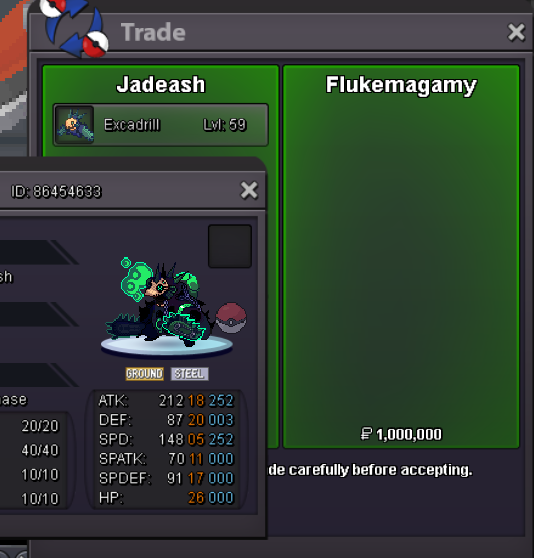
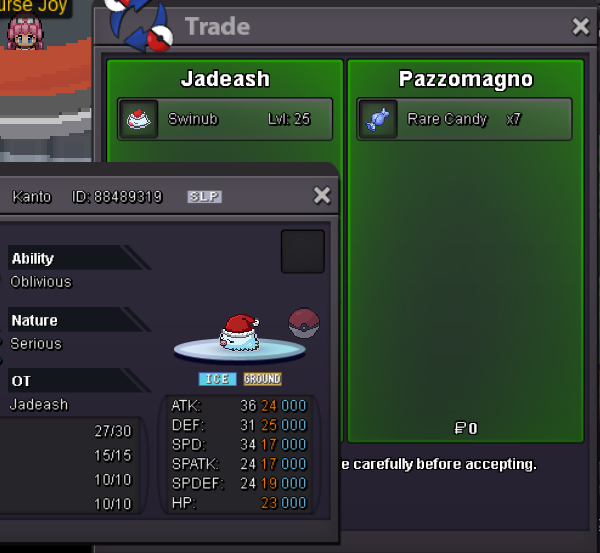
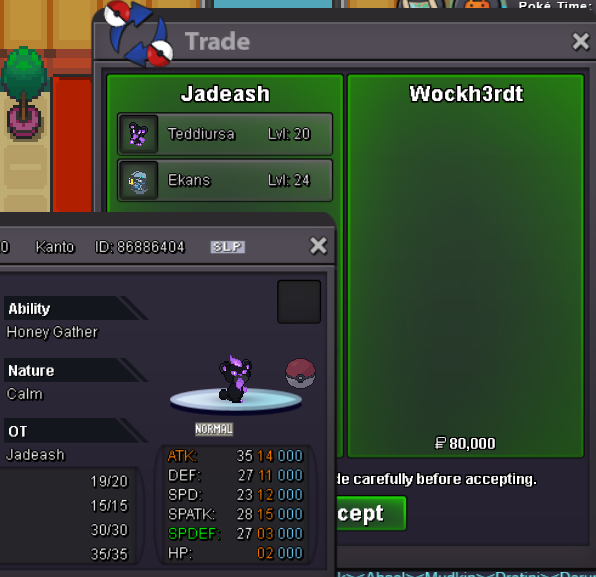
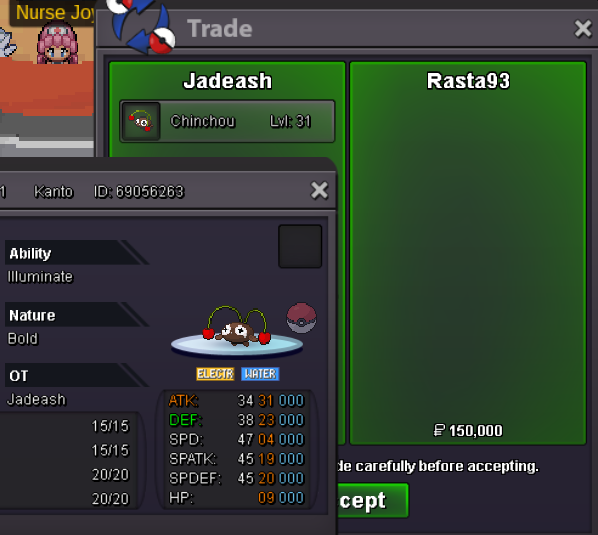
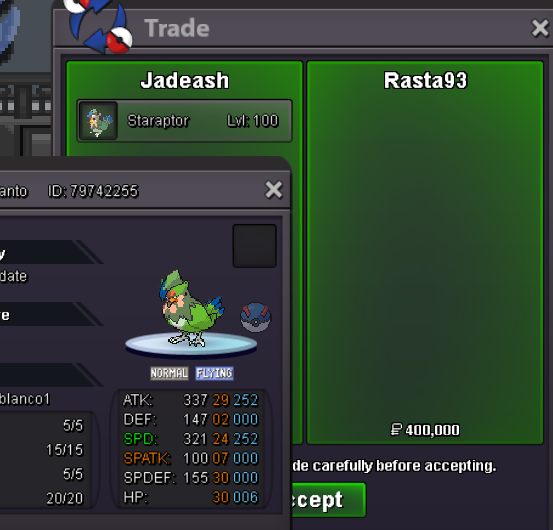
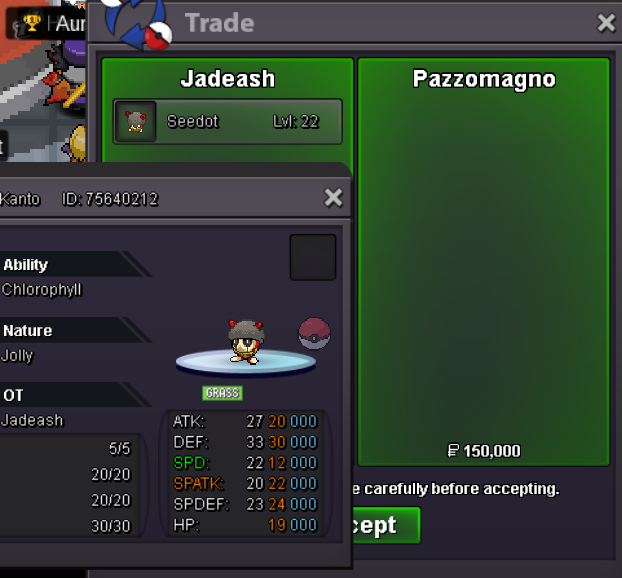
Use the new Trade Zone for auctions and instant-price trades so Pokemon and item offers are easy to find.

Jadeash
Contributor
-
Joined
-
Last visited
Everything posted by Jadeash
-
bump
-
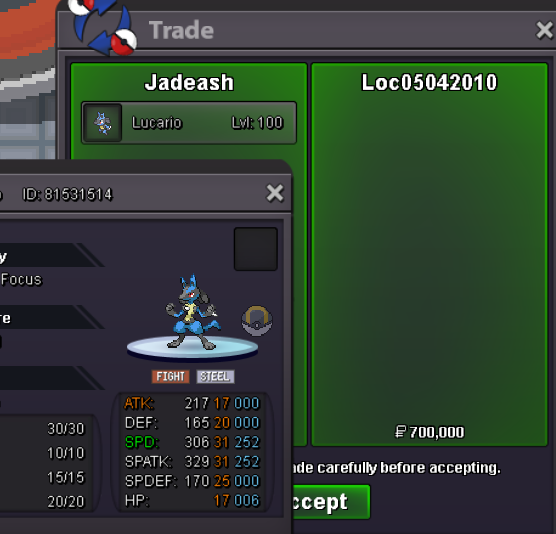
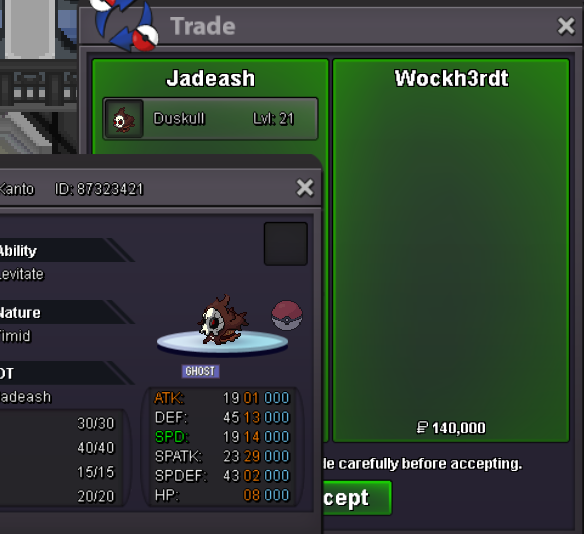
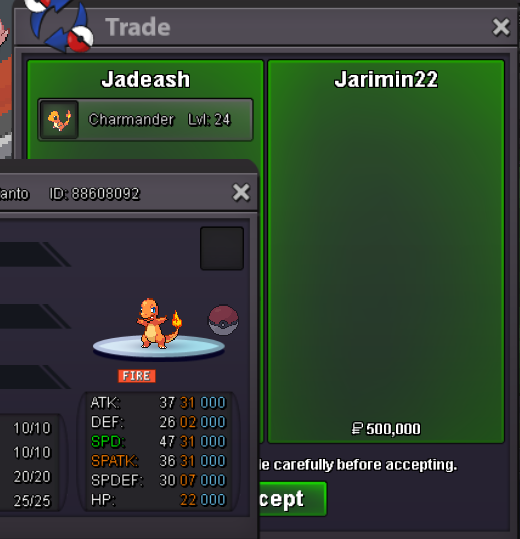
bumpbump350kbumpauction ended winner @Jarimin22 please contact me in game or discord jadeash_yes only pokedollarsbumpbumpbump^ added new hairstylesbump● What's your IGN - Jadeash ● How old are you - 27 ● Where are you from - Egypt (GMT+2) ● What's your total playtime - 6902 hours ● What do you enjoy doing in the game - PVE. Hunting/collecting event forms mostly. ● Would you like to offer some kind of service to the guild - Would love to see what's needed and help with what I can. And the most important question of them all: Which Bidoof Form do you like the most? -Raidoof the Astrella Conquerorbump

Account
Navigation
Search
Configure browser push notifications
Chrome (Android)
- Tap the lock icon next to the address bar.
- Tap Permissions → Notifications.
- Adjust your preference.
Chrome (Desktop)
- Click the padlock icon in the address bar.
- Select Site settings.
- Find Notifications and adjust your preference.
Safari (iOS 16.4+)
- Ensure the site is installed via Add to Home Screen.
- Open Settings App → Notifications.
- Find your app name and adjust your preference.
Safari (macOS)
- Go to Safari → Preferences.
- Click the Websites tab.
- Select Notifications in the sidebar.
- Find this website and adjust your preference.
Edge (Android)
- Tap the lock icon next to the address bar.
- Tap Permissions.
- Find Notifications and adjust your preference.
Edge (Desktop)
- Click the padlock icon in the address bar.
- Click Permissions for this site.
- Find Notifications and adjust your preference.
Firefox (Android)
- Go to Settings → Site permissions.
- Tap Notifications.
- Find this site in the list and adjust your preference.
Firefox (Desktop)
- Open Firefox Settings.
- Search for Notifications.
- Find this site in the list and adjust your preference.