




New Trade Zone
Trade Zone is now live
Use the new Trade Zone for auctions and instant-price trades so Pokemon and item offers are easy to find.

Jadeash
Contributor
-
Joined
-
Last visited
Everything posted by Jadeash
-
bump
-
1- Very hyped. 2- My favs are Gallade (especially the mega) , Chesnaught and Delphox. Looking forward to hunting Skarmory, Hawlucha, Bronzong and Ralts. 3- Yes, but it all comes down to the spawn rate. 4- Zorua, Charizard, Whimsicott, Scolipede, Flygon, Milotic, Metagross, Drapion, Gigalith, Accelgor, Braviary, Mandibuzz, Greninja and Aegislash. 5- Rapidash, Eeveelutions and Lycanroc.upbumpbump3 day membership + 45 box cleanup
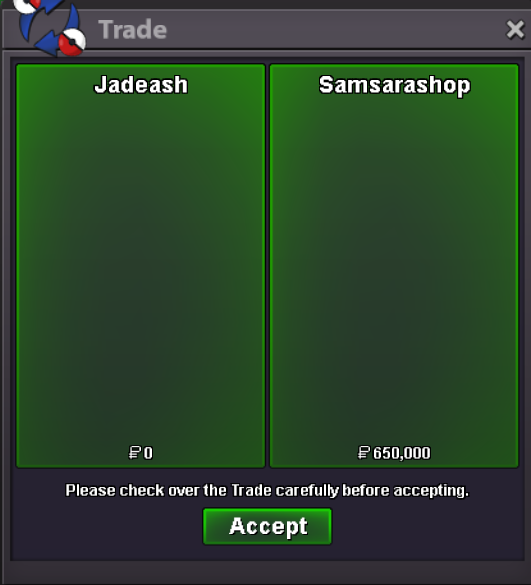 bumpbumpbumpStartHp ice
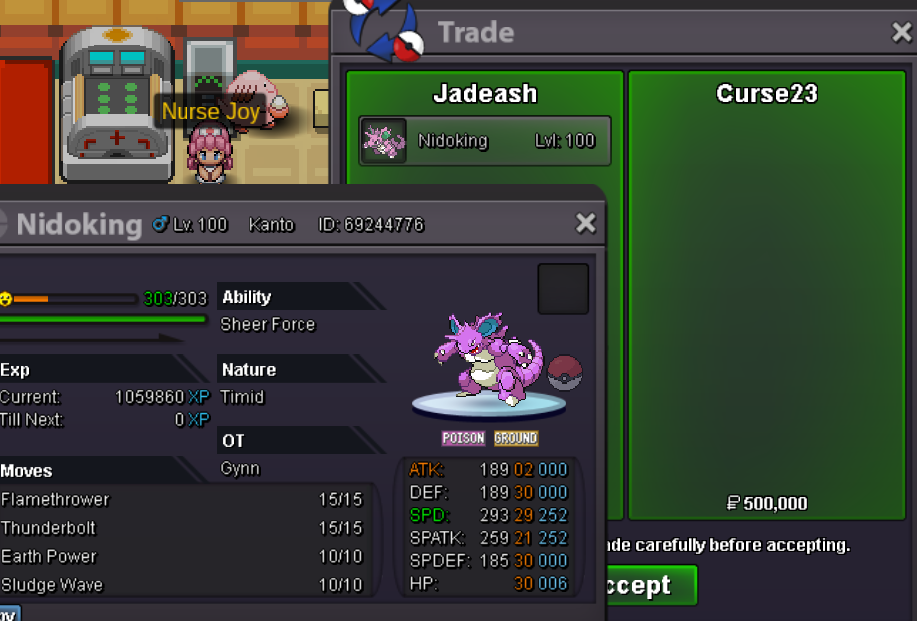
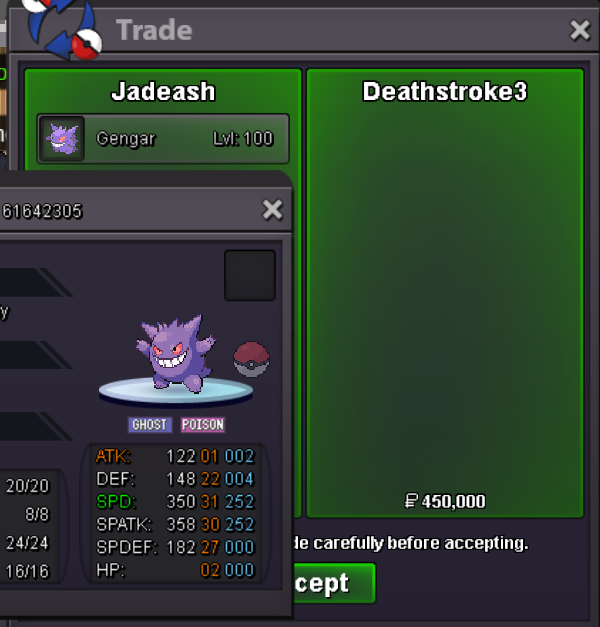
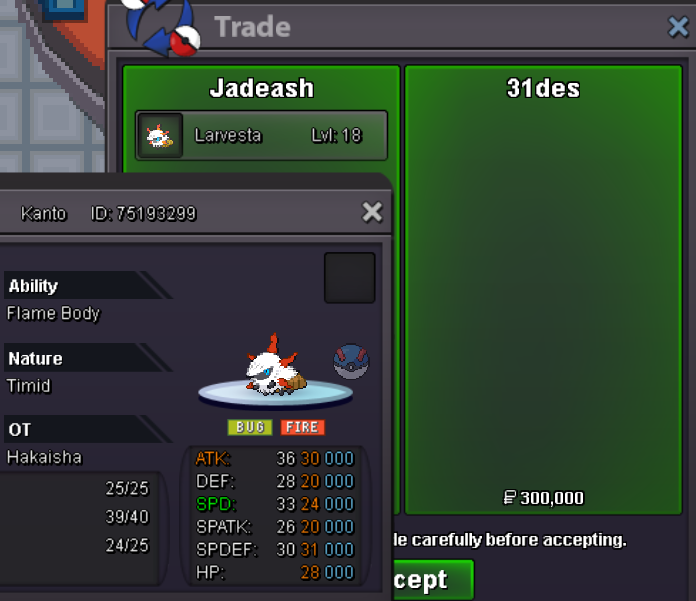
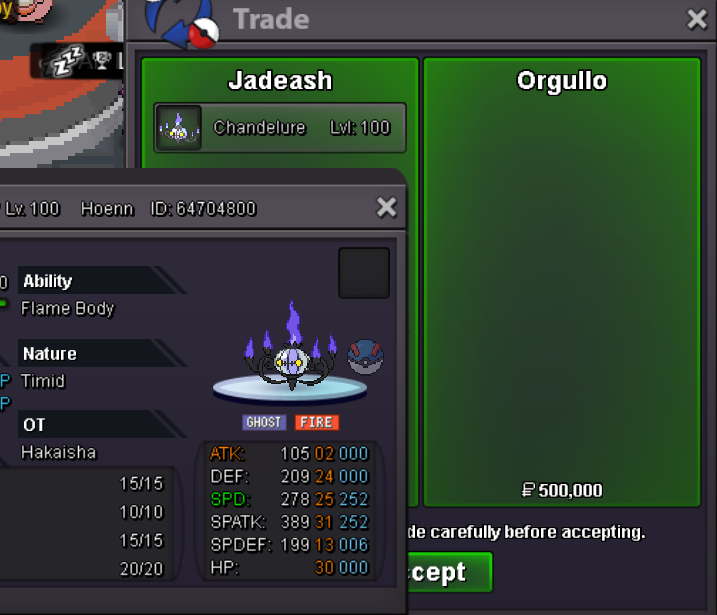 bumpstartI am online now. Please send me a message on discord or ingame discord: jadeash_ ign: Jadeash
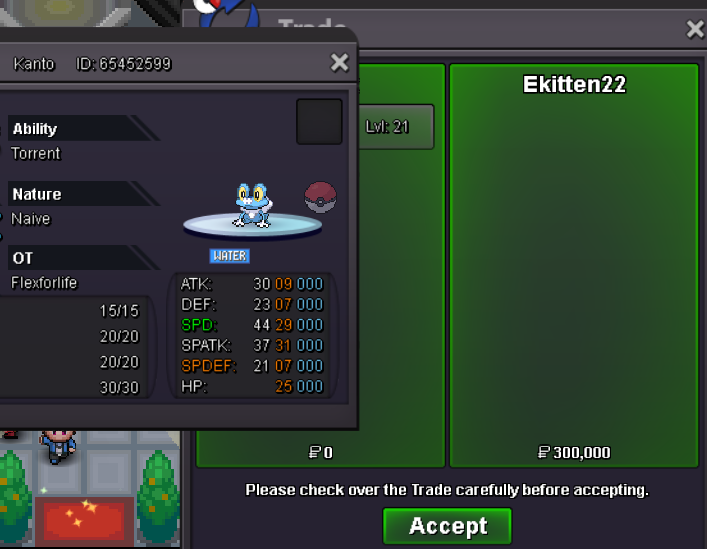

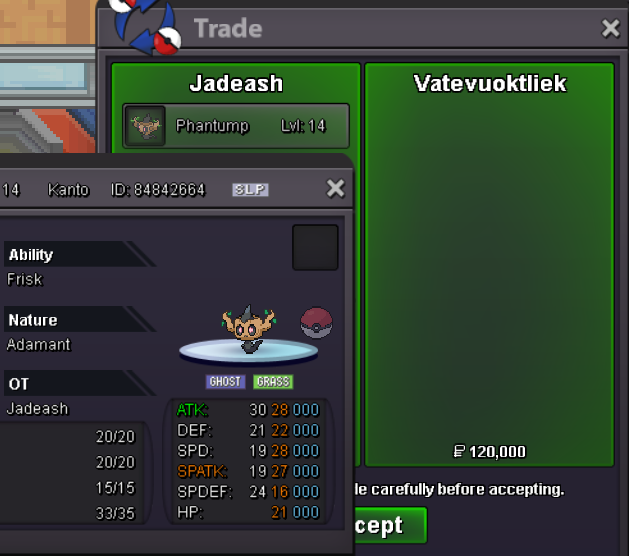
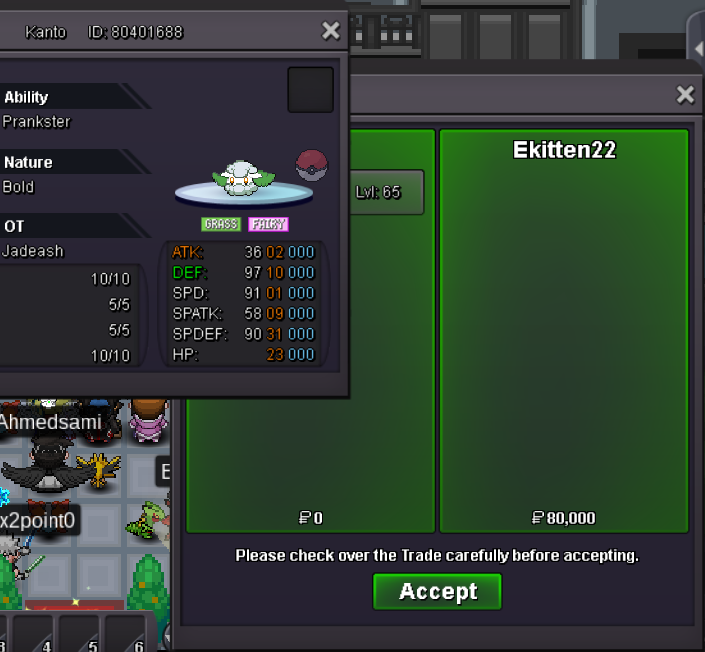
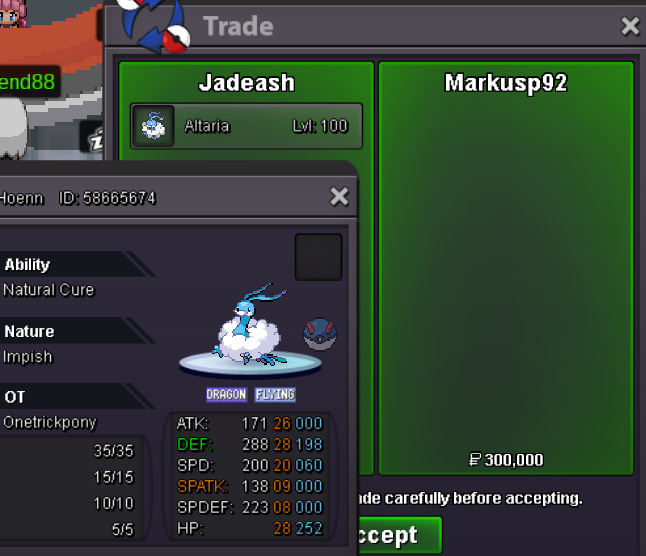
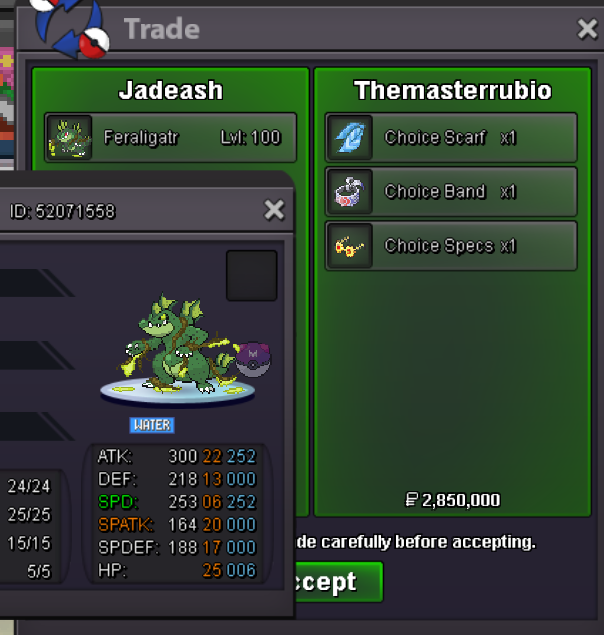

Account
Navigation
Search
Configure browser push notifications
Chrome (Android)
- Tap the lock icon next to the address bar.
- Tap Permissions → Notifications.
- Adjust your preference.
Chrome (Desktop)
- Click the padlock icon in the address bar.
- Select Site settings.
- Find Notifications and adjust your preference.
Safari (iOS 16.4+)
- Ensure the site is installed via Add to Home Screen.
- Open Settings App → Notifications.
- Find your app name and adjust your preference.
Safari (macOS)
- Go to Safari → Preferences.
- Click the Websites tab.
- Select Notifications in the sidebar.
- Find this website and adjust your preference.
Edge (Android)
- Tap the lock icon next to the address bar.
- Tap Permissions.
- Find Notifications and adjust your preference.
Edge (Desktop)
- Click the padlock icon in the address bar.
- Click Permissions for this site.
- Find Notifications and adjust your preference.
Firefox (Android)
- Go to Settings → Site permissions.
- Tap Notifications.
- Find this site in the list and adjust your preference.
Firefox (Desktop)
- Open Firefox Settings.
- Search for Notifications.
- Find this site in the list and adjust your preference.