New Trade Zone
Trade Zone is now live
Use the new Trade Zone for auctions and instant-price trades so Pokemon and item offers are easy to find.

Hateisgod
Registered User
-
Joined
-
Last visited
Everything posted by Hateisgod
-
yes i did have the opportunity to beat giovanni again and now officer jenny boss is back in the lighthouse and i can catch pink pokemon again thank you a lot to everyone involve in fixing this bug. Have a great day!
-
its like the pinkan quest got reset but i already done it a long time ago
-
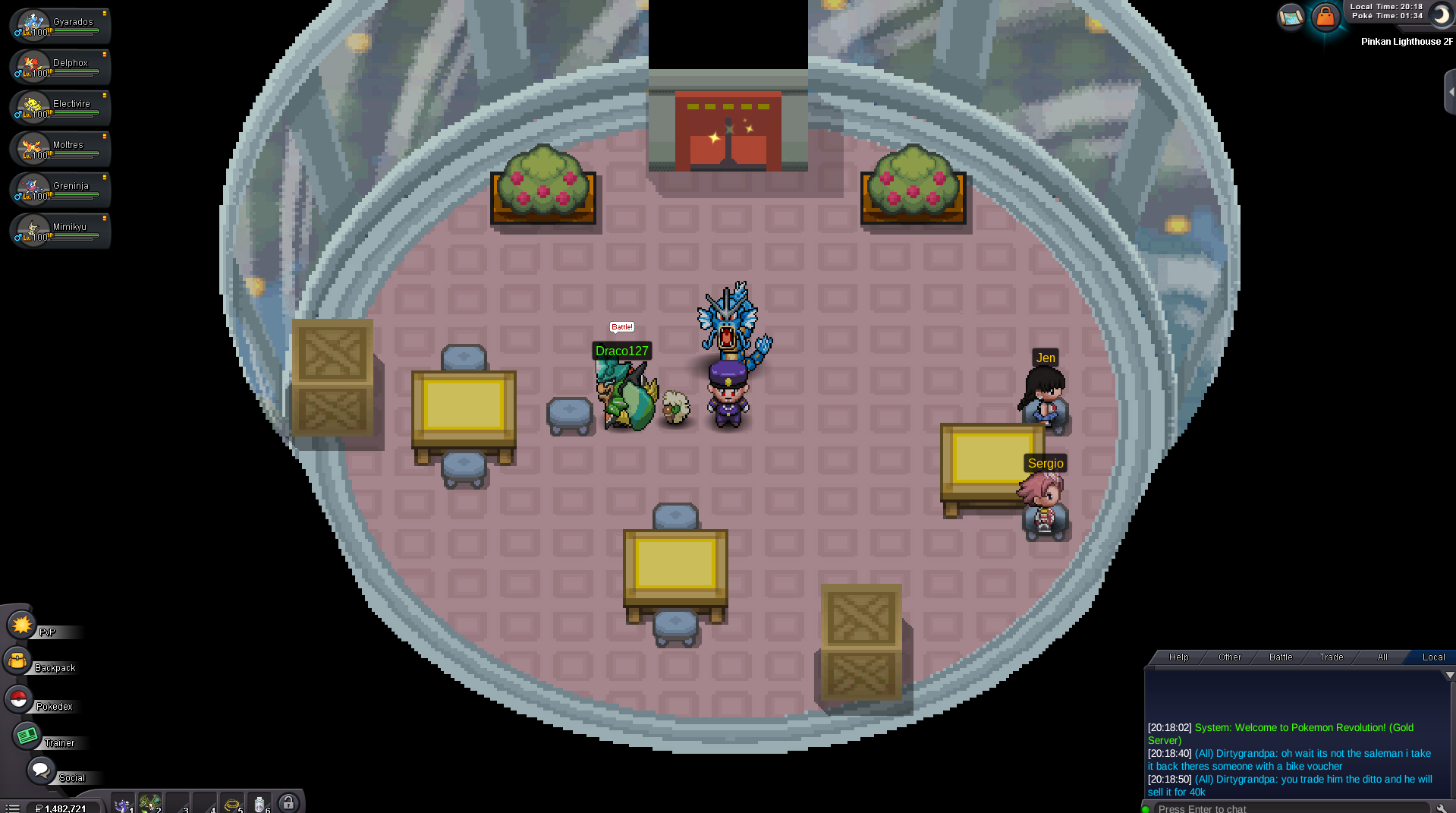
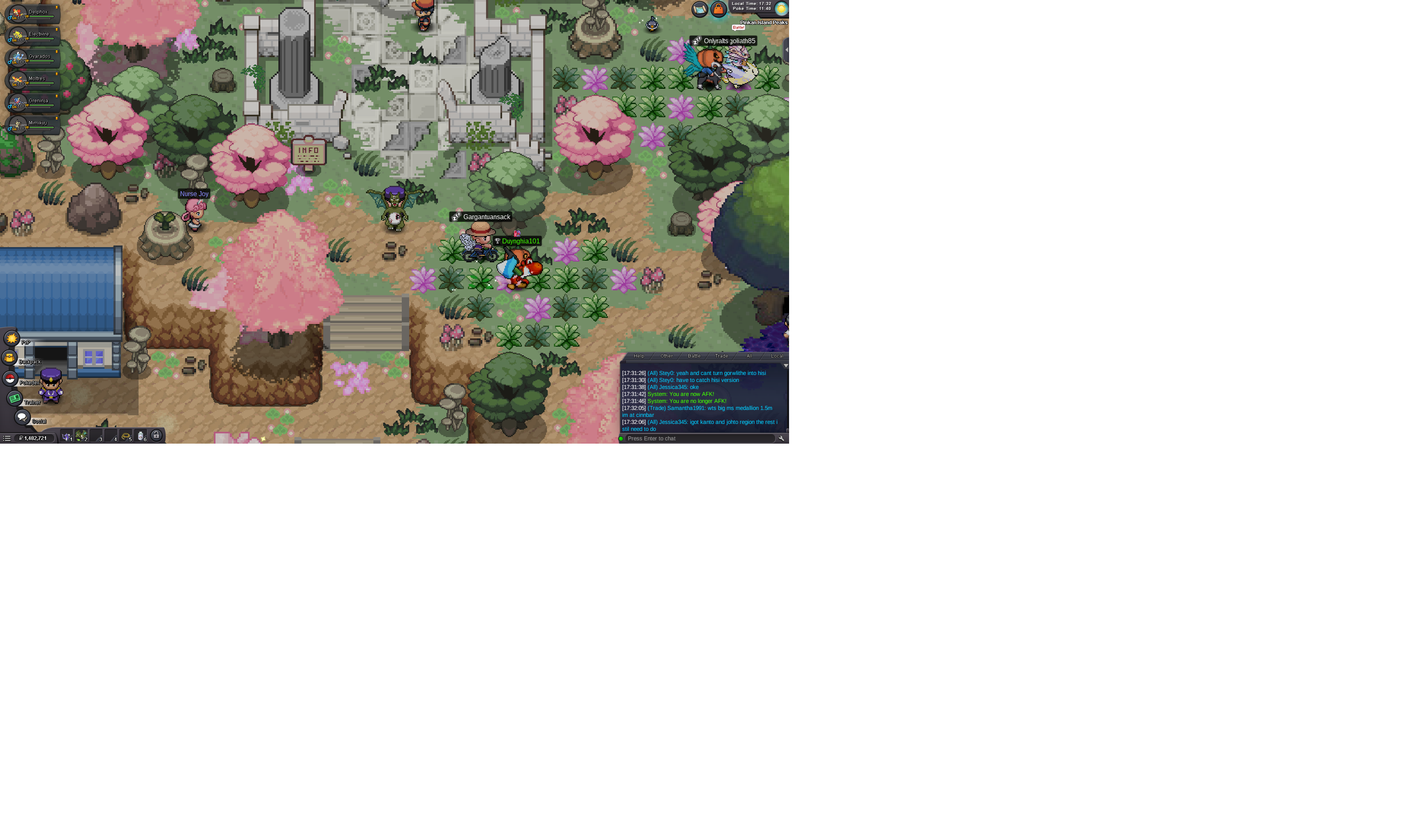
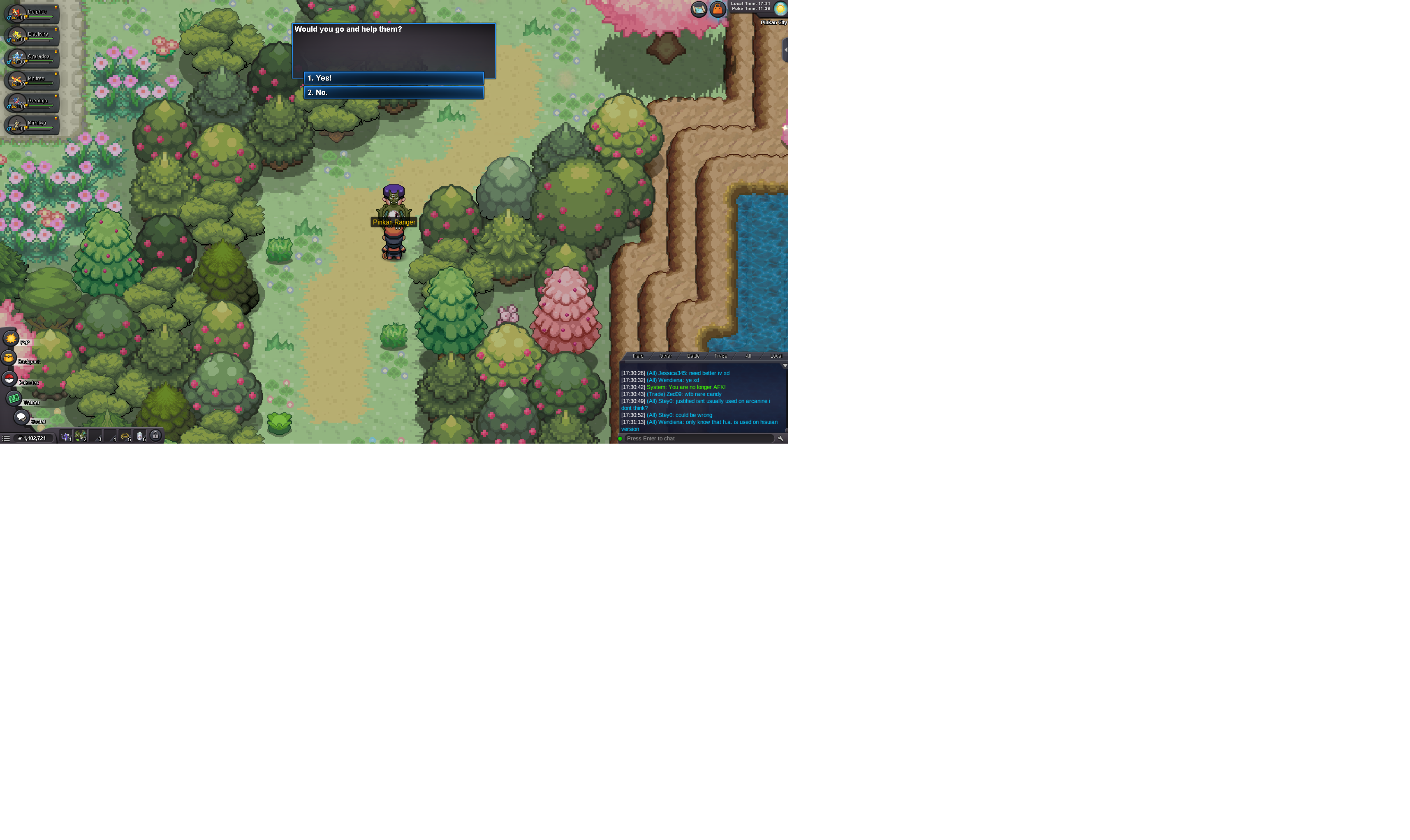
Hello Staff, My Pinkan Island quest state has broken after speaking to Officer Jenny in Vermilion City. I thought it was the start of the Mellota Quest. I previously completed the Pinkan Island story completely. I have full access to the Gondola now. The Pinkan Ranger is now incorrectly taking my Pokéballs at the entrance. Boss Officer Jenny has completely disappeared from the Pinkan Lighthouse 2F. yet i,ve beaten her multiple time in the past Could a GM please check my backend flags and manually restore my Pinkan Island completion variables so I can access the lighthouse boss again? Thank you.
 Hi, I have a Kadabra lvl47 that is region locked in a pc the name of the player Attrapeuxqc i play on Gold server we were trying to evolve the kadabra