New Trade Zone
Trade Zone is now live
Use the new Trade Zone for auctions and instant-price trades so Pokemon and item offers are easy to find.

Tan13m
Registered User
-
Joined
-
Last visited
-
Hi Staff and Community, I am a returning player who just came back to Pokémon Revolution Online after a long break. I know that according to the PRO rules, each player is strictly allowed to own a maximum of 4 accounts. However, I have a problem with one of my old alt accounts: I have forgotten both the password and the email address associated with that alt account. I currently have no way to recover or access it anymore. My question is: Am I allowed to create a new alt account to replace the lost one? I want to make sure I comply with all game rules and avoid getting flagged or banned for multi-accounting/violating the 4-account limit. Thank you so much for your time and support!
-
ss bug error i can't use any move any balls can't switch my pokemon whenever i use any i have YOU CAN'T ATTACK AT THE MOMENT!
 I can’t see Mummy Pharais pls help
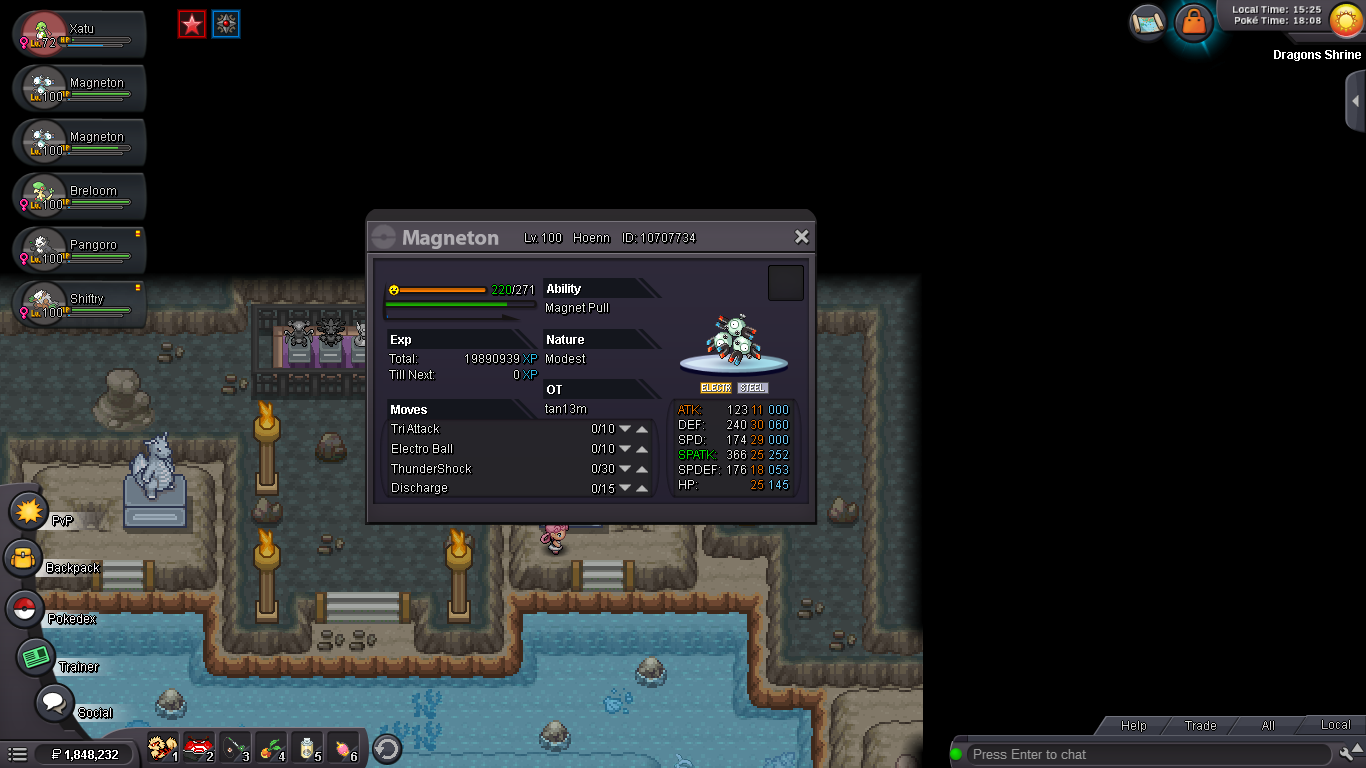
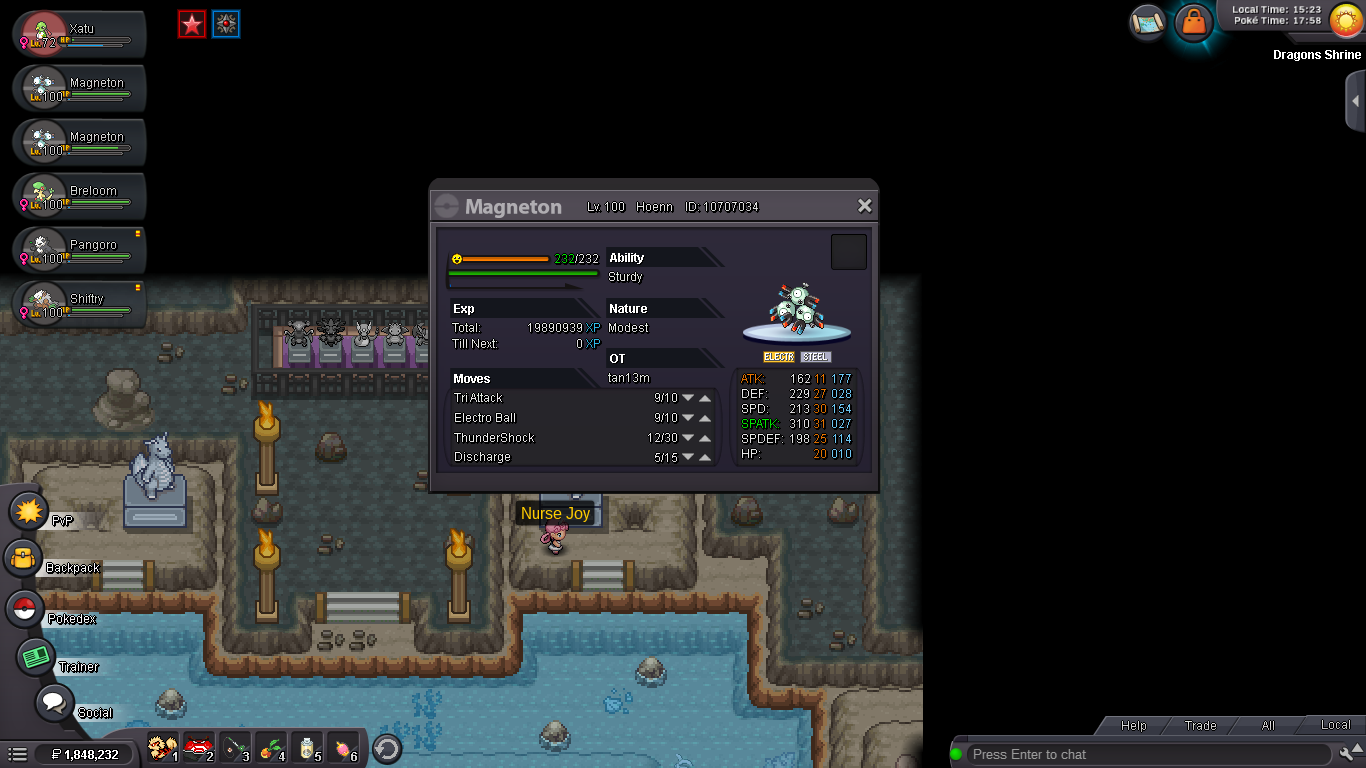
 gliscor here? i want buy itIn-game name: Tan13m Server: silver Pokemon ID and/or screenshot: 10707734 I accidentally leveled my Magneton to 100 and need it deleveled! Please help me!
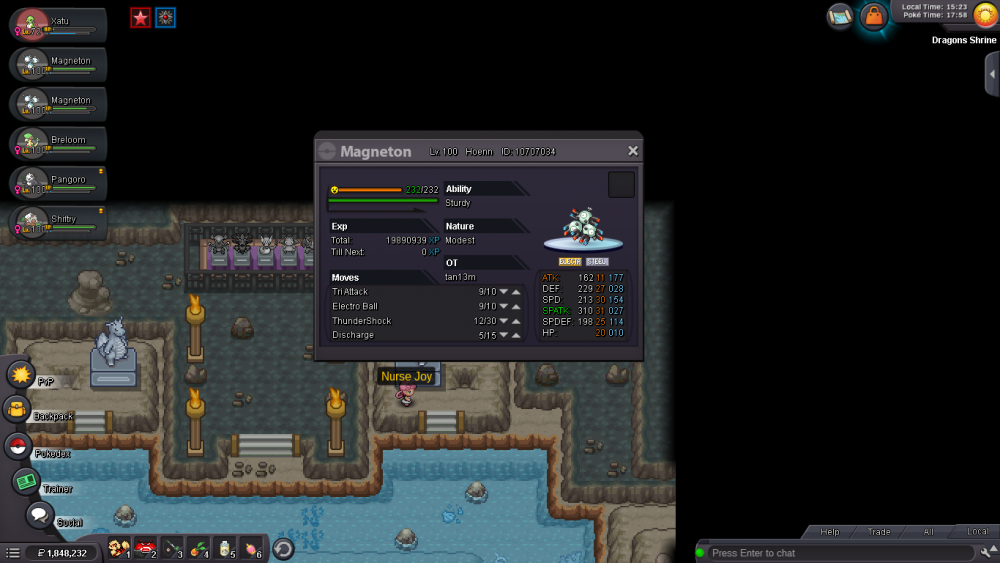
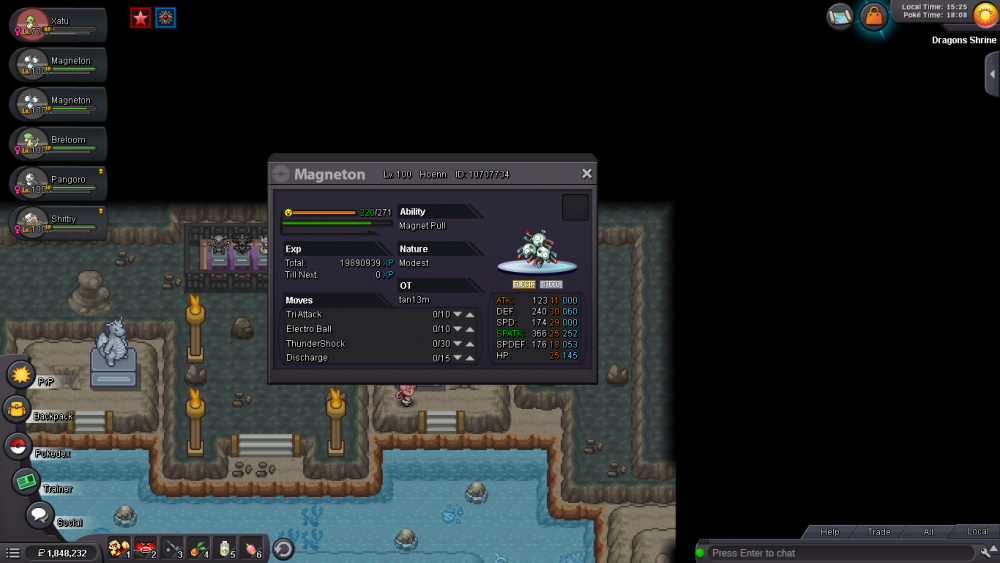 In-game name: Tan13m Server: silver Pokemon ID and/or screenshot: 10707034 I accidentally leveled my Magneton to 100 and need it deleveled! Please help me!
 Name Change Username: actionkaikho New Username: tan13m Server to charge the money from: Silver