




New Trade Zone
Trade Zone is now live
Use the new Trade Zone for auctions and instant-price trades so Pokemon and item offers are easy to find.

Kiyohiroleo
Registered User
-
Joined
-
Last visited
Everything posted by Kiyohiroleo
-
Start salamence
-
Start
-
Thanks for your opinion, Legendaries are only catchable by yourself, that's why i made those circumstances of being your OT and untradable after rerolling. The other thing i pointed out was that my suggestion is only for Nature Reroll, so IV Reroll's ( and nature ) would be only for Legendaries.
-
Shiny makes more sense since they are rarer, first thing i thought was that in recent years the legendaries are getting forms when released aswell new forms for normal mons. For example, this year x-mas Reshiram and Zekrom was released together with 24 new forms, so why not make those new forms untradable just like them?
-
1. You can only use reroll if the form is your OT. 2. If you reroll your form, it gets locked ( untradable ) just like legendaries. Keep in mind that my suggestion is only for nature reroll but let me know what you think about IV reroll too. o/
-
Buy 30speed buneary
-
-
buy 92 my discord: Kiyohiro#2463
-
Start
-
I want to buy your 2m garchomp, can you transfer to silver?
-
nvm
-
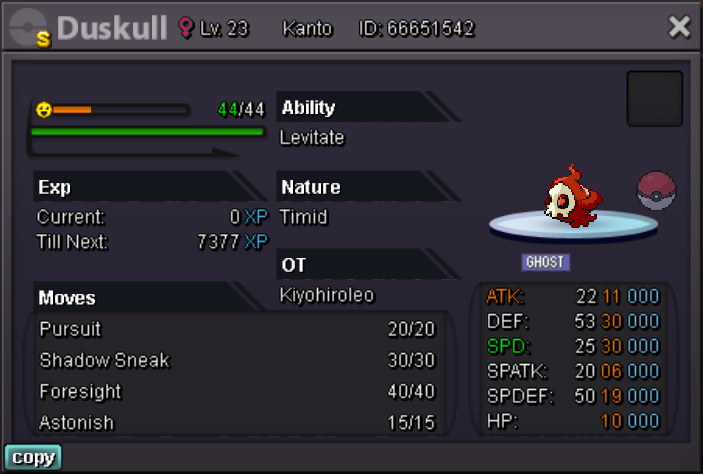
Start: 1m minBid: 250k Insta: 3m Ends 24h after start
-
Start
-
Kiyohiroleo ign Kiyohiro#2463 disc
-
Buy summer clothes cosmetic
-
Auction start: 500k Min. bid: 100k Insta: 3m Ends 48 hours after first bid. Good luck!

-
4.6
-
4.4
-
4.2m
-
4m
-
3.7m
-
3.5m
-
3.2
-
2.8m
-
2.5
