New Trade Zone
Trade Zone is now live
Use the new Trade Zone for auctions and instant-price trades so Pokemon and item offers are easy to find.

Alderego7
Registered User
-
Joined
-
Last visited
Everything posted by Alderego7
-
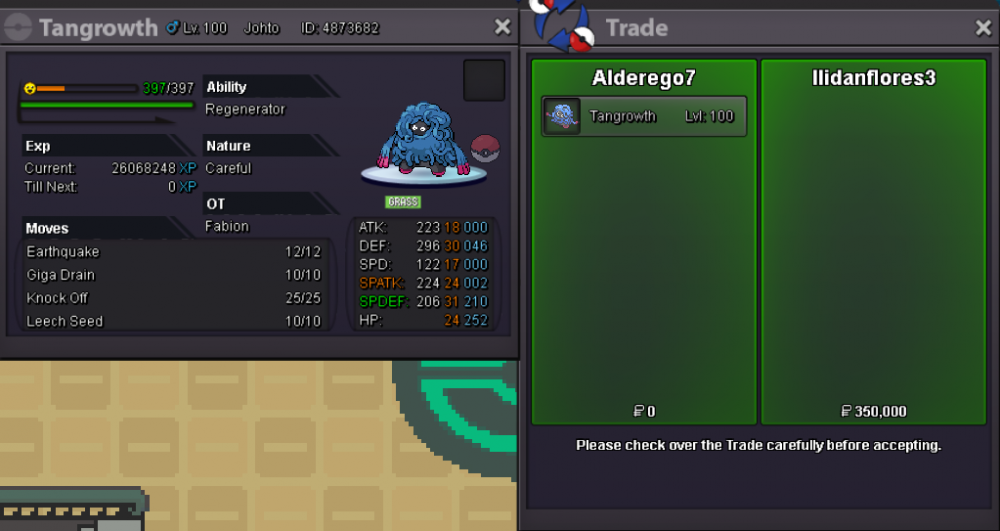
Tangrowth sold in game. Thanks for shopping!
-
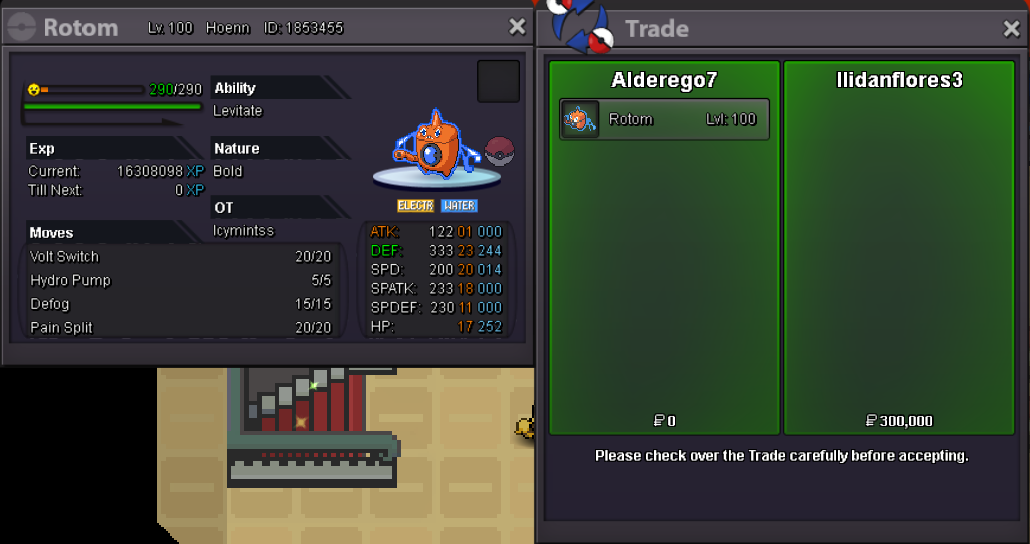
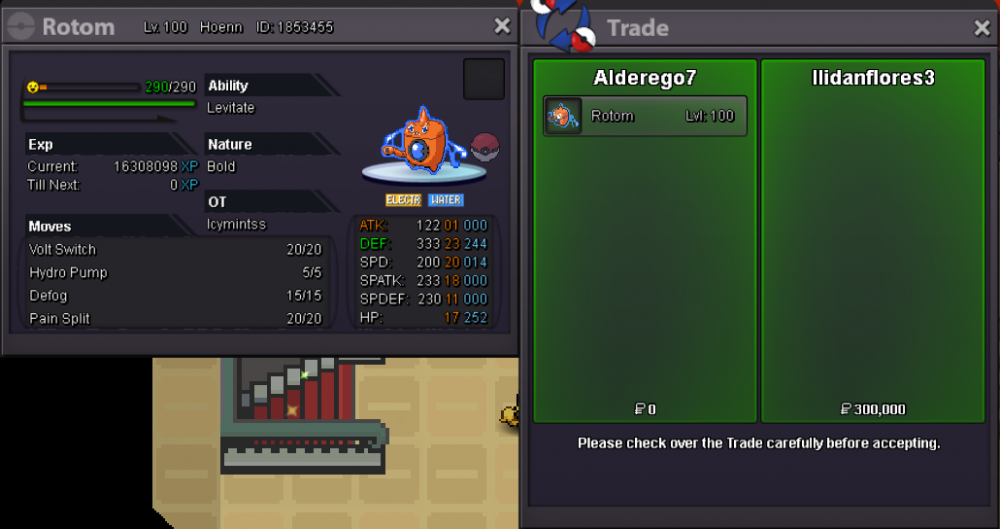
Rotom-wash sold in game. Thanks for shopping!
-
bump
-
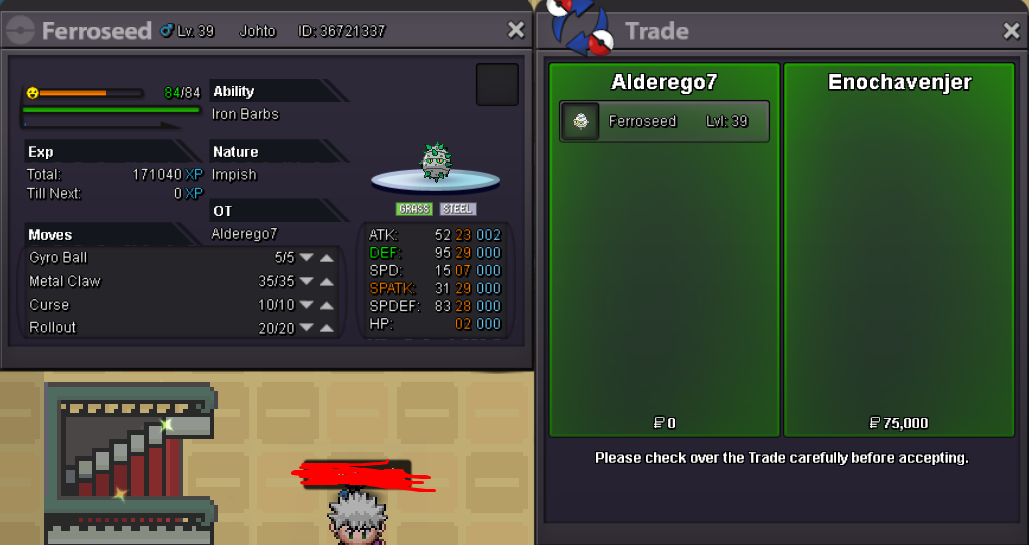
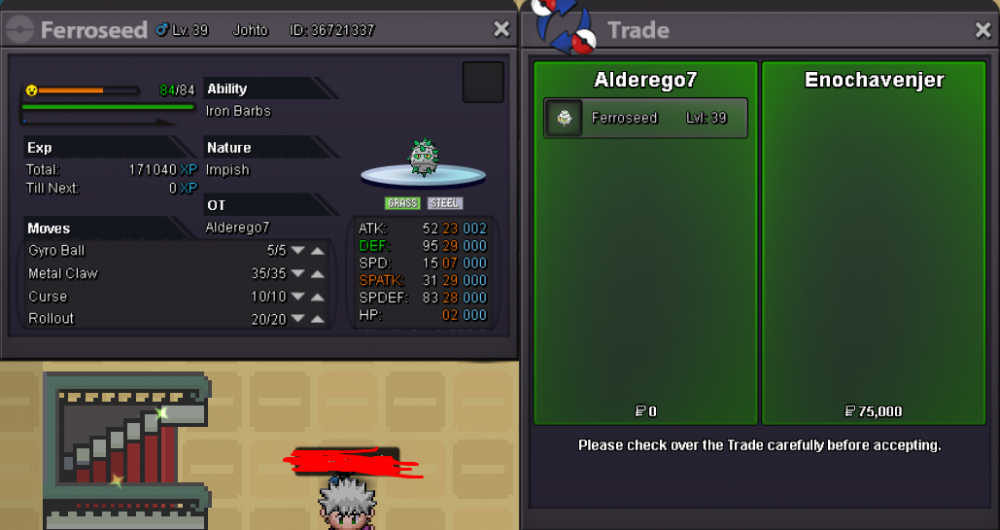
Ferroseed sold in game. Thanks for shopping!
-
Shop updated 09/08/2020 New Pokemons added! Enjoy!
-
Bump!
-
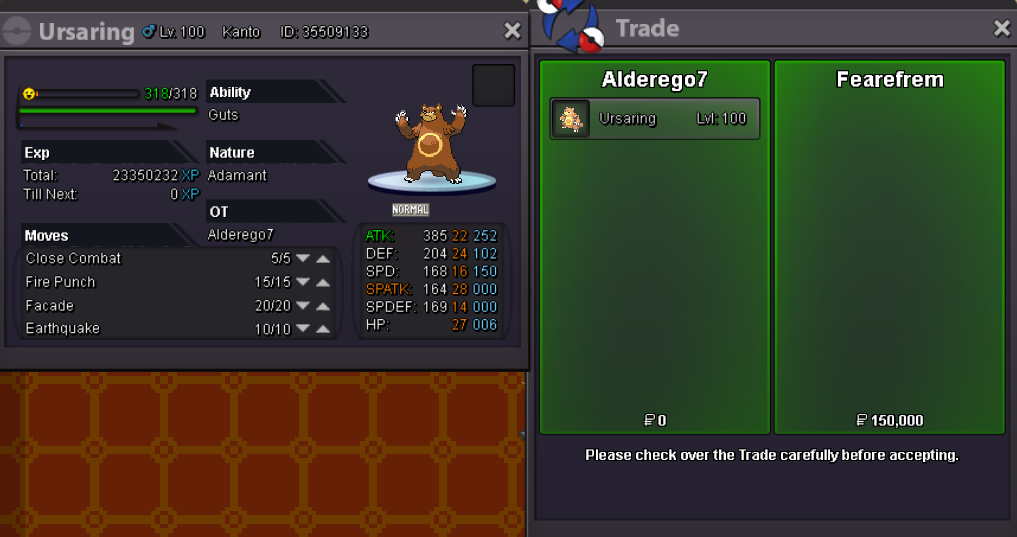
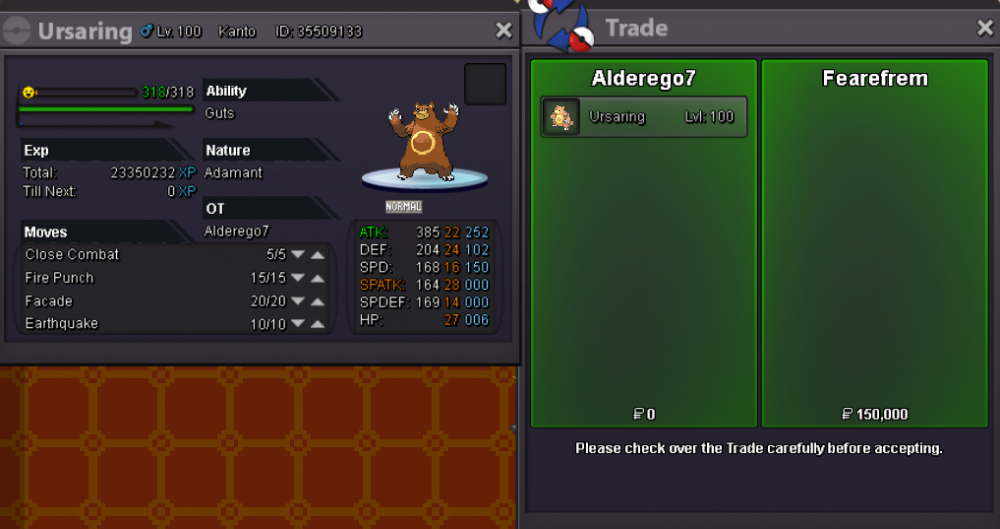
Ursaring sold in game. Thanks for shopping!
-
Bump
-
Yes everything worked thank you
-
When i tried to pick up my rewards from the last world quest i got this reply from the Cultist
-
Bump!
-
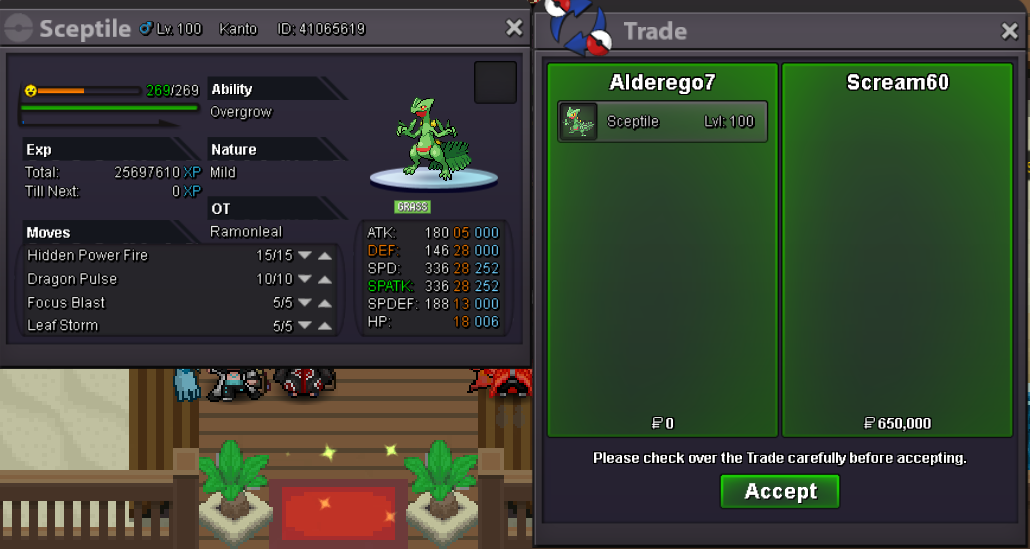
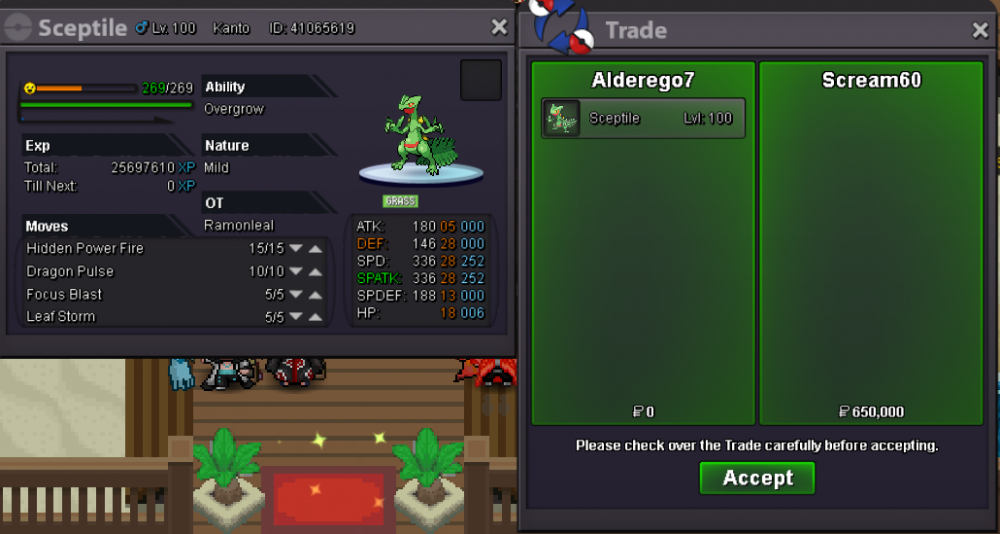
Sceptile sold in game. Thanks for shopping!
-
Bump S.o and Insta Lowered!!
-
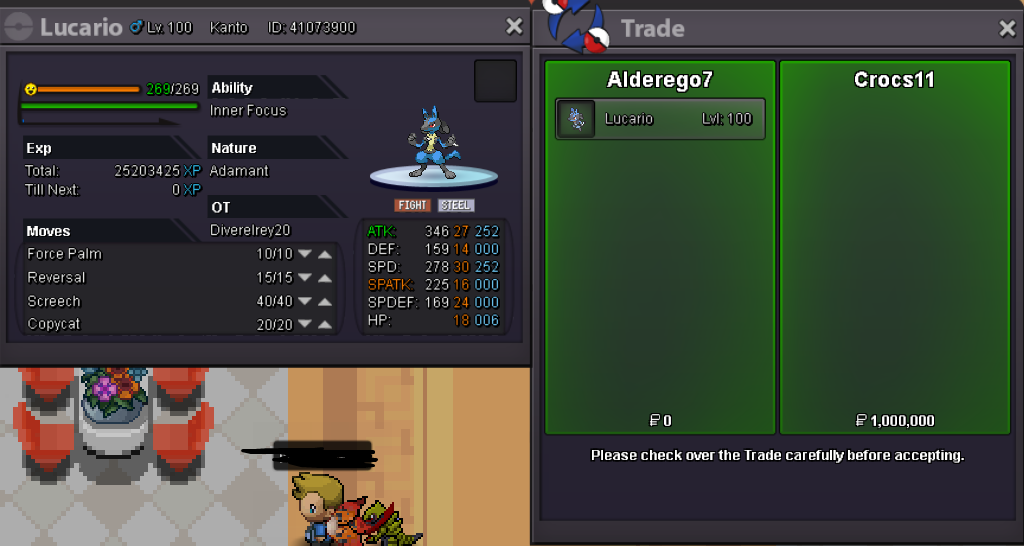
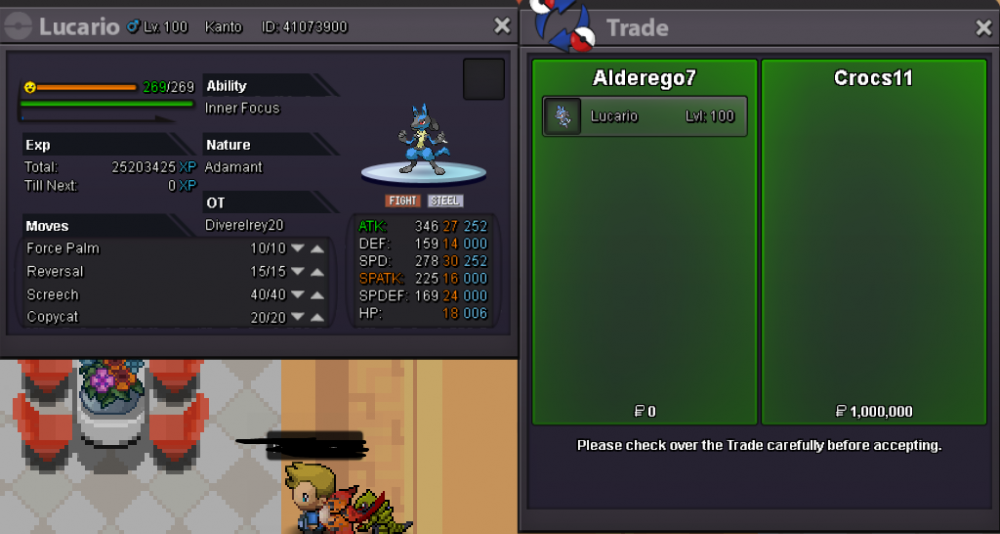
Lucario sold in game. Thanks for shopping!
-
bump
-
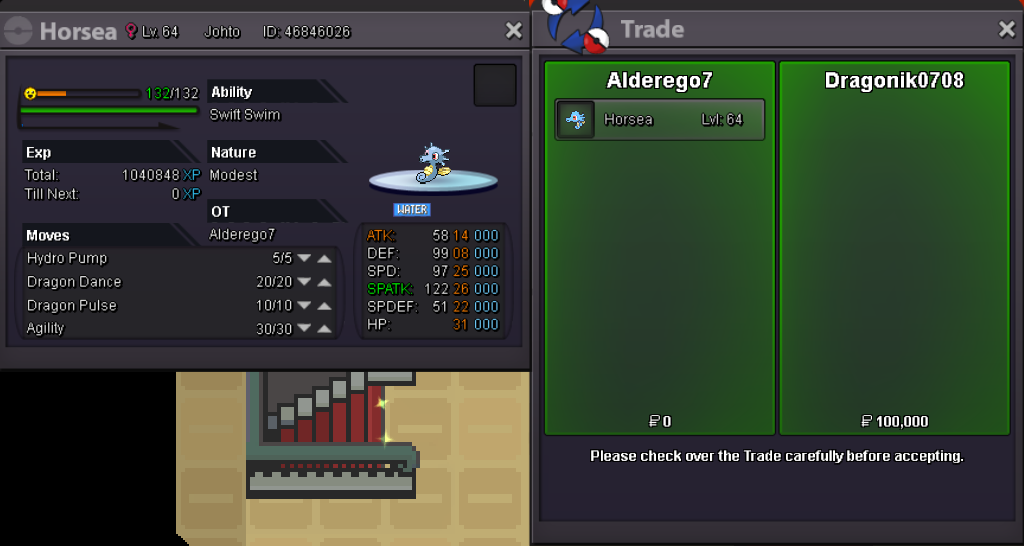
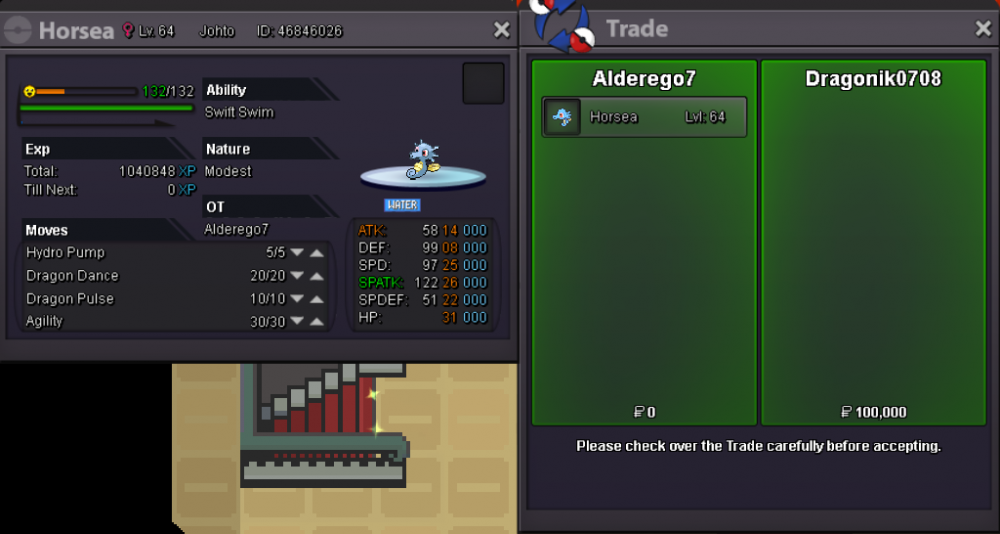
Horsea sold in game. Thanks for shopping!
-
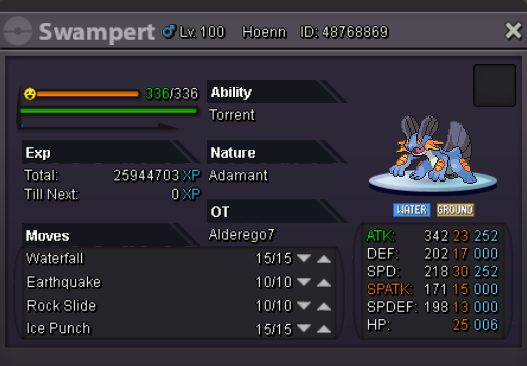
Hello i would like to sell my Swampert! S.O: 1.5m 1.3m Min raise: 100k 48 hour Auction Insta: 4m Accept Reroll ticket : 700k Accept Coin Capsule : 380k If the auction receives a bid during the last 15 minutes, the ending point is delayed to +15 minutes from that bid, until someone being the c.o. for 15minutes wins. For offers pm me in game Alderego7 / discord Alderego7#5218 or on this post Good luck to everyone!
-
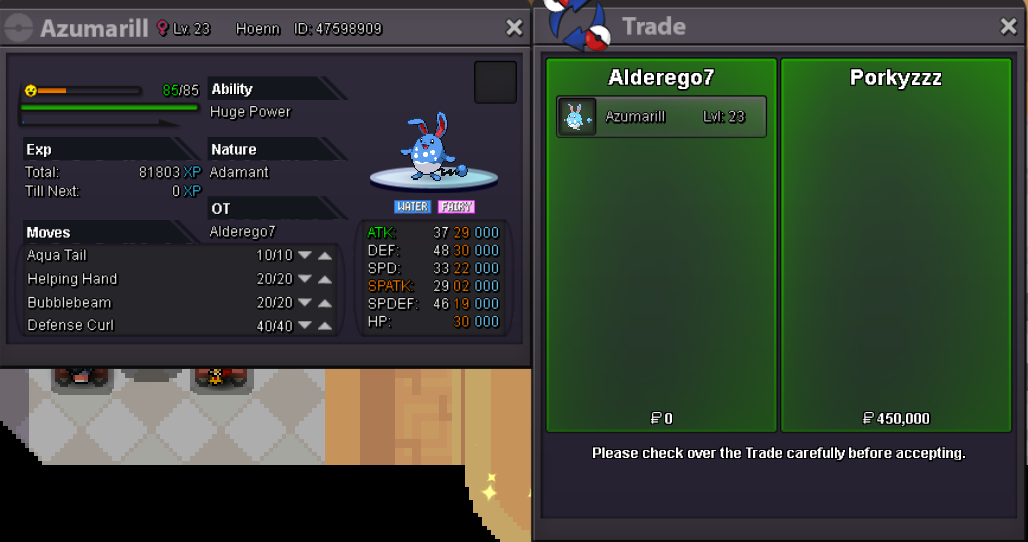
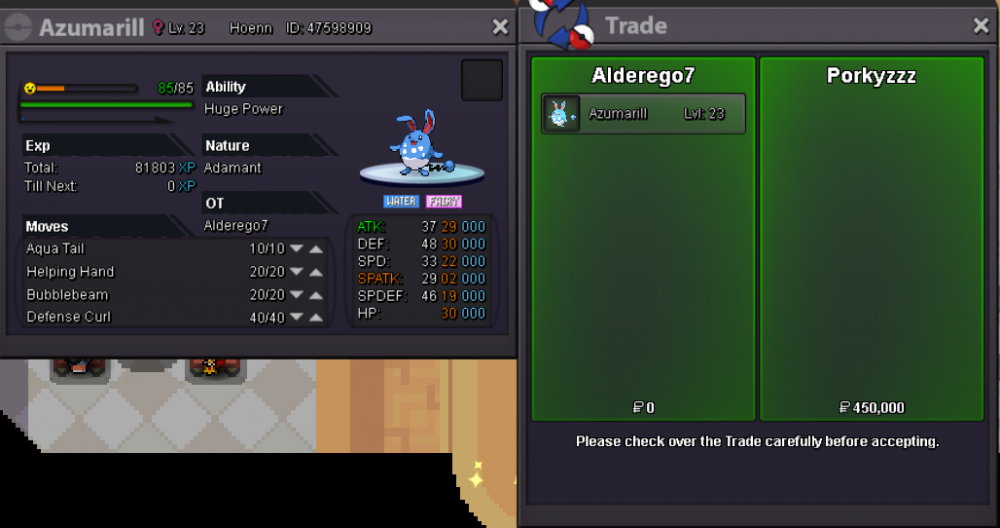
Azumarill sold in game. Thanks for shopping!
-
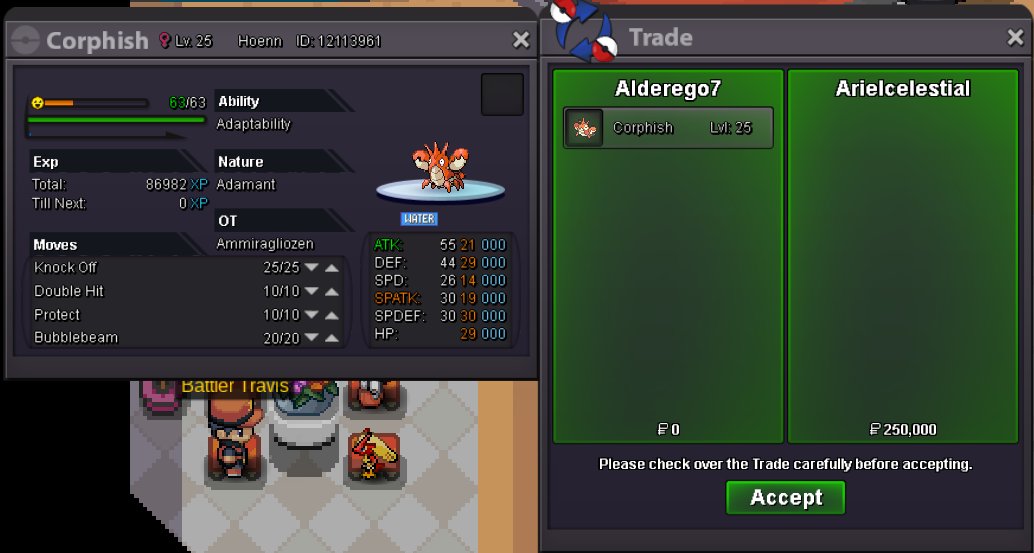
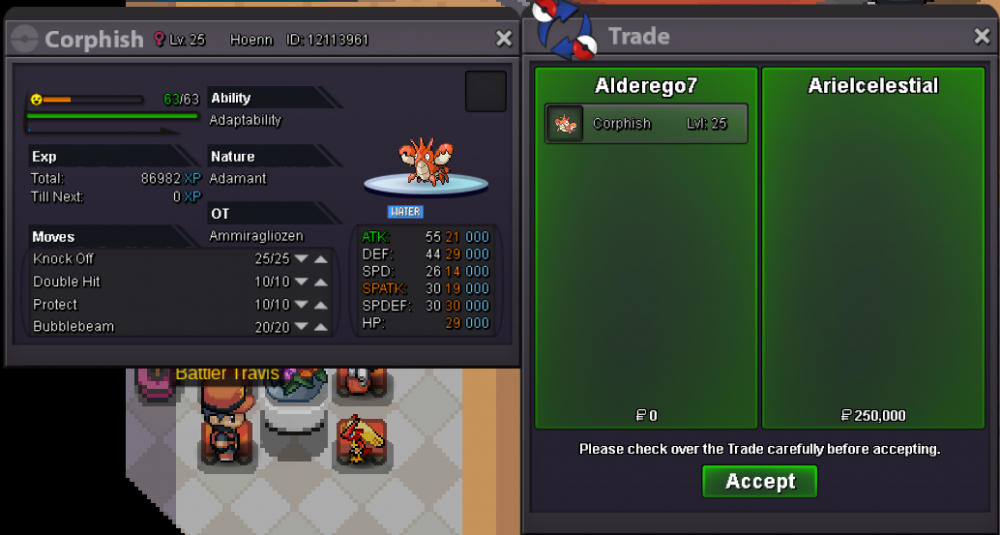
Corphish sold in game. Thanks for shopping!
-
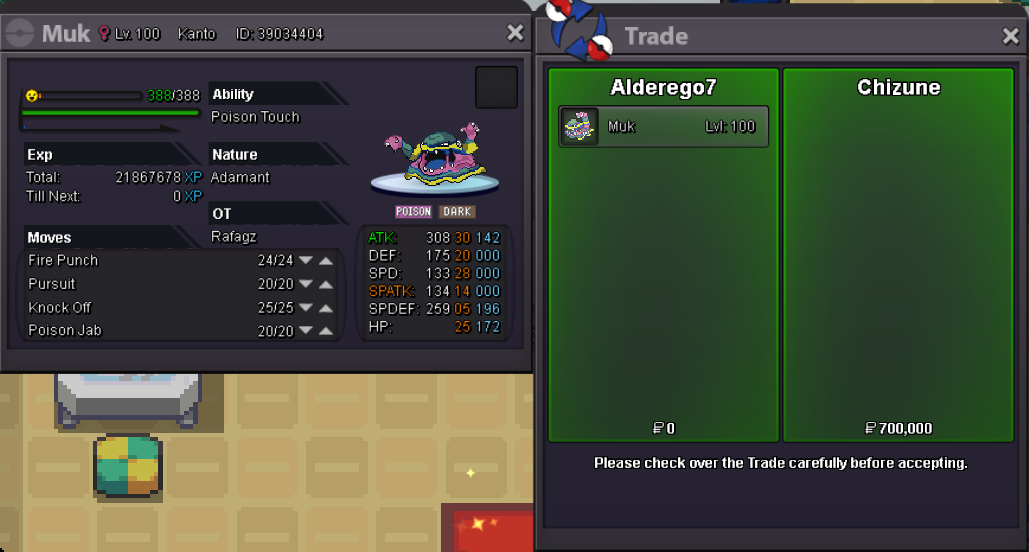
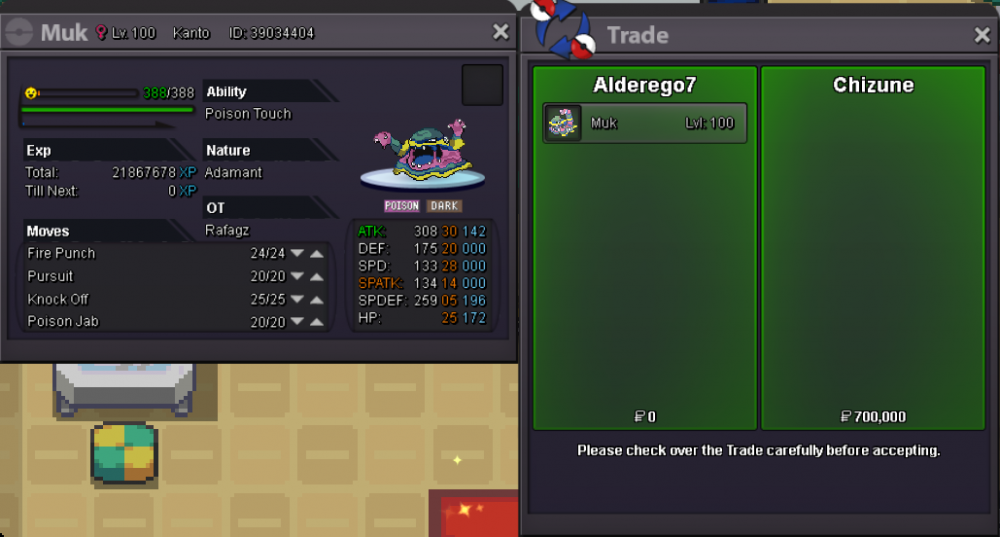
Muk-alolan sold! Thanks for shopping!
-
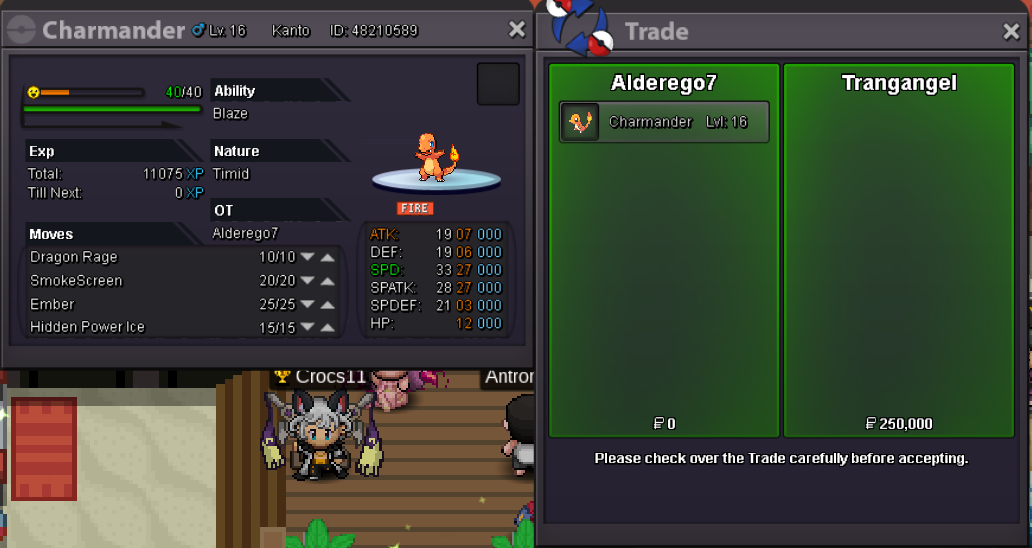
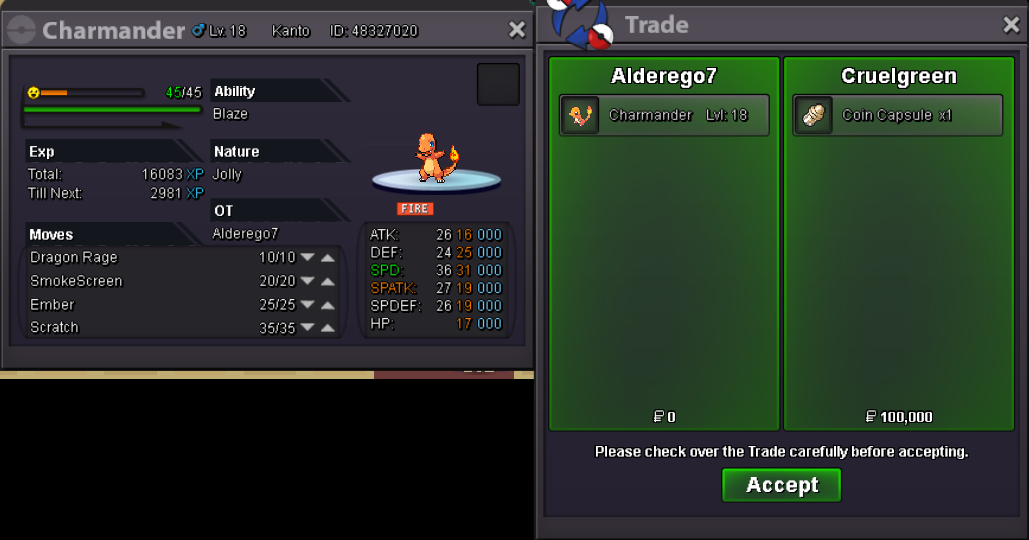
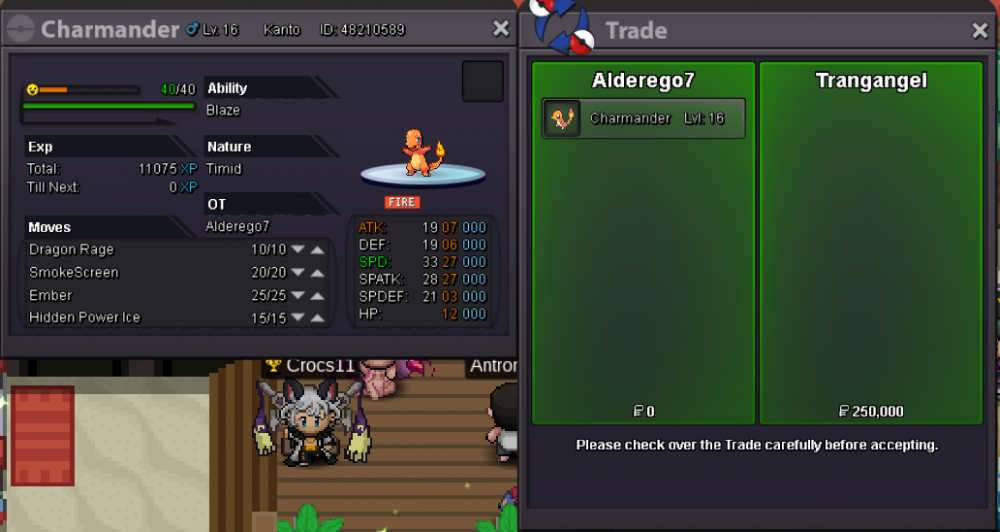
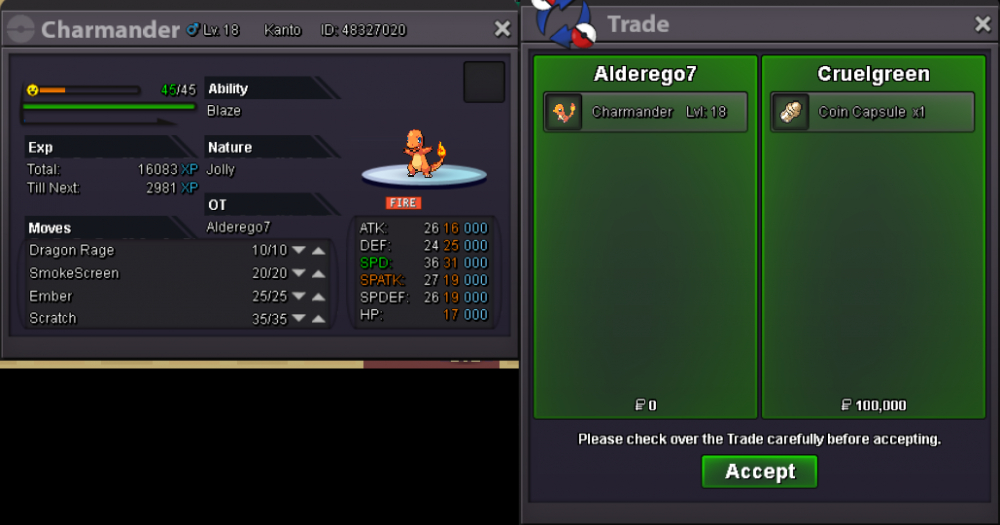
Charmander sold in game. Thanks for shopping!
-
Charmander sold in game. Thanks for shopping!
-
Shop updated 22/07/2020 New Pokemons added! Enjoy!
-
start
-
If cross server, I offer 1.8. If not, 1.7m for muk