




New Trade Zone
Trade Zone is now live
Use the new Trade Zone for auctions and instant-price trades so Pokemon and item offers are easy to find.

Munmun
Registered User
-
Joined
-
Last visited
Everything posted by Munmun
-
Win this cute pinguin !!!! S.o 2m Min bid 100k No insta Duration 4 days after first bid Accept : money Cc: 360k
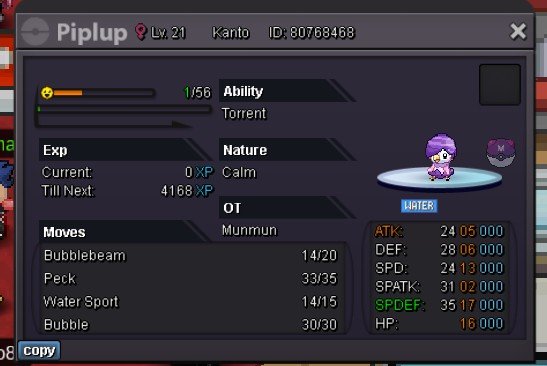 Start: 100k Min bid 50k Duration 2 days after first bid Accept money Cc : 380k
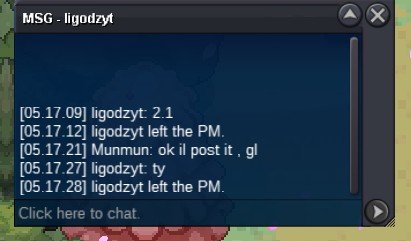
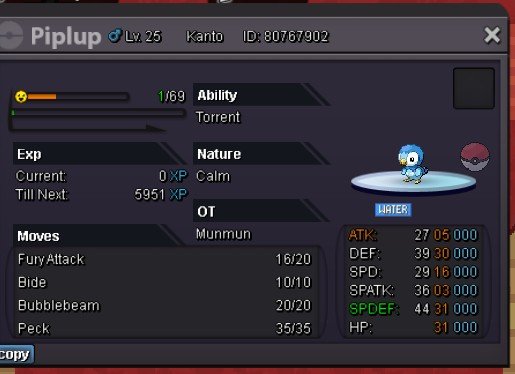 Start, il transfer if winAuction end you won, pm me when you ready to tradeBump arround 16 hours leftHello, since i got better one i want to sell this poke Auction S.o : 100k Min bid : 100k Duration 2 days from 1 bid No insta Accept : pokedollar only
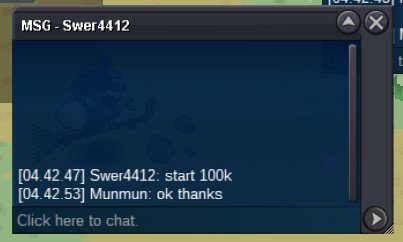
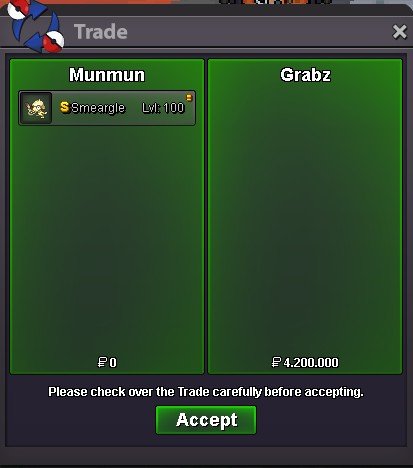
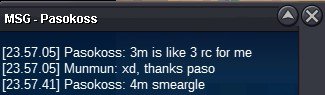
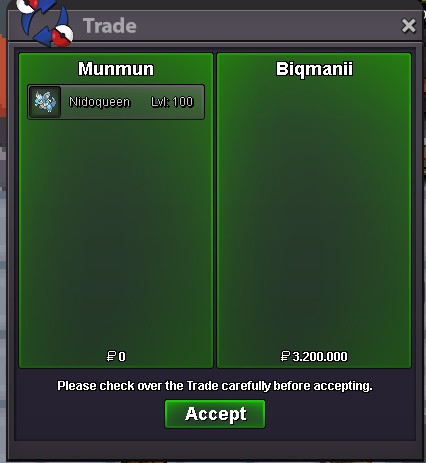
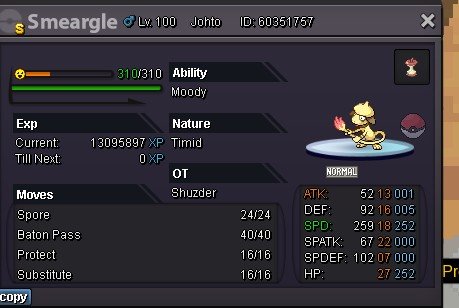 1.2m2.5mI buy dunsparce if still avaiable1m950k900k850k800k750k550kStartThere are some factors that could decide the prices of shinnies, among them are 1. The amount of same shiny in game 2. Design of the shinnies 3. Usefullness of the shinnies ( in pvp and pve) 4. Personal preference of buyer ( like some collector collect starter shinnies, specific colour shinnies, same type shinnies, etc) 5. How good its iv and right nature 6. How many people in game want and search the shinnies 7. Rarity of the shinnies ( if theres pre evo shinnies that have tier more lower than its evo, the price usually will follow like its pre evo since you can evo it into same shinnies )3mStart

Account
Navigation
Search
Configure browser push notifications
Chrome (Android)
- Tap the lock icon next to the address bar.
- Tap Permissions → Notifications.
- Adjust your preference.
Chrome (Desktop)
- Click the padlock icon in the address bar.
- Select Site settings.
- Find Notifications and adjust your preference.
Safari (iOS 16.4+)
- Ensure the site is installed via Add to Home Screen.
- Open Settings App → Notifications.
- Find your app name and adjust your preference.
Safari (macOS)
- Go to Safari → Preferences.
- Click the Websites tab.
- Select Notifications in the sidebar.
- Find this website and adjust your preference.
Edge (Android)
- Tap the lock icon next to the address bar.
- Tap Permissions.
- Find Notifications and adjust your preference.
Edge (Desktop)
- Click the padlock icon in the address bar.
- Click Permissions for this site.
- Find Notifications and adjust your preference.
Firefox (Android)
- Go to Settings → Site permissions.
- Tap Notifications.
- Find this site in the list and adjust your preference.
Firefox (Desktop)
- Open Firefox Settings.
- Search for Notifications.
- Find this site in the list and adjust your preference.