New Trade Zone
Trade Zone is now live
Use the new Trade Zone for auctions and instant-price trades so Pokemon and item offers are easy to find.

Munmun
Registered User
-
Joined
-
Last visited
Everything posted by Munmun
-
Congrats you win, from which server do you are ?
-
Bump, 24 hours left
-
1.8m
-
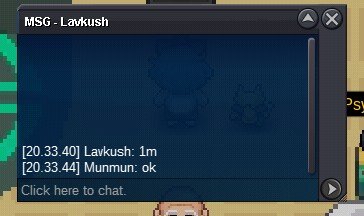
1m
-
-
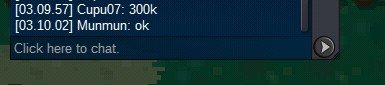
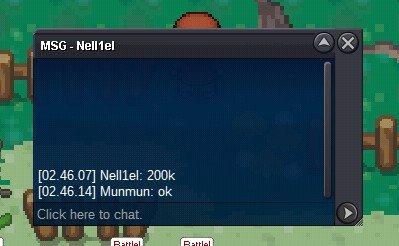
S.o : 200k Min bid : 200k Duration: 4 days after first bid Accept money only
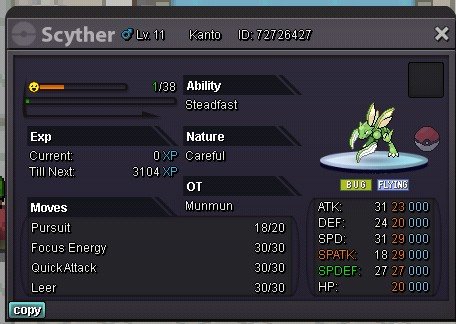
 Trade done, thanks for all participant24 minutes left9 hours 6 minutesHello @Maisa, the problem already solved and i can participate in fishing contest again this day, thank youHello im back at auction, i want to auction this dude S.o : 100k Insta: 4 m Mind bid 100k Duration 48 hours after first bid Accept money only
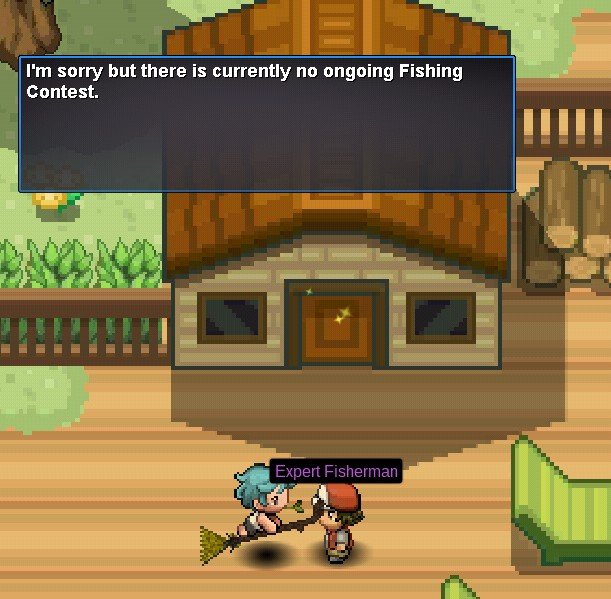
 Im from silver selver Im trying to talk with npc and he said that, but well im getting 3 pve coin even tough im not participating in contest last time
 40m
40mAccount
Navigation
Search
Configure browser push notifications
Chrome (Android)
- Tap the lock icon next to the address bar.
- Tap Permissions → Notifications.
- Adjust your preference.
Chrome (Desktop)
- Click the padlock icon in the address bar.
- Select Site settings.
- Find Notifications and adjust your preference.
Safari (iOS 16.4+)
- Ensure the site is installed via Add to Home Screen.
- Open Settings App → Notifications.
- Find your app name and adjust your preference.
Safari (macOS)
- Go to Safari → Preferences.
- Click the Websites tab.
- Select Notifications in the sidebar.
- Find this website and adjust your preference.
Edge (Android)
- Tap the lock icon next to the address bar.
- Tap Permissions.
- Find Notifications and adjust your preference.
Edge (Desktop)
- Click the padlock icon in the address bar.
- Click Permissions for this site.
- Find Notifications and adjust your preference.
Firefox (Android)
- Go to Settings → Site permissions.
- Tap Notifications.
- Find this site in the list and adjust your preference.
Firefox (Desktop)
- Open Firefox Settings.
- Search for Notifications.
- Find this site in the list and adjust your preference.