New Trade Zone
Trade Zone is now live
Use the new Trade Zone for auctions and instant-price trades so Pokemon and item offers are easy to find.

Corv1knight
Registered User
-
Joined
-
Last visited
Everything posted by Corv1knight
-
Bittersweet cave 4f Personally, Panchams feel slightly rarer than they should be. Please consider making one common tier in the map, swinub, lower level than 20 so that there can be an option for it to be repelled away, similar to gastlies in necropolis/dark valley.
-
Bump
-
In some of the previous years, we had received pink form chance boosts during the month of October as commemoration of cancer awareness month. Due to coinciding with the halloween event most of the time, those mini events were usually overshadowed. Consider providing a similar chance boost for halloween event forms this year for a limited period of time.
-
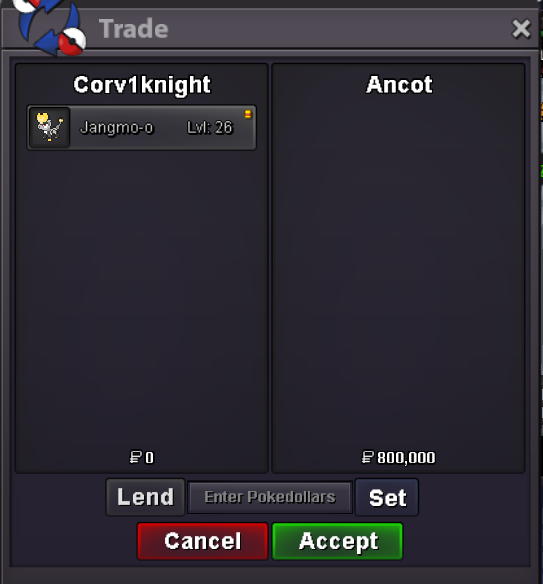
@ancotwins. Let me know when you're on for picking it up8h 30m leftnoted, 23h 50min remaining from now.Start offer : 500k Min bid : 100k Auction lasts 24h after first bid
 Insta cannot be added after an auction was started Insta Price: Can not be changed or added once an auction met the Start Price.Waiting for Hawluchaa for the confirmation16m14.914.514.113.7 anywaysThe 1 hr should be over since Hawluchaa recontinued the auction13.312.9m12.5m11.5mSince its continuing I bid 11mWhere's the ss of the trade being completed?