




New Trade Zone
Trade Zone is now live
Use the new Trade Zone for auctions and instant-price trades so Pokemon and item offers are easy to find.

Xdagz
Registered User
-
Joined
-
Last visited
Everything posted by Xdagz
-
-
TL:DR Add-ons for Alakzaite, Mega Alakazam's Mega Stone 31spd pkmn must be trained Interact with the hiker beside Alakazam if you haven't I just have something to add about Mega Alakazam's mega stone, Alakazite, quest. The 31spd pkmn required must be trained. I tried showing him a newly caught Diggersby with 31spd that I have but it said that "maybe it won't be enough" to catch the fast Abra. I then showed him my Lucario with 31spd, EV trained, and at lvl100 then it kinda gave me the go signal to catch the Abra. After I interacted to it, it fled right away. Following the guide, I went ahead to the summit of Mt. Coronet to interact with the Alakazam. In my case, the Alakazam did not respond until I talked to the hiker who was meditating beside it. After talking to the hiker, it was then that I could interact with Alakazam giving him a Kelpsy Berry and got asked about what I seek. I opted for "I seek a good battle" as I find it easier just like what the guide did say. Using a sashed Rattata with Endeavor and a priority move (i.e. Quick Attack or Sucker Punch etc.). It was a piece of cake. Received the mega stone after the battle ended. Hope this helps! See ya around in-game. GLHF!
-
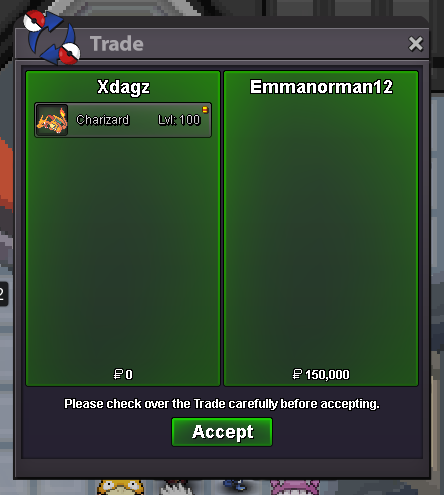
Charizard sold to Emmanorman12 in-game. Thanks man!
-
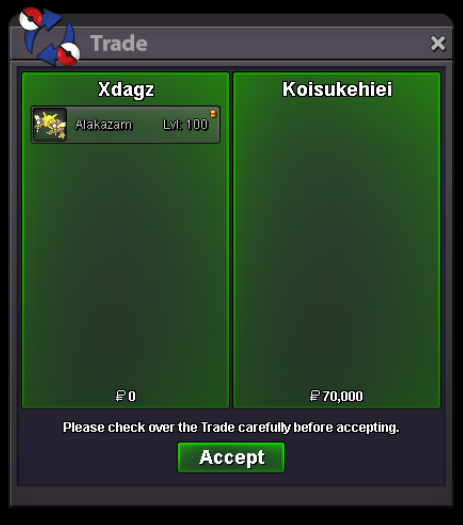
Alakazam sold to Koisukehiei in-game. Thanks man!
-
If you're on Gold server, come to Defiant! Send me a message if you're interested. Have a nice day! 🙂
-
If you're on Gold server, come to Defiant! Send me a message if you're interested. Have a nice day! 🙂
-
Flygon sold to Xsethurx in-game. Thank you for your purchase!

-
Bump
-
Bump
-
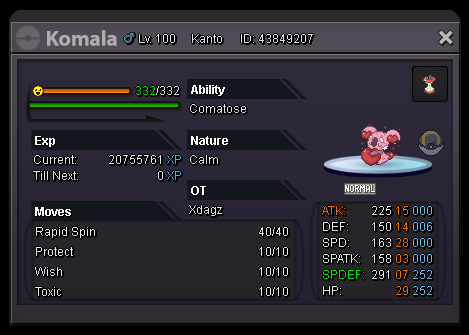
AUCTIONING THIS VALENTINE KOMALA STARTING PRICE: 1M ENDING POINT: MARCH 8, 2021; 11AM GMT INSTA PRICE: NOT AVAILABLE MINIMUM RAISE: 100K AVAILABLE PAYMENTS: POKEDOLLARS, CC=400K, IV REROLLS=700K, NATURE REROLLS=350K NOTE: I AM FROM GOLD SERVER. OFFERS FROM SILVER SERVER ARE WELCOME. IN CASE A PLAYER FROM THE SILVER SERVER WINS THIS AUCTION, HE/SHE MUST COME TO GOLD TO RECEIVE THE AUCTIONED PKMN. INGAME NAME: xdagz DISCORD: xdagz#8523 GLHF!
-
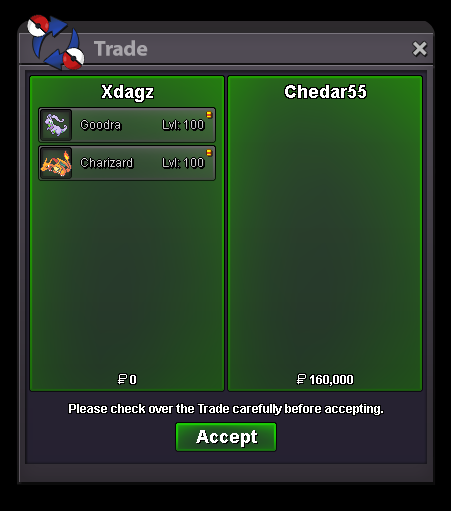
Goodra and Charizard (A1) sold to Chedar55 in-game. Thank you for your purchase!
-
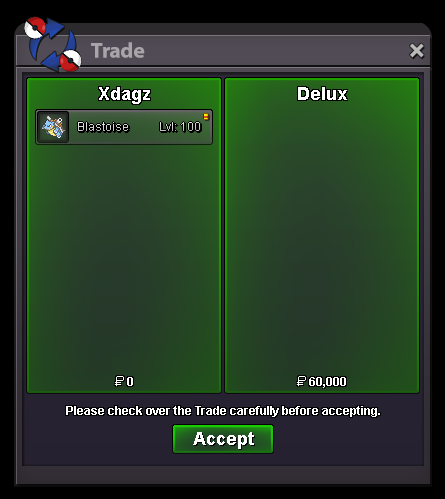
Blastoise sold to Delux in-game. Thank you for your purchase!
-
Slowbro sold to Risingking34 in-game. Thank you for your purchase!

-
Gengar (A2) and Alakazam (A1) sold to Antonioteperce9 in-game. Thank you for your purchase!

-
Gengar (A1) sold to Adiel99 in-game. Thank you for your purchase!

-
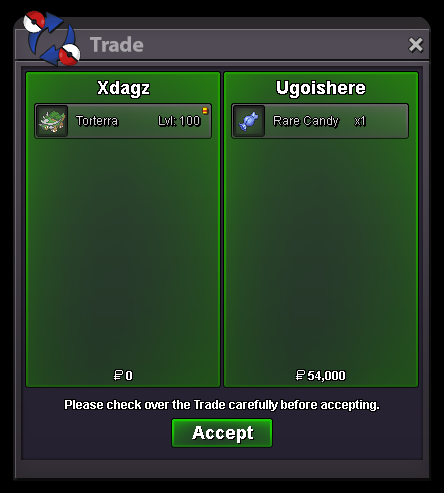
Torterra sold to Ugoishere in-game. Thank you for your purchase!
-
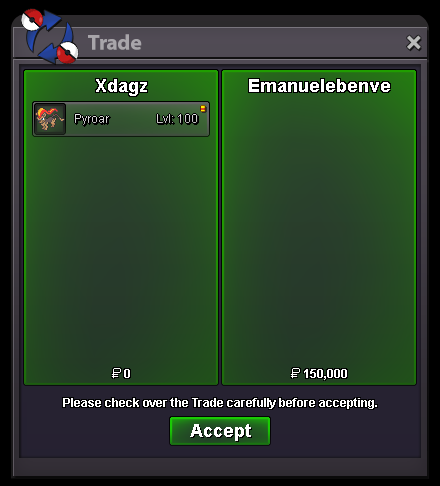
Pyroar sold to Emanuelebenve in-game. Thank you for your purchase!
-
Meganium sold to Vivekmishra. Thank you for your purchase!

-
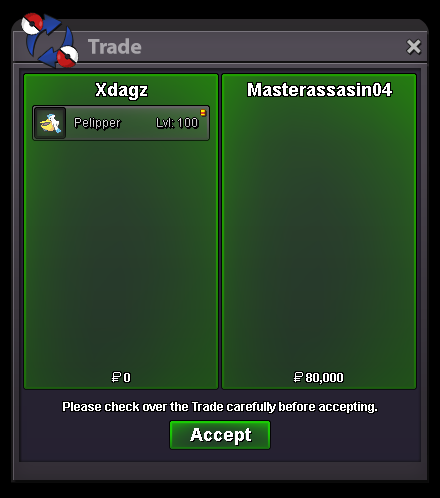
Pelipper sold to Masterassasin04. Thank you for your purchase!
-
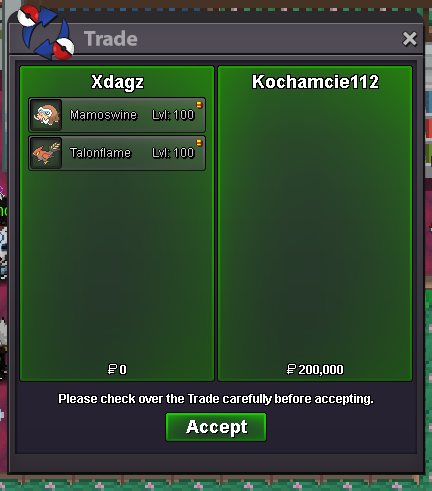
Mamoswine and Talonflame sold to Kochamcie112. Thank you for your purchase!
-
Metagross (A2) sold to Prapaspol0102 in-game. Thank you for your purchase!

-
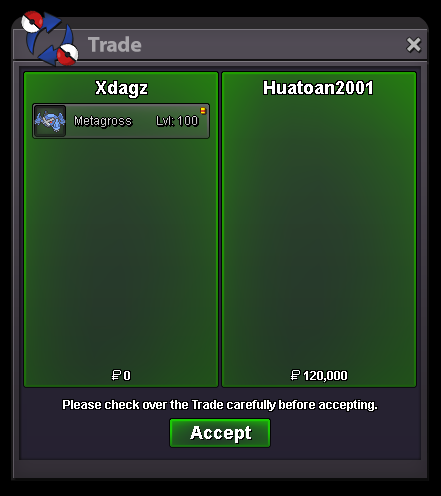
Metagross (A1) sold to Huatoan2001 in-game. Thank you for your purchase!
-
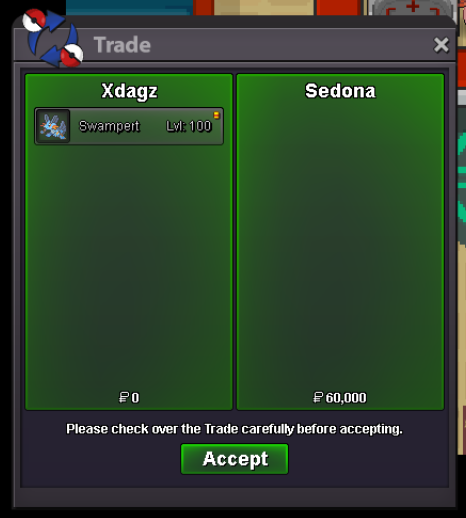
Swampert sold to Sedona in-game. Thank you for your purchase!
-
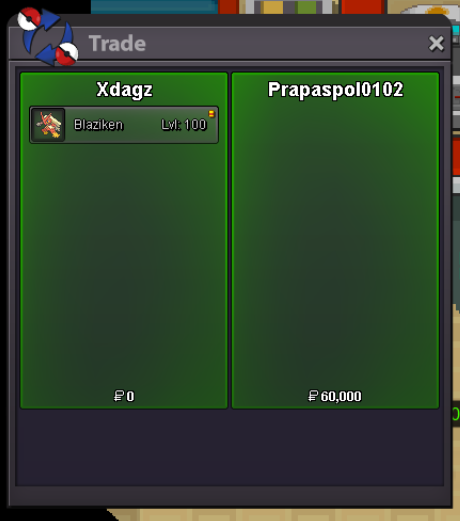
Blaziken sold to Prapaspol0102 in-game. Thank you for your purchase!
-
Hello! I am from Defiant guild. We'd like to have you, a PVP player, added on our roster. We also have an active Discord by the way so feel free to send me a message if you're interested. Keep safe!
