




New Trade Zone
Trade Zone is now live
Use the new Trade Zone for auctions and instant-price trades so Pokemon and item offers are easy to find.

Everything posted by Gal1leo
-
To clear things up the offer is still 35m by Donator.
-
nvm its a fake offer
-
last bump - around 15 hours left.
-
bump
-
bermp
-
bump
-
bump
-
bump
-
bump
-
bump
-
bump
-
ah didn't realise it was suggested before, oh well fair enough.
-
Could it be possible to add in a permanent escape rope which would be similar to the already existing tools such as flashlight, battering ram, shovel etc. I often find myself stuck in areas with no escape ropes without realising and it can be a small inconvenience if there is no npc's around to teleport back to the PC, but with a permanent escape rope, I can add it to my hot bar without worrying about buying more. I get that its a form of money sink but maybe it can be a win/win if it can be added as a coin shop item. Thanks for considering my suggestion.
-
bump
-
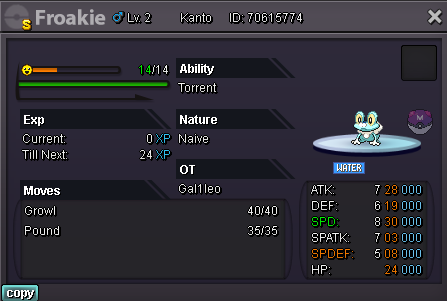
Starting offer: 35m Min raise: 200k No insta Accepted payments: Coin Capsule: 360k Reroll Ticket: 680k Pokedollars Auction will start when the starting offer is met and will last 7 days.
-
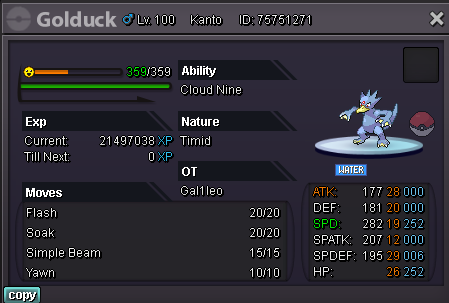
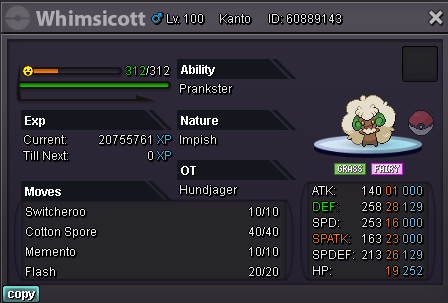
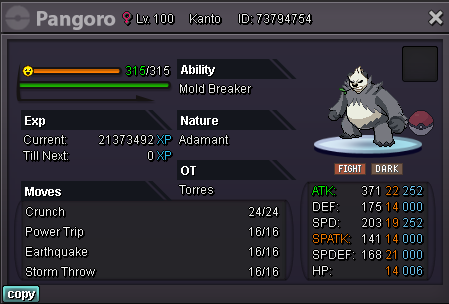
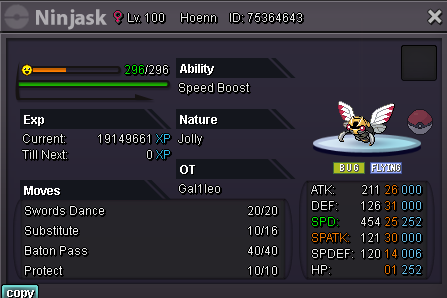
bump brought 1 day lend down from 70k > 50k brought 2 day lend down from 100k > 70k. contact me on Discord for a quicker response. Gal1leo#0056
-
-
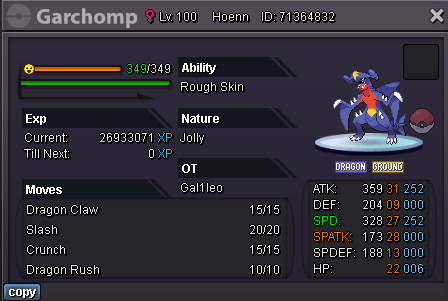
S.o 200k Min raise: 50k Insta: 1m Pokedollars only Auction will begin when the s.o is met and will last 48 hours.
-
bump
-
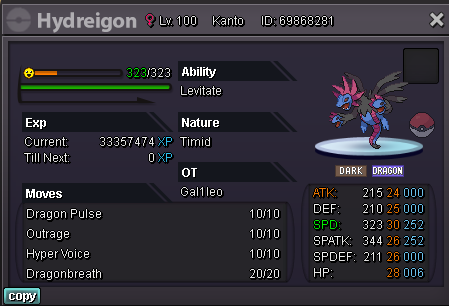
S.o 500k Min raise: 100k No insta Auction will last 48 hours after the s.o has been met. Accepted payment: CC - 360k RR - 650k Pokedollars
-
bump
-
bump
-
bump
-
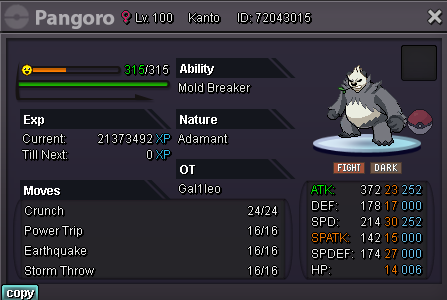
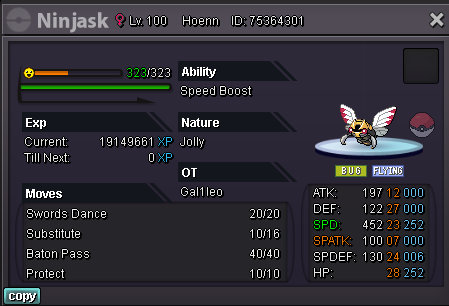
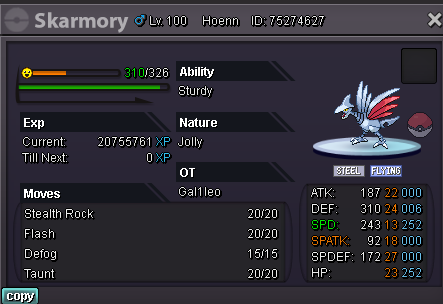
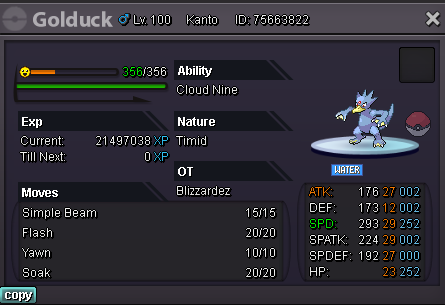
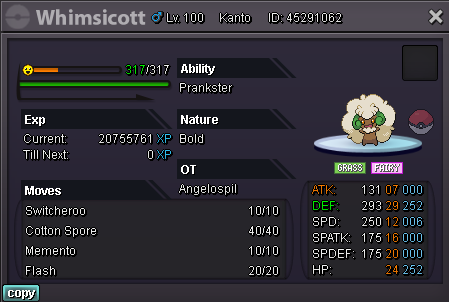
50k for 1 day 70k for 2 days Items are not included as the Pokemon will be lent out using the lend function Gal1leo#0056 Team 1 Team 2 Team 3 Team 4 Team 5




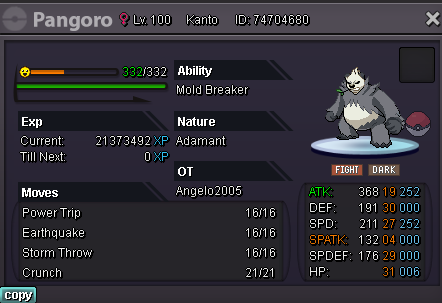
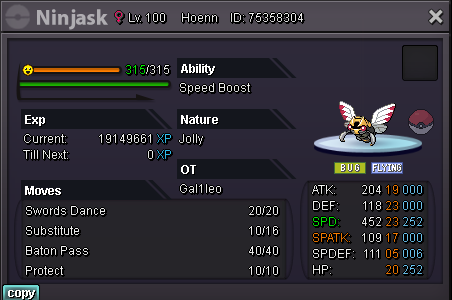
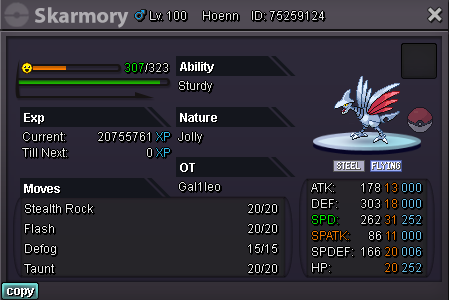

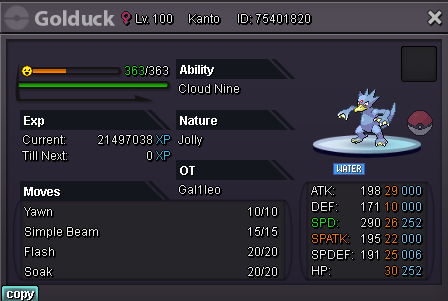
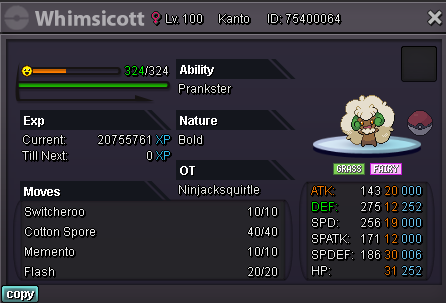
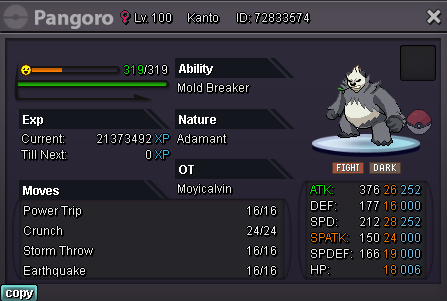
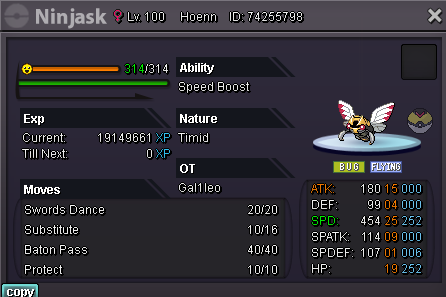
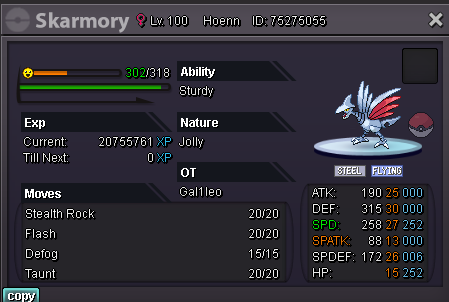

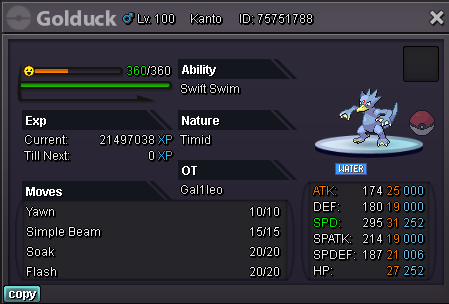
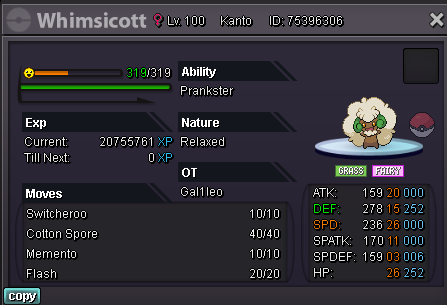
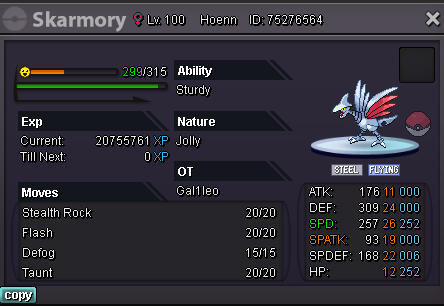

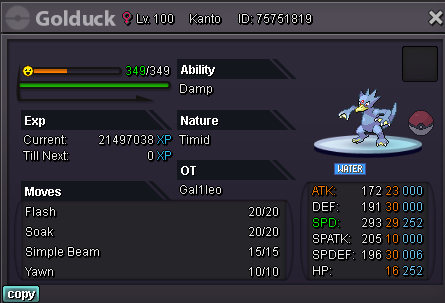
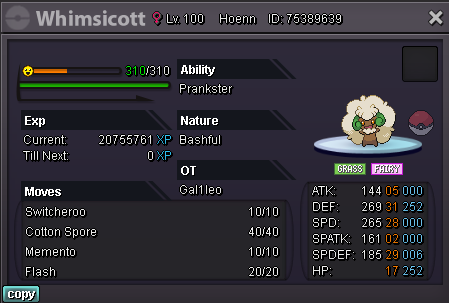
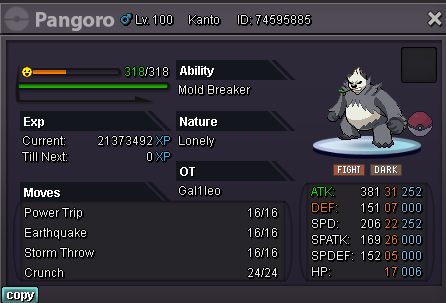
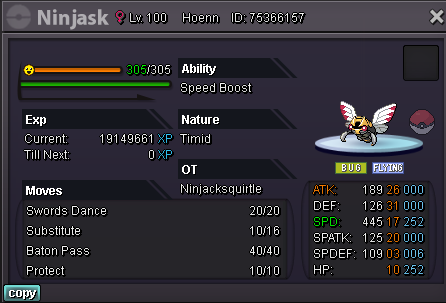
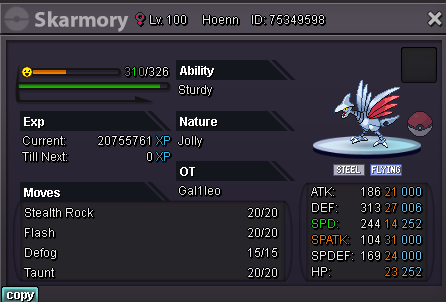

-
Auction over @Hohlyeraser is the winner.
