




New Trade Zone
Trade Zone is now live
Use the new Trade Zone for auctions and instant-price trades so Pokemon and item offers are easy to find.

Gal1leo
Registered User
-
Joined
-
Last visited
Everything posted by Gal1leo
-
What is your IGN? Gal1leo What is your discord? Gal1leo#0056 Tell us a little about yourself: I enjoy pvping and active communities How many hours do you currently have? 3817 hours Do you know any existing members? I know gray, superhuy, karsh and cr1tical. Have you been in a guild before? If so, which one(s)? Empire What are your expectations for this guild? Heard good things about the community here and i want to contribute to the guild ladder. What other games do you play online? Rocket league (not good at it but i like playing it) What is your favourite pokemon and what made them stick out to you? Shuckle, idk it just calls to me. In your own words, please describe why you need to be recruited into this guild: Im familiar with people in this guild and i think its somewhere where ill be most comfortable. If you're interested in PvP what is your favorite Archetype to use (Ex. HO, Balance, Stall, Weather, etc)? H.o
-
Player name: Gal1leo Server: Silver Timezone: GMT +1 Rank on ladder: 24
-
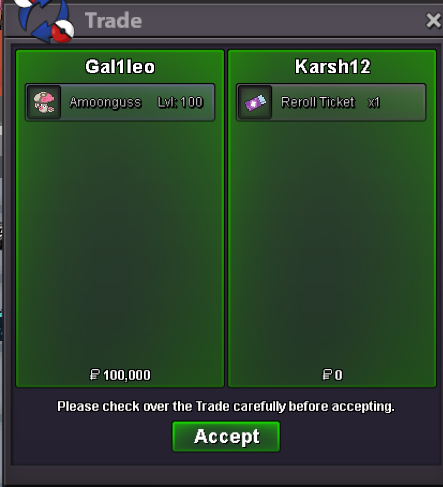
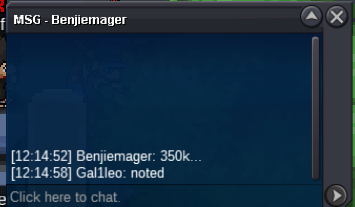
Sorry @Riddoe the auction ended at 03:31 GMT+1. @Karsh12 is the winner.notedS.o 100k Min raise: 10k No insta Accepted payment CC: 400k Reroll Ticket: 700k Rare candy: 7k Auction will start when the s.o is met and will last 24 hours.
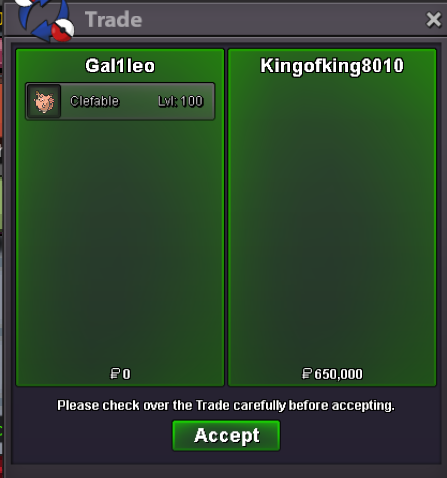
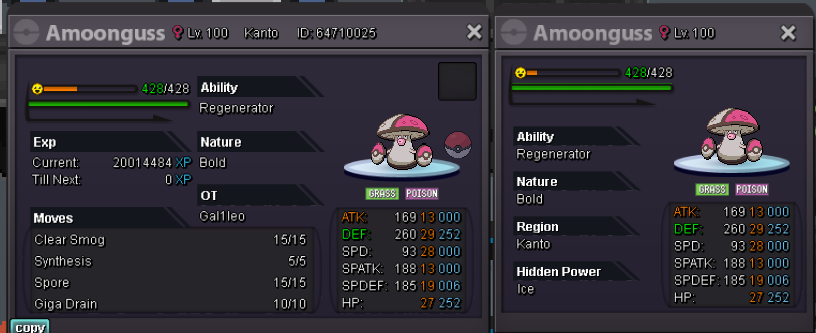 s.o: 250k Min raise: 50k Insta: 750k Auction will begin when the s.o is met and will last 24 hours. Accepted payment: RR (750k) CC (400k) and Pokedollars.
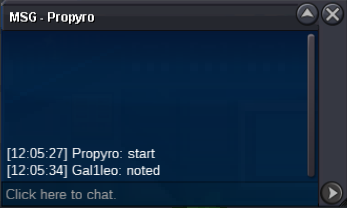
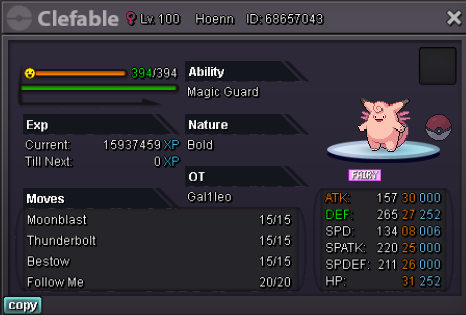 @kingofking8010 wins the auction4 hours remainstarted
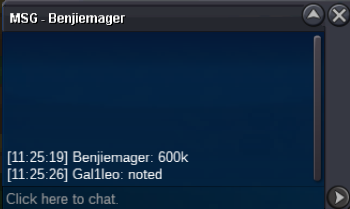
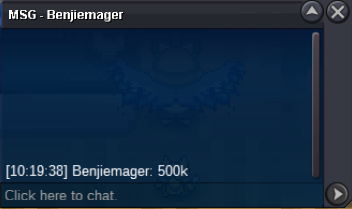
 c.o: 600k Min raise: 50k Insta: 1.7m Auction will begin when the s.o is met and will last 24 hours. Ends: 23/03 12:05 GMT +0 Accepted payment: RR (750k) CC (400k) and Pokedollars.
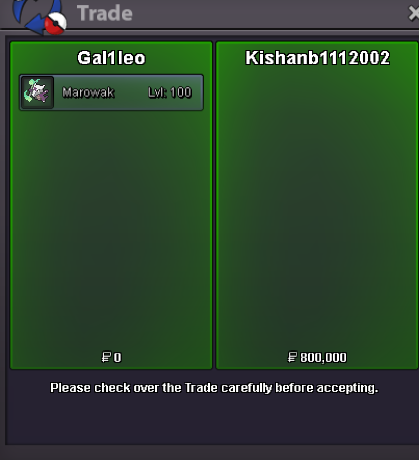
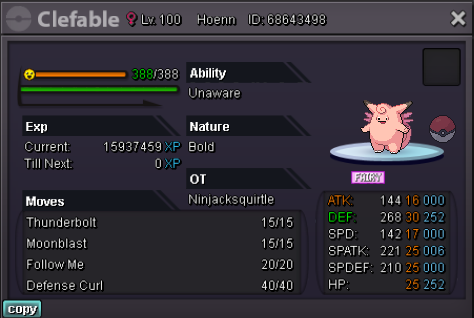 close, no bids.auction ended @kishanb1112002 is the winner. contact me in game to pick it up40 min remaining @kishanb1112002


Account
Navigation
Search
Configure browser push notifications
Chrome (Android)
- Tap the lock icon next to the address bar.
- Tap Permissions → Notifications.
- Adjust your preference.
Chrome (Desktop)
- Click the padlock icon in the address bar.
- Select Site settings.
- Find Notifications and adjust your preference.
Safari (iOS 16.4+)
- Ensure the site is installed via Add to Home Screen.
- Open Settings App → Notifications.
- Find your app name and adjust your preference.
Safari (macOS)
- Go to Safari → Preferences.
- Click the Websites tab.
- Select Notifications in the sidebar.
- Find this website and adjust your preference.
Edge (Android)
- Tap the lock icon next to the address bar.
- Tap Permissions.
- Find Notifications and adjust your preference.
Edge (Desktop)
- Click the padlock icon in the address bar.
- Click Permissions for this site.
- Find Notifications and adjust your preference.
Firefox (Android)
- Go to Settings → Site permissions.
- Tap Notifications.
- Find this site in the list and adjust your preference.
Firefox (Desktop)
- Open Firefox Settings.
- Search for Notifications.
- Find this site in the list and adjust your preference.