New Trade Zone
Trade Zone is now live
Use the new Trade Zone for auctions and instant-price trades so Pokemon and item offers are easy to find.

Everything posted by Gal1leo
-
bump mons added
-
bump, shop updated.
-
bump
-
@Ahir 450k abra is still available
-
@Kinbiut123 marowak is sold now sorry @MrUnknownReaL1 beldum sold best place to contact me is discord atm im really busy so if u pm there i will see it Gal1leo#0056
-
shop updated.
-
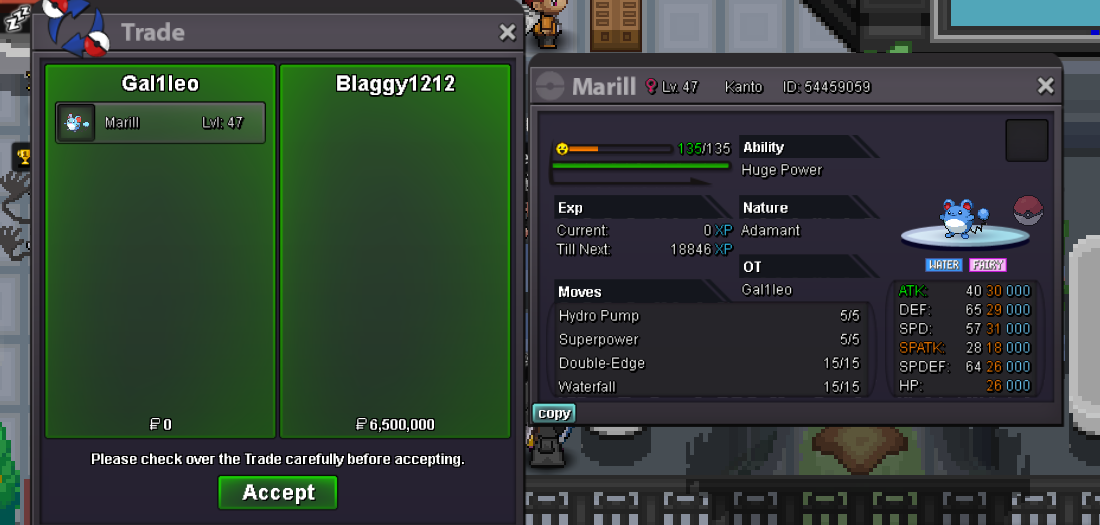
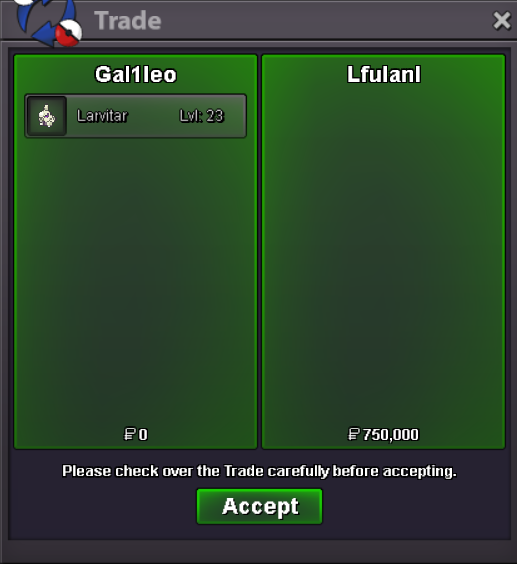
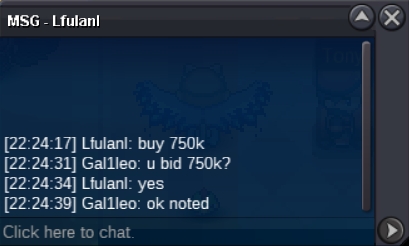
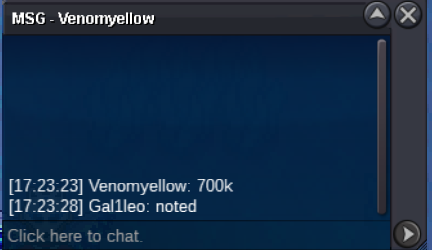
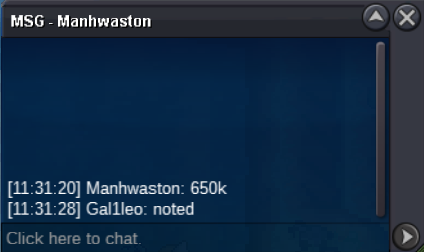
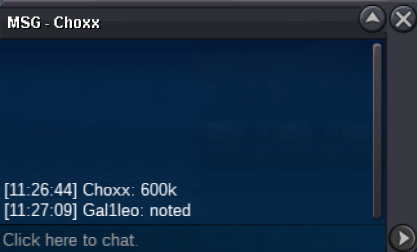
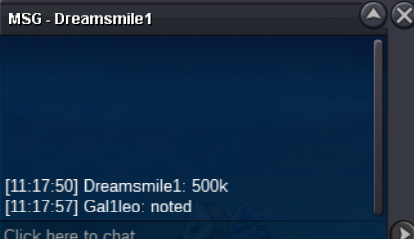
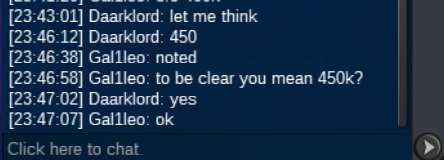
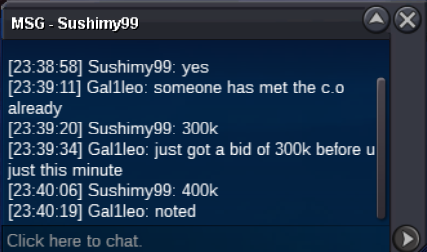
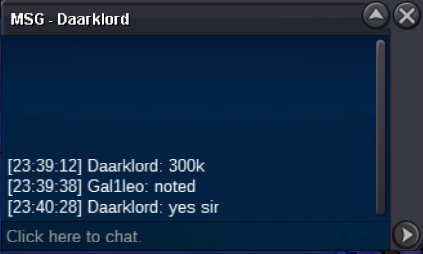
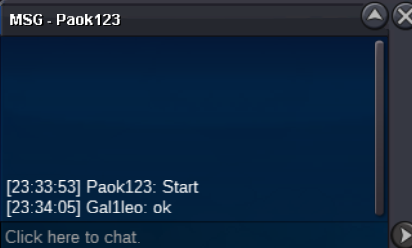
@Blaggy1212is the winner of the auction, contact me here or discord when we can trade Gal1leo#0056bump, less than 24 hours leftnotedbump, 5 hours leftbumpc.o 750k min raise 50k 24 hour auction insta 1m auction will begin when s.o is met
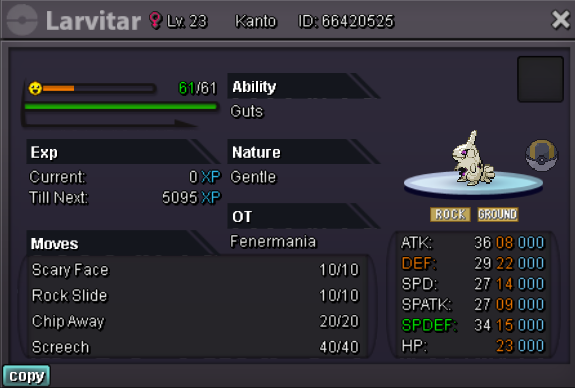 c.o: 6.5m Min raise: 500k Insta: 15m Auction will begin when the s.o is met and will last 72 hours from the first offer. Accepted payments: Pokedollars Coin Capsule - 400k Rerroll Ticket - 700k Nature Reroll - 350k Contact me in game @ Gal1leo will transfer if the winner is in gold.
Account
Navigation
Search
Configure browser push notifications
Chrome (Android)
- Tap the lock icon next to the address bar.
- Tap Permissions → Notifications.
- Adjust your preference.
Chrome (Desktop)
- Click the padlock icon in the address bar.
- Select Site settings.
- Find Notifications and adjust your preference.
Safari (iOS 16.4+)
- Ensure the site is installed via Add to Home Screen.
- Open Settings App → Notifications.
- Find your app name and adjust your preference.
Safari (macOS)
- Go to Safari → Preferences.
- Click the Websites tab.
- Select Notifications in the sidebar.
- Find this website and adjust your preference.
Edge (Android)
- Tap the lock icon next to the address bar.
- Tap Permissions.
- Find Notifications and adjust your preference.
Edge (Desktop)
- Click the padlock icon in the address bar.
- Click Permissions for this site.
- Find Notifications and adjust your preference.
Firefox (Android)
- Go to Settings → Site permissions.
- Tap Notifications.
- Find this site in the list and adjust your preference.
Firefox (Desktop)
- Open Firefox Settings.
- Search for Notifications.
- Find this site in the list and adjust your preference.