




New Trade Zone
Trade Zone is now live
Use the new Trade Zone for auctions and instant-price trades so Pokemon and item offers are easy to find.

Qasar
Registered User
-
Joined
-
Last visited
Everything posted by Qasar
-
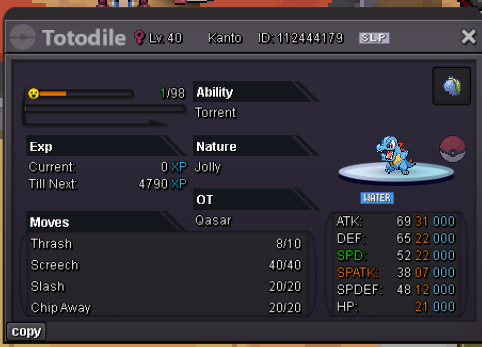
RULES: Both Has s.o. of 200k Min Bid: 50k No Insta Auction Will end 48 hours after first bid C.O. 650K BY HYORITTAI C.O. 450K BY SHIRINGA
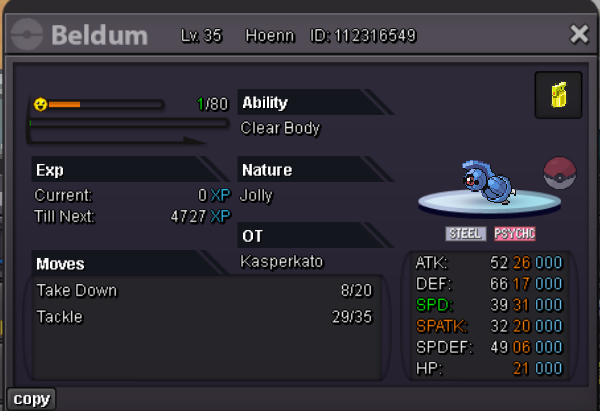
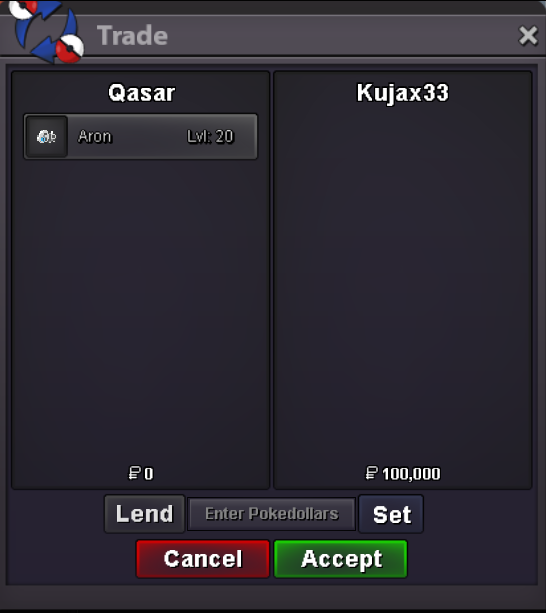
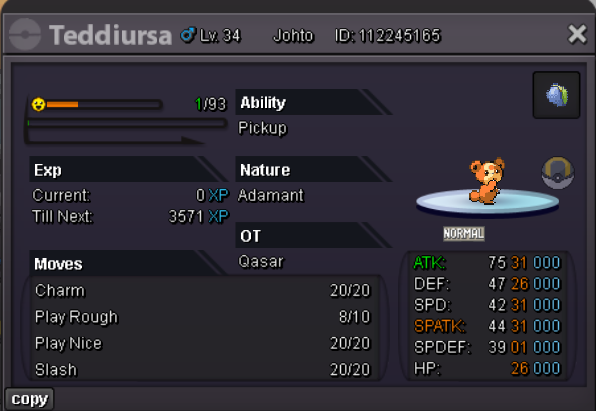 Mantyke and Aron Sold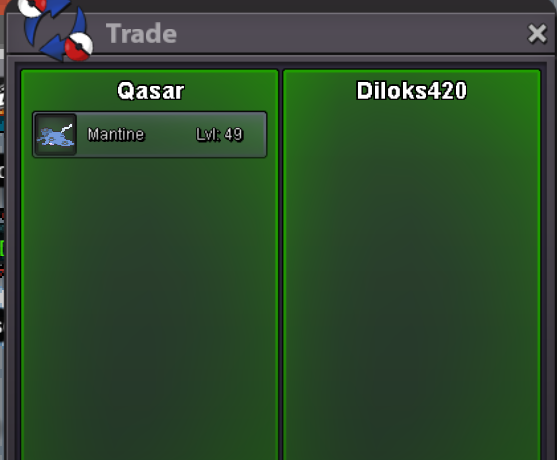
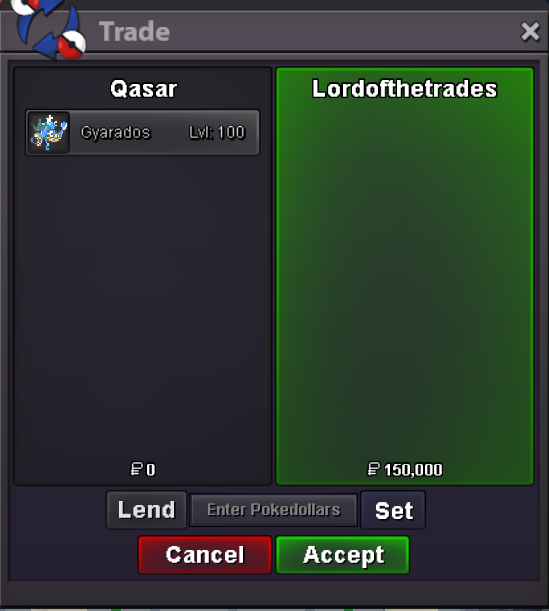
 Gyarados Sold
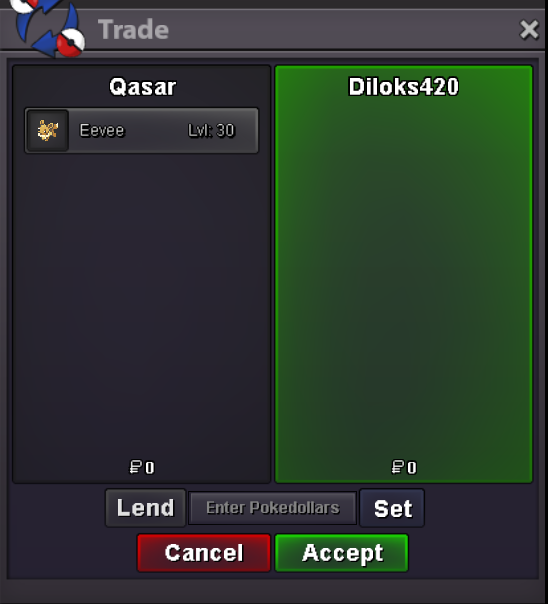
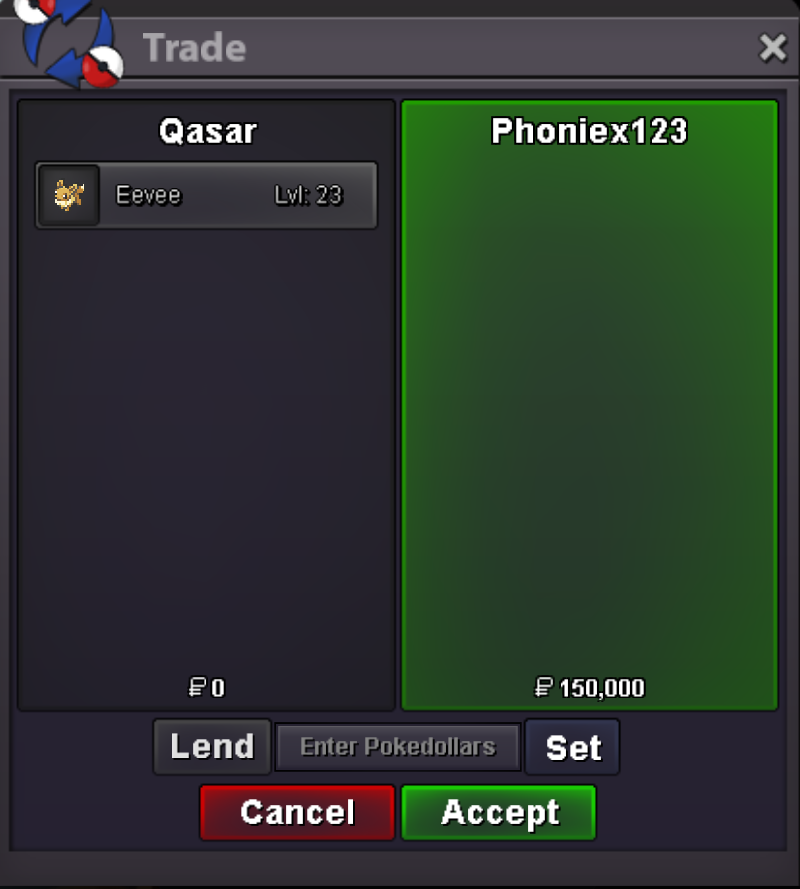
 Tangrowth, Torkoal, Joltik, Smeargle, Nidoran and Eevee Sold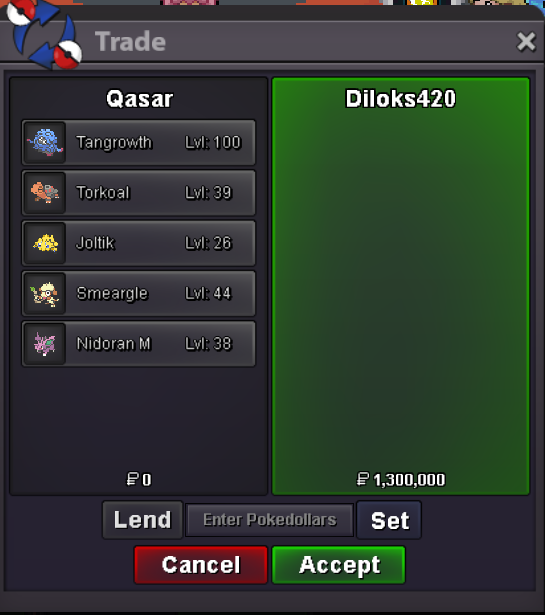
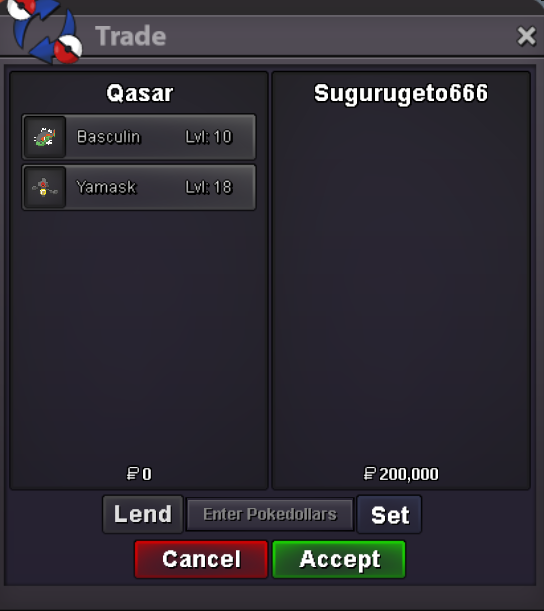
 Sold it in game 2 min ago sorry 😞Yamask and Basculin Sold
 Hello and welcome to my new Shop where you can find a lot of variety Pokèmon Those are 3 important rules: -No fake offer (once you made the offer here or in game you can't back out) -Prices are all negotiable (but i have all the right to decline your offer ^^ ) -Pokèmon will be listed by alphabetical order Method of Payments: - POKEDOLLARS - COIN CAPSULE (500K) - NATURE REROLL (350K) - REROLL IV (700K) HOW TO CONTACT ME: -: QASAR -: QASAR A B C D E F G H I J K L M N O P Q R S T U V W X Y Z More Pokèmon will be added in the future so stay tuned!



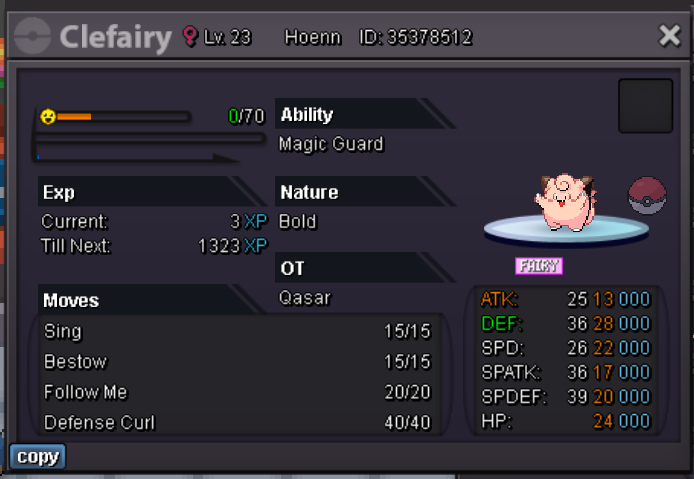
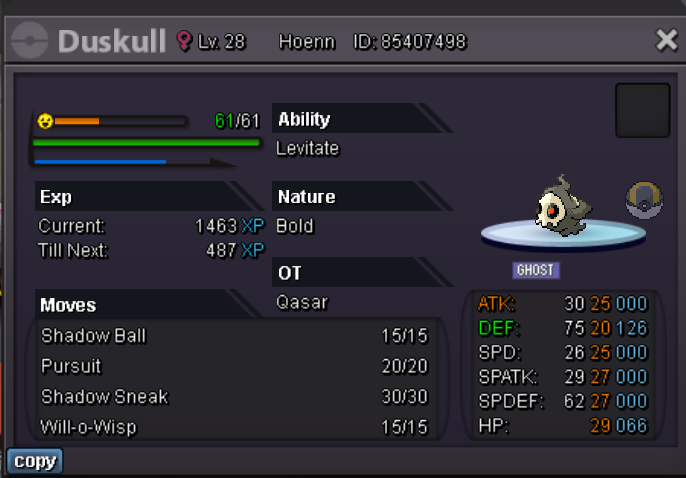
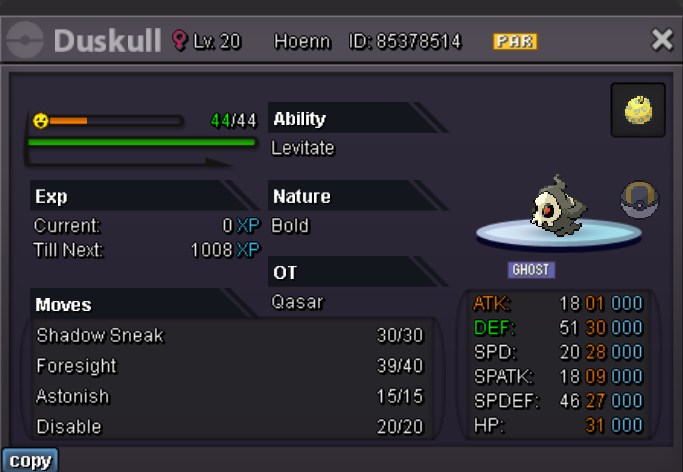
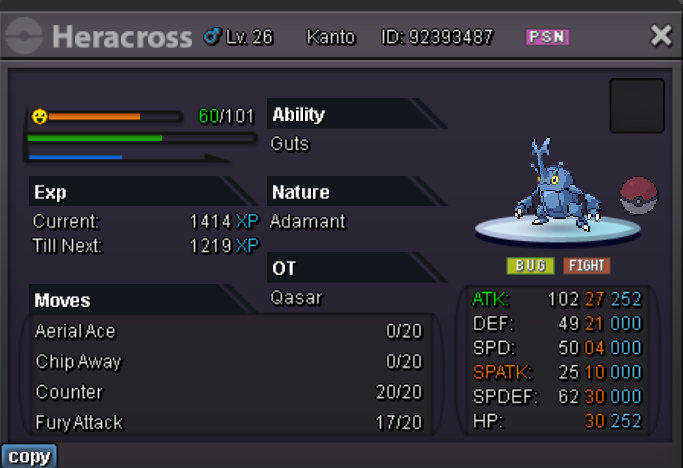
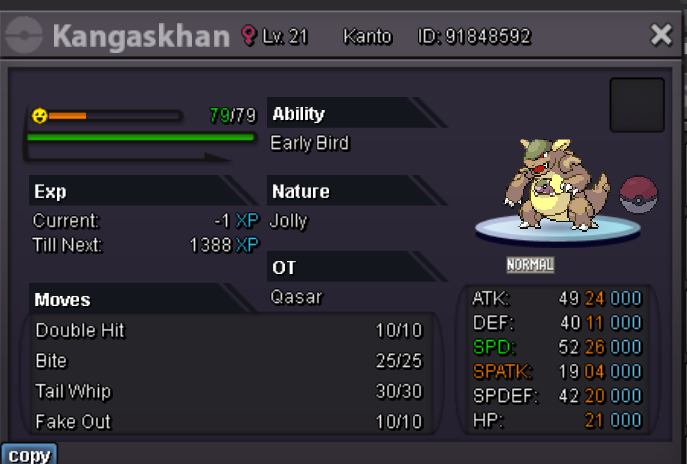
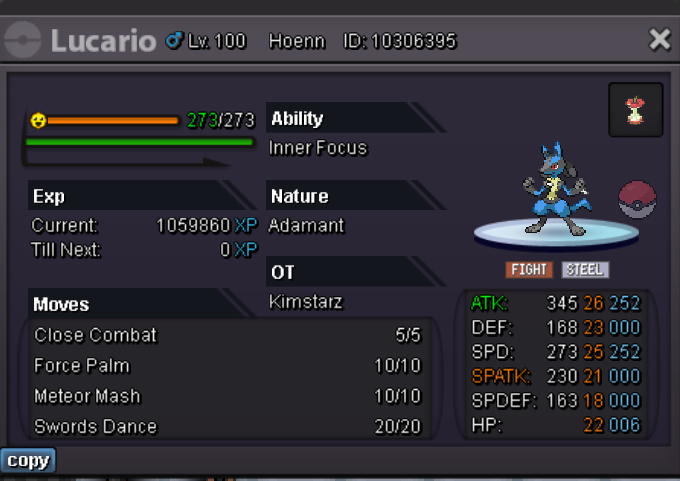
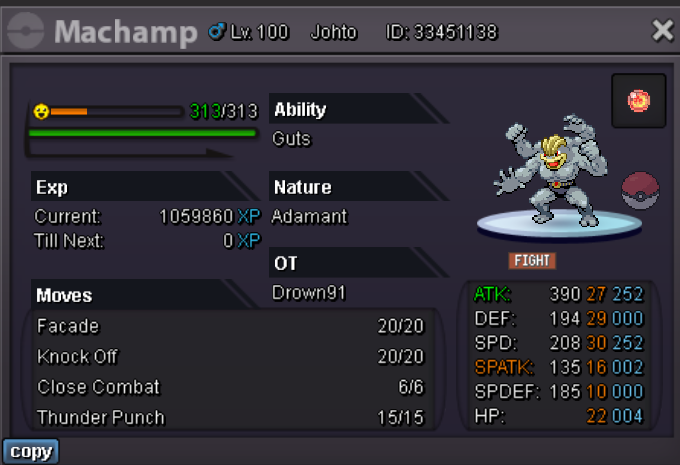
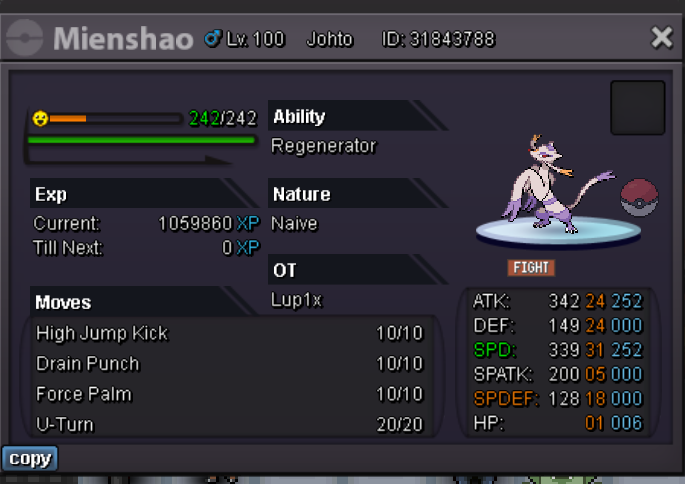
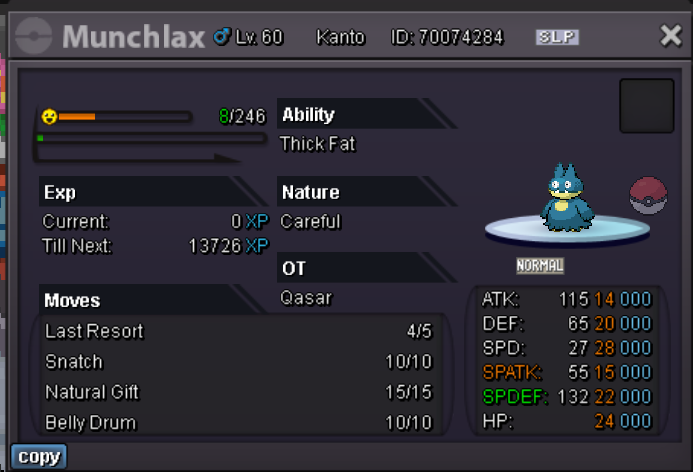
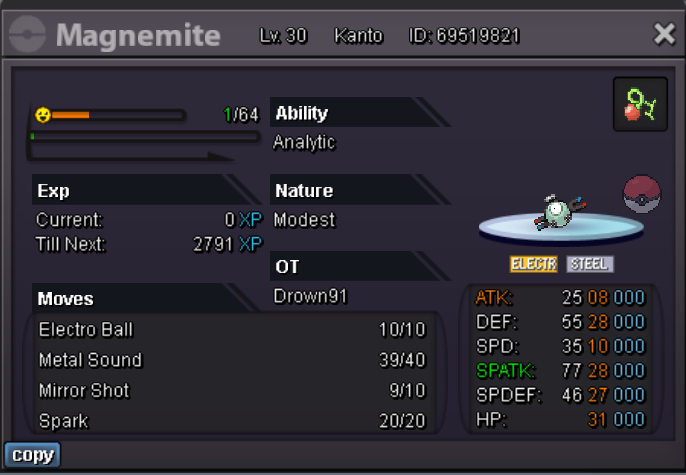
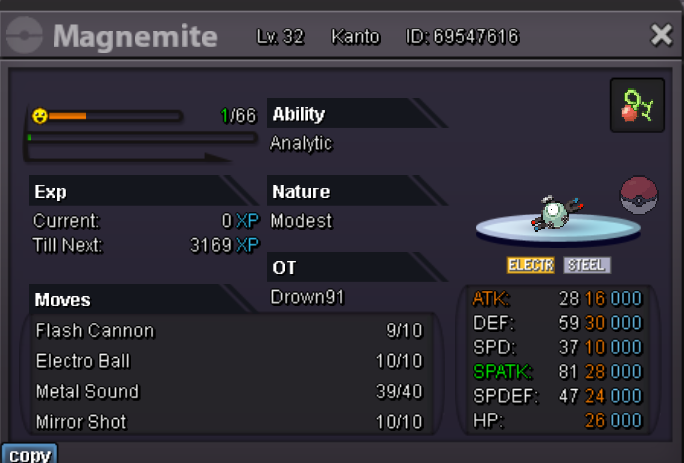
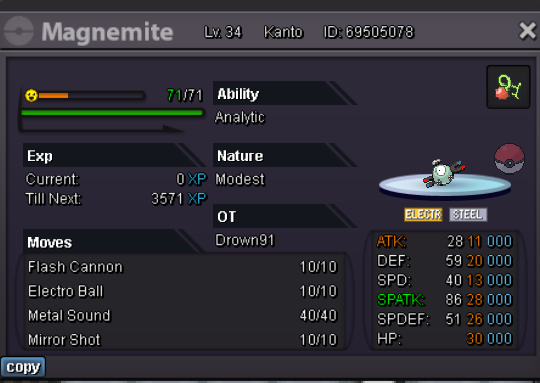
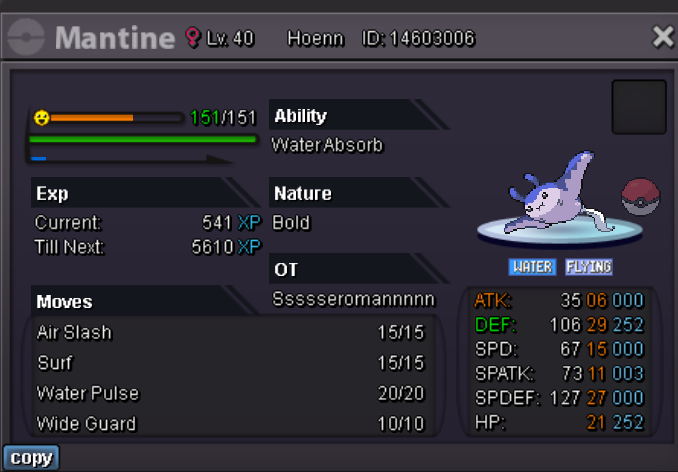
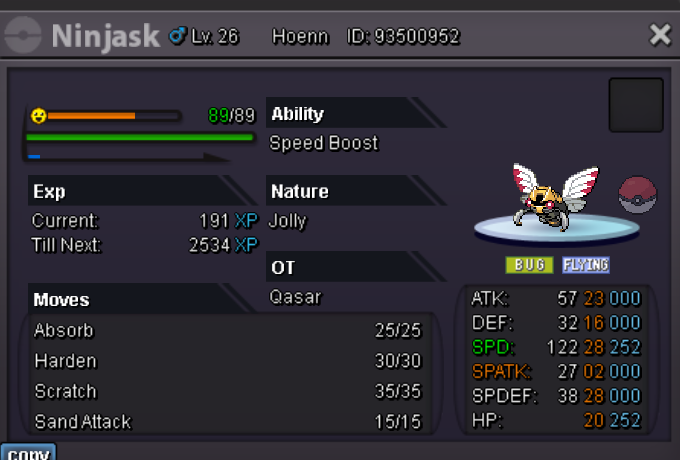
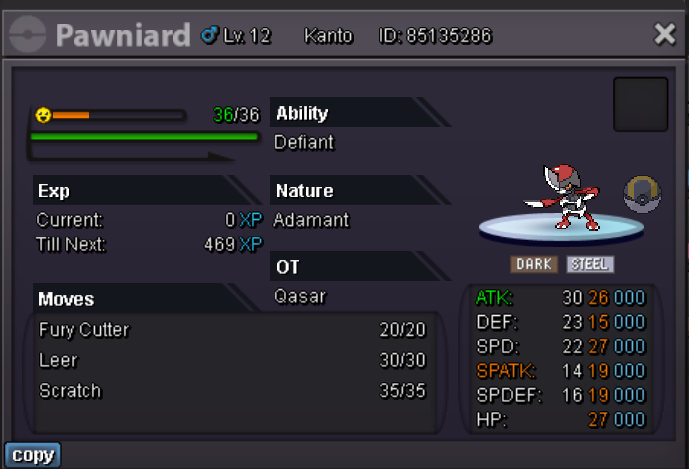
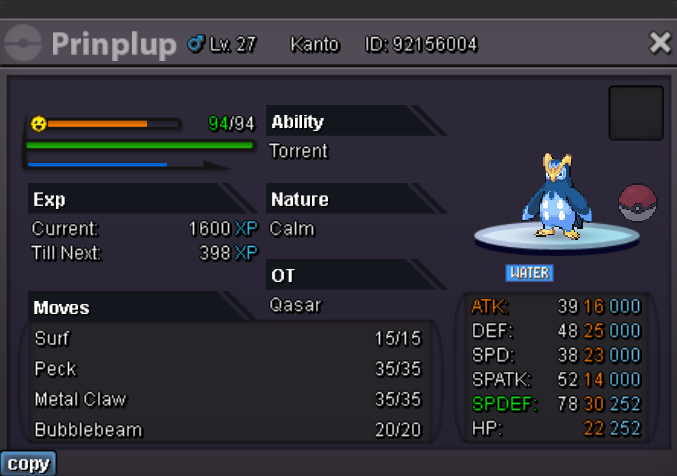
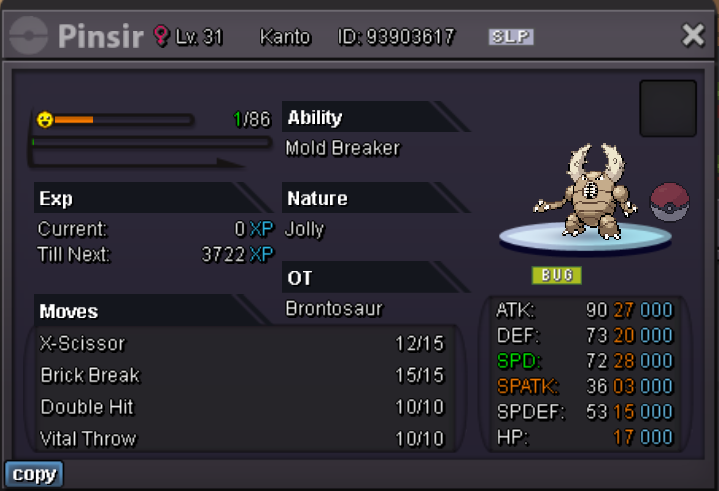
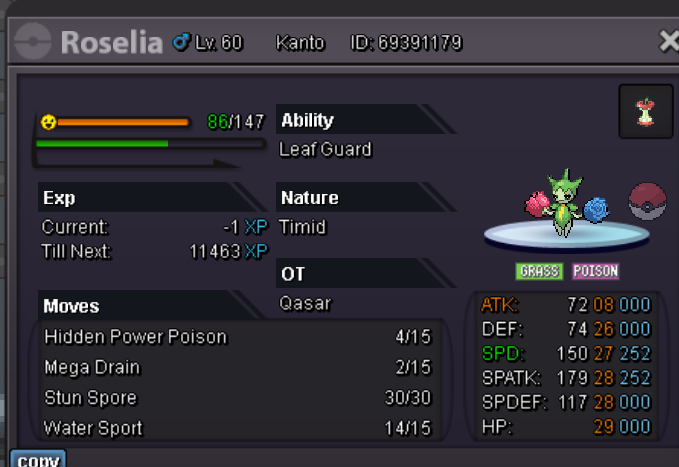
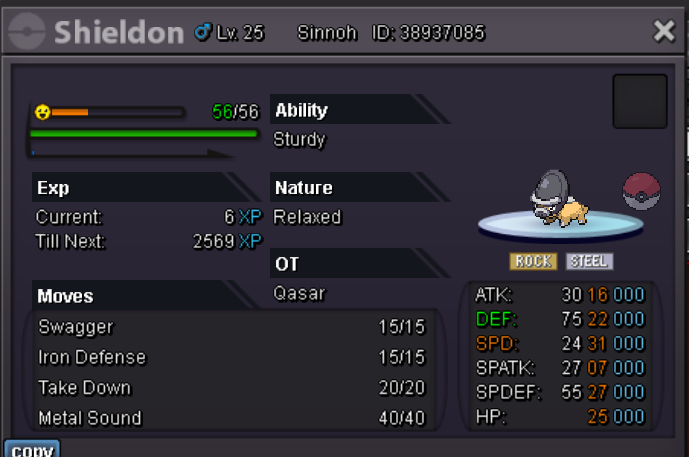
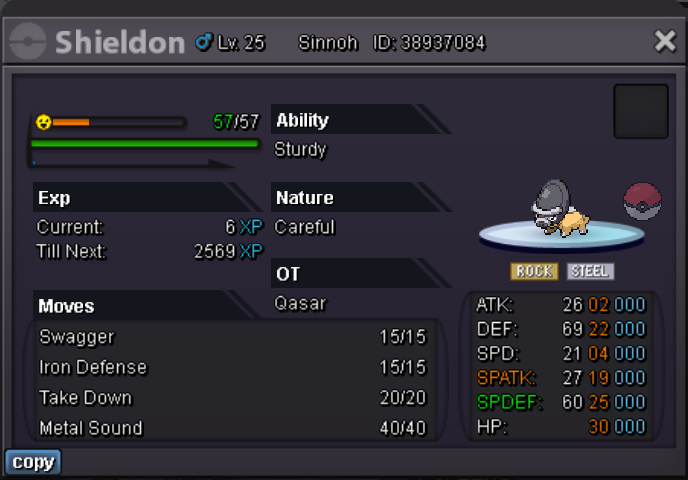
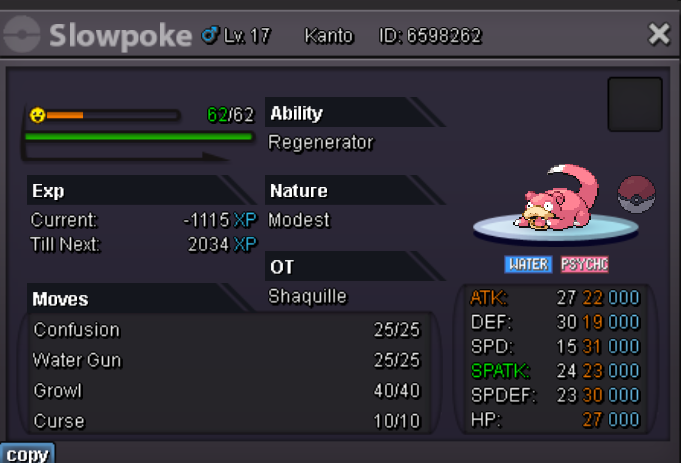
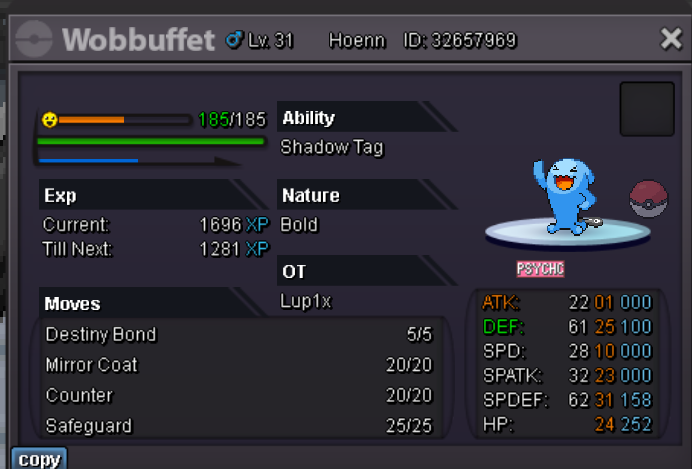
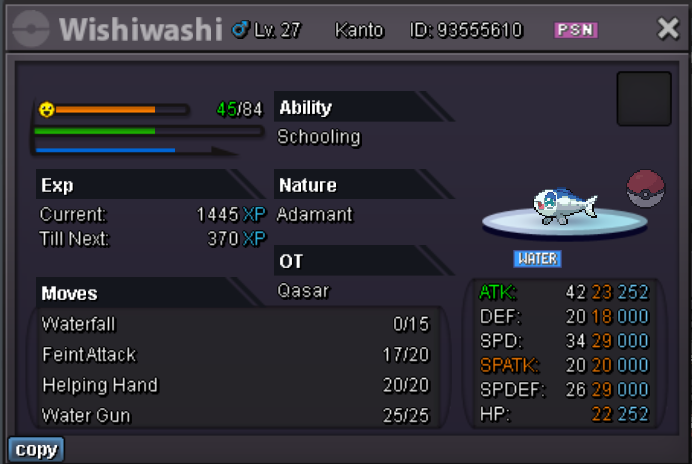
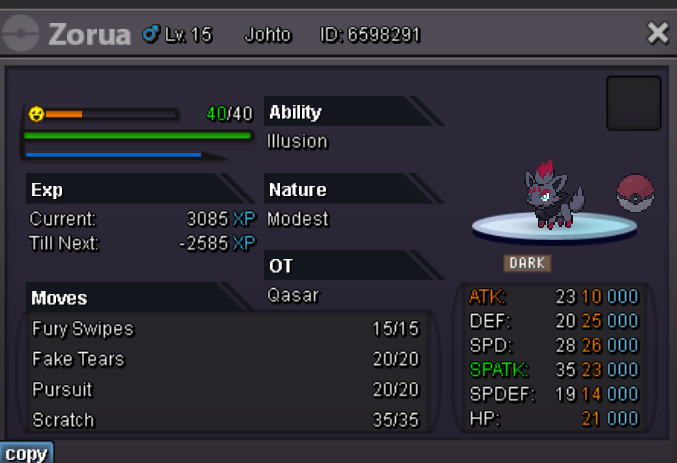

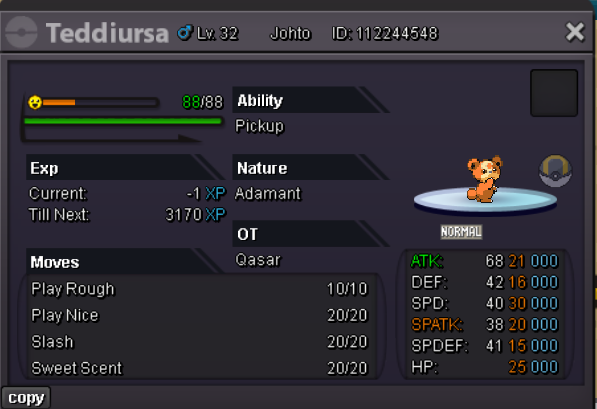
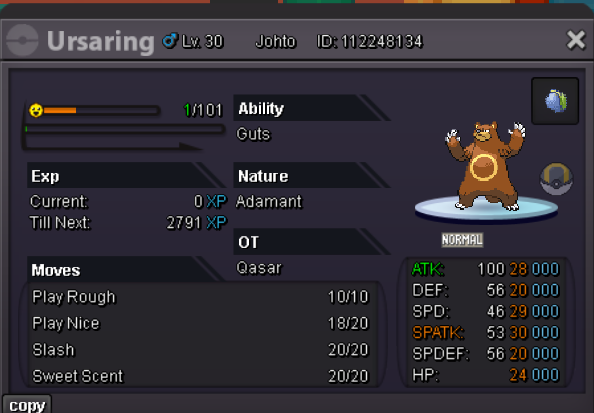
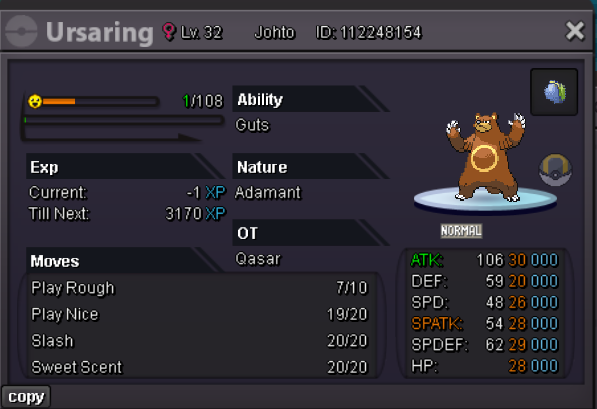
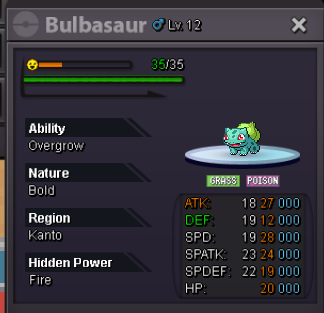
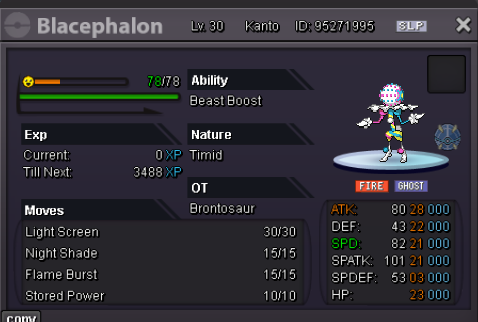
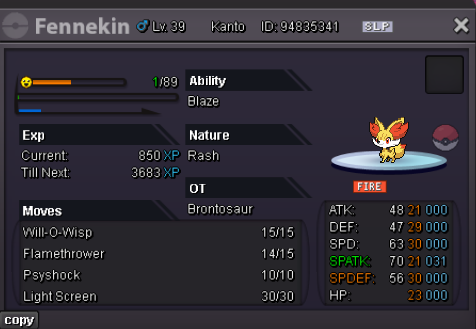
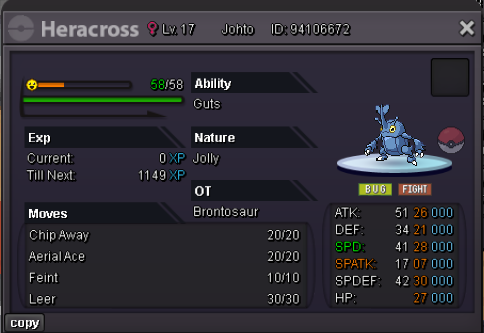
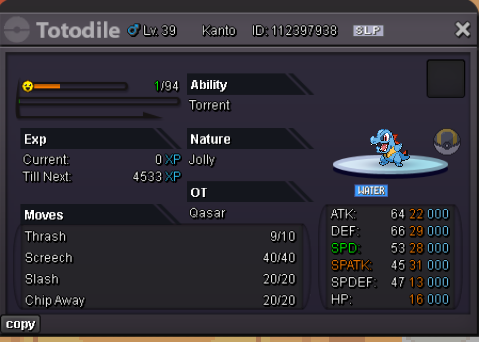
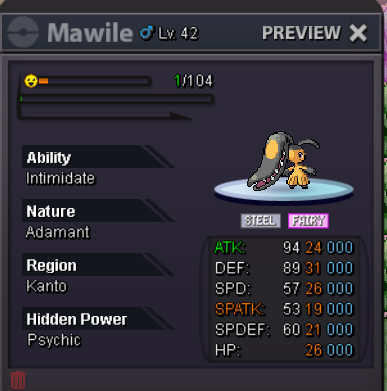
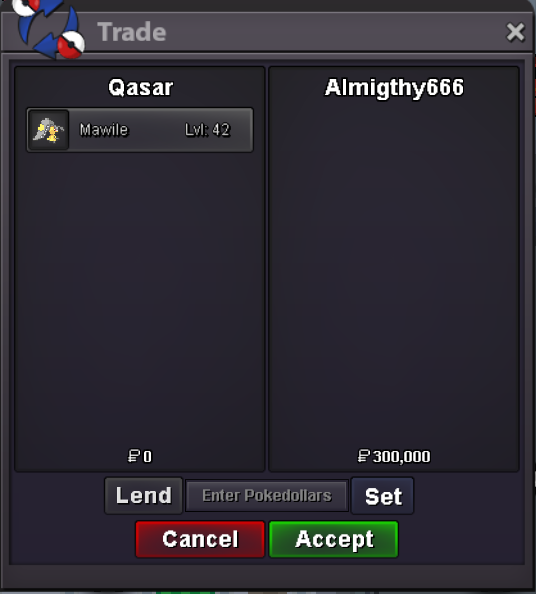
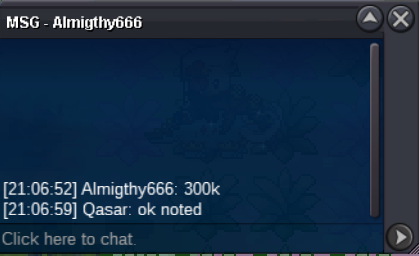
 Bump, Auction will end in 3 hours and 41 minutesHallo want to sell this cutie Mawile. The Auction will end 24h after first bid S.O. 300K Min Bid 50K No insta C.O. By Almighty666 GL EVERYONE 😄
 .1.7m1.2m8m7.5m7.27m6.5m

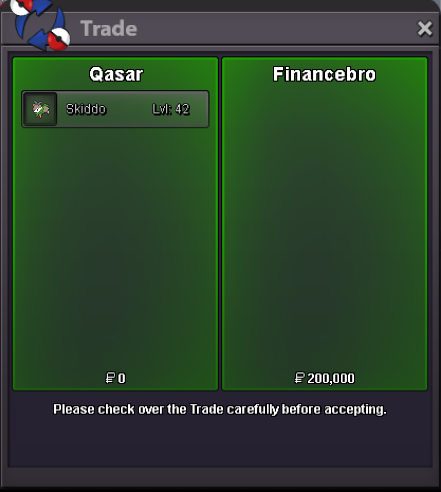
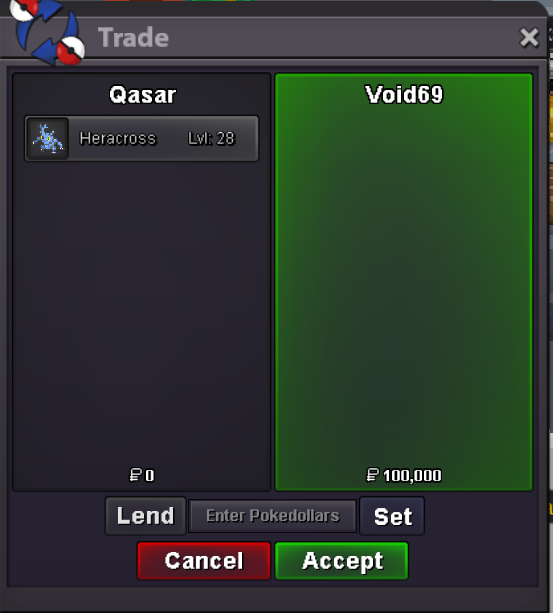
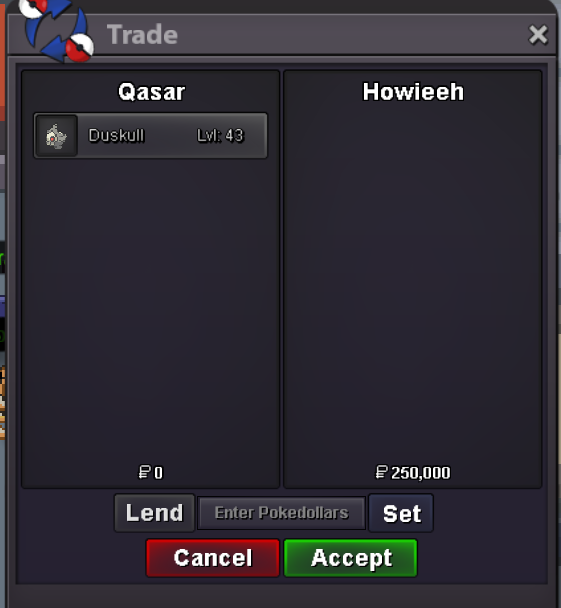
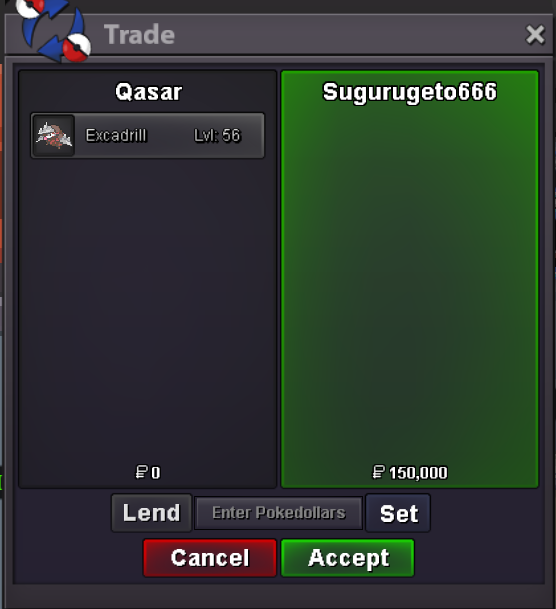

Account
Navigation
Search
Configure browser push notifications
Chrome (Android)
- Tap the lock icon next to the address bar.
- Tap Permissions → Notifications.
- Adjust your preference.
Chrome (Desktop)
- Click the padlock icon in the address bar.
- Select Site settings.
- Find Notifications and adjust your preference.
Safari (iOS 16.4+)
- Ensure the site is installed via Add to Home Screen.
- Open Settings App → Notifications.
- Find your app name and adjust your preference.
Safari (macOS)
- Go to Safari → Preferences.
- Click the Websites tab.
- Select Notifications in the sidebar.
- Find this website and adjust your preference.
Edge (Android)
- Tap the lock icon next to the address bar.
- Tap Permissions.
- Find Notifications and adjust your preference.
Edge (Desktop)
- Click the padlock icon in the address bar.
- Click Permissions for this site.
- Find Notifications and adjust your preference.
Firefox (Android)
- Go to Settings → Site permissions.
- Tap Notifications.
- Find this site in the list and adjust your preference.
Firefox (Desktop)
- Open Firefox Settings.
- Search for Notifications.
- Find this site in the list and adjust your preference.