




New Trade Zone
Trade Zone is now live
Use the new Trade Zone for auctions and instant-price trades so Pokemon and item offers are easy to find.

Qasar
Registered User
-
Joined
-
Last visited
Everything posted by Qasar
-
Ok but i'm talking about Collector Joro 😂
-
Hello, just a small suggestion.... Is It possibile add Collector Joro NPC in one of the pokecenter in the Summer map? Would be very amazing 😄
-
This Zoroark Is not tradable
-
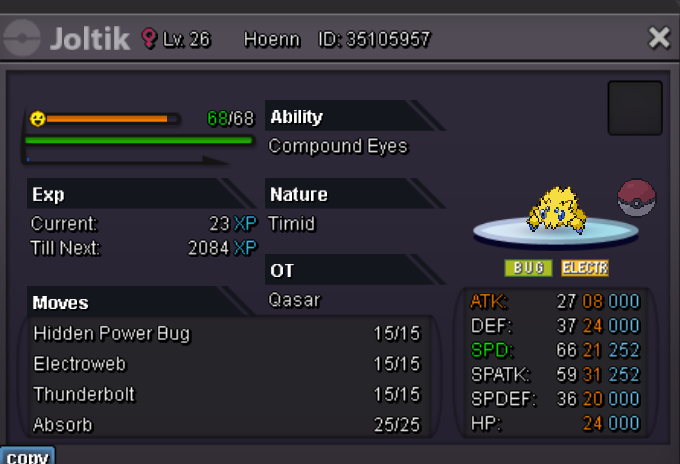
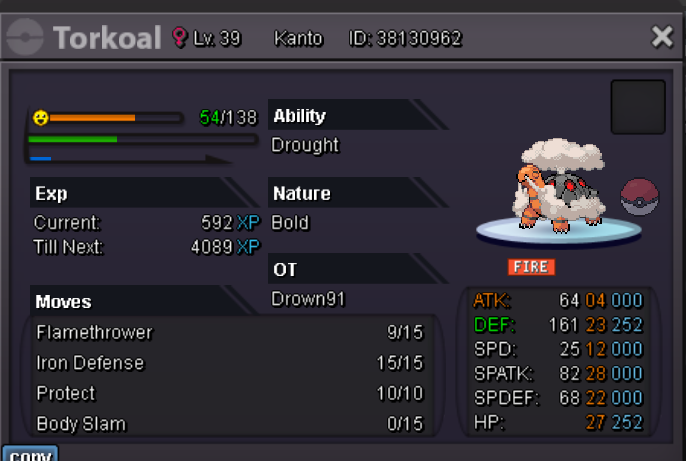
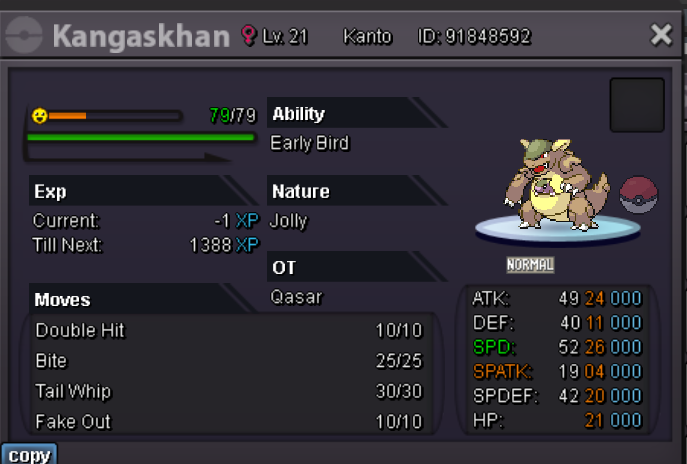
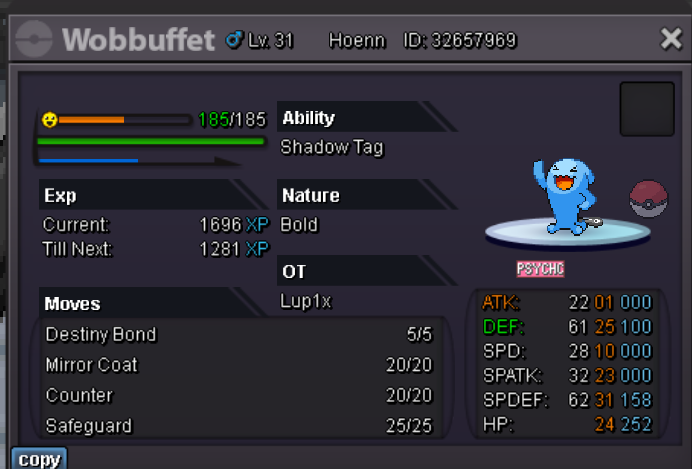
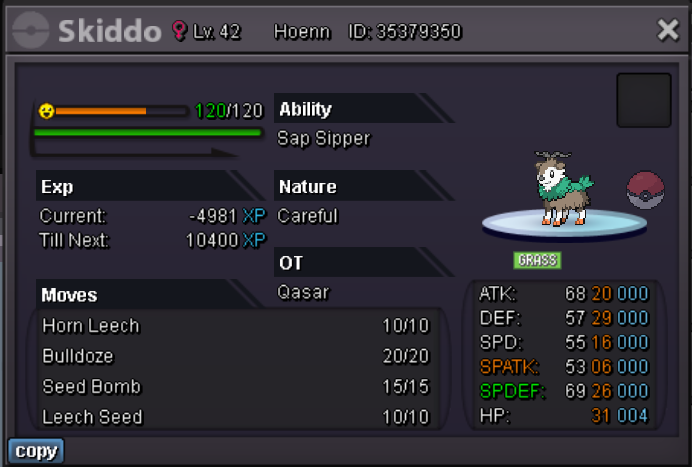
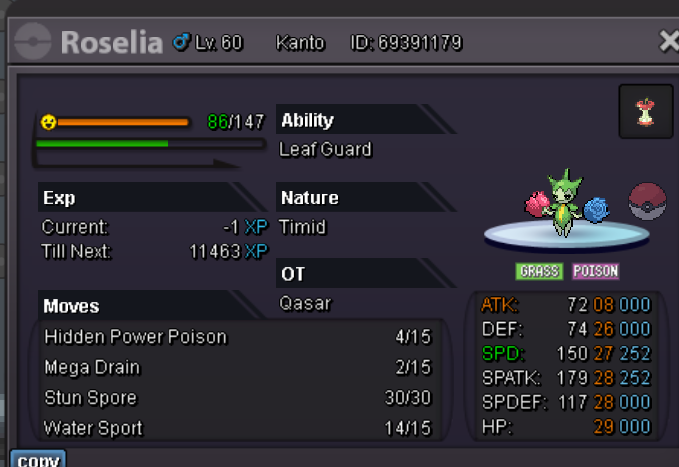
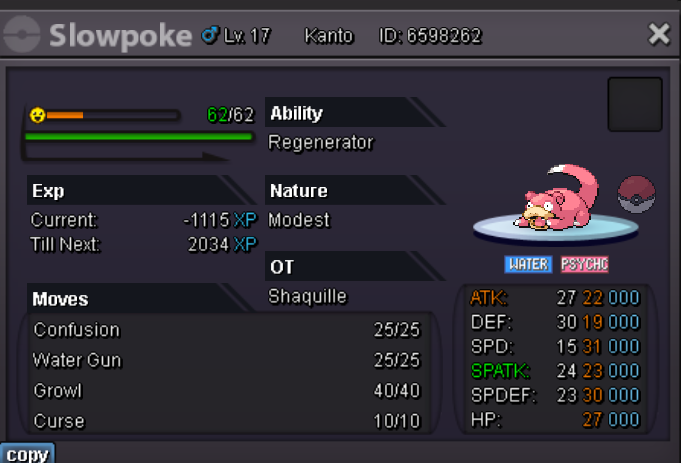
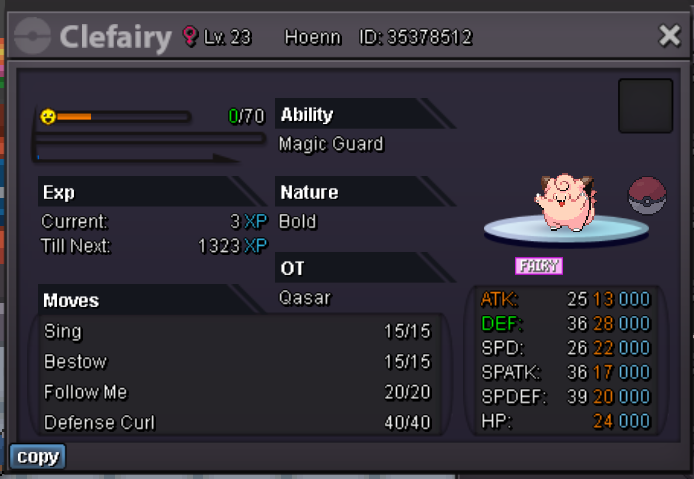
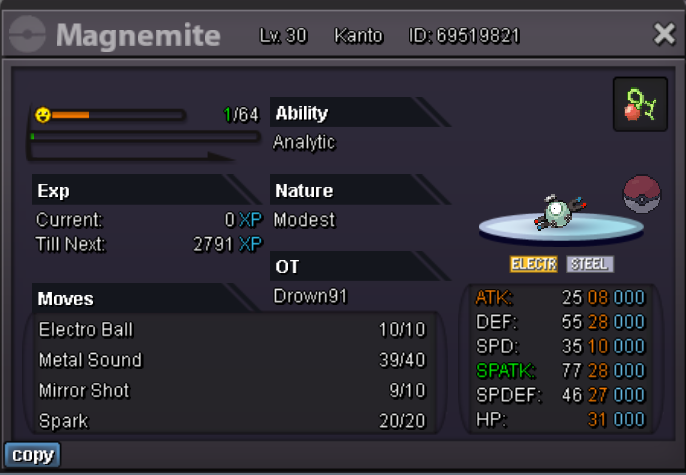
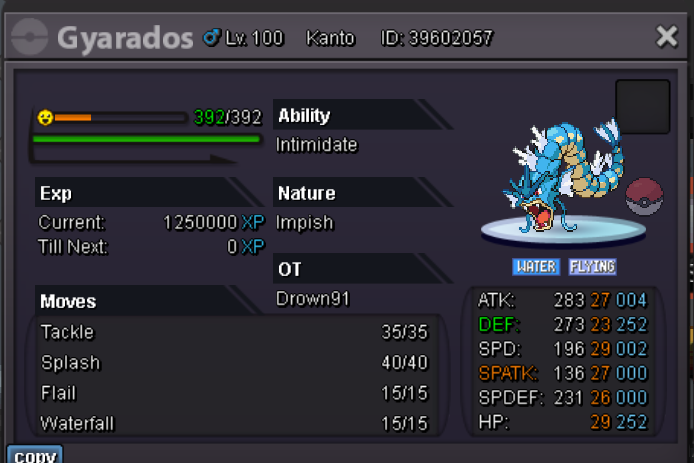
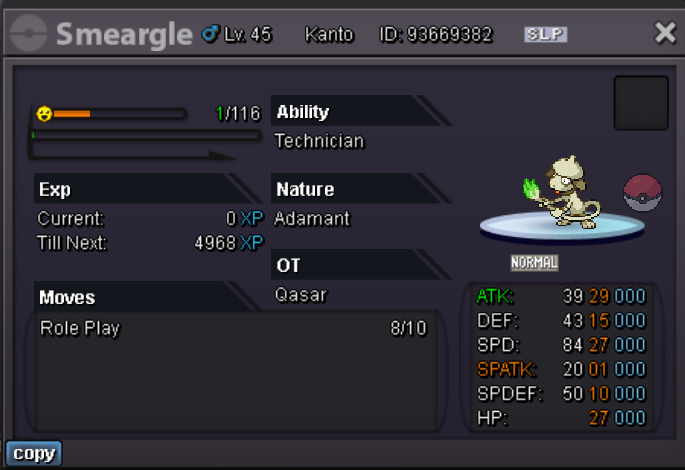
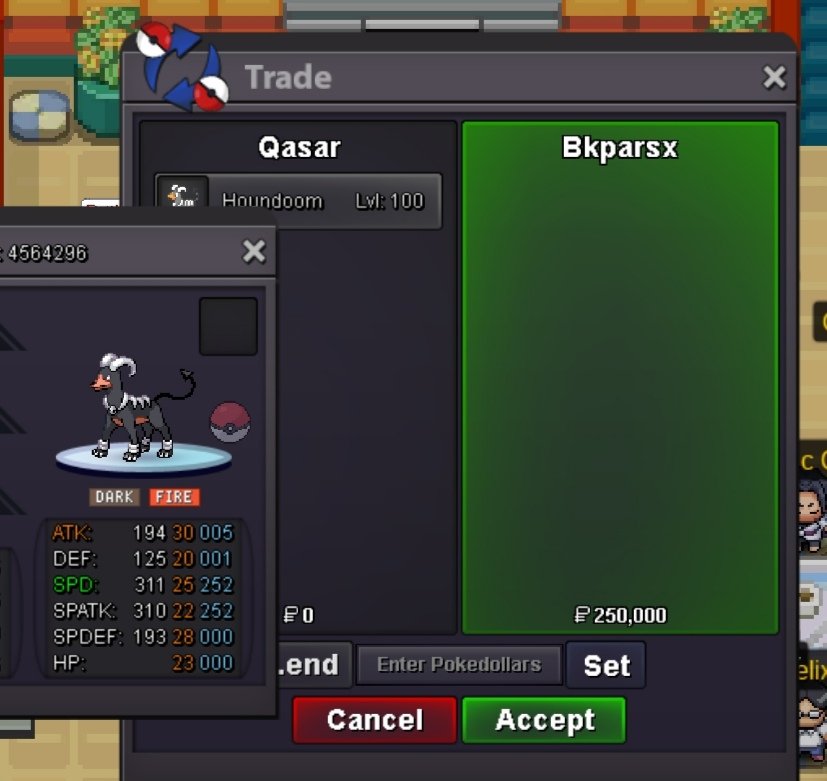
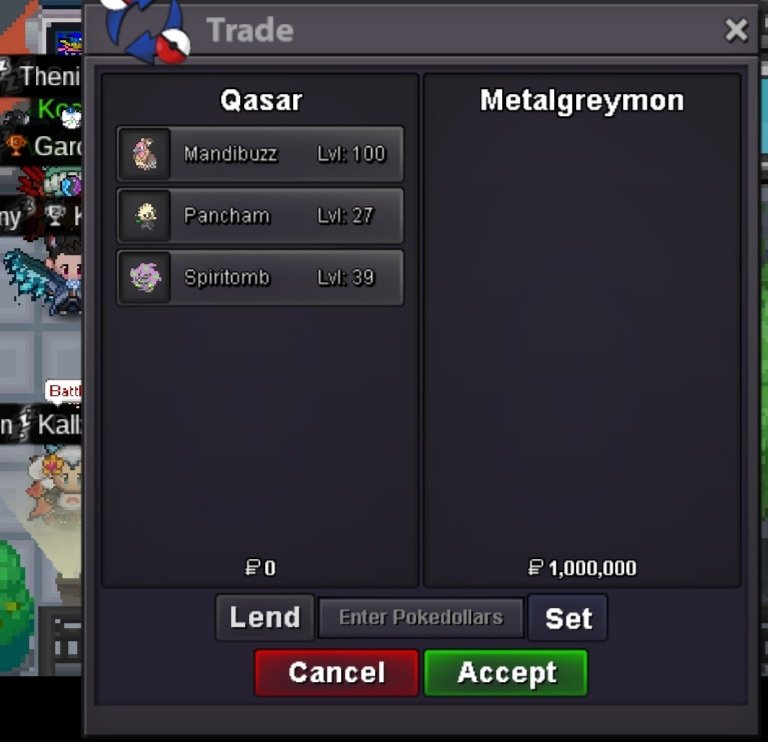
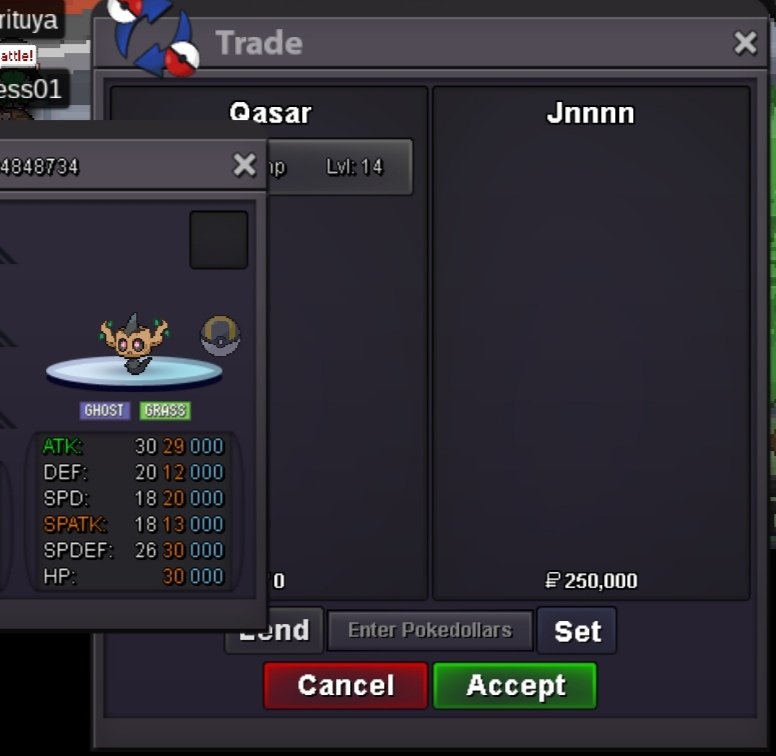
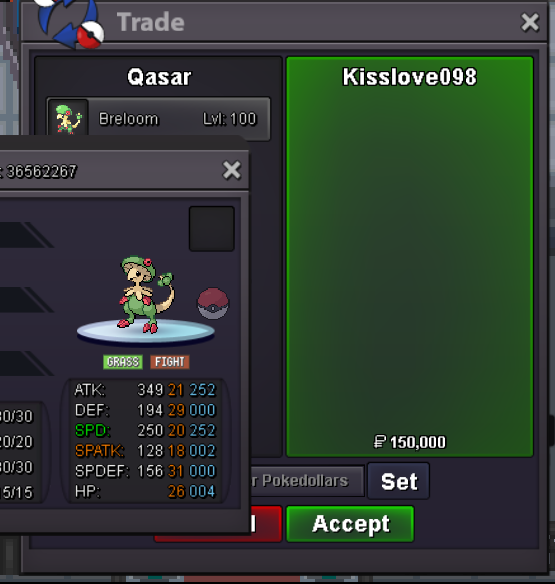
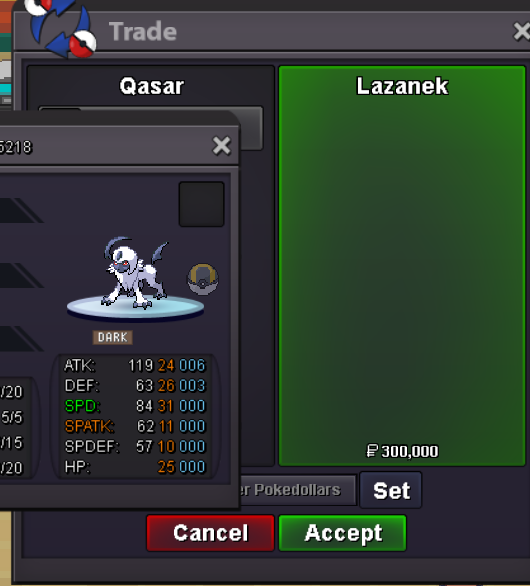
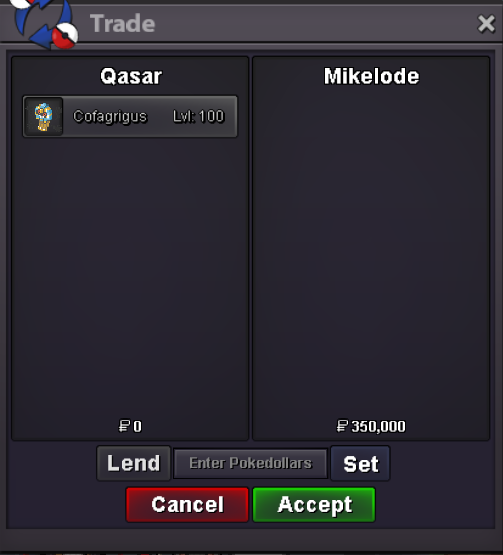
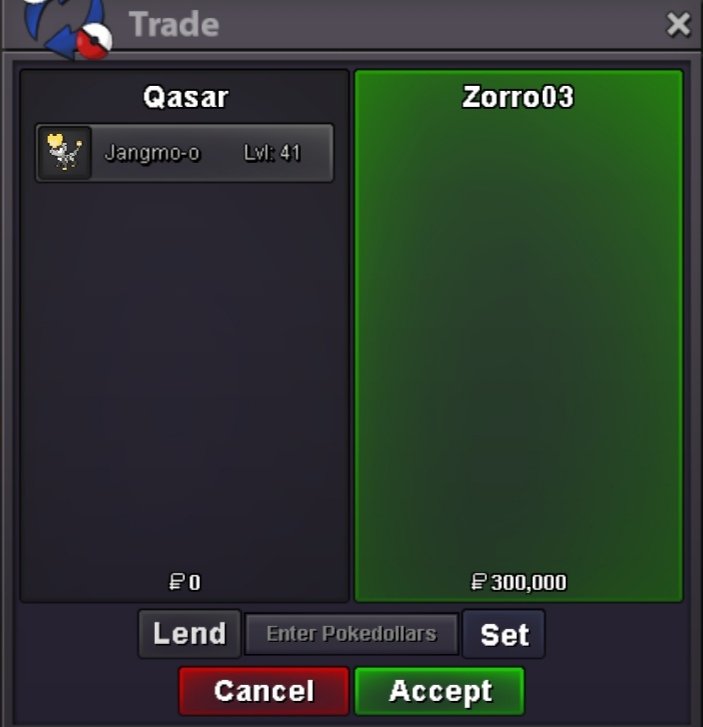
ADDED SOME MONS 1 ARON 2 EEVEE 1 PINSIR 1 HOUNDOOMSure man feel free to pm me here or discord450k350k250k1m02/07/2024 Bump and Update shop with: -1 Basculin -1 Smeargle1.1mHey are you online now?Hello and welcome to my new Shop where you can find a lot of variety Pokèmon Those are 3 important rules: -No fake offer (once you made the offer here or in game you can't back out) -Prices are all negotiable (but i have all the right to decline your offer ^^ ) -Pokèmon will be listed by alphabetical order Method of Payments: - POKEDOLLARS - COIN CAPSULE (400K) - NATURE REROLL (250K) - REROLL IV (500K) HOW TO CONTACT ME: -: QASAR -: QASAR A B C D E F G H I J K L M N O P Q R S T U V W X Y Z More Pokèmon will be added in the future so stay tuned!



















Account
Navigation
Search
Configure browser push notifications
Chrome (Android)
- Tap the lock icon next to the address bar.
- Tap Permissions → Notifications.
- Adjust your preference.
Chrome (Desktop)
- Click the padlock icon in the address bar.
- Select Site settings.
- Find Notifications and adjust your preference.
Safari (iOS 16.4+)
- Ensure the site is installed via Add to Home Screen.
- Open Settings App → Notifications.
- Find your app name and adjust your preference.
Safari (macOS)
- Go to Safari → Preferences.
- Click the Websites tab.
- Select Notifications in the sidebar.
- Find this website and adjust your preference.
Edge (Android)
- Tap the lock icon next to the address bar.
- Tap Permissions.
- Find Notifications and adjust your preference.
Edge (Desktop)
- Click the padlock icon in the address bar.
- Click Permissions for this site.
- Find Notifications and adjust your preference.
Firefox (Android)
- Go to Settings → Site permissions.
- Tap Notifications.
- Find this site in the list and adjust your preference.
Firefox (Desktop)
- Open Firefox Settings.
- Search for Notifications.
- Find this site in the list and adjust your preference.