New Trade Zone
Trade Zone is now live
Use the new Trade Zone for auctions and instant-price trades so Pokemon and item offers are easy to find.


Leeluckya
Registered User
-
Joined
-
Last visited
Everything posted by Leeluckya
-
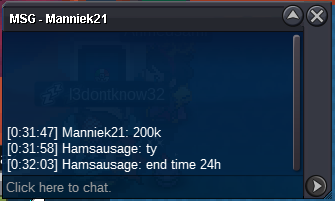
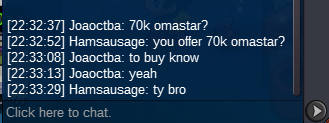
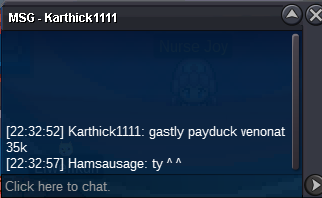
start pvp shiny event pink and clothes mount shop my shopstart bid 200k end 24 hours after the 1st bid minimum bid 50k insta no accept cc 360k pvp shiny event pink and clothes mount shop my shop
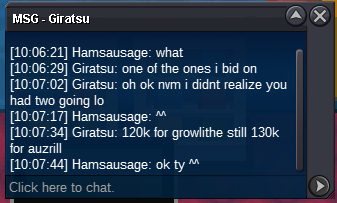
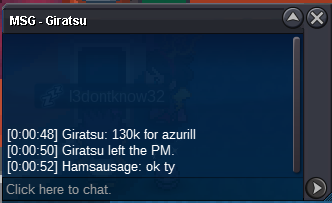
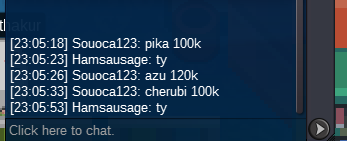
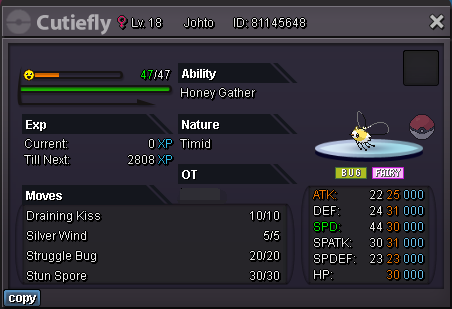 100k grow and 100k azur
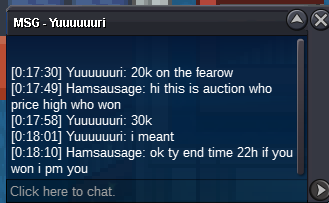
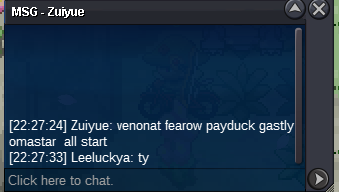
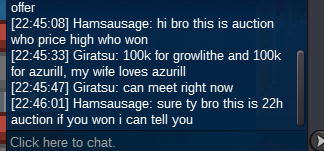 end time 04/29 22:27:24 gtm+8end time 04/29 20:28:11start bid 10k each end 22 hours after the 1st bid minimum bid 10k insta no accept cc 360k c.o 120k c.o 85k c.o 210k c.o 140k c.o 200k if you want buy more shiny please come my shop my shop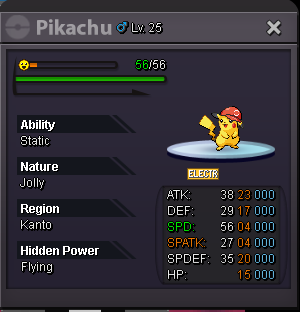
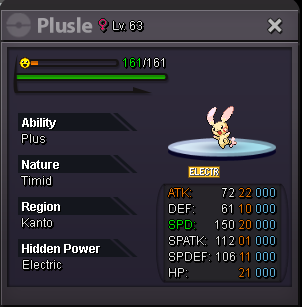
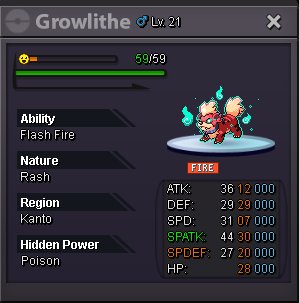

 start bid 10k each end 24 hours after the 1st bid minimum bid 10k insta no accept cc 360k c.o 200k c.o 100k c.o 200k c.o 50k c.o 469k if you want buy more shiny please come my shop luck shop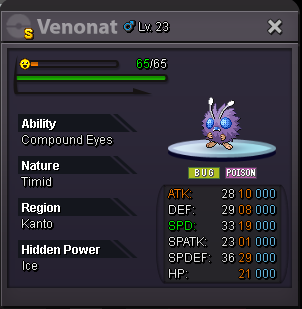
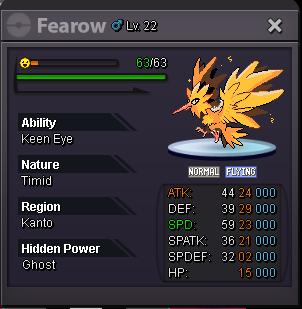
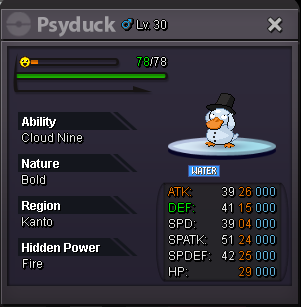
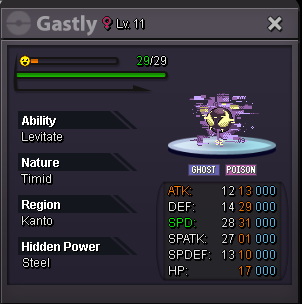
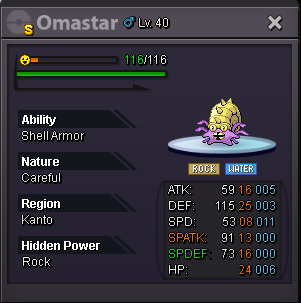 ty bro , i wrong
Account
Navigation
Search
Configure browser push notifications
Chrome (Android)
- Tap the lock icon next to the address bar.
- Tap Permissions → Notifications.
- Adjust your preference.
Chrome (Desktop)
- Click the padlock icon in the address bar.
- Select Site settings.
- Find Notifications and adjust your preference.
Safari (iOS 16.4+)
- Ensure the site is installed via Add to Home Screen.
- Open Settings App → Notifications.
- Find your app name and adjust your preference.
Safari (macOS)
- Go to Safari → Preferences.
- Click the Websites tab.
- Select Notifications in the sidebar.
- Find this website and adjust your preference.
Edge (Android)
- Tap the lock icon next to the address bar.
- Tap Permissions.
- Find Notifications and adjust your preference.
Edge (Desktop)
- Click the padlock icon in the address bar.
- Click Permissions for this site.
- Find Notifications and adjust your preference.
Firefox (Android)
- Go to Settings → Site permissions.
- Tap Notifications.
- Find this site in the list and adjust your preference.
Firefox (Desktop)
- Open Firefox Settings.
- Search for Notifications.
- Find this site in the list and adjust your preference.