




New Trade Zone
Trade Zone is now live
Use the new Trade Zone for auctions and instant-price trades so Pokemon and item offers are easy to find.


Leeluckya
Registered User
-
Joined
-
Last visited
Everything posted by Leeluckya
-
500k start
-
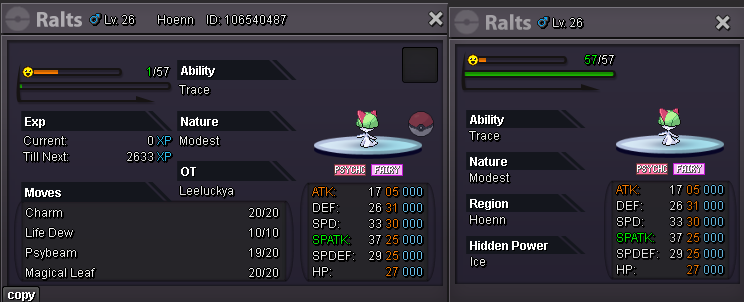
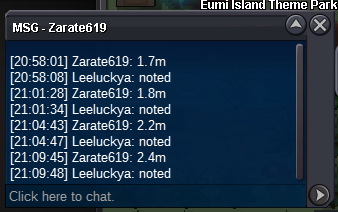
yes.you won if you can trade tell me30mins leftstart 1m bid 100k 24h left after 1st bid cc 480k ivrr 700k
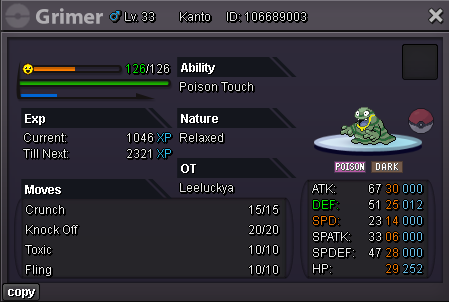 start 1. 2minsta 1mhave a max money question I don't know where to consult this question. So I took the liberty of posting it here. sorry . When the gold coin reaches its max (999.999.999), The trade will go on normally. but the new gold coin will disappear. Excuse me, is this normal? If this is normal, if I want to get more gold coins. Can I only use the second account?55mins leftupStart Price: 10m Minimum Raise: 500k End Point: 24 hours (after start price is met) Accepted Payments: Coin Capsule = 470k IV Reroll Tickets = 700k
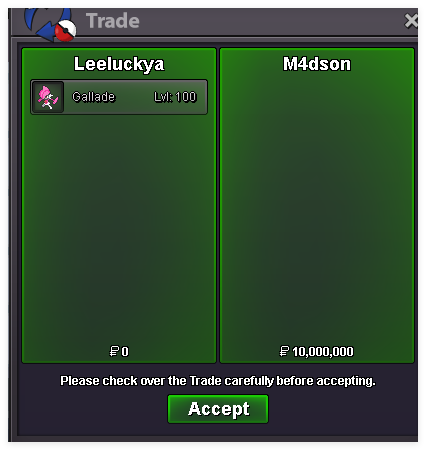 200k5mi agress with all you viewpoints just hope this day can come soon ,i think this will make more new people like pvp . currently , there are too few people who enjoy playing pvp , this will make a few people frequently repeat encounter . as long as the other party knows your name , they can understand you configuration.start 500k each bid 50k 24h left after 1st bid cc 470k ivrr 700k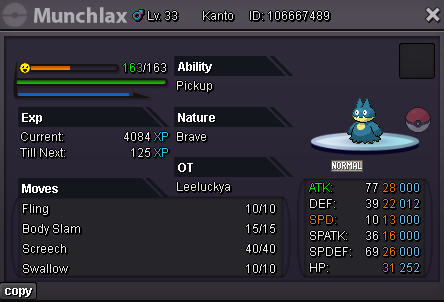
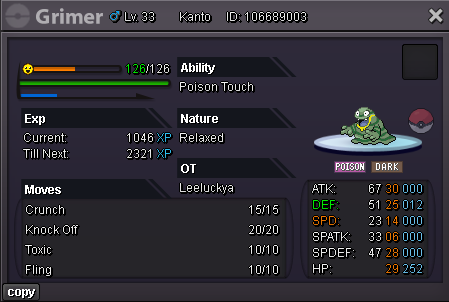 wtb hulk setstart 2m bid 100k 24h left after 1st bid .cc470k ivrr 700k
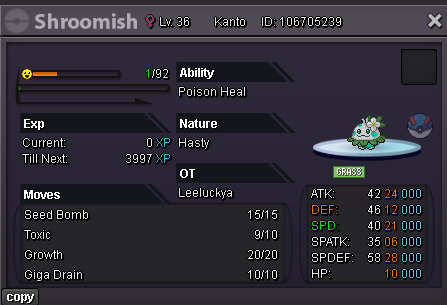 200khi you won. when time we can trade
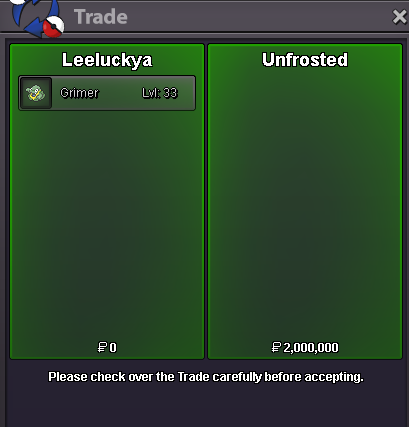
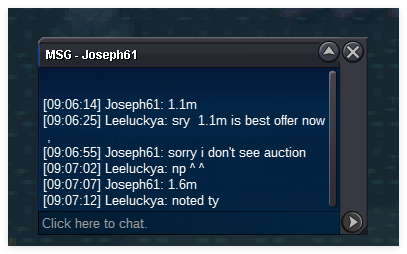

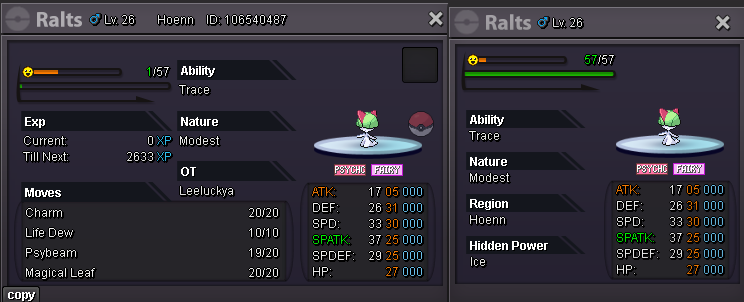
Account
Navigation
Search
Configure browser push notifications
Chrome (Android)
- Tap the lock icon next to the address bar.
- Tap Permissions → Notifications.
- Adjust your preference.
Chrome (Desktop)
- Click the padlock icon in the address bar.
- Select Site settings.
- Find Notifications and adjust your preference.
Safari (iOS 16.4+)
- Ensure the site is installed via Add to Home Screen.
- Open Settings App → Notifications.
- Find your app name and adjust your preference.
Safari (macOS)
- Go to Safari → Preferences.
- Click the Websites tab.
- Select Notifications in the sidebar.
- Find this website and adjust your preference.
Edge (Android)
- Tap the lock icon next to the address bar.
- Tap Permissions.
- Find Notifications and adjust your preference.
Edge (Desktop)
- Click the padlock icon in the address bar.
- Click Permissions for this site.
- Find Notifications and adjust your preference.
Firefox (Android)
- Go to Settings → Site permissions.
- Tap Notifications.
- Find this site in the list and adjust your preference.
Firefox (Desktop)
- Open Firefox Settings.
- Search for Notifications.
- Find this site in the list and adjust your preference.