




New Trade Zone
Trade Zone is now live
Use the new Trade Zone for auctions and instant-price trades so Pokemon and item offers are easy to find.


Leeluckya
Registered User
-
Joined
-
Last visited
Everything posted by Leeluckya
-
OK if you can trade tell me in game i online
-
you won. when time we can trade
-
-
Someone will always be in the top 50. High risk is accompanied by high income.start 500kstart 2m . m. b 200k 24h left after 1st bid cc 470k ivrr 700k
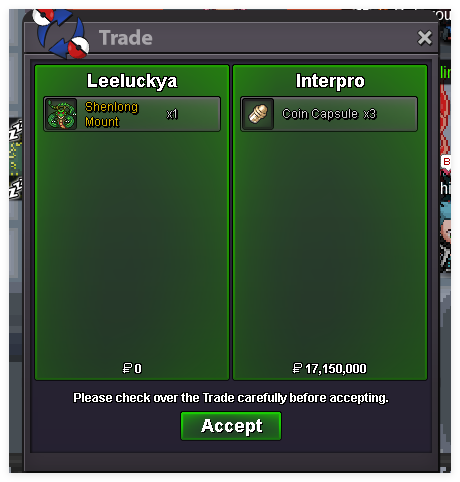
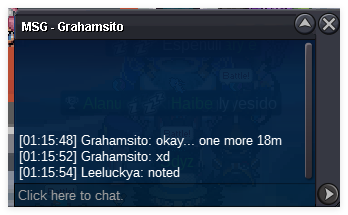
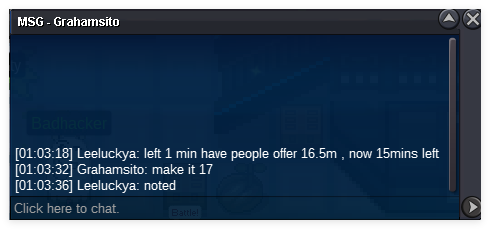
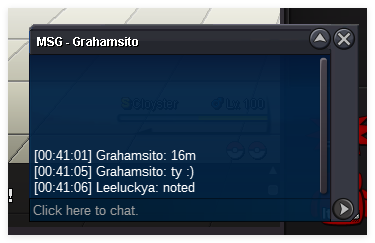
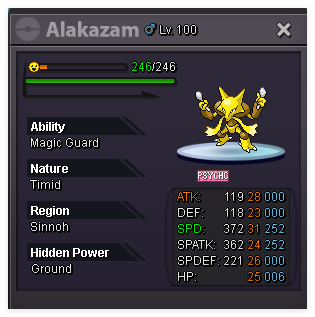 Supplementary suggestions the top 50 players cannot engage in anonymous battles (those with strength face more difficult challenges)Start Price: 10m Minimum Raise: 200k End Point: 24 hours (after start price is met) Accepted Payments: Coin Capsule = 450k IV Reroll Tickets = 700kwait me ,. i come now , need 5 minshello , you won , i can trade now , you here silver or gold ?10 mins left . if not have new offer .https://pokemonrevolution.net/forum/topic/119709-forums-and-in-game-auction-rules/ Less than 15mins,If there is a new price, recount from 15 minutesbumpstart 15m min bid 500k end time 24h after 1st cc 450k ivrr 700k
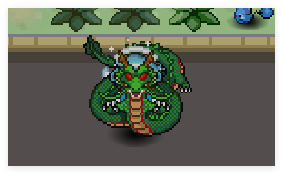 Start Price: 15m Minimum Raise: 500k Insta Price: 20m End Point: 24 hours (after start price is met) Accepted Payments: Coin Capsule = 450k IV Reroll Tickets = 700kstart bul 1m if won come gokdstart
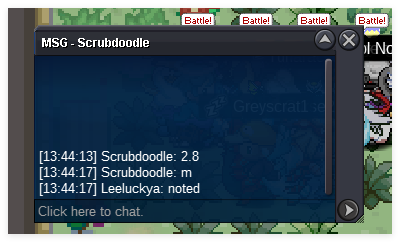
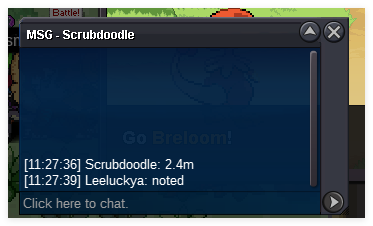

Account
Navigation
Search
Configure browser push notifications
Chrome (Android)
- Tap the lock icon next to the address bar.
- Tap Permissions → Notifications.
- Adjust your preference.
Chrome (Desktop)
- Click the padlock icon in the address bar.
- Select Site settings.
- Find Notifications and adjust your preference.
Safari (iOS 16.4+)
- Ensure the site is installed via Add to Home Screen.
- Open Settings App → Notifications.
- Find your app name and adjust your preference.
Safari (macOS)
- Go to Safari → Preferences.
- Click the Websites tab.
- Select Notifications in the sidebar.
- Find this website and adjust your preference.
Edge (Android)
- Tap the lock icon next to the address bar.
- Tap Permissions.
- Find Notifications and adjust your preference.
Edge (Desktop)
- Click the padlock icon in the address bar.
- Click Permissions for this site.
- Find Notifications and adjust your preference.
Firefox (Android)
- Go to Settings → Site permissions.
- Tap Notifications.
- Find this site in the list and adjust your preference.
Firefox (Desktop)
- Open Firefox Settings.
- Search for Notifications.
- Find this site in the list and adjust your preference.