




New Trade Zone
Trade Zone is now live
Use the new Trade Zone for auctions and instant-price trades so Pokemon and item offers are easy to find.

Unc3n
Suspended
-
Joined
-
Last visited
-
-
Good day to you! I am currently running 02 accounts in total, I've read overall rule, however I still met a confusion. In rule no. 08, it write: Fight Bosses on both servers with the same account. If you transferred, you will have to wait for the cooldown on the other server to end in order to rechallenge. So what if I do bosses on both my accounts and both server while I am not transferring server? Will them be counted as 04 accounts in total, which does not violate the rule each person have maximum of 04 accounts? Thank you in advance.
-
Good day to you! As I mentioned at title, so sorry for wrong topic. However, I don't know where else I can raise this question anonymously. Currently I own 02 accounts, Unc3n and X1d. I want to ask if I can do bossing at both accounts and server? Which mean that I will do bossing with 04 profile in total? Looking forward for your kindly response. Thank you so much ❤️
-
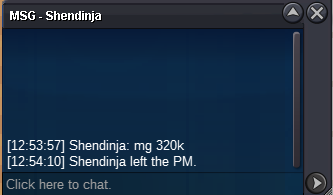
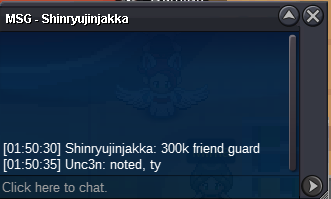
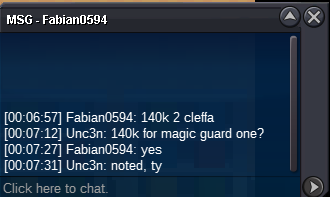
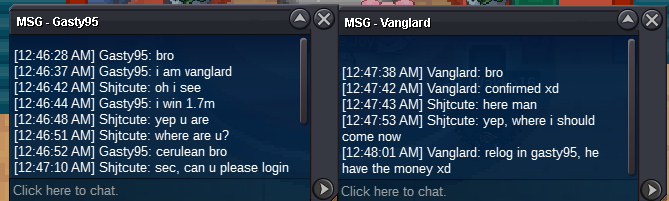
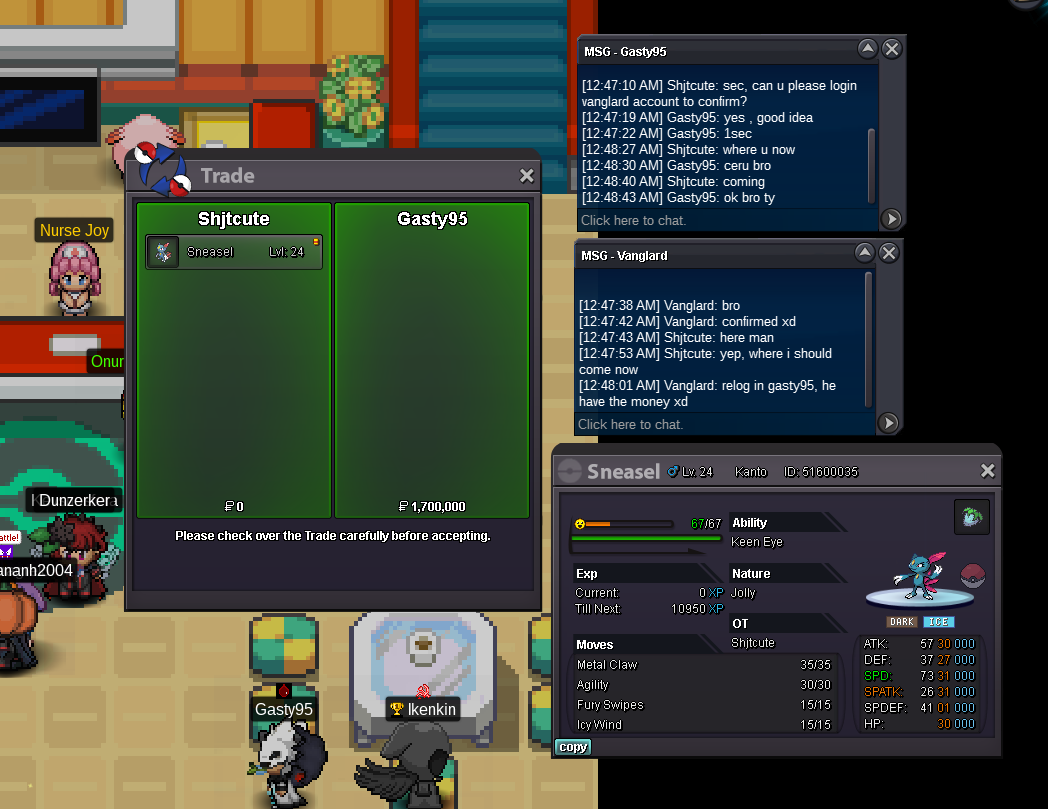
traded, auction end. ty guys
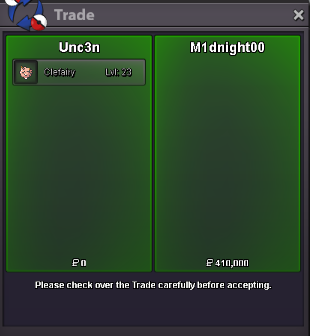
-
Magic Guard Clefairy auction ended.
-
Friend Guard Clefairy auction ended.
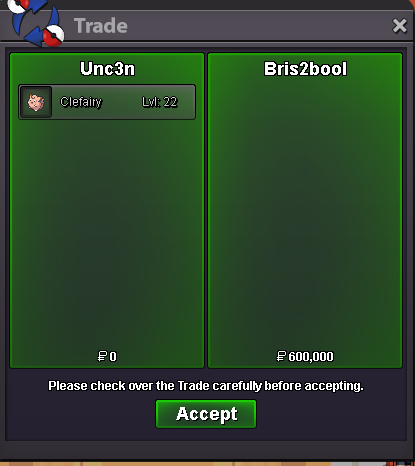
-
6:06 PM GMT +7 startCoin Capsule = 400k 24h from first bid, 15 minutes extra after each last call S.o 100k, min bid 20k, insta 2.5m S.o 100k, min bid 20k, insta 2m

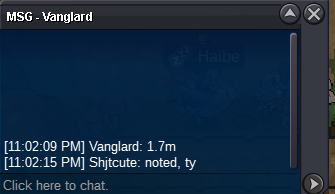
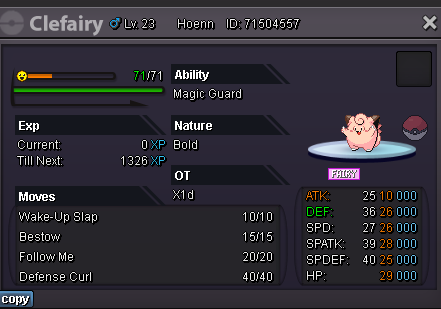 @vanglard the auction is ended, u are the winner, please pm me ingame or via discord unc3n#4802. Thank you

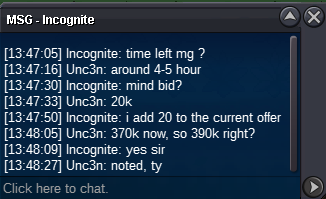
Account
Navigation
Search
Configure browser push notifications
Chrome (Android)
- Tap the lock icon next to the address bar.
- Tap Permissions → Notifications.
- Adjust your preference.
Chrome (Desktop)
- Click the padlock icon in the address bar.
- Select Site settings.
- Find Notifications and adjust your preference.
Safari (iOS 16.4+)
- Ensure the site is installed via Add to Home Screen.
- Open Settings App → Notifications.
- Find your app name and adjust your preference.
Safari (macOS)
- Go to Safari → Preferences.
- Click the Websites tab.
- Select Notifications in the sidebar.
- Find this website and adjust your preference.
Edge (Android)
- Tap the lock icon next to the address bar.
- Tap Permissions.
- Find Notifications and adjust your preference.
Edge (Desktop)
- Click the padlock icon in the address bar.
- Click Permissions for this site.
- Find Notifications and adjust your preference.
Firefox (Android)
- Go to Settings → Site permissions.
- Tap Notifications.
- Find this site in the list and adjust your preference.
Firefox (Desktop)
- Open Firefox Settings.
- Search for Notifications.
- Find this site in the list and adjust your preference.