




New Trade Zone
Trade Zone is now live
Use the new Trade Zone for auctions and instant-price trades so Pokemon and item offers are easy to find.

Iamtired
Suspended
-
Joined
-
Last visited
Everything posted by Iamtired
-
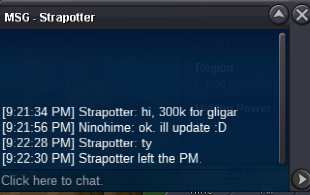
c.o 300k by Strapotter
-
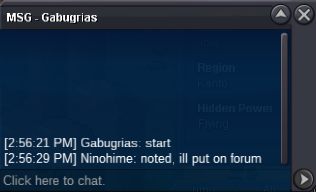
started by Gabugrias
-
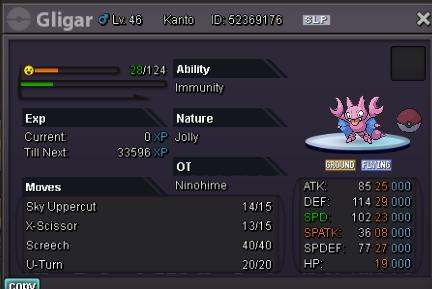
s.o 200k min raise 100k no insta accept cc (400k), rr (700k) and pokedollar 24 hours from starting offer GL 😄
-
Can you contact me via discord please ? Couldn’t find you ingame. @Ninoo#3343
-
Gren munch 300-500k, rest 100-200k
-
Player name : NinoHime Showdown name : NinoHime Server : Gold Time zone : GMT +7 Rank on ladder : 9
-
..
-
.
-
Removed some sold-ingame poke from the pokeshop
-
Sold all Scizor
-
I buy klefki
-
As Norex stated straightforwardly, doing ranked against friends/guildmates whatsoever, it’s never against the rules as long as you do it normally. What made you got banned few months ago must be some suspicious actions that happened during that battle, which i assume it’s all clear since we can see your name in white atm.
-
.
-
Bump
-
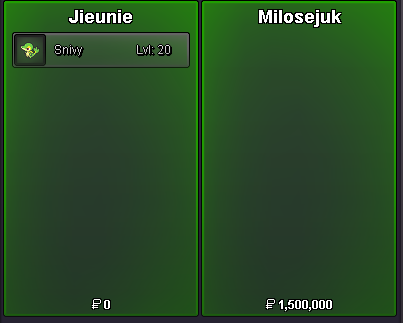
auction concluded.
-
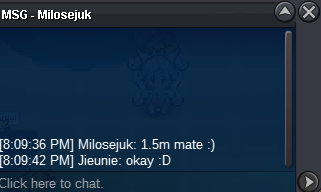
c.o 1,5m by milosejuk, 18 mins remaining
-
c.o 1,4m by Harolxd

-
1 hours and 23 minutes remaining
-
bump for today
-
c.o 1.2m, 5 hours and some minutes remaining
-
c.o 1,1m by Milosejuk

-
auction started by Gabugrias, 24hours from now

-
In case anyone ask hasty 29 def = timid 05 def. Start : 1m insta : 3m min raise : 100k currency : cc 400k, rr 700k 24hours auction from first bid, gl

-
Sold Scizor, Venusaur 1,4m, Garchomp
-
Can you contact me on discord ? Its haku#3343
