




New Trade Zone
Trade Zone is now live
Use the new Trade Zone for auctions and instant-price trades so Pokemon and item offers are easy to find.

Zaccard
Registered User
-
Joined
-
Last visited
-
Can anyone give me a quick PC please 🙂 I am not looking to sell as of now, please refrain from DM'ing me.
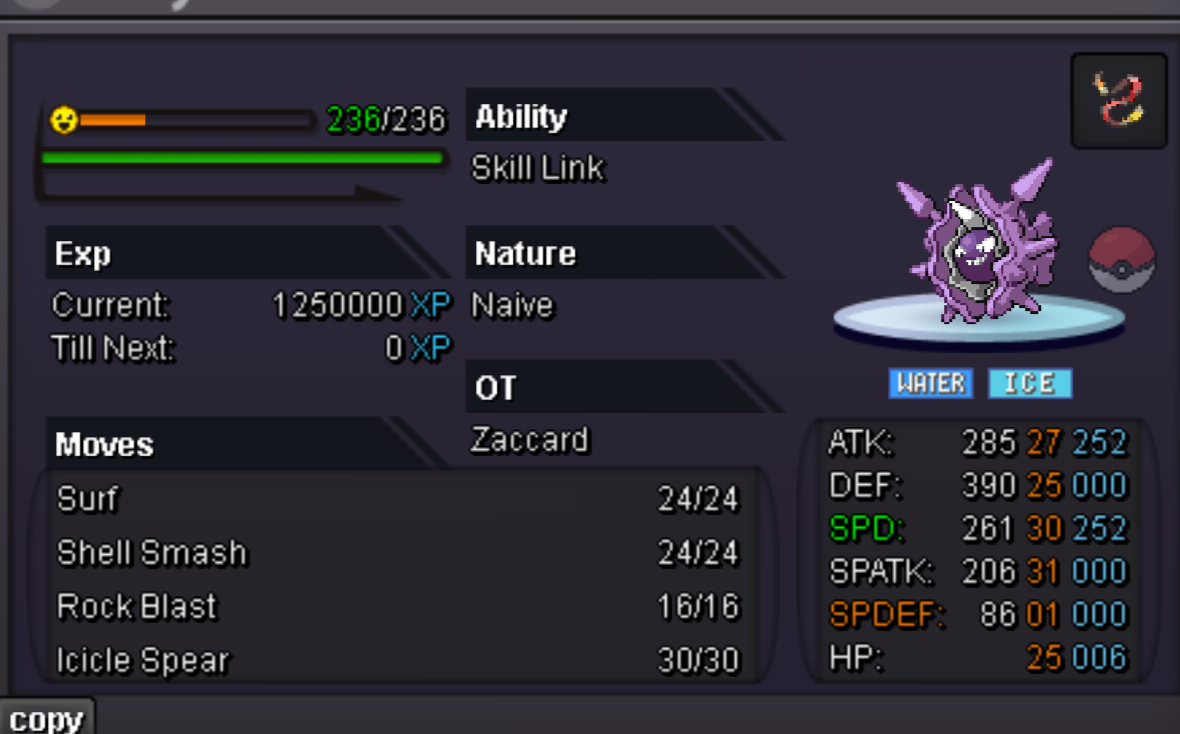
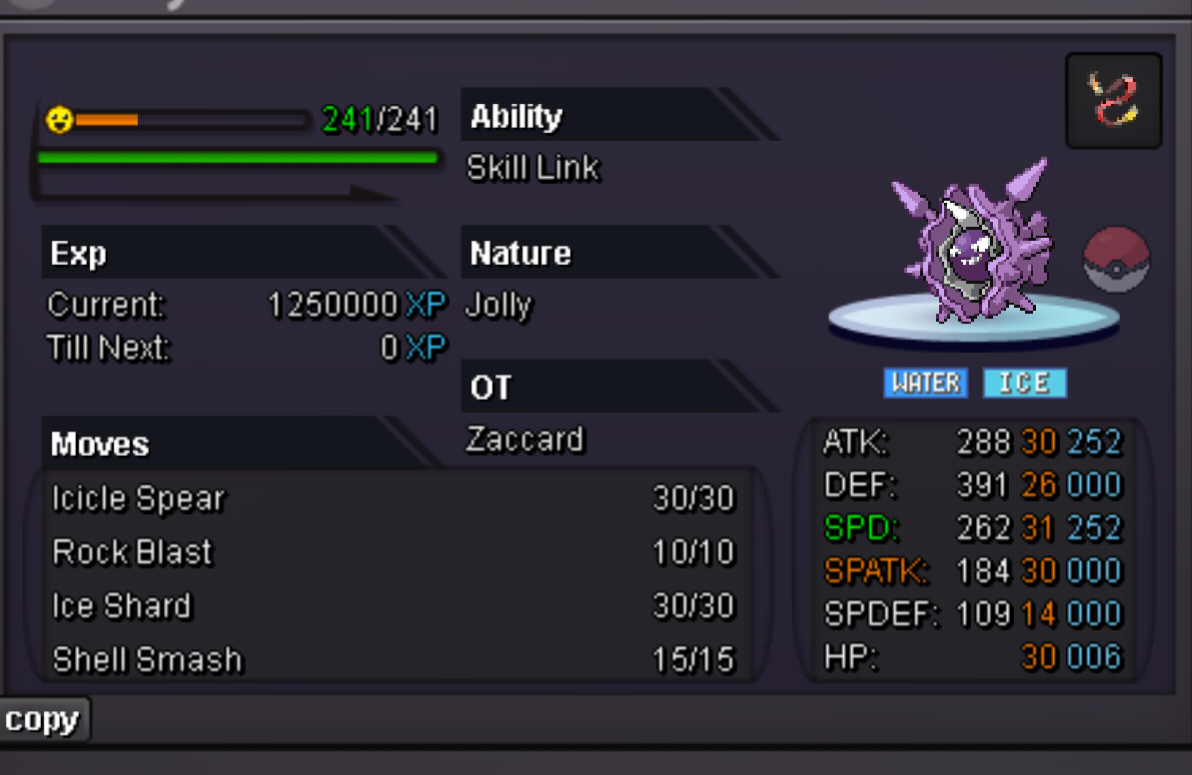
-
Sorry, they decided to buy it.
-
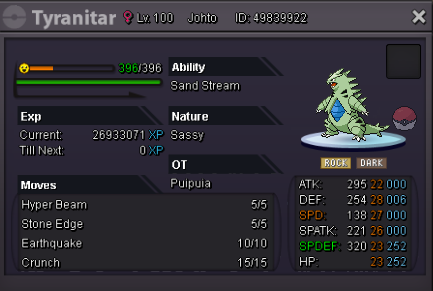
Tyranitar (1m) is reserved for 24 hours for a person to decide if he/she wants to buy it. You can sign your interest here and if I havent got an answer from said person within these 24 hours I will hit you up.
-
Thank you! Good luck 🙂
-
So, I decided to sell some stuff, you are free to buy from silver of course, but that means you have to go to gold! CC = 380k Reroll = 750k RareCandy = 7k 1m (Sold!) 600k 60k 450k 50k That is all for now, thank you!
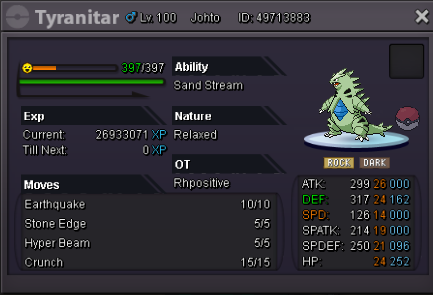
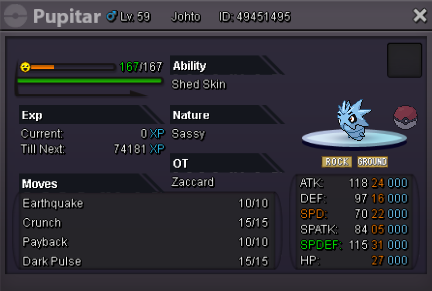
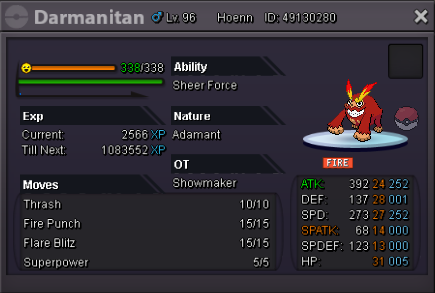
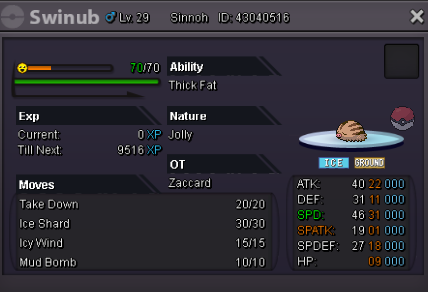
-
What hidden power?
-
Yes, sorry, was afk for a few minutes. I added you ingame. Edit: Thread can be closed - thank you!

-
Congratz you won the auction 💯 Tell me where to meet or contact me ingame once you are online :]
-
There is still 3 hours and 15 minutes left for you to bid 🙂 c.o. 400k by kenneth!
-
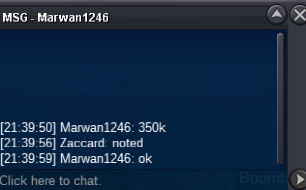
350k by Marwan
-
Noted, 24 hours begin 11am CET, started by kenneth12351 (300k)
-
No, it doesnt, it is HP Ground though for any collector that does care about it.
-
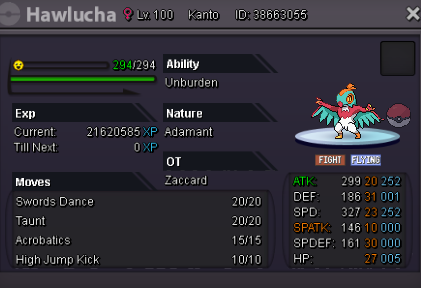
s.o. = 300k min raise = 50k insta = 1,2m Time = 24h after start CC = 380k RC = 7k Reroll = 750k
-
I have a similar godly one, would only let go of it for a really good price though since I am not eager to sell it.
-
You are still looking?
