




New Trade Zone
Trade Zone is now live
Use the new Trade Zone for auctions and instant-price trades so Pokemon and item offers are easy to find.

Buurps
Registered User
-
Joined
-
Last visited
-
750k ninetales
-
Hi @Magkitis7I pmed you on discord, just let le know when you are available. thank you!
-
PM sent on discord, Thanks @GAL1LEO
-
300k
-
Hi @Hawluchaa , Could we have a ruling on the +15mn rule here by chance ? Thank you, as always
-
6m
-
1.7
-
Oh you are right @Norex I didn't notice it during the battle but it is legit as my opponent had a gengar. Apologies, this topic can be now closed. Thank you.
-
Hello, Landorus used the move struggle twice while still having enough pp on each move (in this case the one I used was stone edge). Thank you, Regards,

-
Hi @HappyMango, Thanks for the fast reply, I understand, I did not know it was a common problem among players. This topic can be closed. Cheers. Regards, Buurps
-
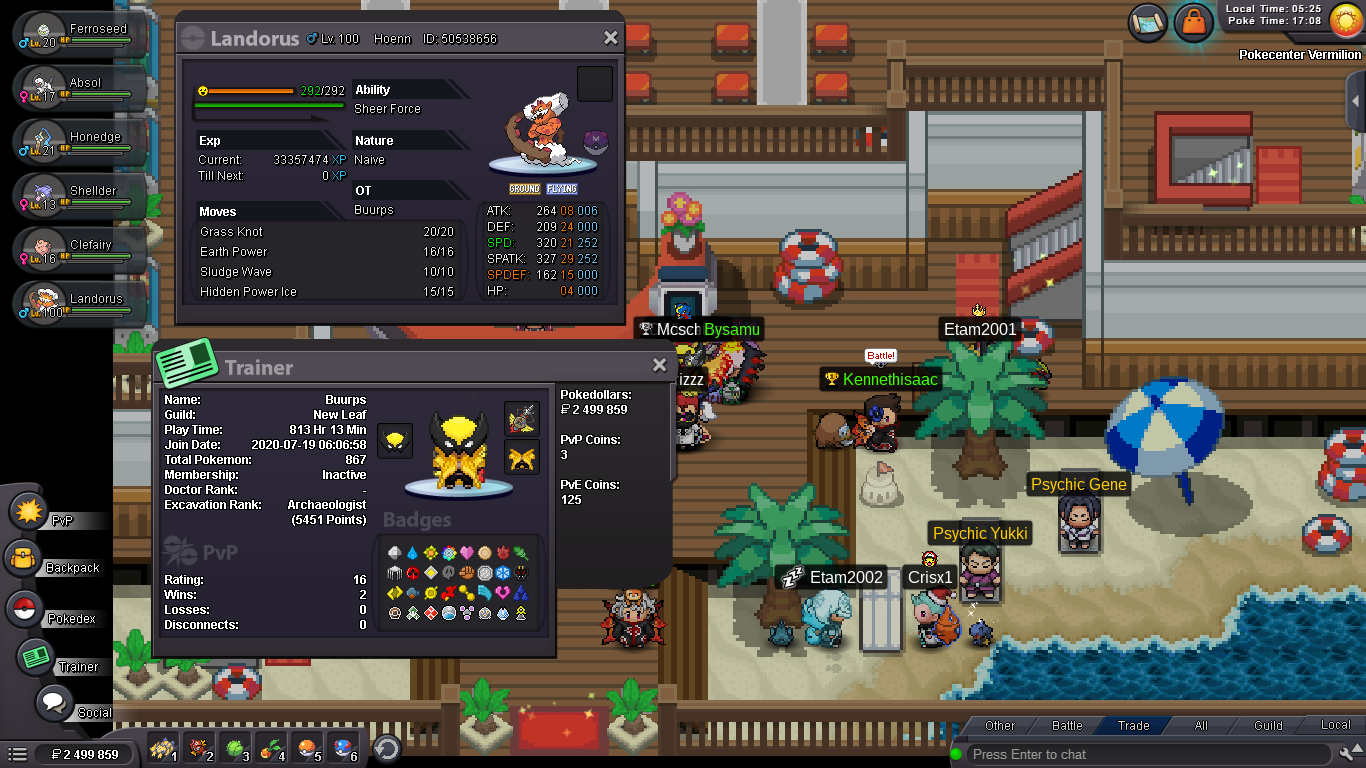
Hello, I have used an ability capsule on my Landorus after catching it to change it to Sheer Force. It's only when trying to team it for ranked PVP that I learned that Sheer Force Landorus were banned from PVP. Is there any way to reverse this, by chance? Maybe by a MOD? Looking forward to hearing your answers. Thanks, Buurps
-
Thanks Kesser
-
750k
-
Hello @Maisa Thanks you for your kind reply. May I ask you if you had tried it with a Shedinja ? It is this particular pokemon that provoked the bug. I have indeed selected the yes option, once, then it debitted the 15K from me. Seeing that Shedinja still didn't have learned the move, I tried again and the same happened. Let me know should you need anything else ! Best, Cédric
-
