




New Trade Zone
Trade Zone is now live
Use the new Trade Zone for auctions and instant-price trades so Pokemon and item offers are easy to find.

Neopokemon2x
Suspended
-
Joined
-
Last visited
Everything posted by Neopokemon2x
-
Wtb all critmas and dungeon form service
-
Start Price: 15m End Point: 48 hours after the start price is met No Insta Minimum Raise: 100k Accepted Payments: 💰 Pokedollars 💳 Coin Capsules (1 CC = 480k) 🎟️ IV Reroll Tickets (1 IV Reroll = 730k) Apply rule: 15 minutes Time Countdown: https://thorsenlabs.com/timer?172800/1760941028
-
wtb event halloween service.
-
farfetch 600k
-
sold
-
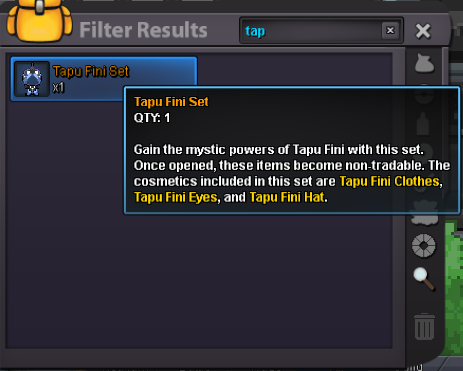
s.o: 2m, min bid: 200k, no insta, duration: 6hour. 15 min rule applied
-
2m5Yeah, if I mute the sound, I can log in and play the game. But it's a lot more boring if we don't hear the sound. i hope you guys can fix it faster. Thank you for your solutioni can open the game but when i'm click to login it just shutdown the game
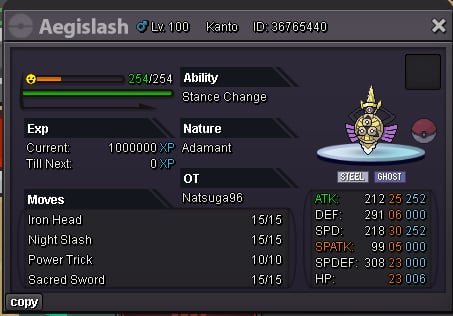
 Sableye hp, spdef 28+, def 24+, atk 24+bumpOffer me!! Discord: ridotoji5768
 Fire: Scorbunny Water: Mudkip Grass: RowlettS.O :800k INSTA 1M5 BID: 100k 1 day starting from the beginning S.O :600k INSTA 1M5 BID: 100k 1 day starting from the beginning S.O :700k INSTA 1M5 BID: 100k 1 day starting from the beginning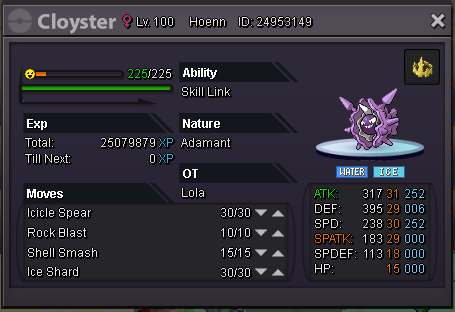
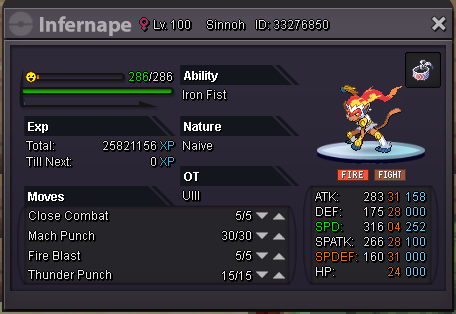
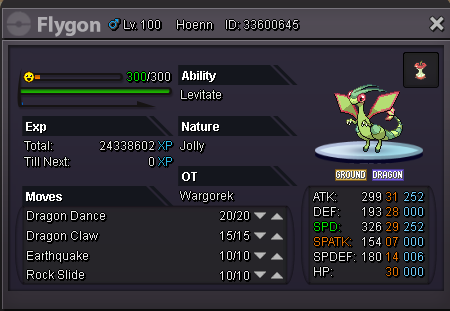 you sell to me ???I start cloyterSnorSnorax 400kRe: Wts shiny adamant Granbull <t>i pay 1,5m</t>bisharp defi 250kRe: ♦ ShinyCloneXmasShop ♦ [Noivern/Houndoom/Krookodile/etc. ~ 6/19/17] <t>im here</t>Re: ♦ ShinyCloneXmasShop ♦ [Noivern/Houndoom/Krookodile/etc. ~ 6/19/17] <t>wtb diglet</t>


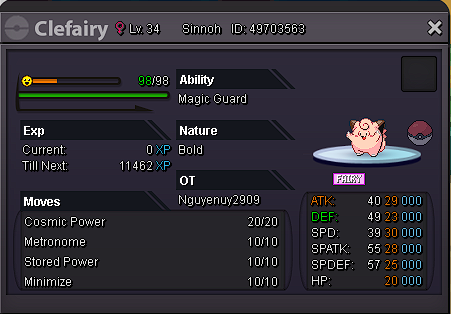
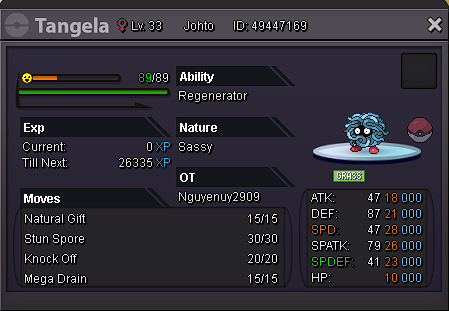
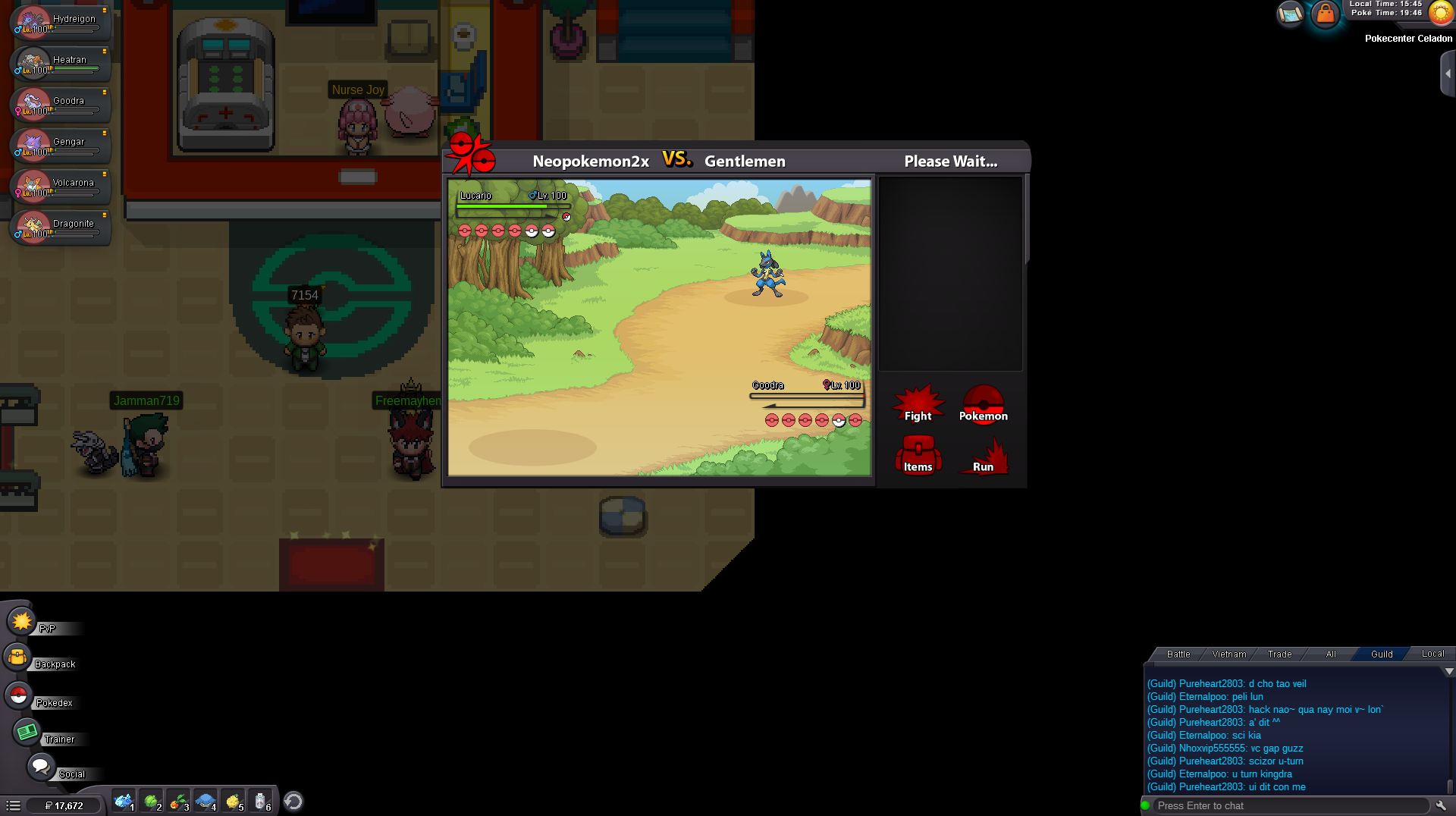
Account
Navigation
Search
Configure browser push notifications
Chrome (Android)
- Tap the lock icon next to the address bar.
- Tap Permissions → Notifications.
- Adjust your preference.
Chrome (Desktop)
- Click the padlock icon in the address bar.
- Select Site settings.
- Find Notifications and adjust your preference.
Safari (iOS 16.4+)
- Ensure the site is installed via Add to Home Screen.
- Open Settings App → Notifications.
- Find your app name and adjust your preference.
Safari (macOS)
- Go to Safari → Preferences.
- Click the Websites tab.
- Select Notifications in the sidebar.
- Find this website and adjust your preference.
Edge (Android)
- Tap the lock icon next to the address bar.
- Tap Permissions.
- Find Notifications and adjust your preference.
Edge (Desktop)
- Click the padlock icon in the address bar.
- Click Permissions for this site.
- Find Notifications and adjust your preference.
Firefox (Android)
- Go to Settings → Site permissions.
- Tap Notifications.
- Find this site in the list and adjust your preference.
Firefox (Desktop)
- Open Firefox Settings.
- Search for Notifications.
- Find this site in the list and adjust your preference.