




New Trade Zone
Trade Zone is now live
Use the new Trade Zone for auctions and instant-price trades so Pokemon and item offers are easy to find.


Juha
Suspended
-
Joined
-
Last visited
Everything posted by Juha
-
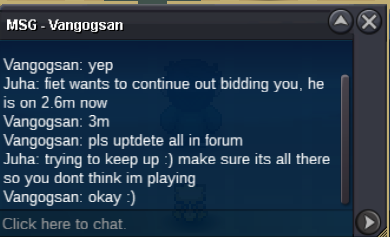
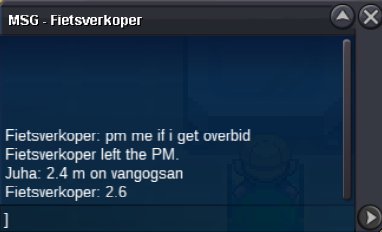
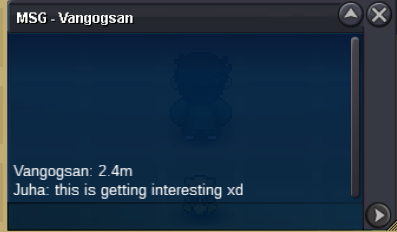
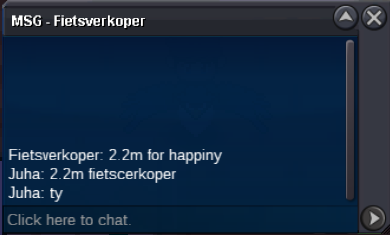
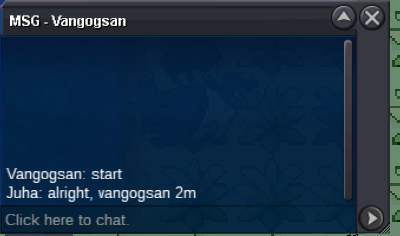
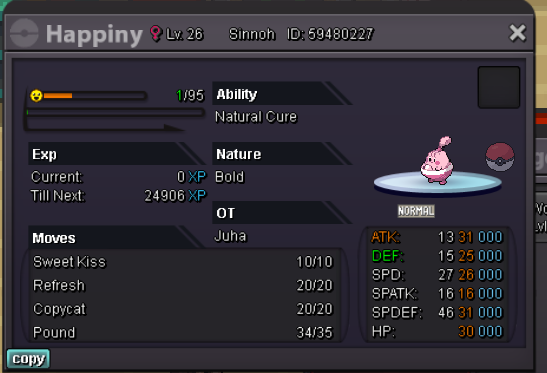
Auction closed, winner vangogsan at 3mill.


-
I've looked up video guides and I have seen the screen shot with all of the locations circled in. I've gone through the map a dozen times. I'm entirely convinced I've bugged and I'm stuck. Gold Server JuhaServer Gold Poke ID 39279115 Please help and thank you
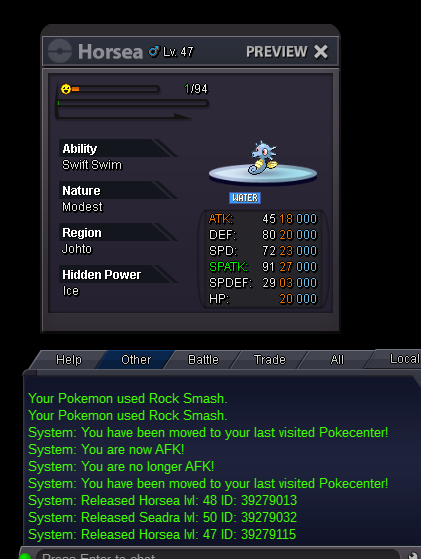 Earlier today my pinsir that I use to false swipe randomly disappeared. What ever, taught false swipe to a mawile I had. Now, all of a sudden, my Cresselia I had just caught is just GONE. Please help me figure this out. *update, Pinsir just randomly showed up in my party again, REMOVING THE KYUREM I HAD JUST CAUGHT **update; Cress is back...stil no kyurem..the only one whom havent taken a screen shot for so far unfortunately 😕 ***update; put everything in the box and pulled out a random diglett. Relogged. The digglet was replaced with Kyurem. WHAT? ****update; diglets back, kyurems gone. What ever disappears comes back replacing the first pokemon in the party.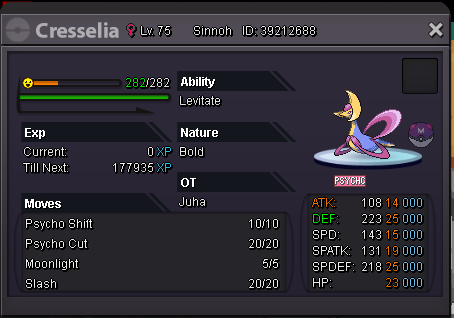
 It seems when Solosis used skill swap in battle while I was attempting to catch it the ability remained perm. Is this a bug? I took this Solosis into battle with a grimer and stole Stench. It now currently still has it, even after the battle. edit: relog fixes issue. Possibly abusable.
Account
Navigation
Search
Configure browser push notifications
Chrome (Android)
- Tap the lock icon next to the address bar.
- Tap Permissions → Notifications.
- Adjust your preference.
Chrome (Desktop)
- Click the padlock icon in the address bar.
- Select Site settings.
- Find Notifications and adjust your preference.
Safari (iOS 16.4+)
- Ensure the site is installed via Add to Home Screen.
- Open Settings App → Notifications.
- Find your app name and adjust your preference.
Safari (macOS)
- Go to Safari → Preferences.
- Click the Websites tab.
- Select Notifications in the sidebar.
- Find this website and adjust your preference.
Edge (Android)
- Tap the lock icon next to the address bar.
- Tap Permissions.
- Find Notifications and adjust your preference.
Edge (Desktop)
- Click the padlock icon in the address bar.
- Click Permissions for this site.
- Find Notifications and adjust your preference.
Firefox (Android)
- Go to Settings → Site permissions.
- Tap Notifications.
- Find this site in the list and adjust your preference.
Firefox (Desktop)
- Open Firefox Settings.
- Search for Notifications.
- Find this site in the list and adjust your preference.