New Trade Zone
Trade Zone is now live
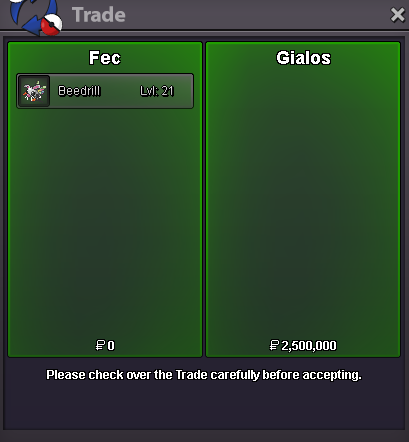
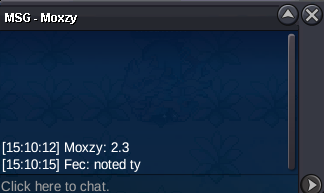
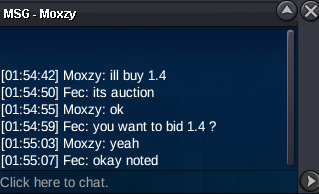
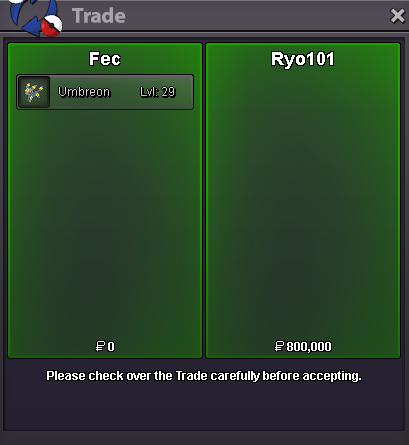
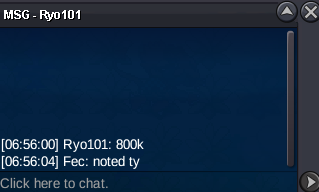
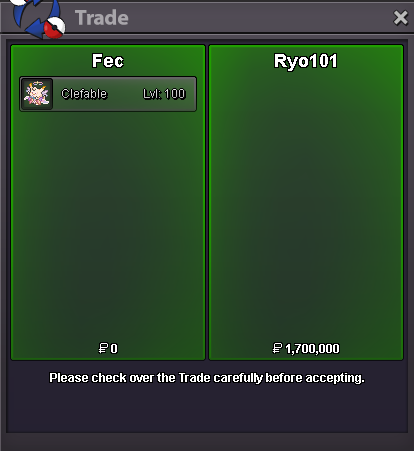
Use the new Trade Zone for auctions and instant-price trades so Pokemon and item offers are easy to find.

Fec
Registered User
-
Joined
-
Last visited
Everything posted by Fec
-
+1 hope this doesnt go down the same road as the last suggestion of this kind and we dont get another "maybe that content isnt made for you". first of all i really like the idea the creator had and he deserves to be praised for the effort to deliver it 🤴 its just the qualification method that made it very frustrating and needs a tweak imo. for example: let people hunt for a week and submit their best iv rare that has a hlw form. + grinders putting in a lot of hours have a great edge over people putting in less hours. + luckers still have a chance to get in with lower timeframe which makes the whole thing inclusive while it remains competitive. Due to the fact that you wouldnt be hunting for the hunting event. you are hunting in general and catching high iv mons is a byproduct that can make you qualify > participation increases by a big margin because of the former > big participation makes the whole thing very competitive. + dont need to wear diapers anymore, let the nephew cover 2 hours because of responsibilities or put everything else in life to the side for 12 hours to compress as many encounters as possible into a certain timeframe to then have a chance to still not qualify. - rng is involved the number of groups that could get in the hunting area had to be tweaked because of low participation in some weeks last year and i think by tweaking the qualification method as mentioned above you can guarantee high participation and make it a lot easier to determine how many groups get in without the need to have mechanisms for low participation.
-
900k
-
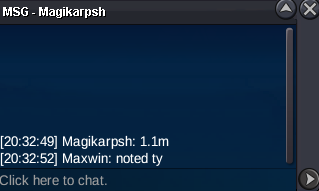
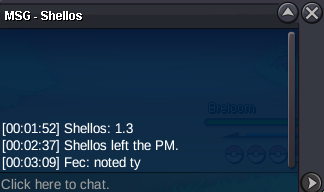
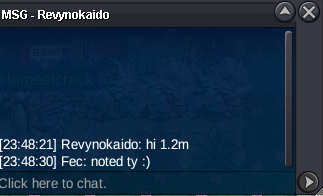
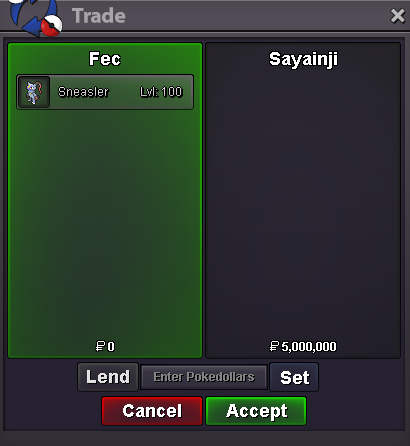
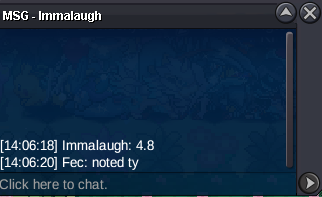
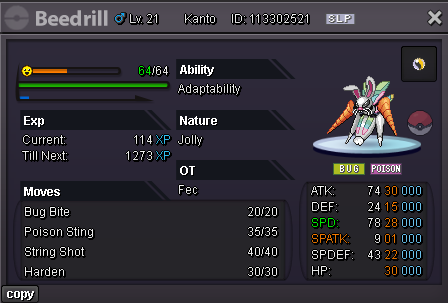
4mWTS Start Price: 500k min bid: 100k Auction end: 24h after first bid Accepted payments: Pokedollar, CC 480k,IV RR 700k
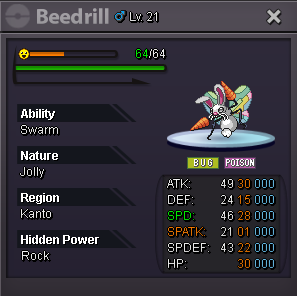
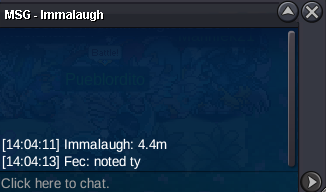
 4.4m by Immalaugh
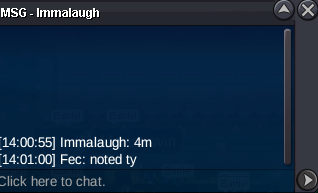
 4m by Immalaugh
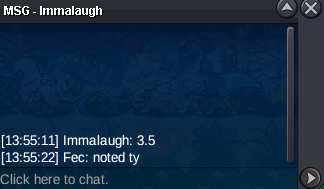
 3,5m by Immalaugh
 Bump Last 4 hoursWTS Start price: 1m min bid: 200k Auction end: 48h after first bid Accepted payments: Pokedollar, CC 480k, IV RR 700k, Nat RR 350k
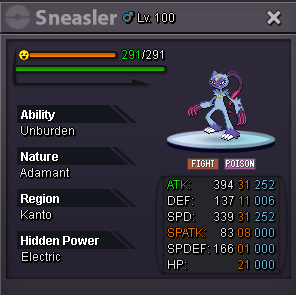 WTS Start price: 100k Min bid: 100k Auction end: 24h after first bid Accepted payments: Pokedollar, CC 480k, IV RR 700k
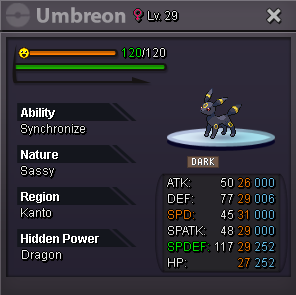 WTS Start price: 100k min bid: 100k Insta: 3m Accepted Payments: Pokedollar, CC 480k Auction end 24h after first bid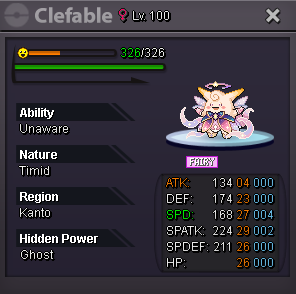
Account
Navigation
Search
Configure browser push notifications
Chrome (Android)
- Tap the lock icon next to the address bar.
- Tap Permissions → Notifications.
- Adjust your preference.
Chrome (Desktop)
- Click the padlock icon in the address bar.
- Select Site settings.
- Find Notifications and adjust your preference.
Safari (iOS 16.4+)
- Ensure the site is installed via Add to Home Screen.
- Open Settings App → Notifications.
- Find your app name and adjust your preference.
Safari (macOS)
- Go to Safari → Preferences.
- Click the Websites tab.
- Select Notifications in the sidebar.
- Find this website and adjust your preference.
Edge (Android)
- Tap the lock icon next to the address bar.
- Tap Permissions.
- Find Notifications and adjust your preference.
Edge (Desktop)
- Click the padlock icon in the address bar.
- Click Permissions for this site.
- Find Notifications and adjust your preference.
Firefox (Android)
- Go to Settings → Site permissions.
- Tap Notifications.
- Find this site in the list and adjust your preference.
Firefox (Desktop)
- Open Firefox Settings.
- Search for Notifications.
- Find this site in the list and adjust your preference.