New Trade Zone
Trade Zone is now live
Use the new Trade Zone for auctions and instant-price trades so Pokemon and item offers are easy to find.

Everything posted by Ownaz
-
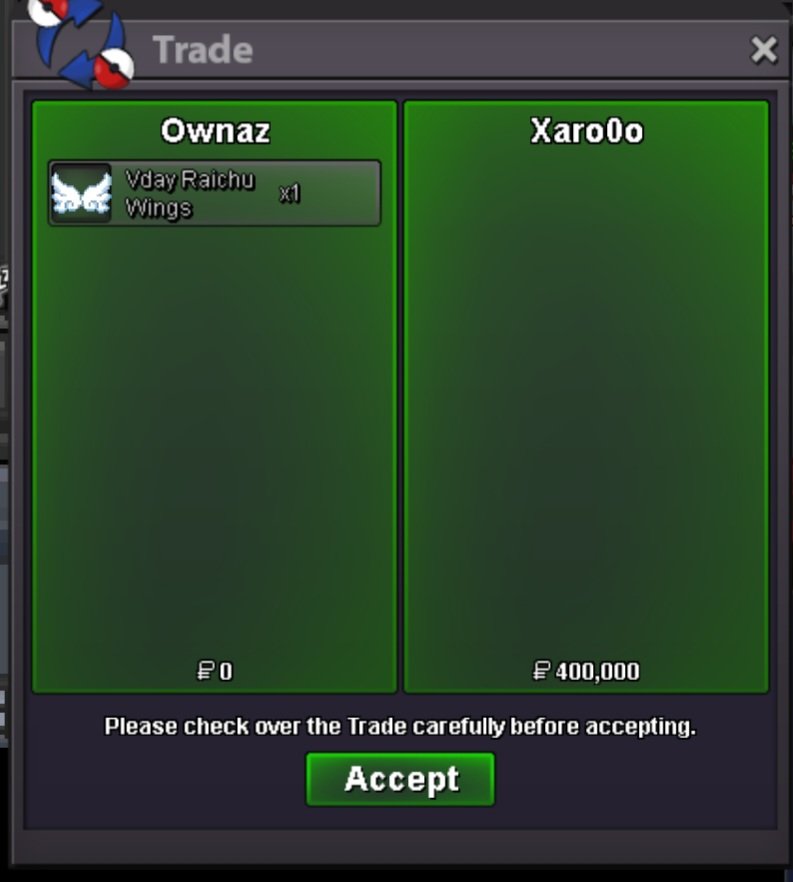
3 Cute Pikachu Mounts | AUCTION (CLOSED)
- 3 Cute Pikachu Mounts | AUCTION (CLOSED)
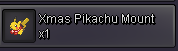
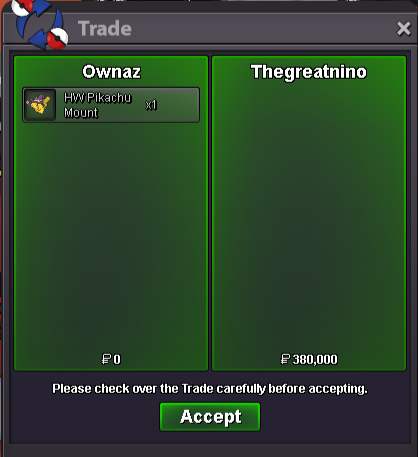
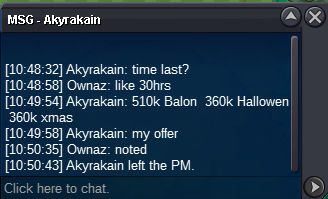
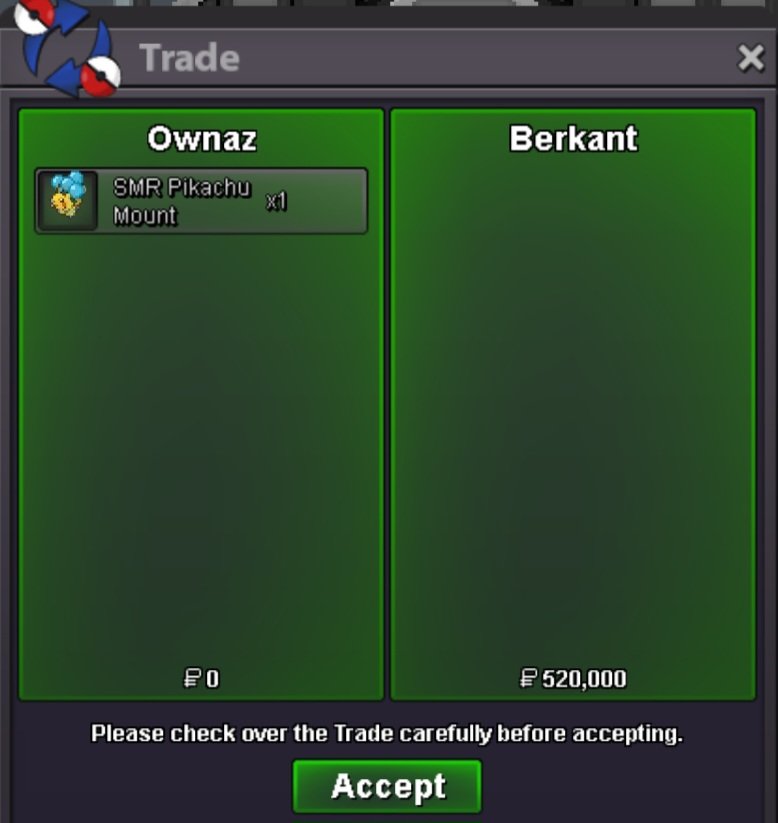
Auction for 3 Pikachu Mount Not a Bundle. HW Pikachu Mount XMAS Pikachu Mount SMR Pikachu Mount Start Offer 350k Each Min Bid.10k No Insta. Auction end 48hrs after first bid. NOT A BUNDLE- WTS TIMID CHARMANDER MAX SPEED 31/29 / JOLLY Gallade Max Speed 30/31 Sharpness
300k Char- Clothes & Mounts Shop By Ownaz - (Updated 06/01/25)
- Clothes & Mounts Shop By Ownaz - (Updated 06/01/25)
Xmas serperior mount sold (Missed a screemshot)- WTS TIMID CHARMANDER MAX SPEED 31/29 / JOLLY Gallade Max Speed 30/31 Sharpness
- Clothes & Mounts Shop By Ownaz - (Updated 06/01/25)
send me msg when u are online- Clothes & Mounts Shop By Ownaz - (Updated 06/01/25)
- 30/31 Gible semi godly
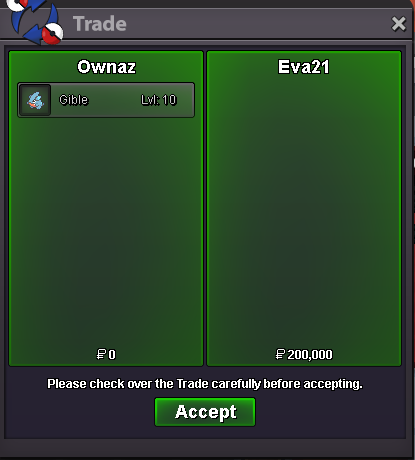
@Eva21 Won the auction- Clothes & Mounts Shop By Ownaz - (Updated 06/01/25)
- Clothes & Mounts Shop By Ownaz - (Updated 06/01/25)
Send me a message when u are online- Ownaz Pokemon Shop | New Open - Added Poke>(11/01/2025) *EPIC*
BUMP- Clothes & Mounts Shop By Ownaz - (Updated 06/01/25)
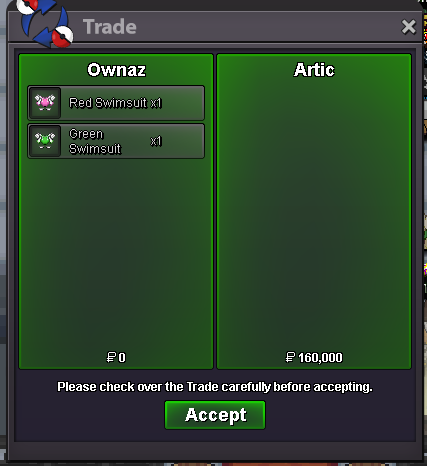
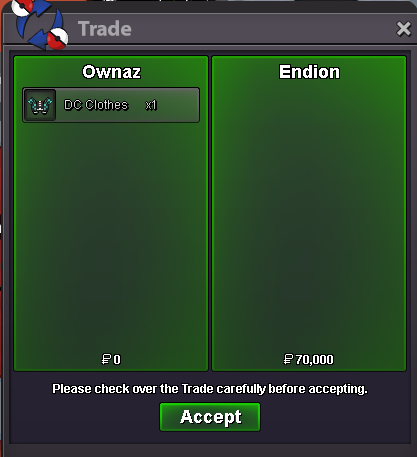
Missed a screenshot but i sold :HW Diglet 3,9,12 and ghost outfit 14.- Clothes & Mounts Shop By Ownaz - (Updated 06/01/25)
- Clothes & Mounts Shop By Ownaz - (Updated 06/01/25)
- 30/31 Gible semi godly
- Clothes & Mounts Shop By Ownaz - (Updated 06/01/25)
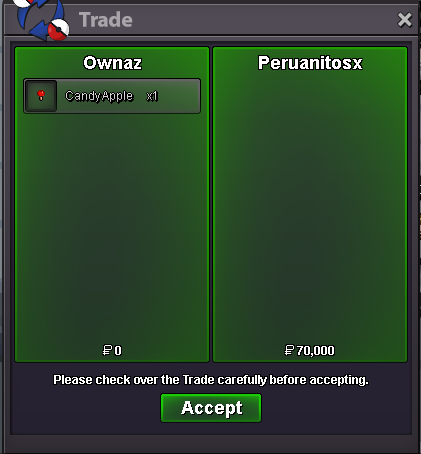
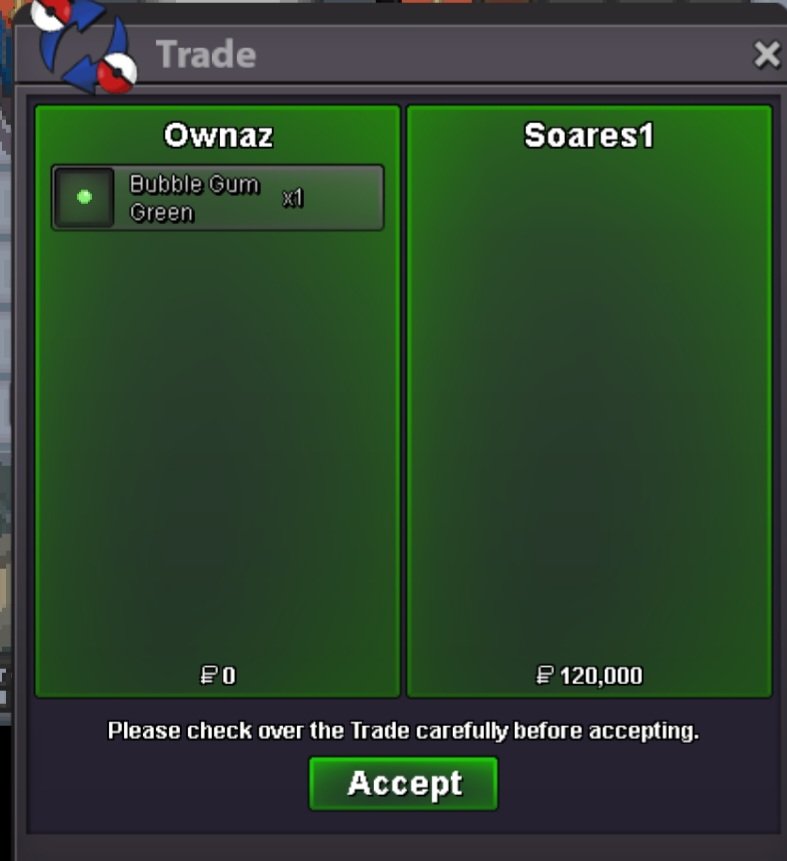
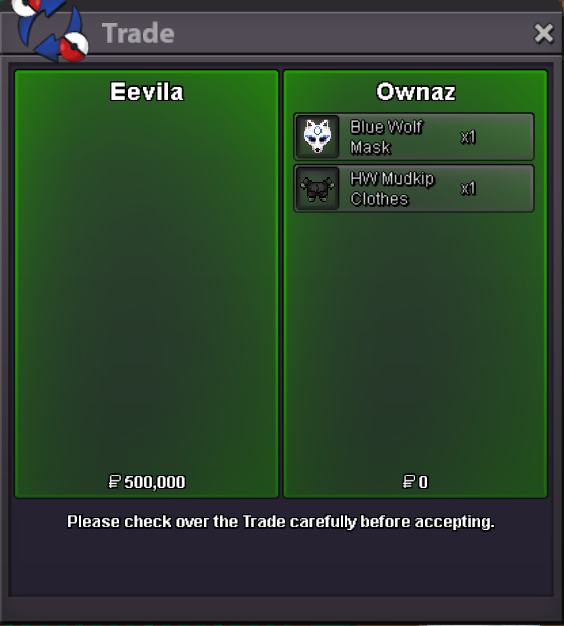
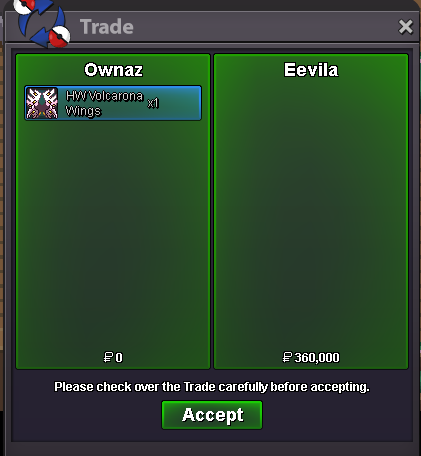
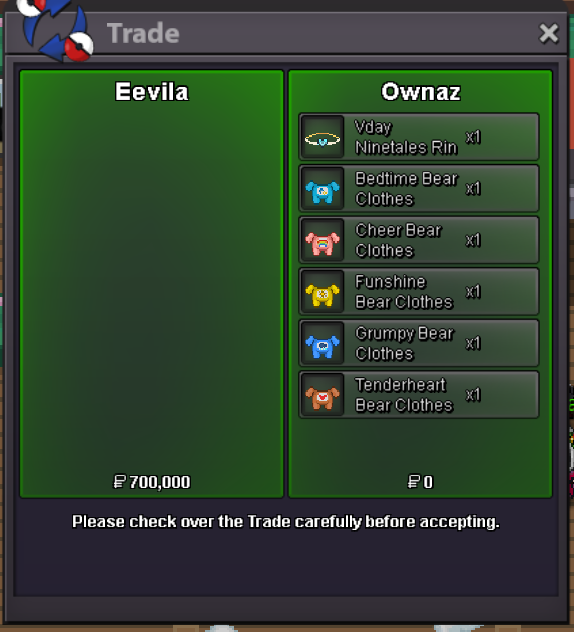
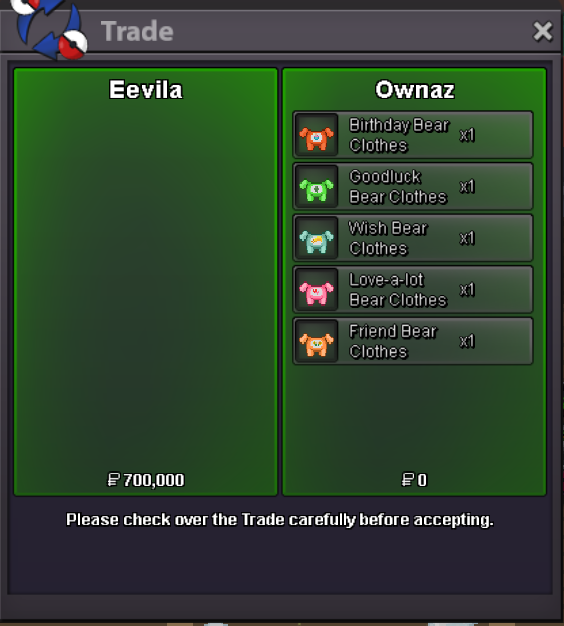
Hello, this is my Clothes & Mount Shop. IMPORTANT RULES : 1) I don't wanna trade items. 2) We can negotiate some prices 3) If you comment to buy anyting and after 2 days you dont give me a reply i will put back items on sale. Payment Accepted Pokedollars Coin Capsule = 450k Rare Candy = 6k Have a Good Shopping ❤️ HALLOWEEN DIGLETT OUTFIT HW Diglett Outfit : 100k ------------------------------------------------------------------------------------------------ GHOST OUTFIT & PUMPKIN HAT Ghost Outfit : 100k Pumpkin Hat :50k ------------------------------------------------------------------------------------------------ WINGS AND ACCESSORIES (SOLD ALL) ------------------------------------------------------------------------------------------------ HEAD / HAT ACCESSORY Xmas Stantler Headband : 230k Medical Mask Black : 50k Straw Hat 1/2 : 80k Xmas Snorlax Hat : 225k Pansy Flower : 80k Xmas Torchic Hat : 225k Xmas Mudkip Hat : 225k Xmas Treecko Hat : 225k Torchic Hat : 200k ------------------------------------------------------------------------------------------------ CLOTHES Xmas Snorlax Clothes : 225k Xmas Mudkip Clothes : 225k Xmas Treecko Clothes : 225k XmasTorchic Clothes : 225k Torchic Clothes : 200k ------------------------------------------------------------------------------------------------ MISTERY BOX ACCESSORY Candy Apple : 70k (Sold) Chocolate : 70k Sushi : 70k Lollipops : 70k Rollcake : 70k Toast : 70k Pizza : 70k Bun : 100k Doughnut : 70k ------------------------------------------------------------------------------------------------ MOUNTS (SOLD ALL) ⬇️ SOLD ITEMS IN THE COMMENTS ⬇️- Wts 6 Awesome World Quest Pikatchu's forms as bundle (Auction)(closed)
Start- CHARIZARD PIKACHU WORLD QUEST SELLING AUCTION
Will buy istant when i came online. 2.5mAccount
Navigation
Search
Configure browser push notifications
Chrome (Android)
- Tap the lock icon next to the address bar.
- Tap Permissions → Notifications.
- Adjust your preference.
Chrome (Desktop)
- Click the padlock icon in the address bar.
- Select Site settings.
- Find Notifications and adjust your preference.
Safari (iOS 16.4+)
- Ensure the site is installed via Add to Home Screen.
- Open Settings App → Notifications.
- Find your app name and adjust your preference.
Safari (macOS)
- Go to Safari → Preferences.
- Click the Websites tab.
- Select Notifications in the sidebar.
- Find this website and adjust your preference.
Edge (Android)
- Tap the lock icon next to the address bar.
- Tap Permissions.
- Find Notifications and adjust your preference.
Edge (Desktop)
- Click the padlock icon in the address bar.
- Click Permissions for this site.
- Find Notifications and adjust your preference.
Firefox (Android)
- Go to Settings → Site permissions.
- Tap Notifications.
- Find this site in the list and adjust your preference.
Firefox (Desktop)
- Open Firefox Settings.
- Search for Notifications.
- Find this site in the list and adjust your preference.
- 3 Cute Pikachu Mounts | AUCTION (CLOSED)