New Trade Zone
Trade Zone is now live
Use the new Trade Zone for auctions and instant-price trades so Pokemon and item offers are easy to find.


Ownaz
Registered User
-
Joined
-
Last visited
Everything posted by Ownaz
-
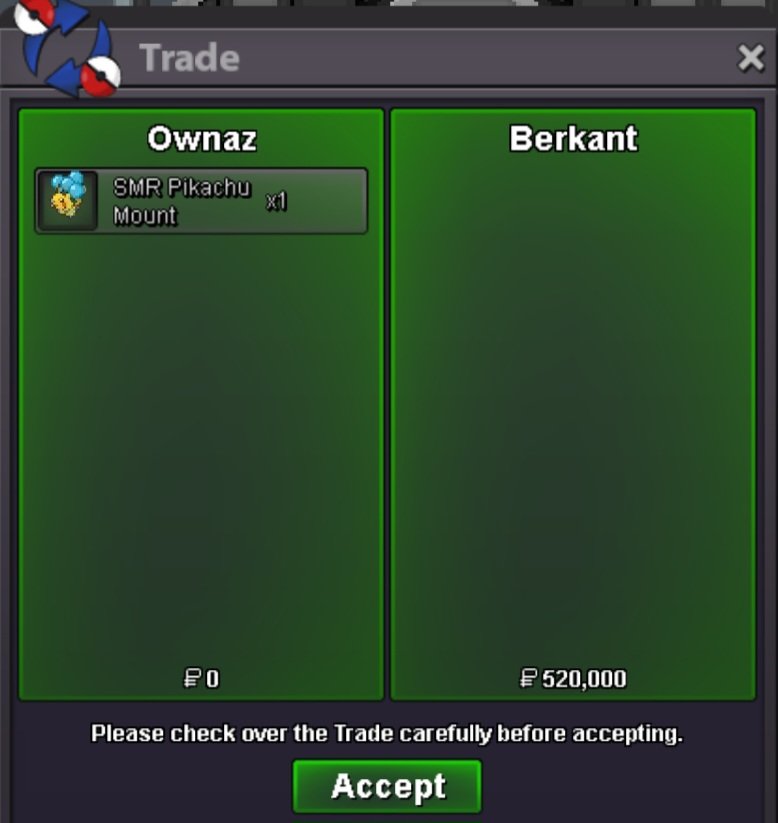
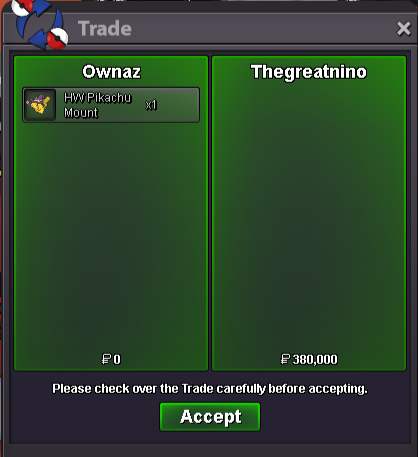
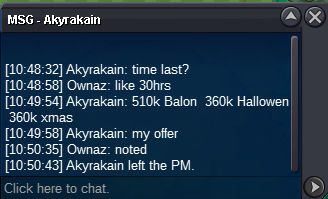
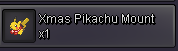
AUCTION END The winners are : @Thegreatnino Hw Pika Mount 380k @NxtaryanXmas Pika Mount 360k @BerkantBalloon Pika Mount 520k Im in game RightNow at Vermillion. Congratz ❤️30 Mins Left26 Hrs LeftAuction for 3 Pikachu Mount Not a Bundle. HW Pikachu Mount XMAS Pikachu Mount SMR Pikachu Mount Start Offer 350k Each Min Bid.10k No Insta. Auction end 48hrs after first bid. NOT A BUNDLE




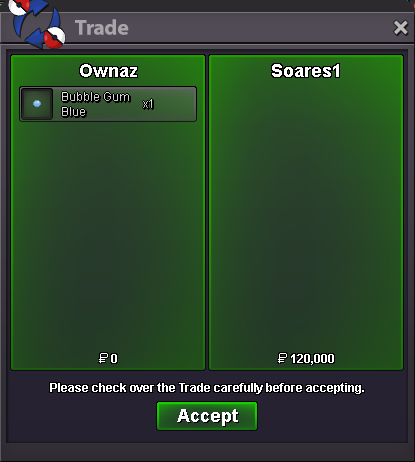
 300k CharXmas serperior mount sold (Missed a screemshot)200k charm
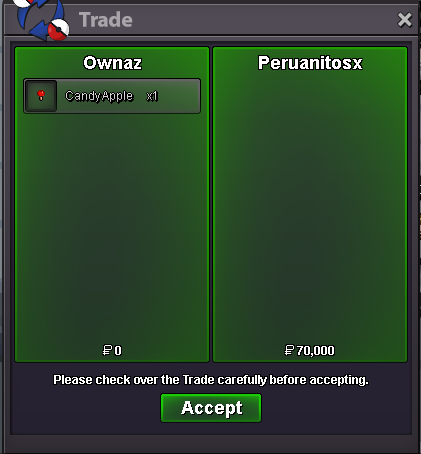
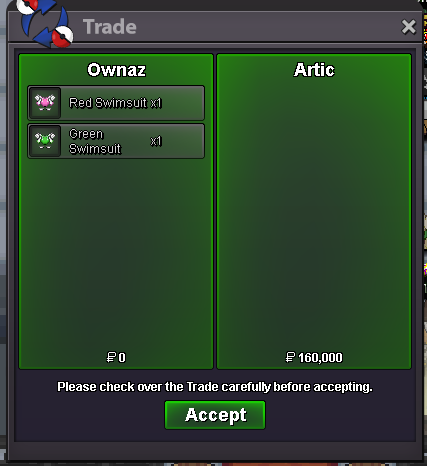
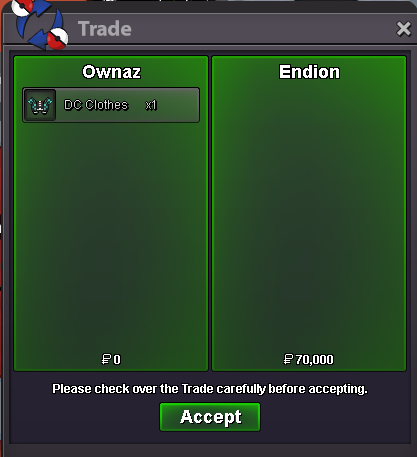
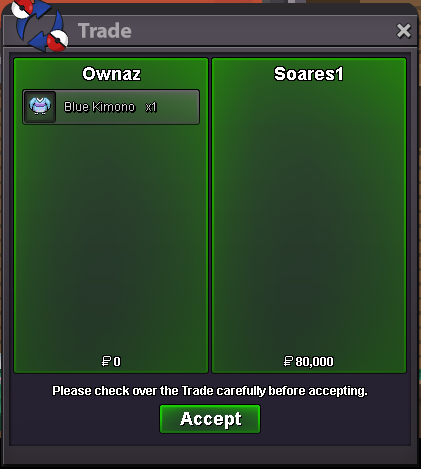
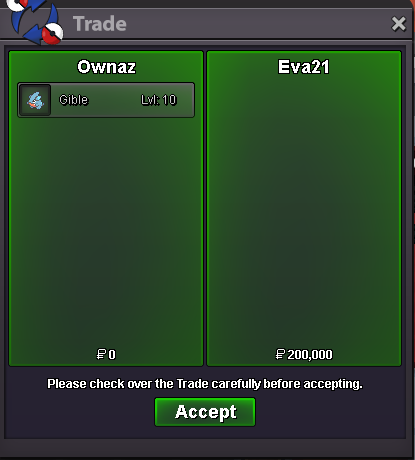
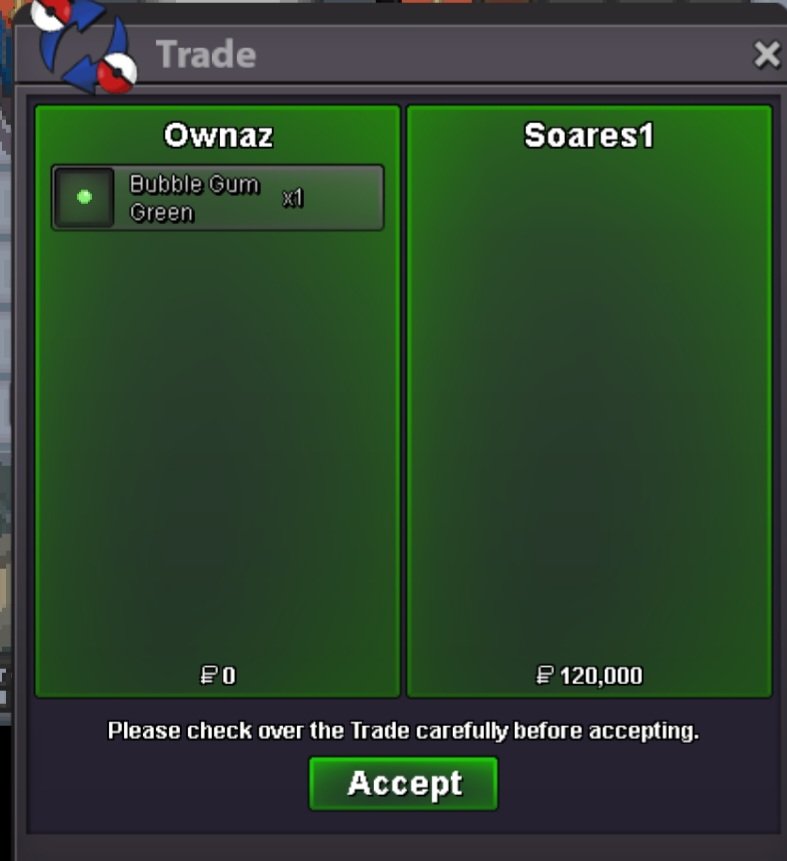
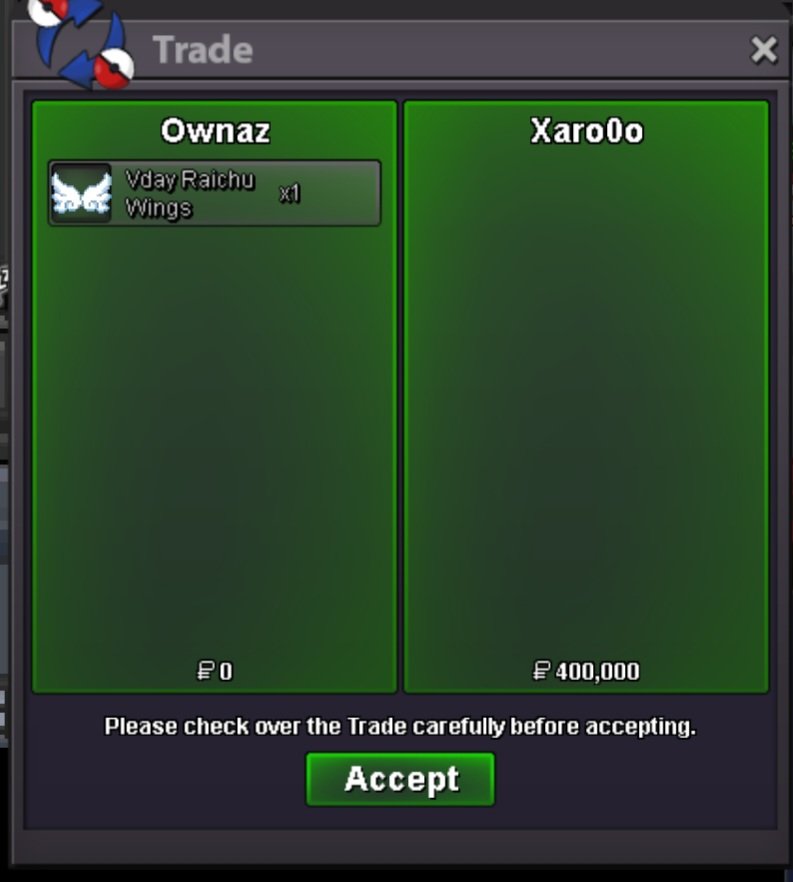
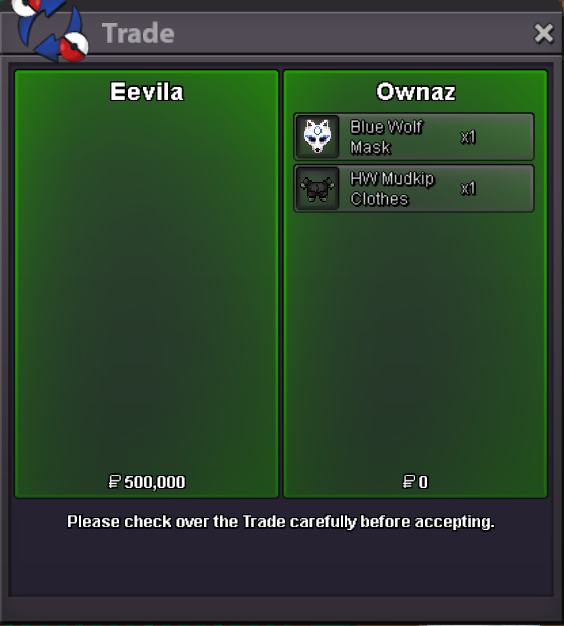
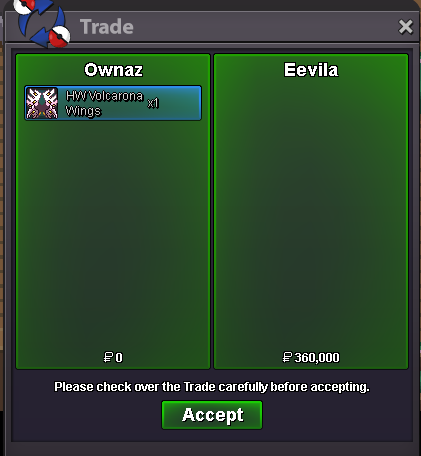
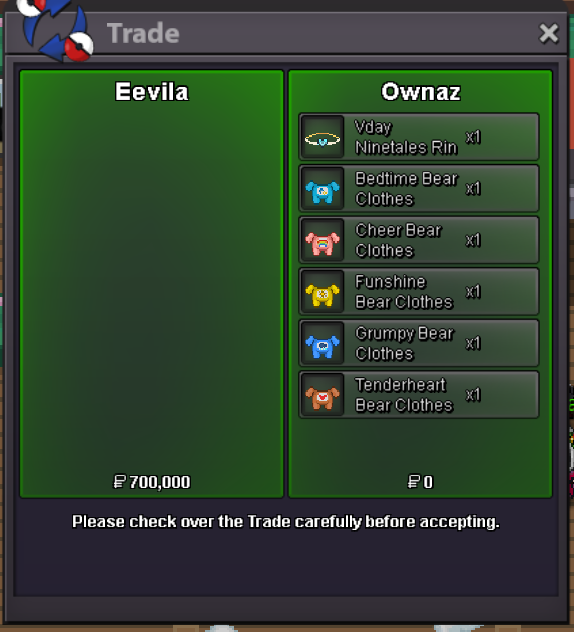
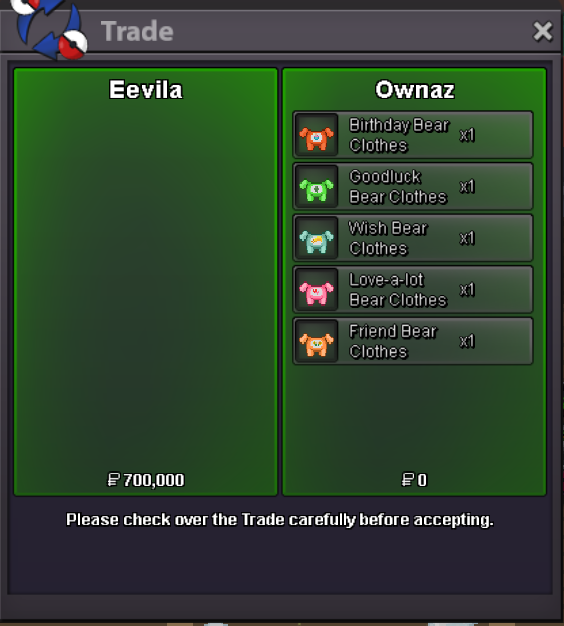
 send me msg when u are online@Eva21 Won the auctionSend me a message when u are onlineBUMPMissed a screenshot but i sold :HW Diglet 3,9,12 and ghost outfit 14.
Account
Navigation
Search
Configure browser push notifications
Chrome (Android)
- Tap the lock icon next to the address bar.
- Tap Permissions → Notifications.
- Adjust your preference.
Chrome (Desktop)
- Click the padlock icon in the address bar.
- Select Site settings.
- Find Notifications and adjust your preference.
Safari (iOS 16.4+)
- Ensure the site is installed via Add to Home Screen.
- Open Settings App → Notifications.
- Find your app name and adjust your preference.
Safari (macOS)
- Go to Safari → Preferences.
- Click the Websites tab.
- Select Notifications in the sidebar.
- Find this website and adjust your preference.
Edge (Android)
- Tap the lock icon next to the address bar.
- Tap Permissions.
- Find Notifications and adjust your preference.
Edge (Desktop)
- Click the padlock icon in the address bar.
- Click Permissions for this site.
- Find Notifications and adjust your preference.
Firefox (Android)
- Go to Settings → Site permissions.
- Tap Notifications.
- Find this site in the list and adjust your preference.
Firefox (Desktop)
- Open Firefox Settings.
- Search for Notifications.
- Find this site in the list and adjust your preference.