New Trade Zone
Trade Zone is now live
Use the new Trade Zone for auctions and instant-price trades so Pokemon and item offers are easy to find.

Macpherson
Registered User
-
Joined
-
Last visited
-
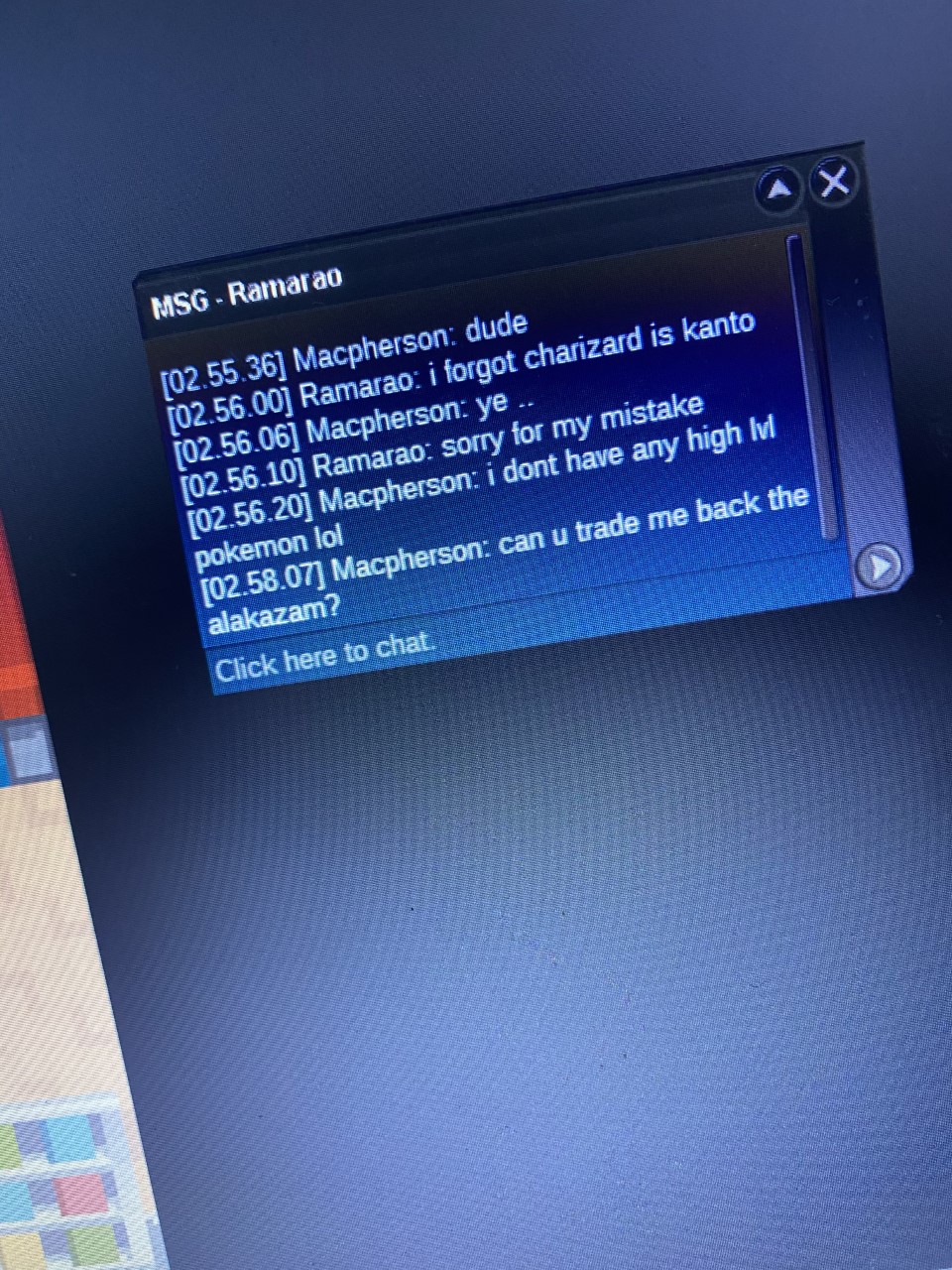
Server: Silver IGN: macpherson He traded me a Charizard lvl 100 so I could take the last guy in Mossdeep Gym, because that the borrow trade wasnt functioning I gave him my strongest poke in the region, a lvl 82 ish Alakazam, so he felt as safe as possible. I was gonna borrow it for two minutes but then his poke was in my PC and I couldnt take it out cause it was from Kanto. He just logged off after so I'm stuck and cant do anything (cause I only trained that pokemon..) I took a photo of his IGN just in case he scammed me, still not sure cause that charizard was crap and im kinda new to this lol. Plz help asap, cant to anything until i get it back